The value of the parameter 'Message' is empty
Status: Closed · Asked by Ali Rasouly on · 0 views
I am trying to integrate Google Forms and Office 365. I input a message in Message Section but yet it gives me the following error: ""The value of the parameter 'Message' is empty."" 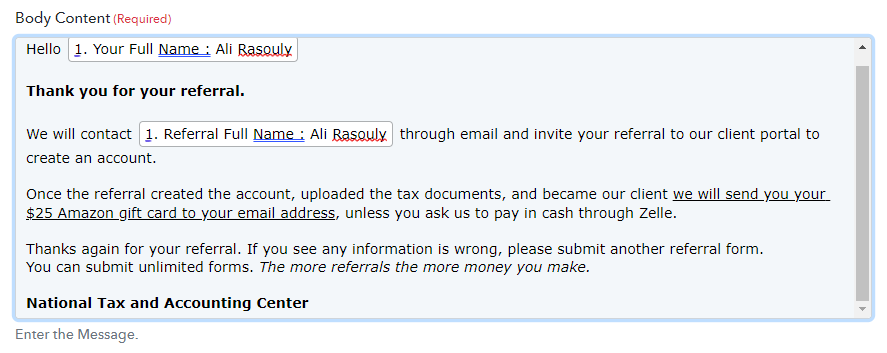
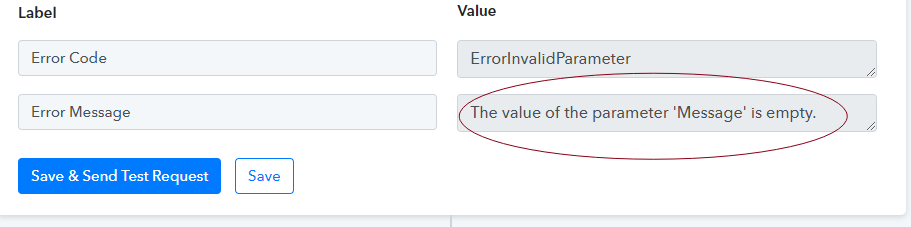
Please let me know how to fix this.
Hey @alirasouly
It appears that you might have corrected data in your action step to pass and it is working fine.
Please give it a try and let us know if that works for you.
@Supreme it is not solved. This one is a multi-receivers type. it gives me that error message and doesn't send any email out not even the test one.
The other message I sent out I used a single receiver/not multiple receivers.
Hey @alirasouly
It appears that you didn't pass the email address in the correct format as asked in the help text.
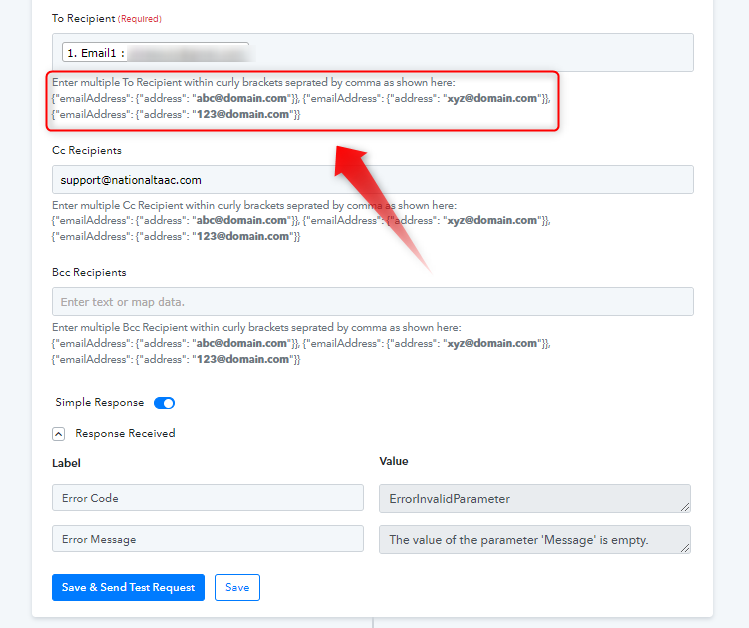
Though we have corrected the format for you and it is working. Please review your workflow once and try accordingly.
Thank you for your reply. But this is interesting that I dont see any emails going out and you say it is fixed. I have submitted over 25 forms and not even one email was sent out. And I checked the Pabbly tasks and no tasks was consumed. Shouldnt have some tasks consumed against my monthly credits if it works properly?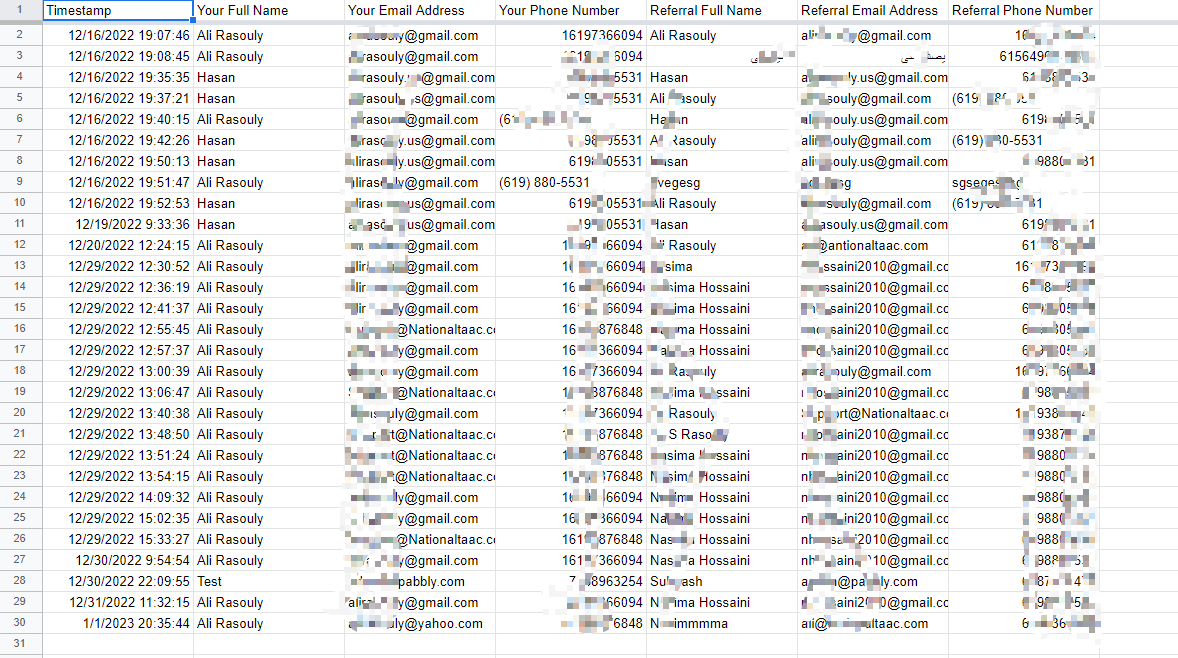

@Supreme Please look deeper and help me to fix this issue. It is very important for my business. I appreciate it in advance.
Hey @alirasouly
Please check carefully, we have made the changes in the "Flow Track".

And your workflow didn't process any data coming from your trigger event because you haven't configured the trigger event accordingly.
Please watch the following video tutorial on configuring the trigger event and processing the data in your workflow.
(Watch the first part of the video)
@Supreme I think there is a misunderstanding here. I was talking about the Referral Form not the FlowTrack. Currently I dont need the FlowTrack since there is an issue with that platform and cannot send out emails properly.
I was trying to simply connect Google Form with Office 365 to send emails out. Please help to fix.
Hey @alirasouly
Yes, we are suggesting you to configure the webhook trigger of Google Forms once, since it looks like it is not been capturing from your Google Sheets accordingly.
So, kindly refer to the following video on how you can configure and use it to receive the webhook response when Google Forms get filled.
youtube.com/watch?v=I2u9mYPXAzY
Further, we have corrected the formatting of passing recipients' email addresses on the action step and it is sending the emails correctly.