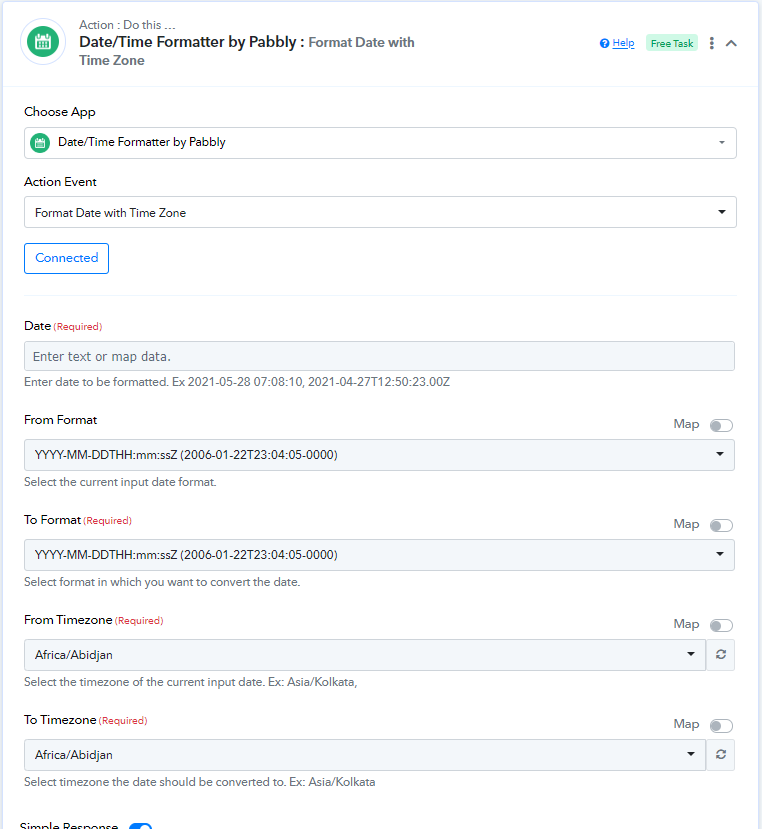
title field filled
Status: Closed · Asked by Himanshu Huria on · 0 views
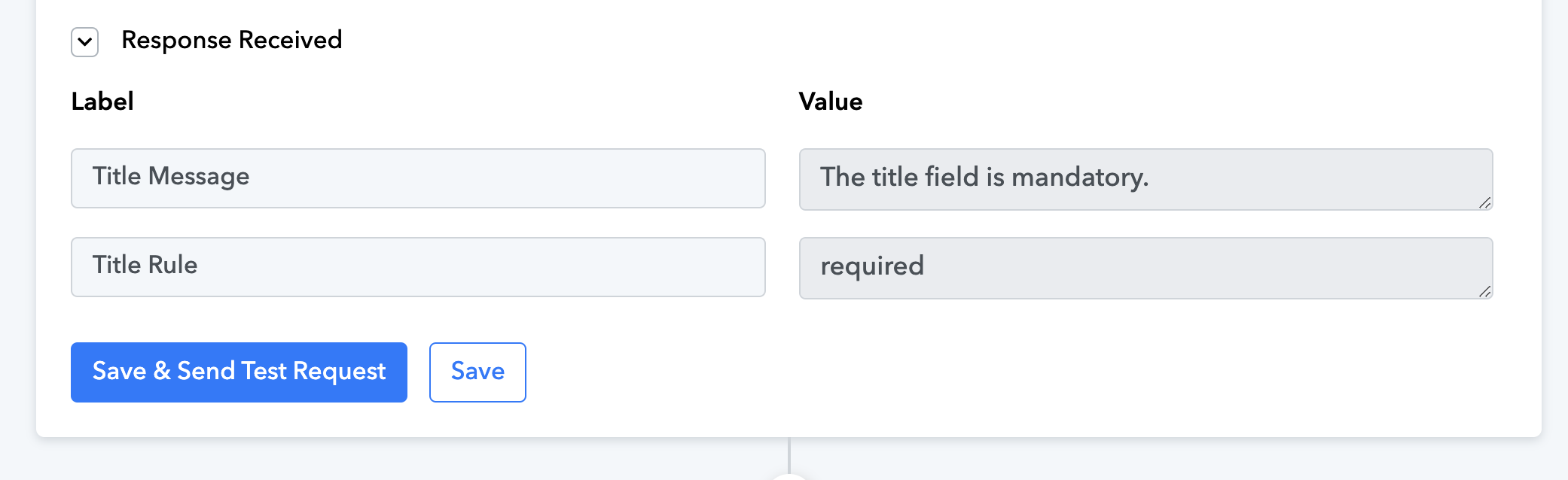
why is it showing title field message
Hey @Himanshu Huria
As I can check from your workflow, I noticed that the title field in the "LeadConnector V1: Create Opportunity" action step is empty, which is causing the error.
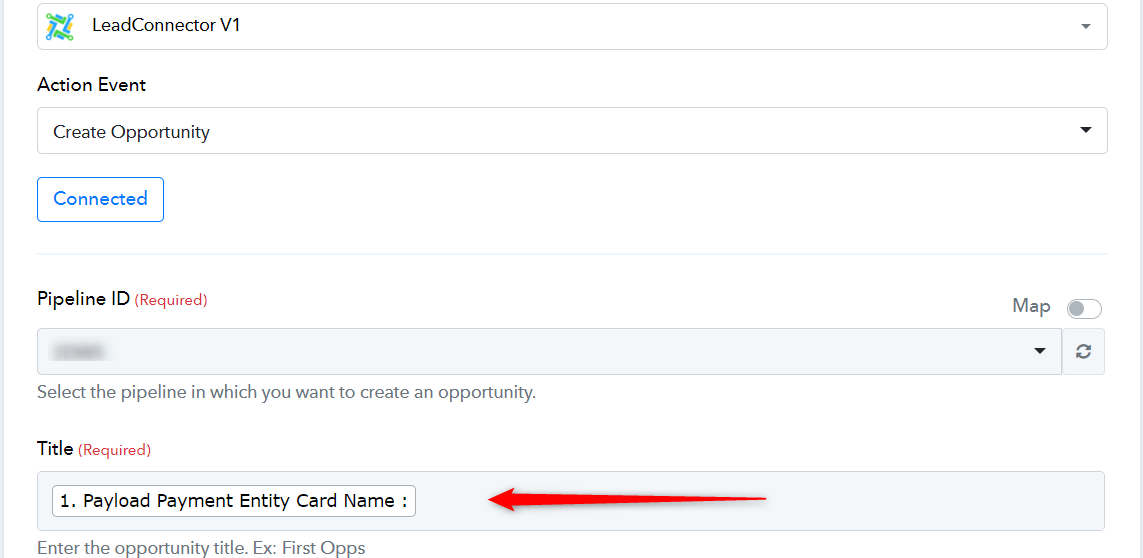
In order to resolve this issue I request you to please enter some name in the title field and then try to run your workflow.
Attachments
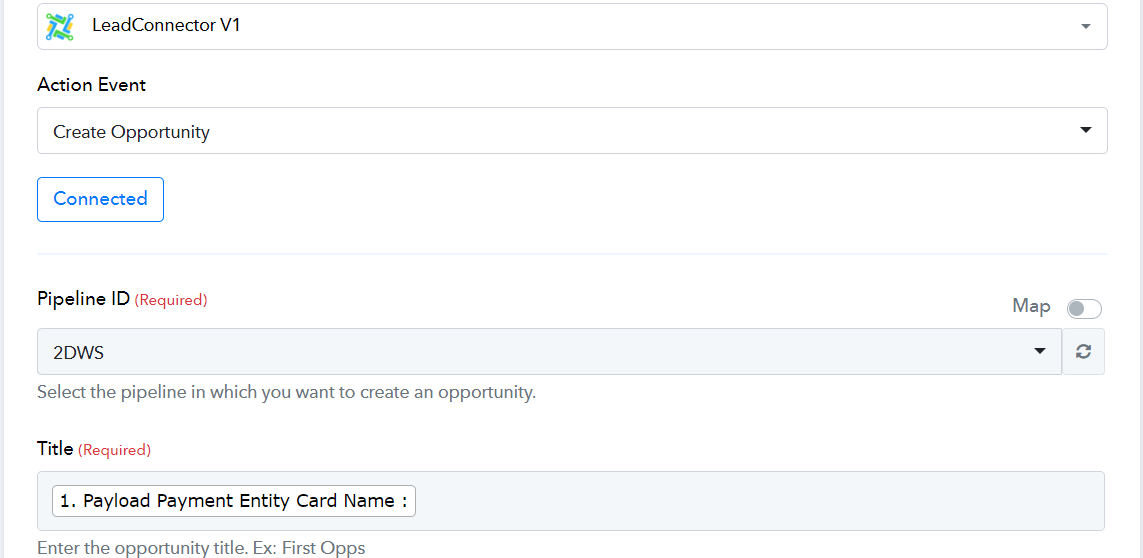
I have filled the name twice but still it is the same
As I can check, everything seems to be working correctly in your workflow, and every action step is running.
I kindly request you to run the workflow from your end and please let me know if you are facing some issues.
It is fine as of now. But after adding zoom to it. A new issue ha s popped up. Webinar is for May 26, 8Pm (IST) but it is showing May 27 instead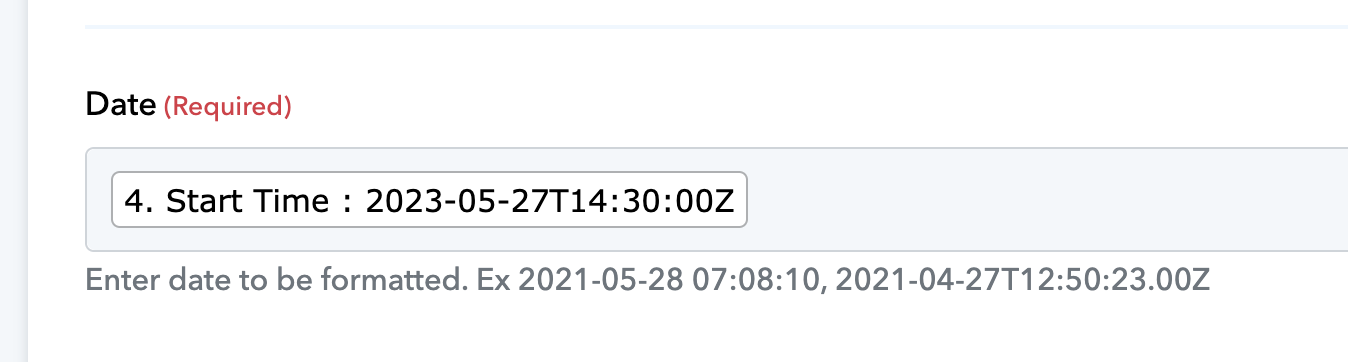
As I can check, you have not entered the date in the proper format with the correct time zone.
In this case, please use the Date/Time Formatter with Format Date with time Zone action step to format the date and make sure that the date you entered is in UTC time zone format.