Todoist issues [Labels & Assigner)
Status: Closed · Asked by inochi on · 0 views
Hello,
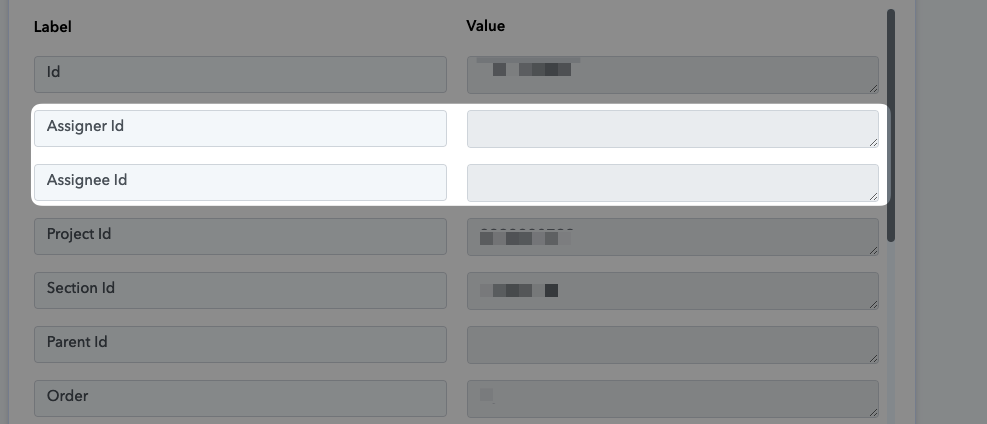
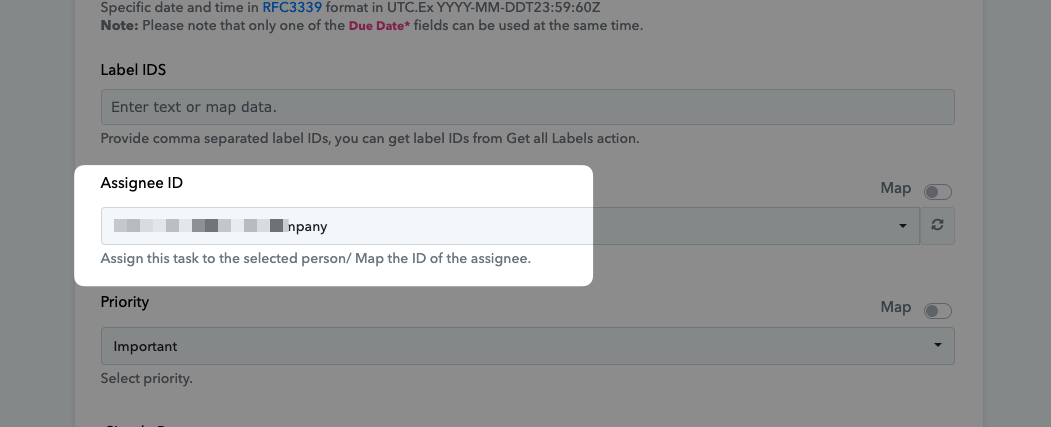
I'm encountering some issues with the Todoist integration. When I try to add a label (I've tried using both the textual name and the ID), it's not working as expected. I'm also having trouble with task assignment (I've tried using the email from the dropdown menu and adding the ID with the "map" toggle activated).
Neither the task assignee nor the label is displayed (see screenshot).
How can I solve that?
Thanks
Attachments
Hey @inochi
We have made some changes in the action step and it will pass the Assignee to the task and the labels accordingly.
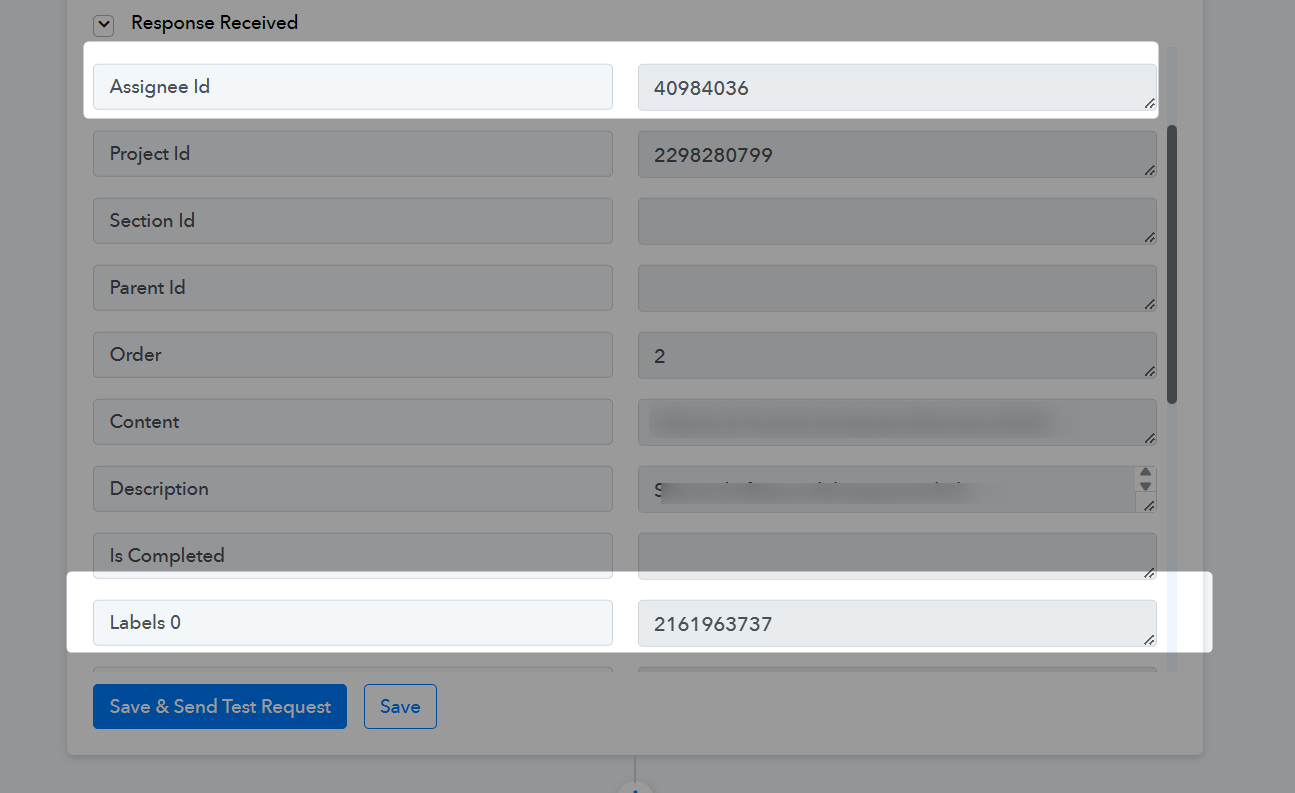
What changes have been made? So that I can make it work as well
I retested the workflow and now ti appears this error: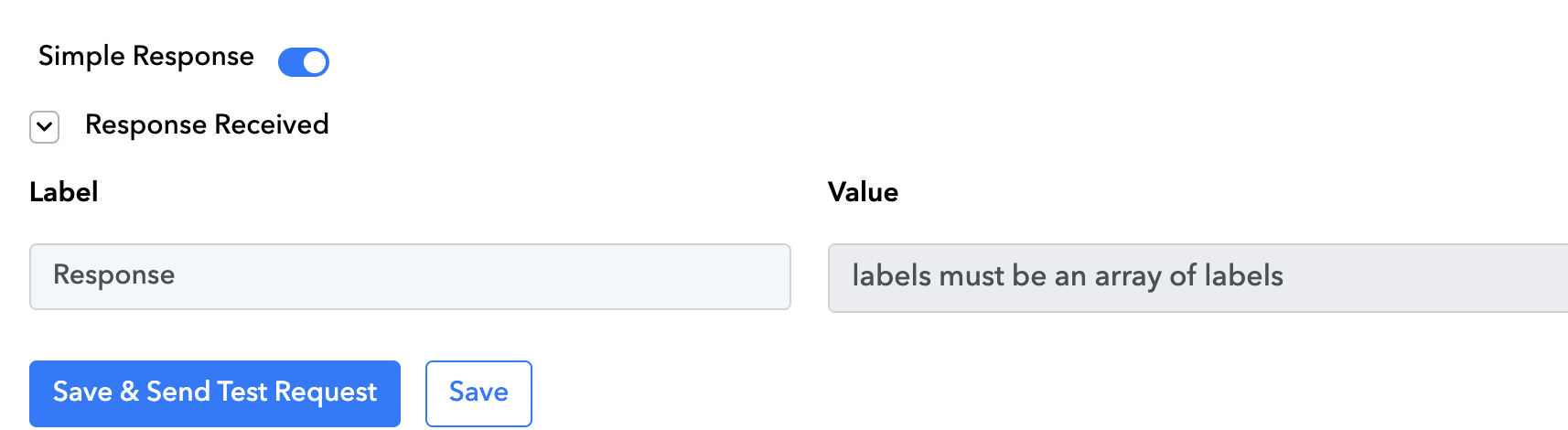
appears
As we can see from your workflow, the action step is responding accordingly. So, Kindly try again.
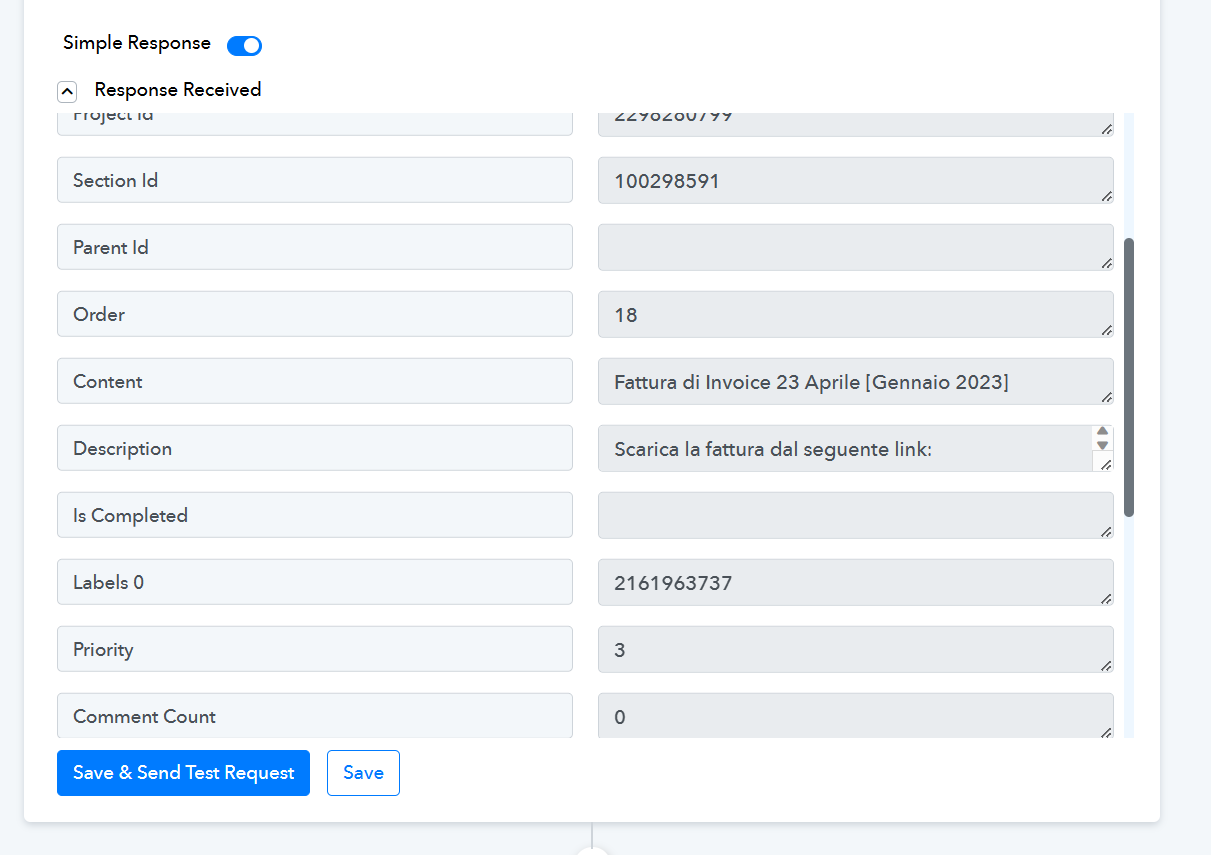
Ok, but unfortunately the label shows up as code and the real name doesn't come out. How can I solve it?

Hey @inochi
Since Todoist's API documentation got updated, we have now totally updated the action step as well.
So, you know to pass the Labels you just need to pass the existing labels' names only.
ok now it's working.
Thanks for your time! ?
Great support!