Trello Response Error
Status: Open · Asked by felipe.braga on · 0 views
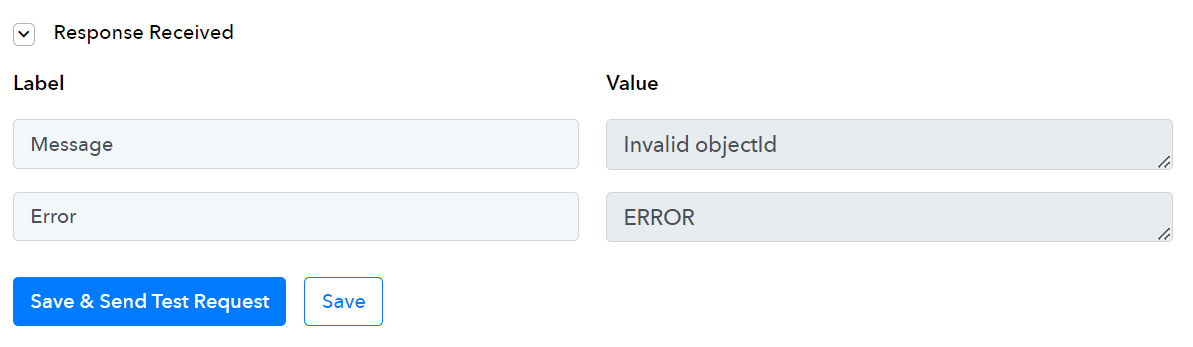
I have setted an automation from Google Sheets to Trello and in the last step the connection to Trello returned with errors, but I wasnt able to understand the reason
Hey @felipe.braga,
Please grant me access to your workflow by adding me as a team member. This will allow me to gain a better understanding of your issue.
Once you have added me as a Team Member, do let us know the name of your workflow.
Email: arshil.ahmad@pabbly.com
Also, remember to revoke access once your query has been resolved.
Attaching a video for your reference:
@ArshilAhmad, its done :). The name of the wokflow is "Sheets + Trello #2"
Hey @felipe.braga

Seems like the data you have passed in the Label Id field, is not the correct one, you need to pass the ID of the Label with the help of the " Trello : List Labels" action step.
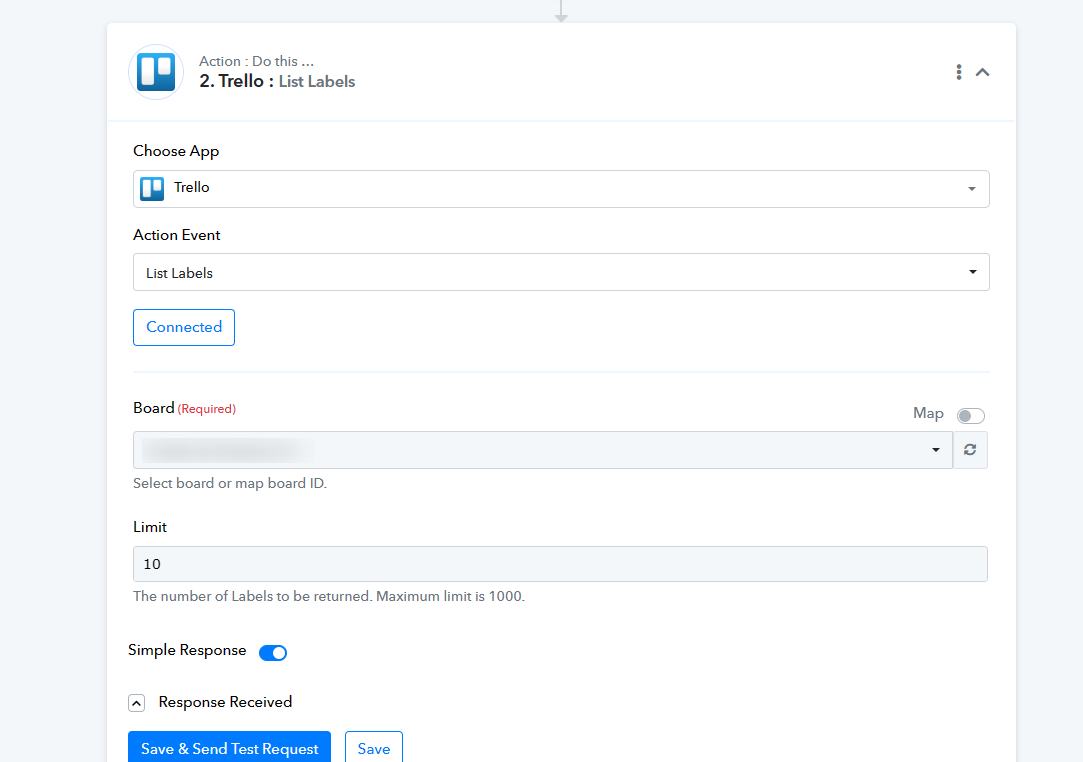
Oh, I see... Thanks @Supreme! Let me ask you... Isn't it possible to add an existing label in the card based on the value of a cell in Sheets? Because all the labels I need to use are already created and I wanted to know if its possible to add them according to the value of a specif column, which would be the label name
Hey @felipe.braga
In that case, you need to add the labels' ID according to the card in the Google Sheets which you can do later in the automation.
@Supreme, I am sorry, but I didn't understand this last step
Let me ask you... Isn't it possible to add an existing label in the card based on the value of a cell in Sheets?
The first thing is the label has to be present in your Trello account which you want to pass in a card and to apply a label to a card you have to pass its label ID.
Because all the labels I need to use are already created and I wanted to know if its possible to add them according to the value of a specif column, which would be the label name
Further, you can use the Lookup Table action step and add the name of the Label and its Id so, that way, you can pass the data to the Trello action step directly.
For a better understanding, you can refer to the following video tutorial.