Trello - Trigger: When Card moved to a List
Status: Closed · Asked by Alexs on · 0 views
Hi guys,
Awesome software so far, I am considering buying it. Only one question; in the example below, the workflow only gets triggered for 1 card ([email hidden]), when moved to a certain list.
How can I make it trigger for all cards that are moved to List "6. To Archive"? Now it only works for this specific card.
Thank you!
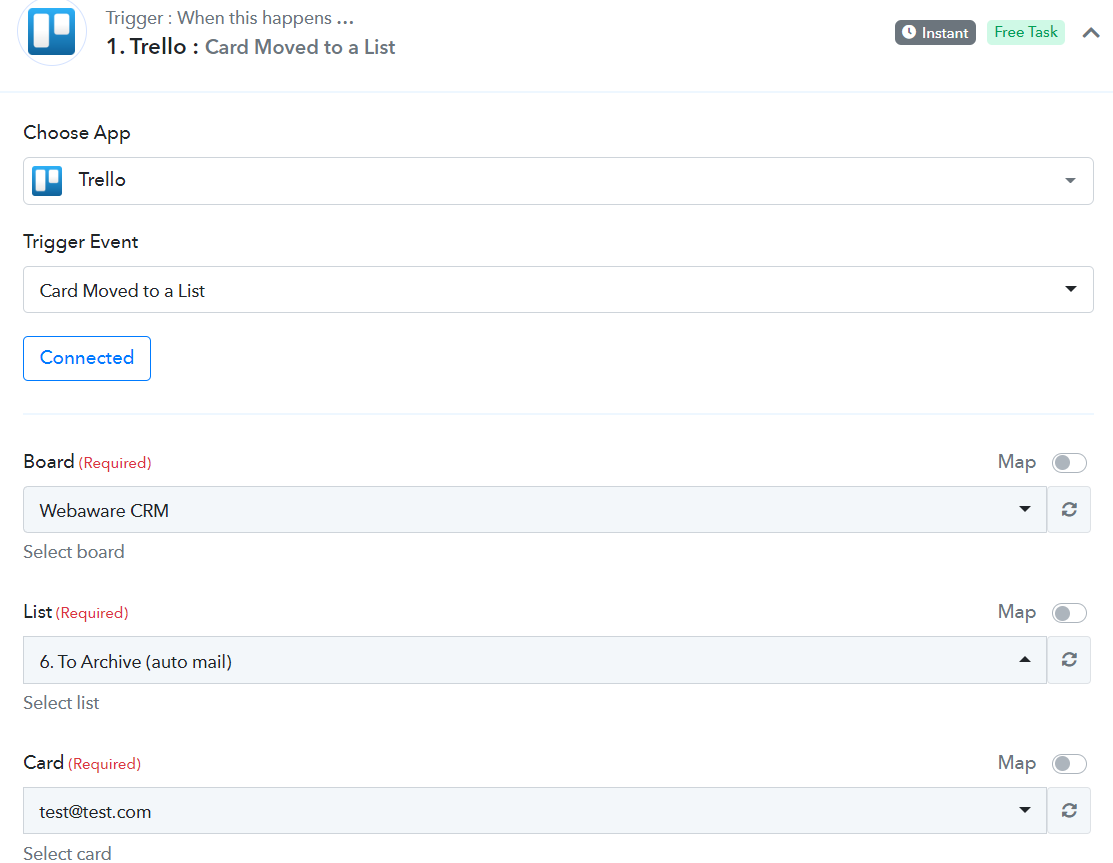
Is it possible to add a wildcard, like *, to the the "Card" Required field maybe?
Simply using * does not work, but maybe something else?
Hey @Alexs
We are currently looking into it, so kindly allow us some time.
Thank you, awesome! I'll await the answer :)
Hey @Alexs
We have added the trigger event in Trello's integration, kindly review that up and let us know if that helps you out.
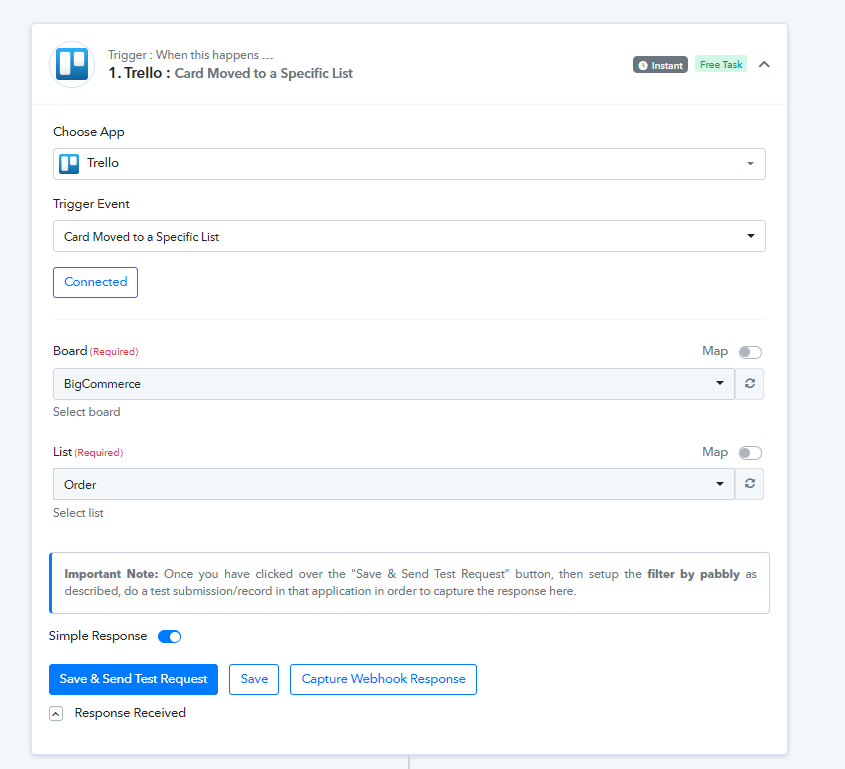
Further, check the following steps :
1. Use the action Filter by Pabbly immediately after this trigger.
2. Select label Action: Display TranslationKey from trigger response.
3. Select Filter Type: Equal To.
4. Fill the value field with action_move_card_from_list_to_list.
5. Click save and send.
Wow that is fast.. thank you, awesome! I will defintely use this :)
This is great! Thx so much
One last question: For Trello, the "description" data of the cards is missing. Could this be added?
Hey @Alexs
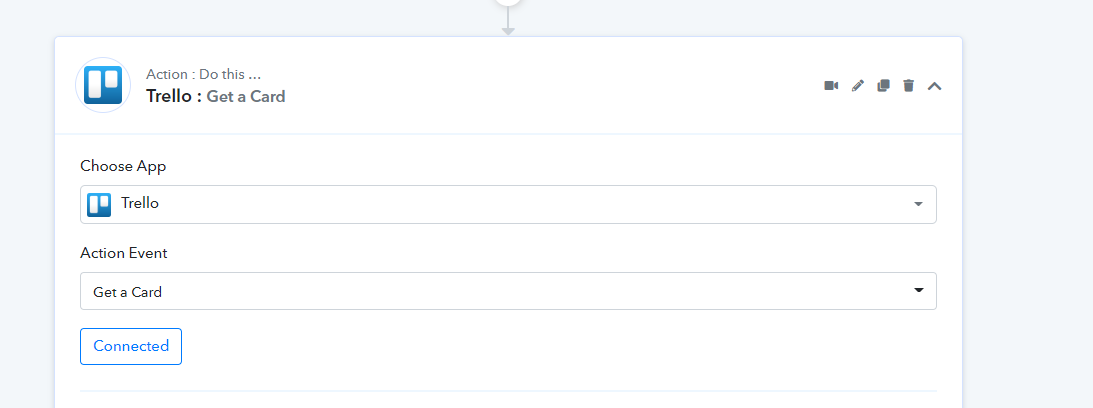
You can use the "Trello: Get a Card" action step after the trigger event, seems like Trello's trigger event doesn't send the relative data in the trigger response.