Twilio Sender Appearing as 'Text'. Want Sender Number or Identifying Code to Appear.
Status: Closed · Asked by NextLevelBros on · 0 views
Hi,
When I send a message through Twilio using Pabbly Connect, the message recipient sees it as coming from 'text'. How can this be changed to either show the phone number or alphanumeric code? See screenshots below for examples
This is how it is now. This is anonymous and spammy, I do not want it to appear as coming from 'Text':
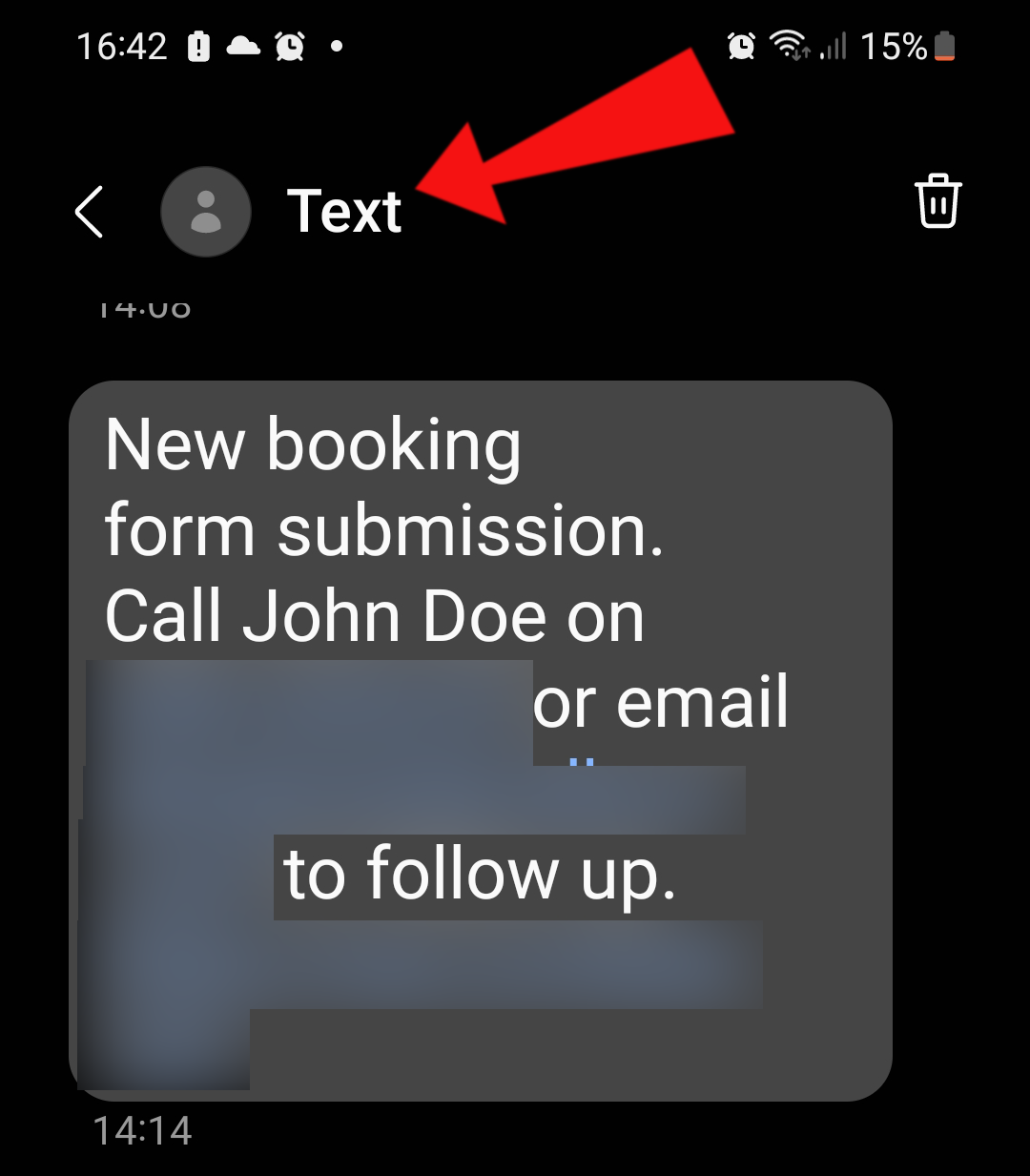
This is how I want it (or the sending number showing). There should be a recognizable sender:
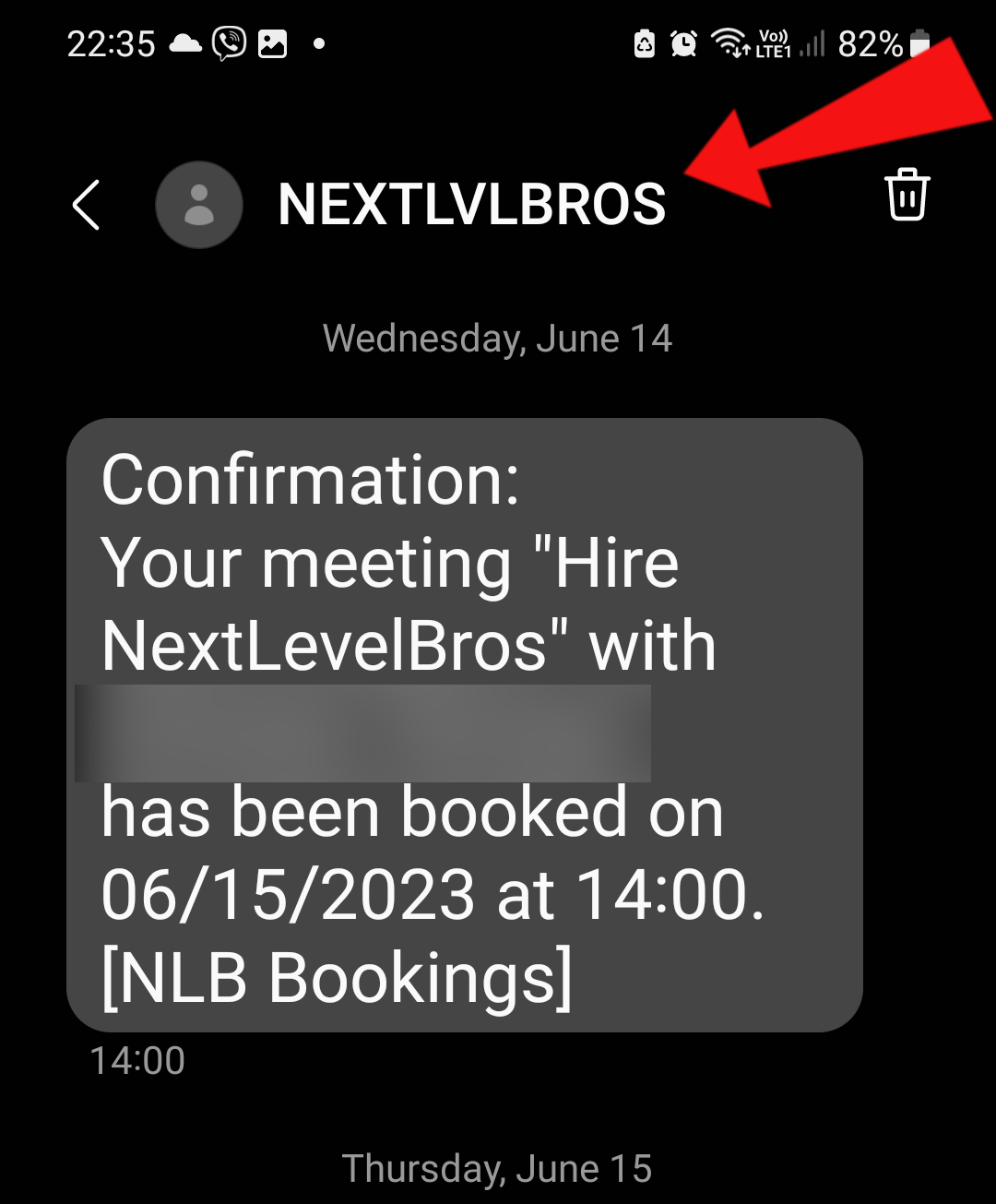
Both these SMS have been sent from the same Twilio number, the top one from 'Text' was sent thorugh Pabbly Connect, the bottom one that shows our business name was sent via our calendar booking app.
In the Pabbly Twilio action we have the phone number in the Sender Number field.
Thanks for your assistance!
Please allow us some time to look into this. We will get back to you shortly.
Sure, thanks.
Our technical team didn't find an option in Twilio API documentation to change the identification code of the received message. I would request you to contact Twilio's support team to see if they have any other way to do so.
https://www.twilio.com/docs/sms/api/message-resource#create-a-message-resource
I see, thanks for looking into it.