Twitter to Telegram
Status: Closed · Asked by R P on · 0 views
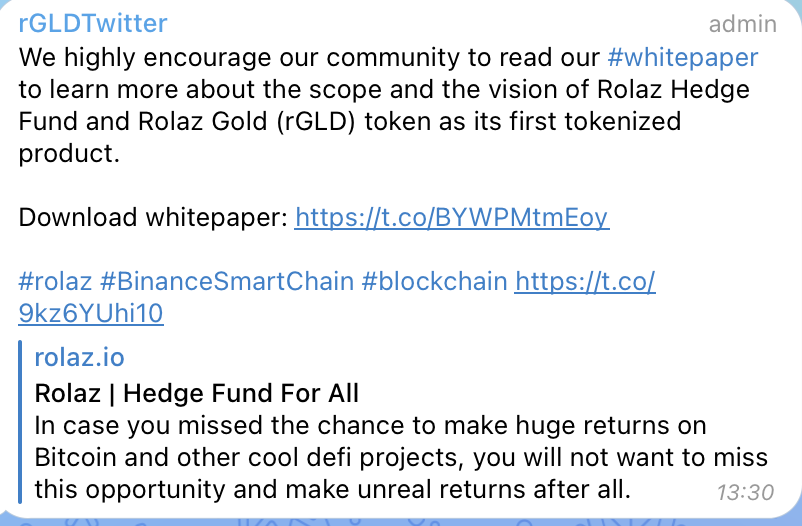
I have connected Twitter to Telegram based on a video tutorial. Everything seems to work just fine with the tweet's content, except that pabbly is not exporting the image attached to in the tweet.
Attachments

Hey @capicho
I have connected Twitter to Telegram based on a video tutorial. Everything seems to work just fine with the tweet's content, except that pabbly is not exporting the image attached to in the tweet.
You try passing the image in the following given HTML syntax in the Telegram action event.
Eg - 
Thanks for your reply. Can you explain me in a "for dummies" version, I'm not familiar with all this. What should I do with that link?. Passing the image where or how?
Hey @capicho
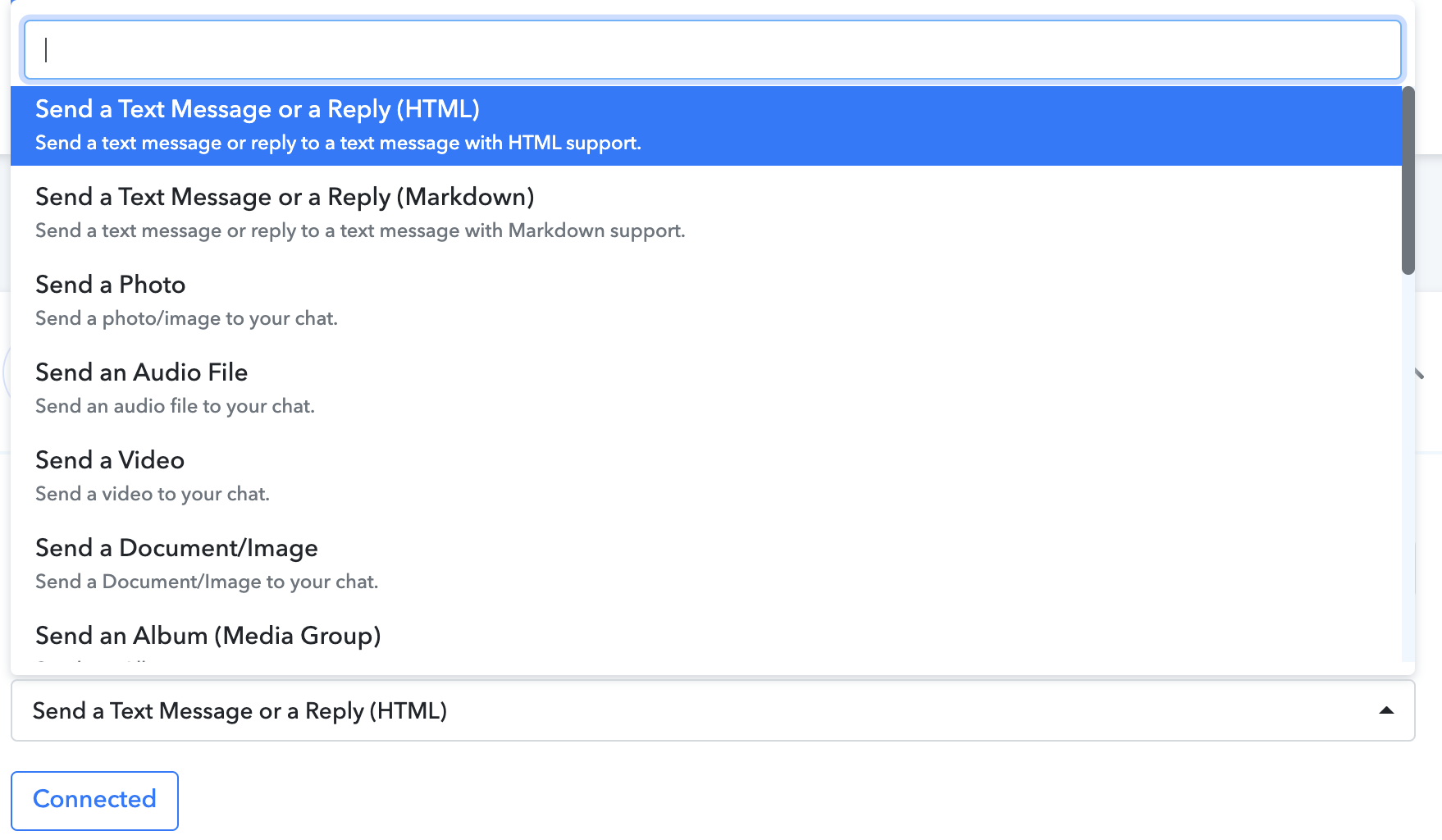
You can use "Telegram Bot: Send a Photo" to send the photo. You can also refer to our tutorial video for your better understanding.
(Watch the second part of the video)
Hey @capichoYou can use "Telegram Bot: Send a Photo" to send the photo. You can also refer to our tutorial video for your better understanding.
(Watch the second part of the video)
Well I want to send the complete post (text+image). Ive looked at the video but data is different. From the options I can see that either I export or photo but not both.
Attachments
Hey @capicho
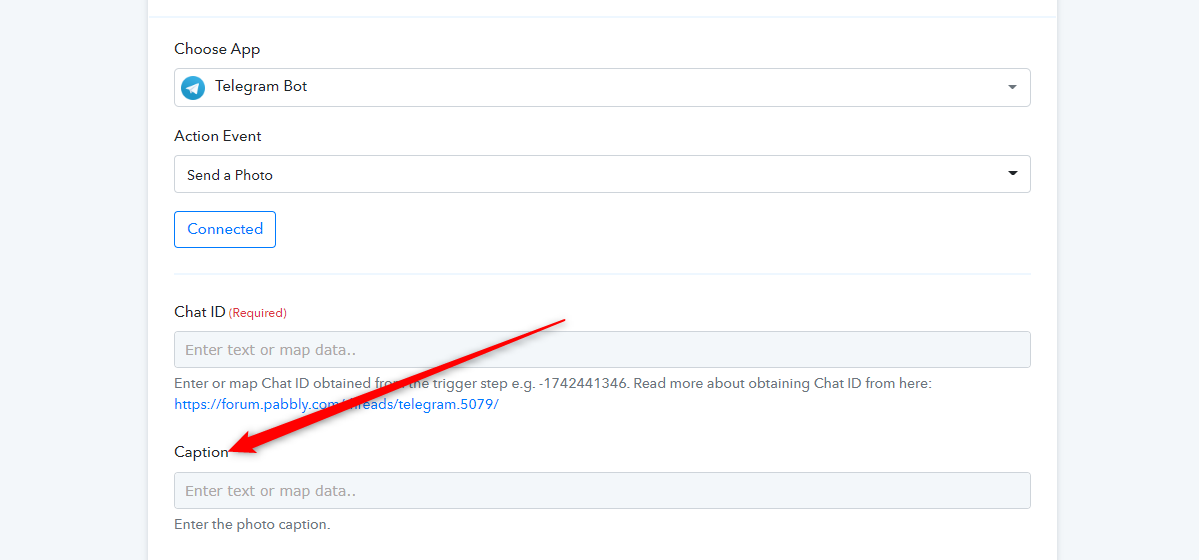
If you want to send the text and image then you can try the "Telegram Bot: Send a Photo" action step and can pass the text in the Caption.
Other than that you cannot send both the field from the same action event.