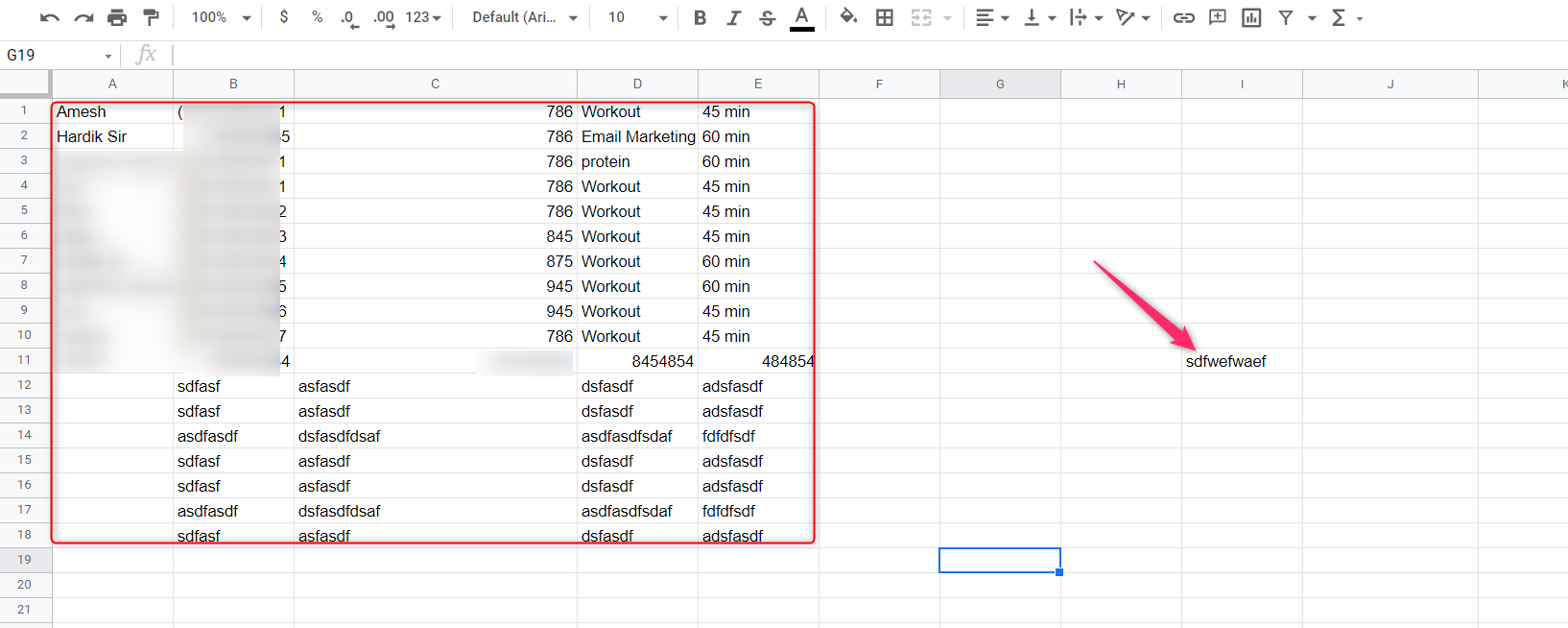
UNABLE TO GET DATA FROM GOOGLE SHEET - ERROR: ENSURE THAT HEADERS ARE AVAILBLE
Status: Closed · Asked by susheel91 on · 0 views
i am unable to pull data from my Google Sheet.
A response result error comes saying that - Ensure that, headers are availabled for each column of your sheet.
PLEASE HELP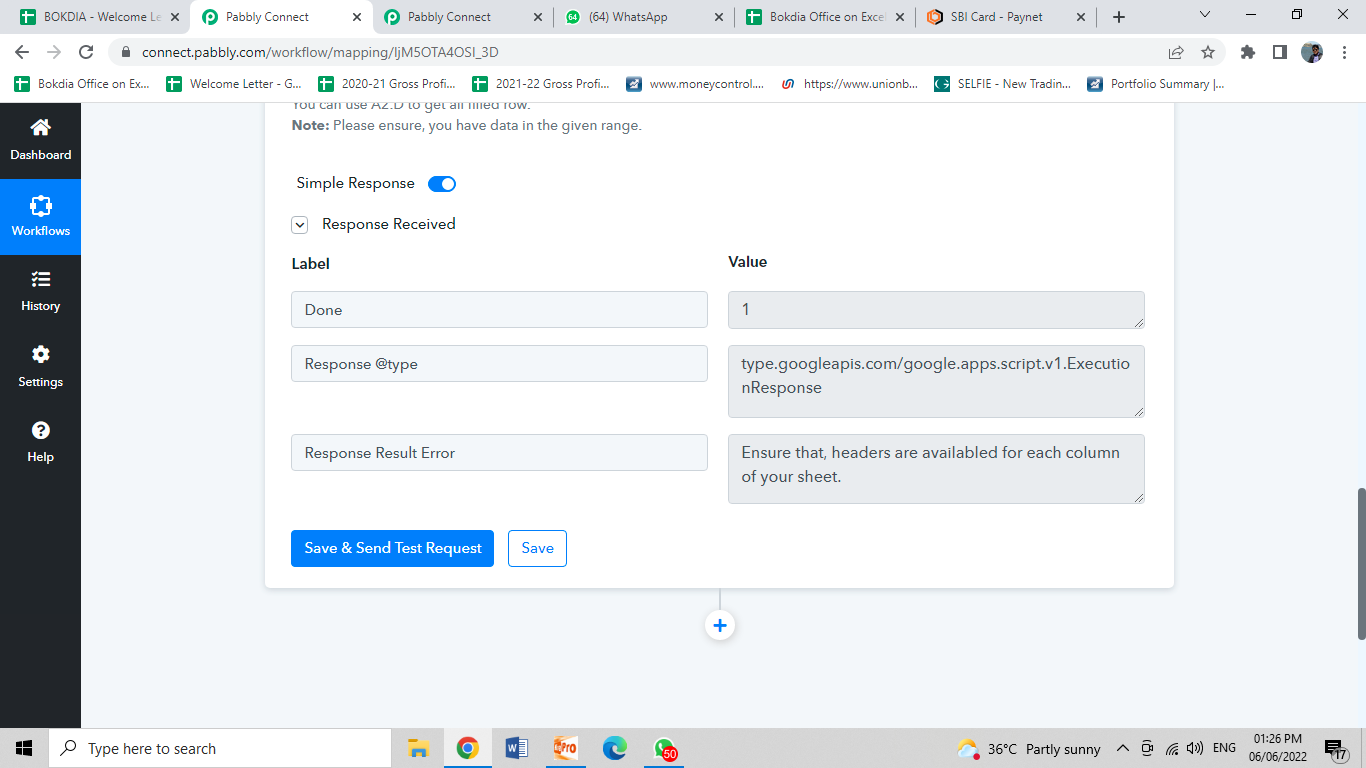
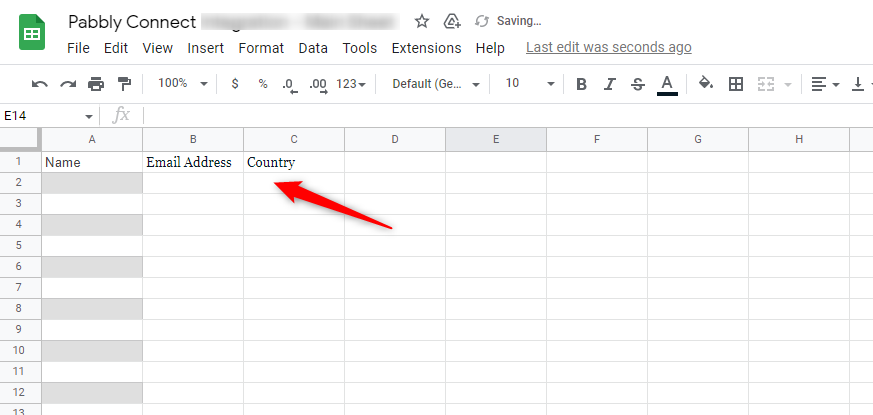
You need to make sure that your Google Sheet as a header row as shown here for example -
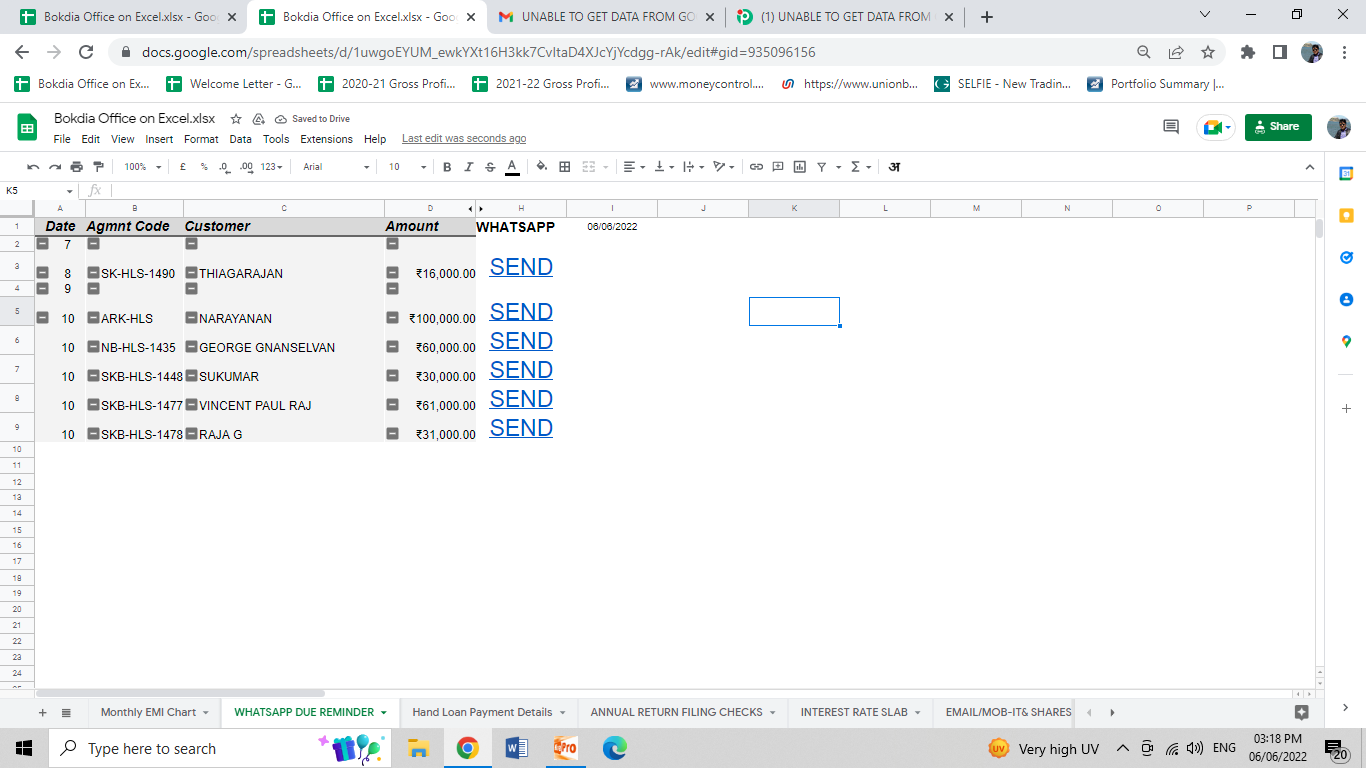
I already have headers: Please see the below image:
Hey @susheel91
If you are having any conditional formatting or any kind of validation kindly try to avoid such things from your Sheet and check if you have inserted any small data out of the range of the rows.