Unable to get leads from amoCRM
Status: Closed · Asked by FrewynAng on · 0 views
hi there,
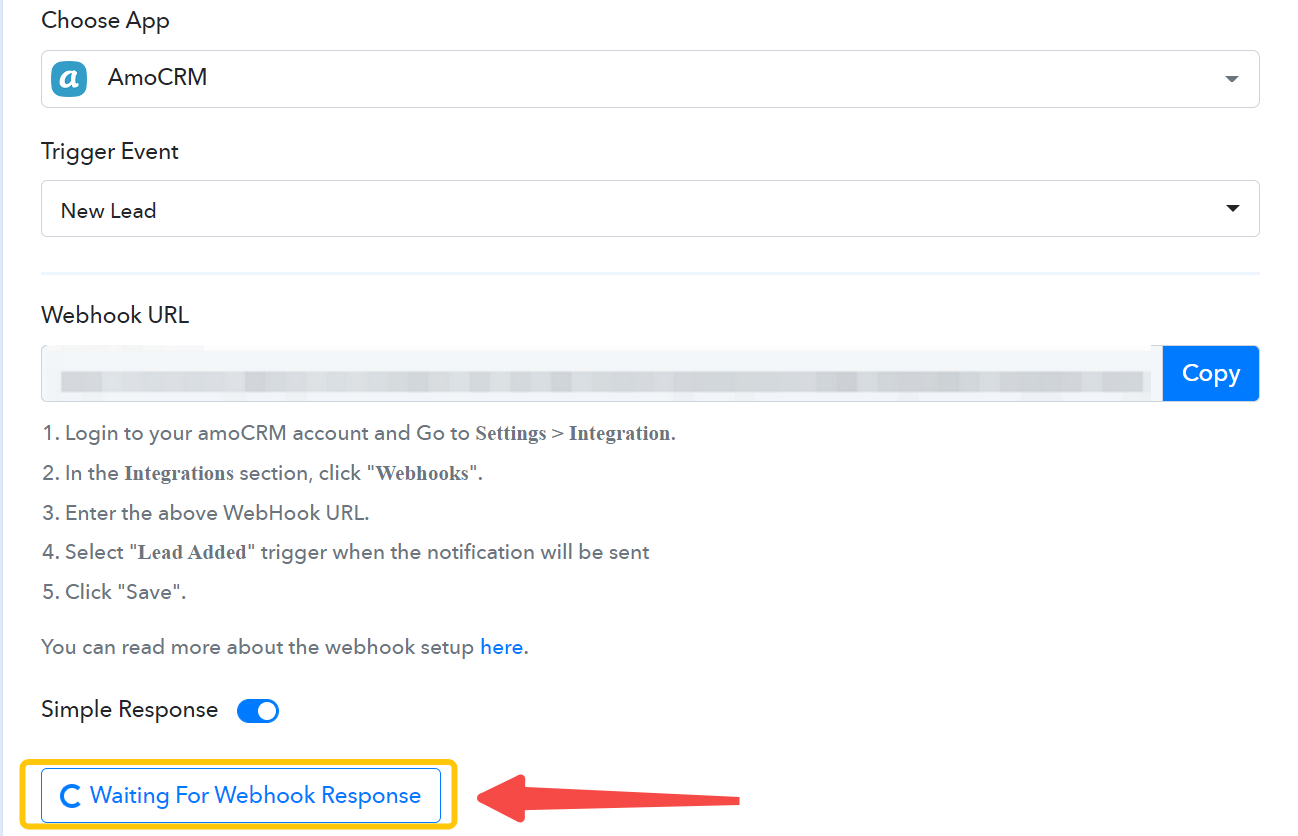
Seek for you help to check why did my workflow connection to amoCRM is not able to get the new incoming leads?
Which the "Waiting for Webhook Respond" is keep rotating there.
Thanks.
Hey @FrewynAng
Have made a test submission from your AmoCRM by creating a new Lead after pressing the "Capture Webhook Response".

Test submission/record to ensure that the information is captured in this webhook response.
Hey @FrewynAngHave made a test submission from your AmoCRM by creating a new Lead after pressing the "Capture Webhook Response".
Test submission/record to ensure that the information is captured in this webhook response.
Hi @Supreme,
There are number of new incoming leads, some how my pabbly connection still remain rotating.
Nothing had been captured as well.
Nothing had been captured as well.
Kindly check the following short recorded video for your concern on how you can capture the webhook response for a new lead.
Kindly check the following short recorded video for your concern on how you can capture the webhook response for a new lead.
@Supreme ,
Thanks a lot for kind help, it works.
and can you share steps to write data into google sheet?
Which my setting below was not able to write data into google sheets.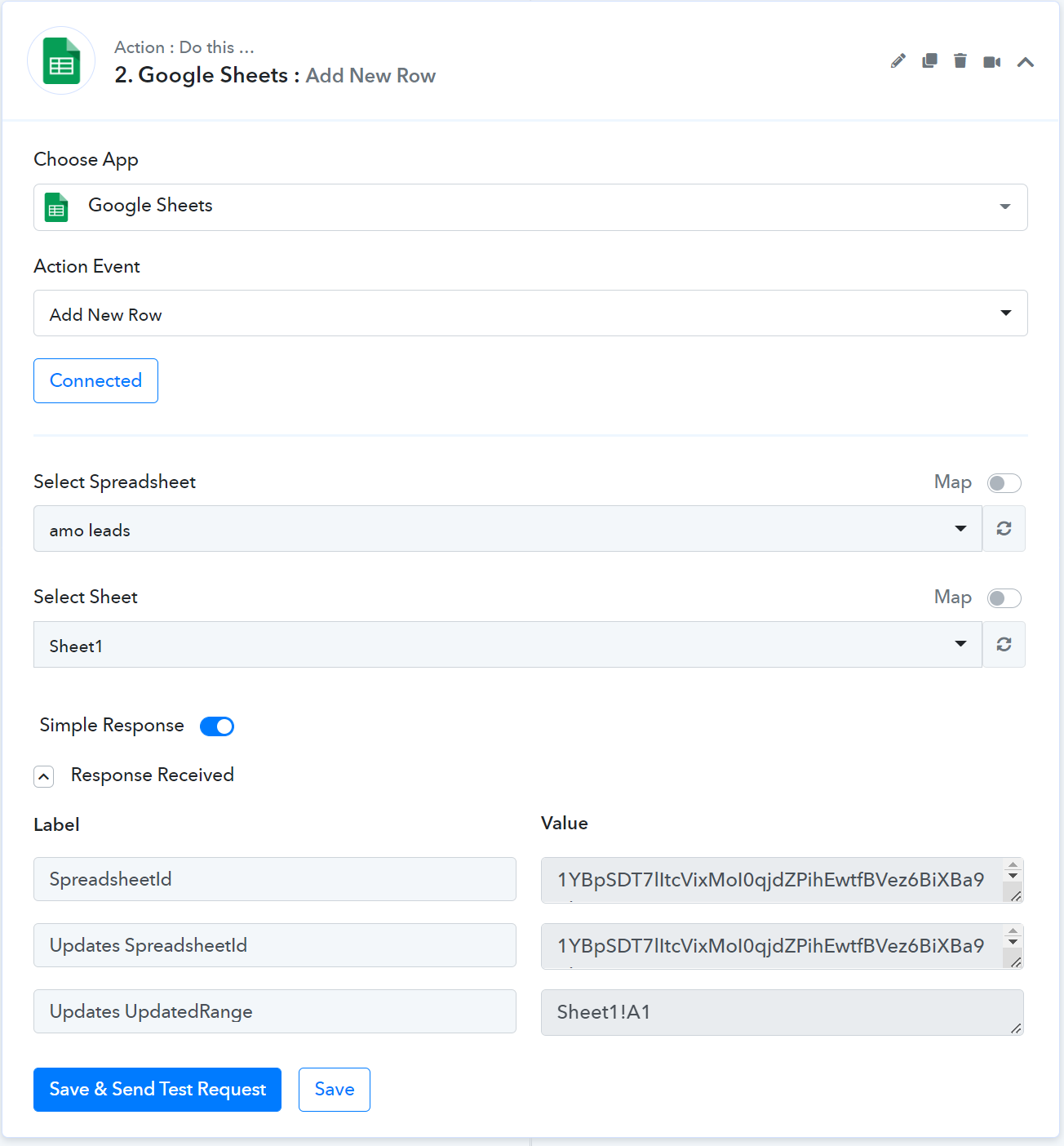
Thanks
and can you share steps to write data into google sheet?
Which my setting below was not able to write data into google sheets.
It seems like you have added any header in your Google Sheets and because of that, you were not getting any fields in the action step.
Kindly refer to the following video tutorial for a better understanding.
(Watch the second part of the video)
It seems like you have added any header in your Google Sheets and because of that, you were not getting any fields in the action step.Kindly refer to the following video tutorial for a better understanding.
(Watch the second part of the video)
@Supreme ,
It works now, thank a lot for great help.
Thanks.