Unable to pass URL inputs in workflow
Status: Closed · Asked by bhiggins on · 0 views
We have a form that collects a URL input. We then map that to a Google doc action in our workflow and to a Salesforce create record action at the end of our workflow. Despite the form field being mapped to the correct fields in our various actions, the input is never populated.
Example URL input:
https://lightning.force.com/Oppun/xxxxxxxxxxxxxxxxxx/view?ws=%%2Fr%xxxsdfadsxxxxasdfasx%2Fview
Hey @bhiggins
As we can see from your recent task history it seems like your workflow has processed all your tasks correctly.
Kindly try again and let us know if you face any further issues.
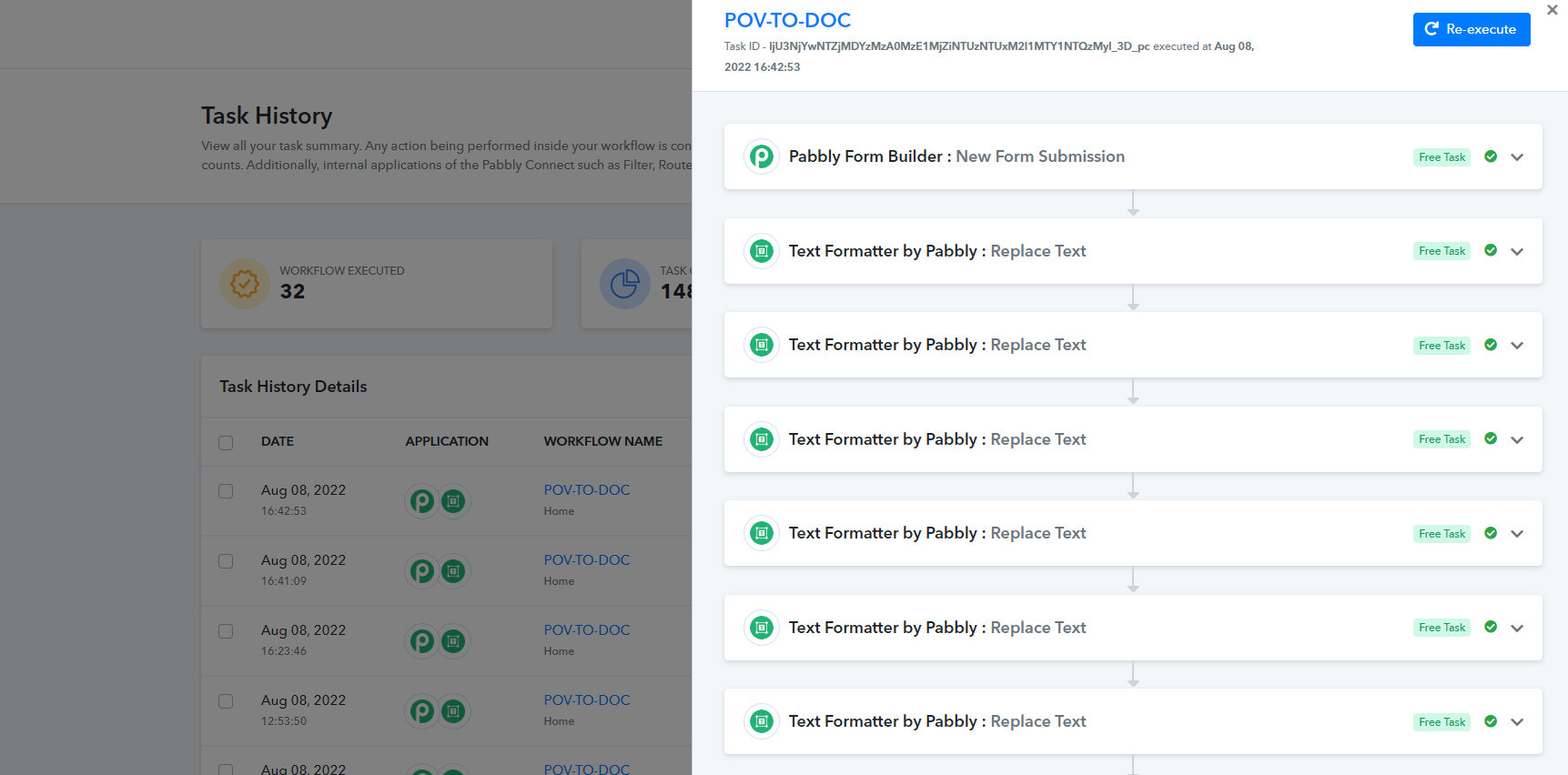
Yes, the workflows run fine. They do not fail. The value in the SFDC Opp? field just doesn't make it to the actions. See screenshots below:
In the form submission step, we get the value for SFDC Opp? successfully: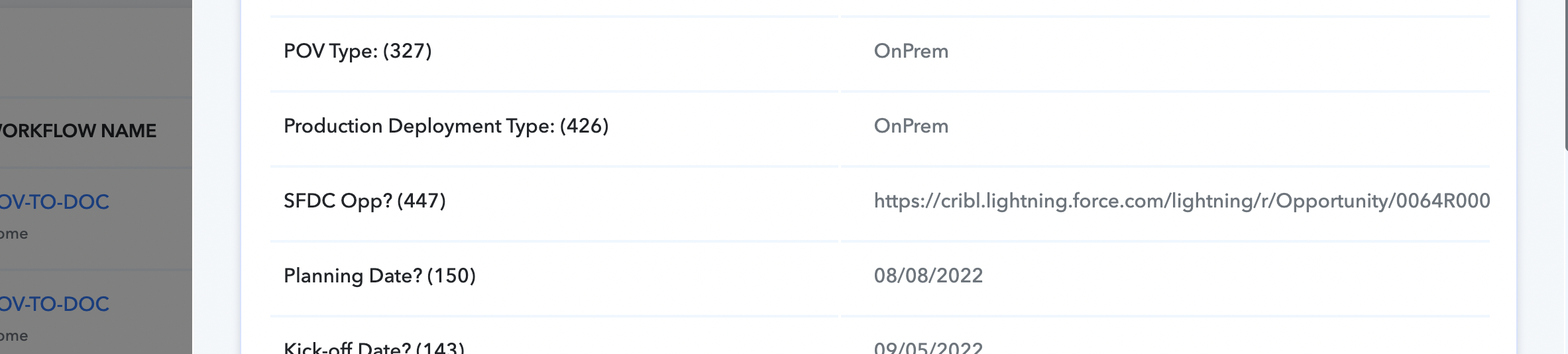
Then, you can see the value doesn't make it into the create google doc action (as seen in the Data In tab):
Same goes for the Salesforce create record action, you can see the field it's mapping to but no value in it: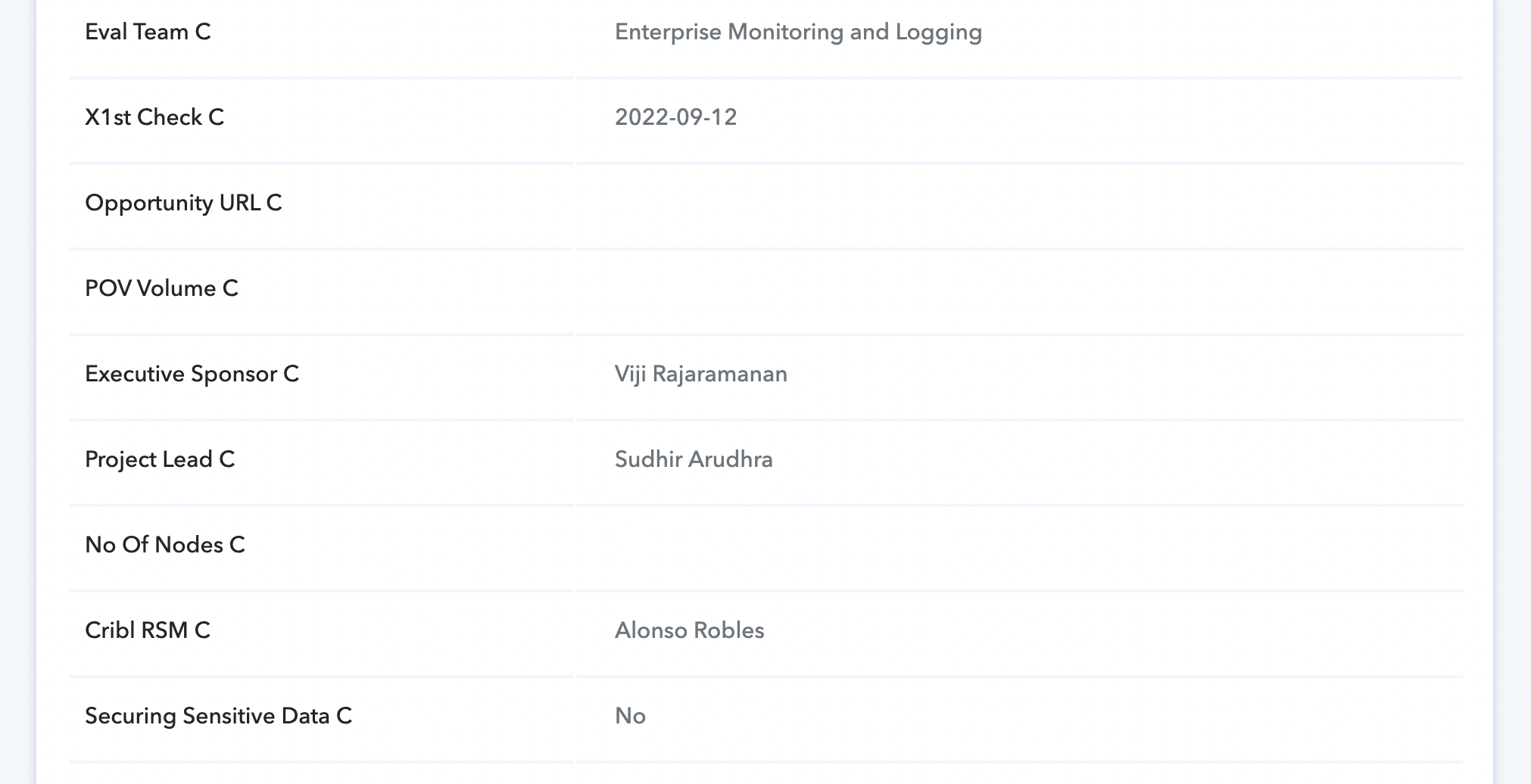
Hey @bhiggins
Please check the following screenshot for your better understanding.
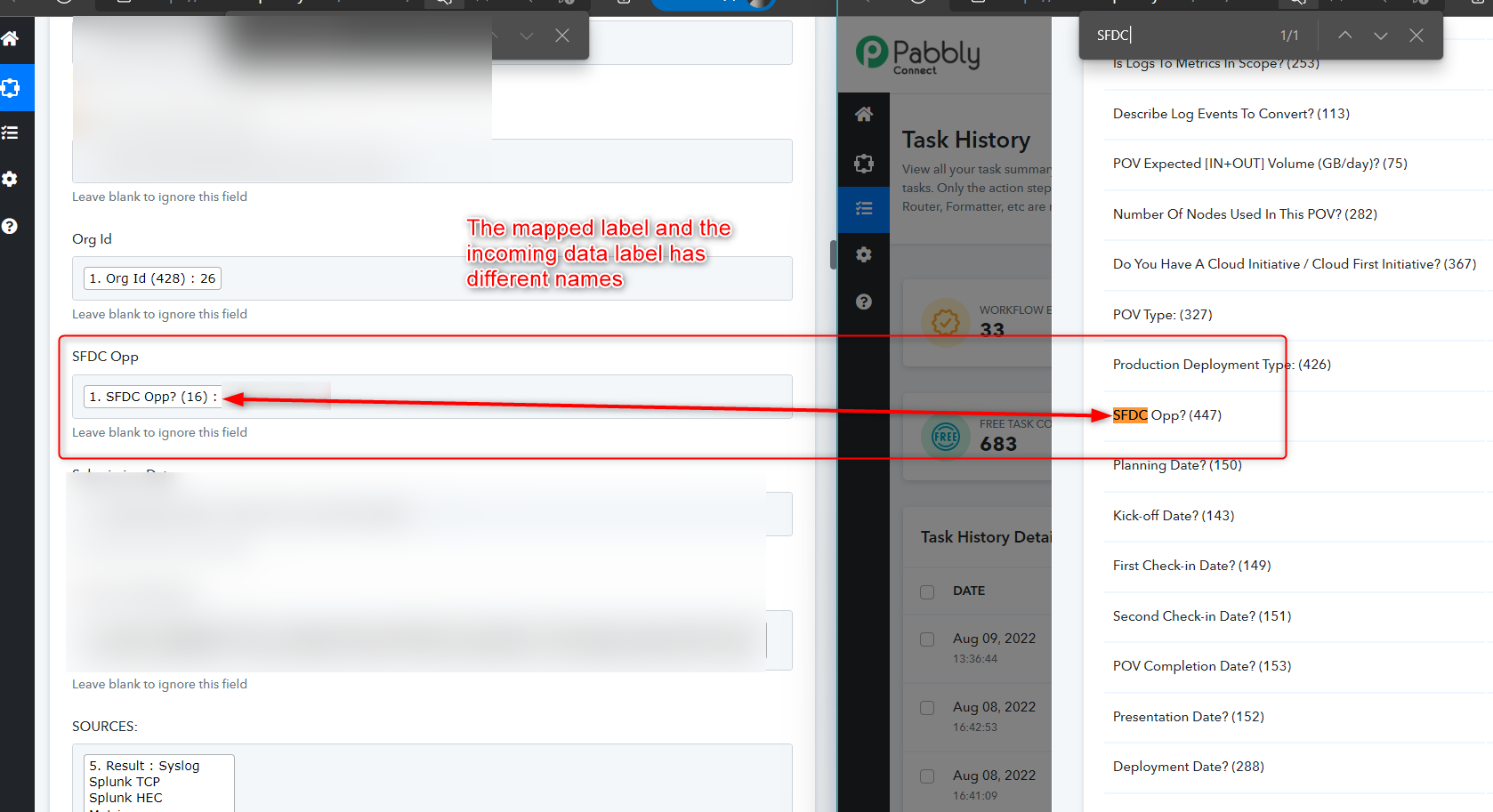
I'm not sure I understand. They are the same field label. It's also the only field that comes up for us when we try to map: 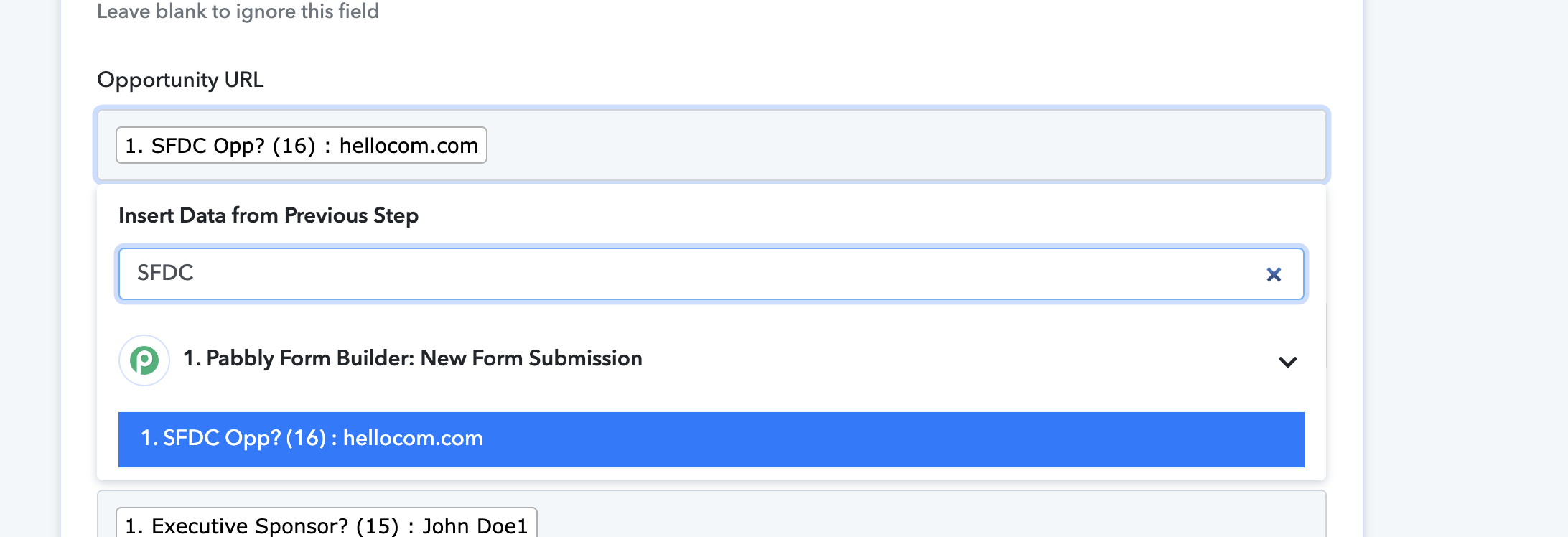
Can you provide instructions on how to remedy this?
Hey @bhiggins
Seems like you have changed the labels from the application from which you are using for triggering the data.
So, kindly recapture the webhook response once and then try again.