Unable to save workflow step for Facebook
Status: Open · Asked by DDigital - Steve on · 0 views
I have successfully added my FB connection so I can add a post to a FB page.
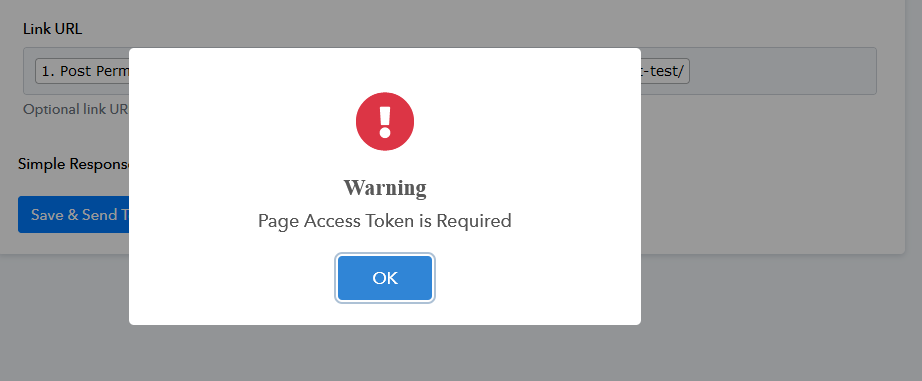
When I go to Save the workflow, I get this error
Hey @Steve Dee,
Please establish a new connection with your Facebook account and try again.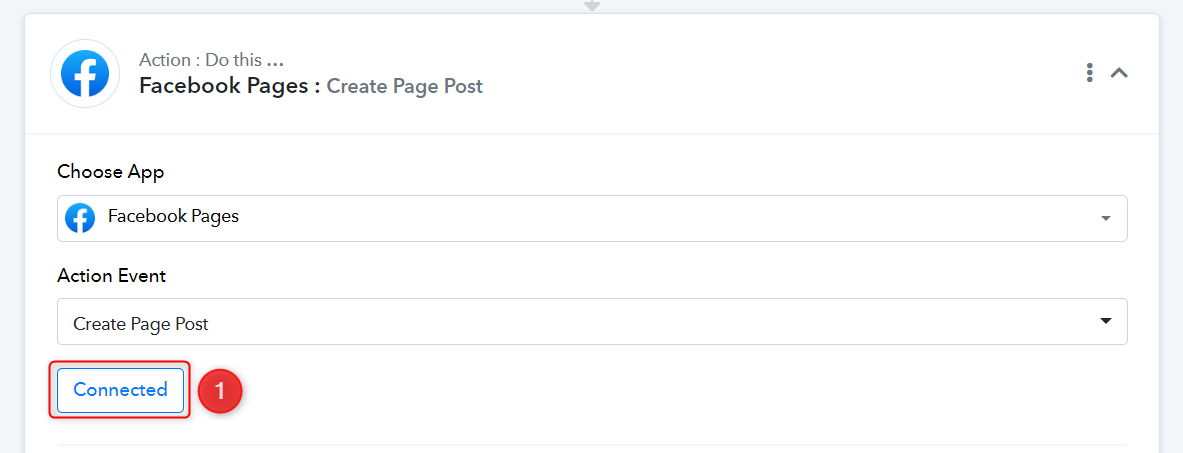
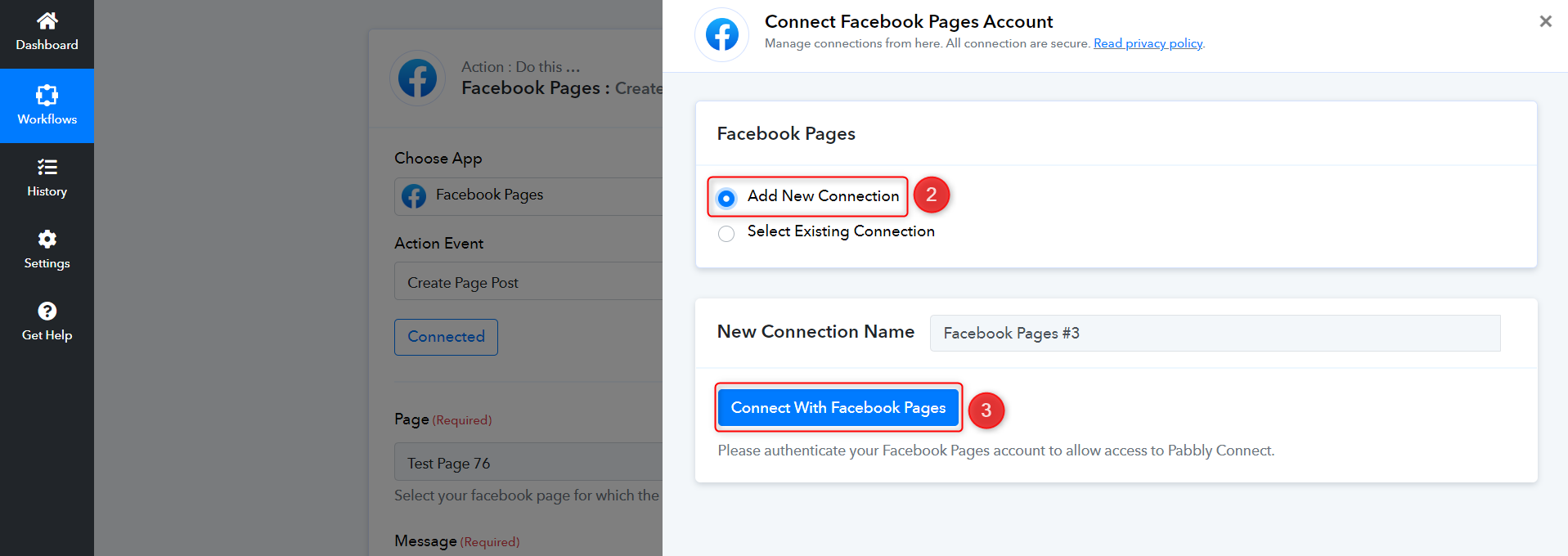
I deleted the previous connection. Added a new connection and am still getting the same error :(
Please grant me access to your workflow by adding me as a team member. This will allow me to gain a better understanding of your issue.
Once you have added me as a Team Member, do let us know the name of your workflow.
Email: arshil.ahmad@pabbly.com
Also, remember to revoke access once your query has been resolved.
Attaching a video for your reference:
I have added you to the correct workflow
I cannot view any Facebook page linked to this account. Please make sure that you have administrative access for the page on which you intend to create a post.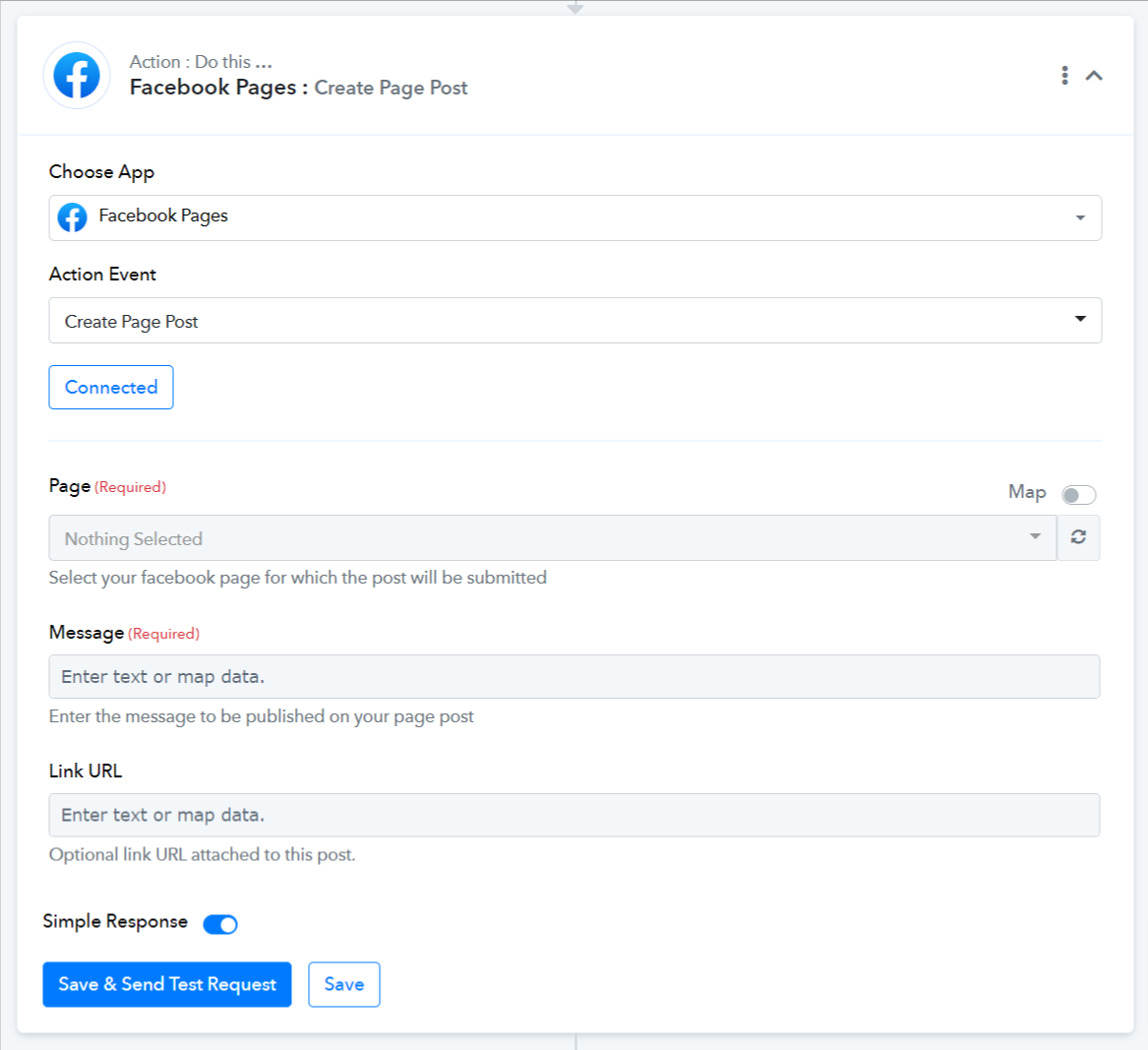
In case you have admin access, please ensure that you are connected with the correct Facebook account. I would suggest you log in to your Pabbly and Facebook accounts in an incognito tab and then try to add a new connection.
I did a screencast so you can see what happens when I try this:
https://app.screencast.com/bOKKS0qMvUWcm?conversation=TaZl6JFYwMOiyDigotcFxG
I have taken note of your concern. I will discuss this issue with my team and get back to you shortly. In the meantime, could you kindly confirm whether you are the owner of this page or not?
Yes, I am the page owner
Thank you for the confirmation.
Hey @Steve Dee,
After conducting an investigation, our team discovered that your Facebook Page access token is not being generated, which is the cause of the error you are currently experiencing. We made an effort to obtain the token using the 'Get Page Access Token' endpoint; however, this attempt resulted in the error mentioned below:
(#100) Object does not exist, cannot be loaded due to missing permission or reviewable feature, or does not support this operation. This endpoint requires the 'pages_read_engagement' permission or the 'Page Public Content Access' feature or the 'Page Public Metadata Access' feature. Refer to https://developers.facebook.com/docs/apps/review/login-permissions#manage-pages, https://developers.facebook.com/docs/apps/review/feature#reference-PAGES_ACCESS and https://developers.facebook.com/docs/apps/review/feature#page-public-metadata-access for details.
We made an effort to find a solution for this issue and came across this thread: https://developers.facebook.com/community/threads/215723799757574/
I recommend giving it a try, and if the problem persists, please reach out to the Meta support team, as the issue is specific to your Facebook account.