Unable to send message via Whatsapp
Status: Closed · Asked by DannyKapasa on · 0 views
Hi,
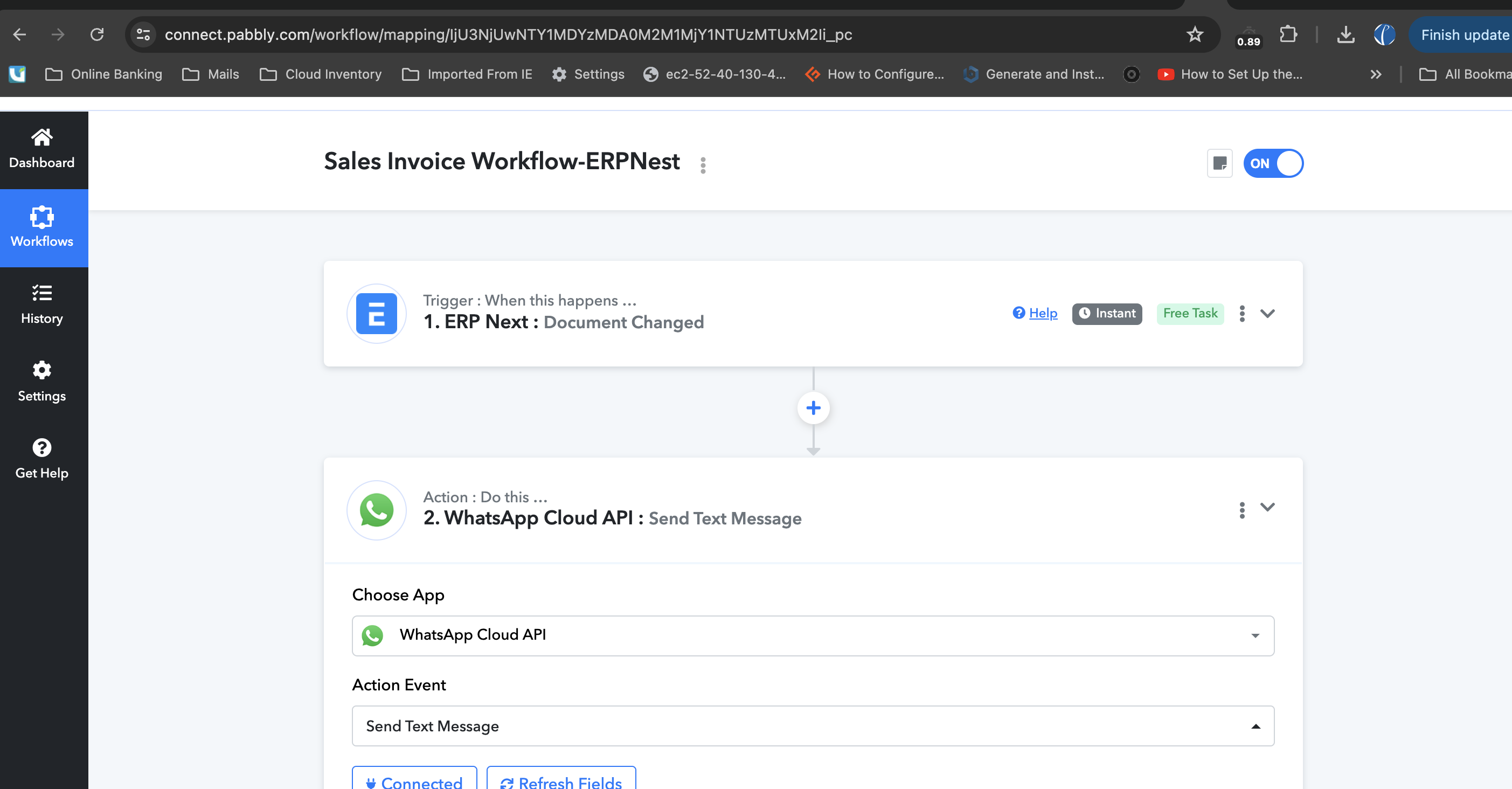
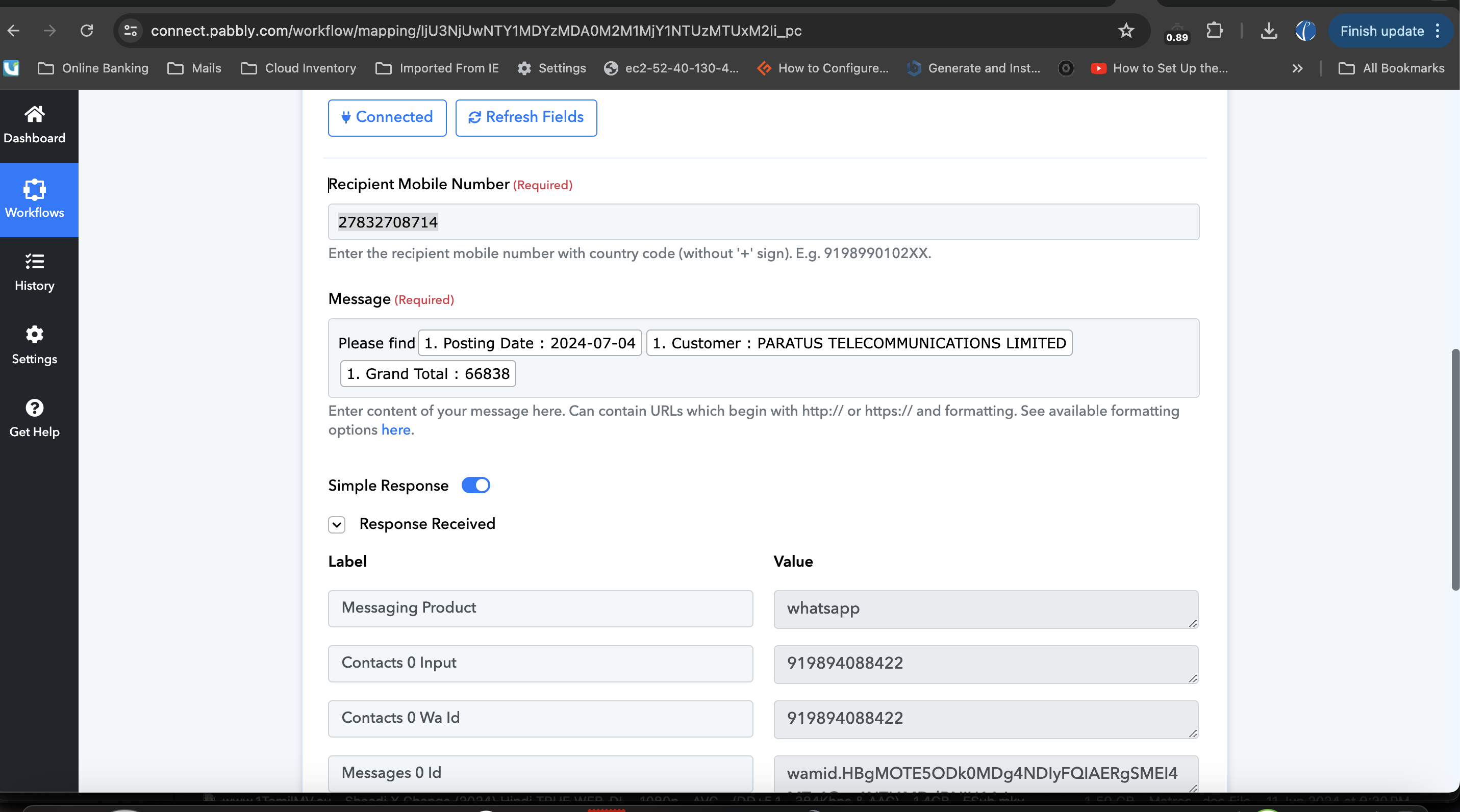
We are trying to send the message via whatsapp by creating the workflow. After clicking on the
"Send & Save request" button, the recipient didn't receive the message yet.
https://connect.pabbly.com/workflow/mapping/IjU3NjUwNTY1MDYzMDA0M2M1MjY1NTUzMTUxM2Ii_pc
Hey @DannyKapasa !
Kindly create a template inside your WhatsApp Cloud API account and then use the below mentioned step for sending the messages-
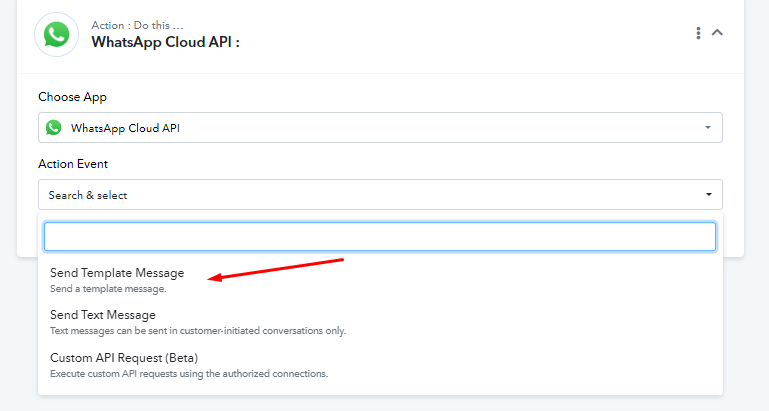
The messages are not sending directly because there was no previous chat with the user you have send the message.
If you check inside the description, you will see how the message sending works-
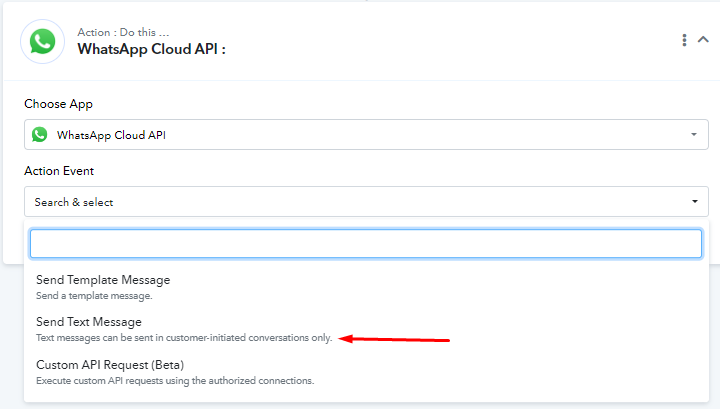
So use Template for sending messages, it will work for you.
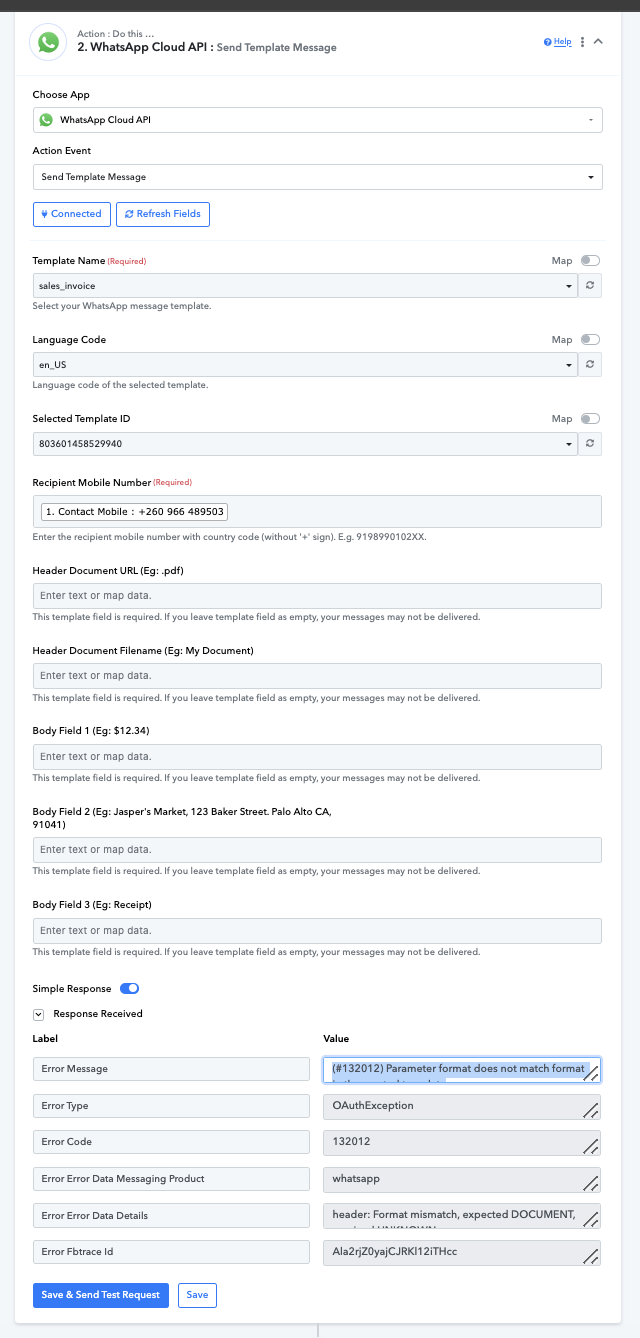
After followed the steps which you have mentioned, getting an error like this.
(#132012) Parameter format does not match format in the created template
Kindly do the needful.
Hello @DannyKapasa ,
Remove + sign from contact number then it should work.
Contact me - https://www.facebook.com/himeshsoni07
Email - [EMAIL][email hidden][/EMAIL]
Hi,
After removed the + sign, the recipient not received the message yet. So please do the needful.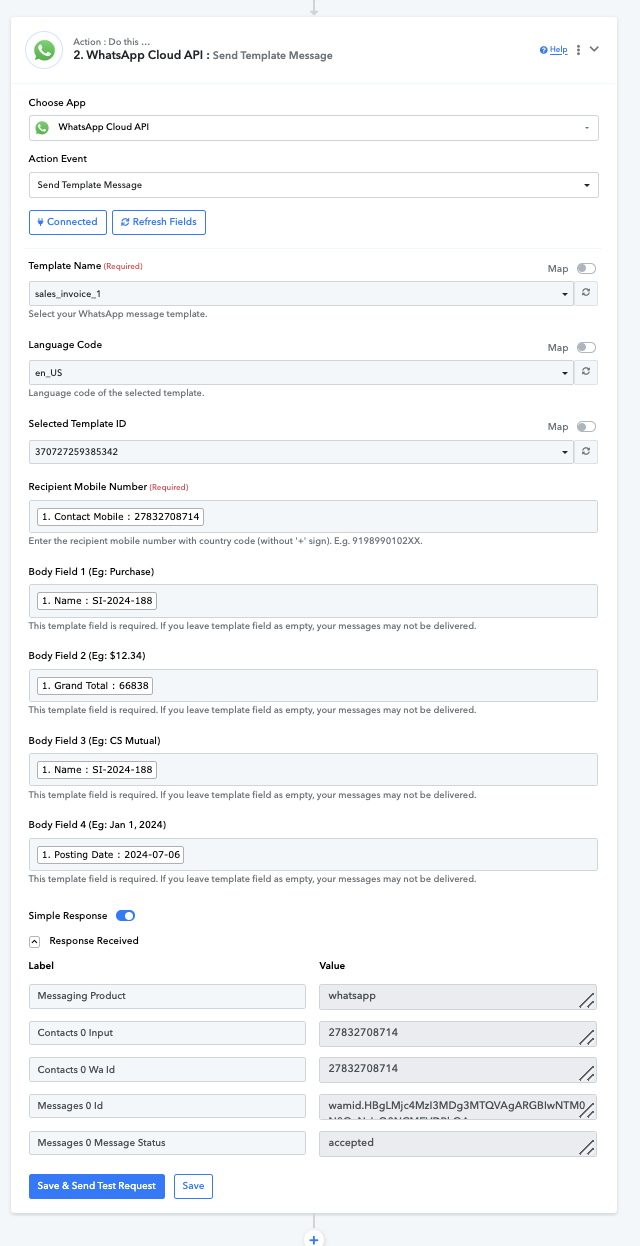
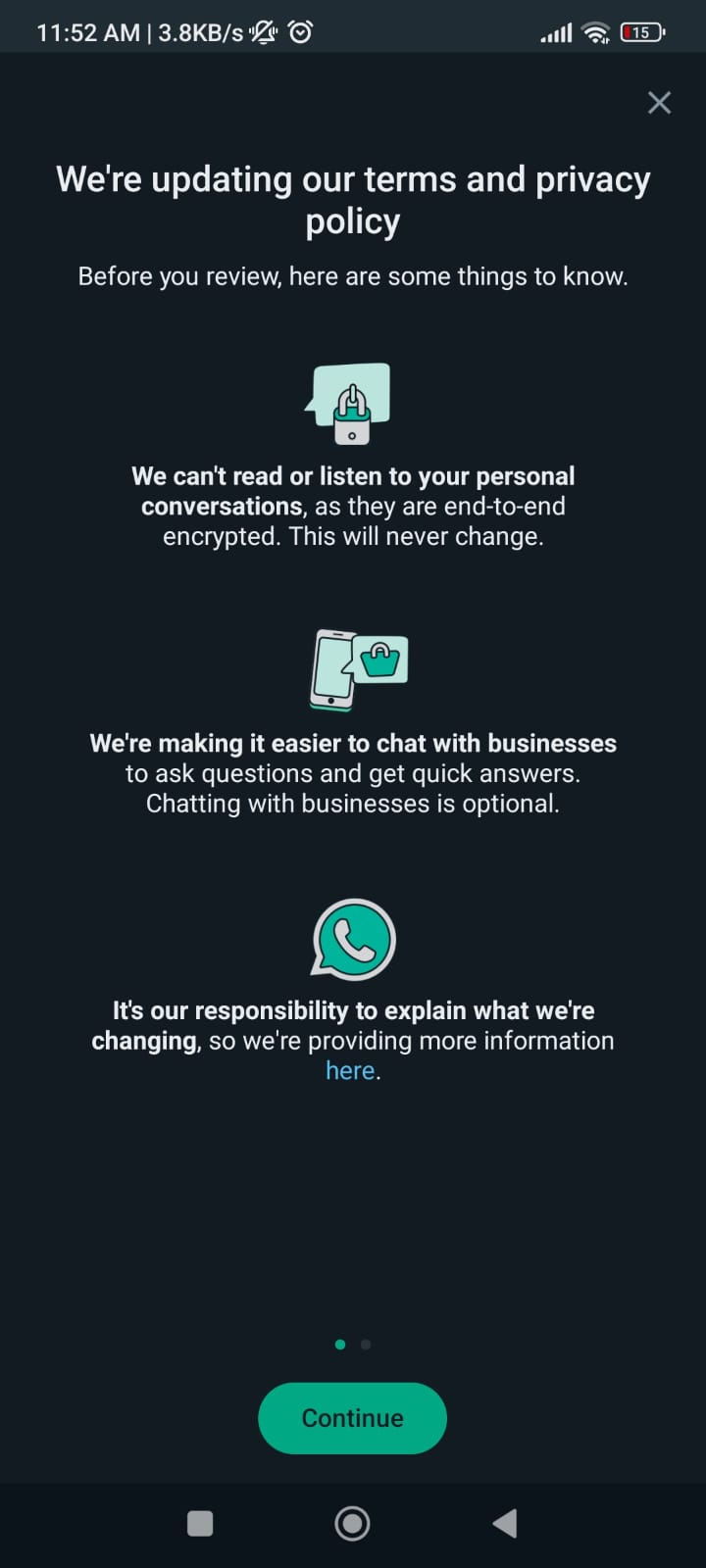
Hello @DannyKapasa , As you can see from response message is sent to appropriate number. So the user might've not accepted the terms and condition of whatsapp. I'm attaching screenshot for your reference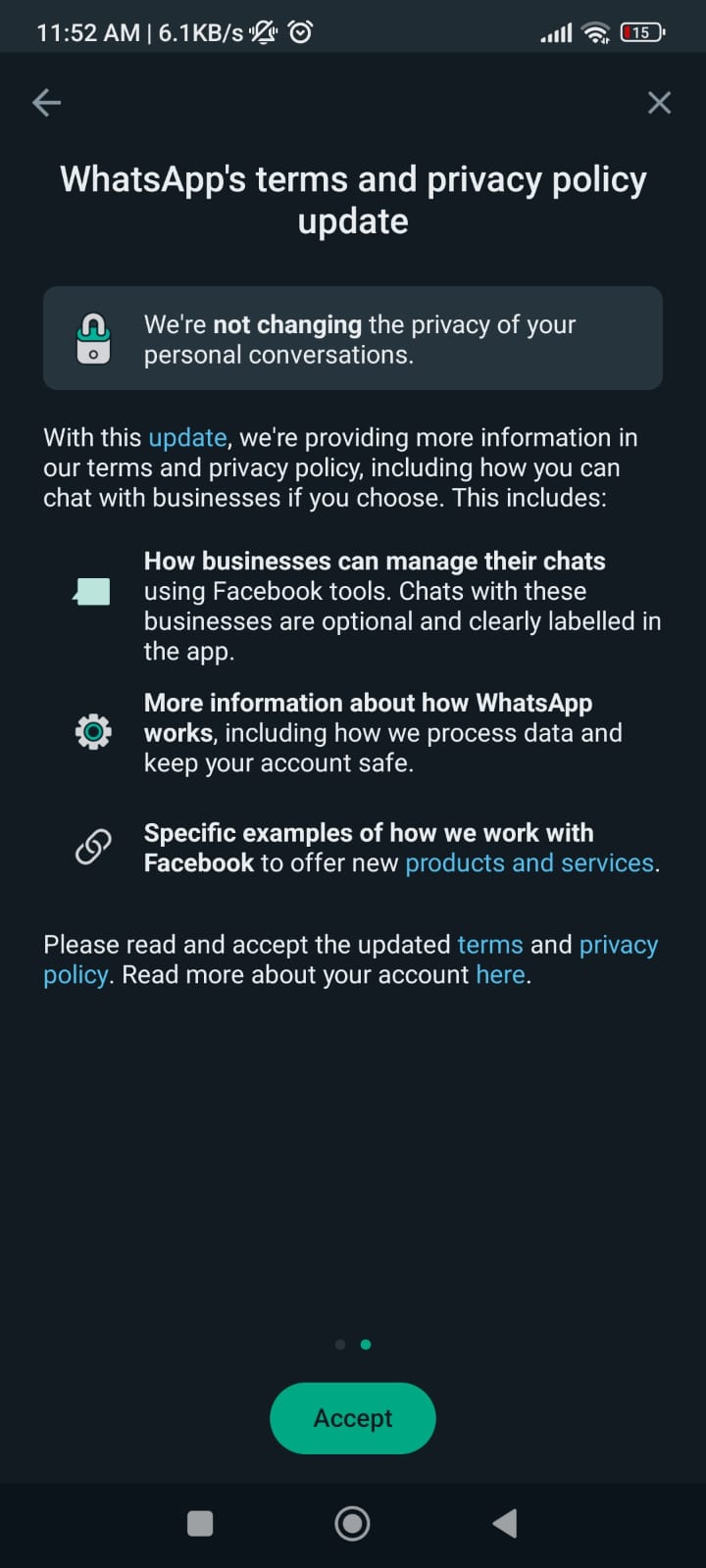
Contact me - https://www.facebook.com/himeshsoni07
Email - [EMAIL][email hidden][/EMAIL]
Hi Himesh,
Whose whatsapp should be updated either sender or receiver? Kindly let me know and do the needful.
Receiver.
Contact me - https://www.facebook.com/himeshsoni07
Email - [EMAIL][email hidden][/EMAIL]
Himesh,
In the "Receiver" whatsapp, there is no option like this.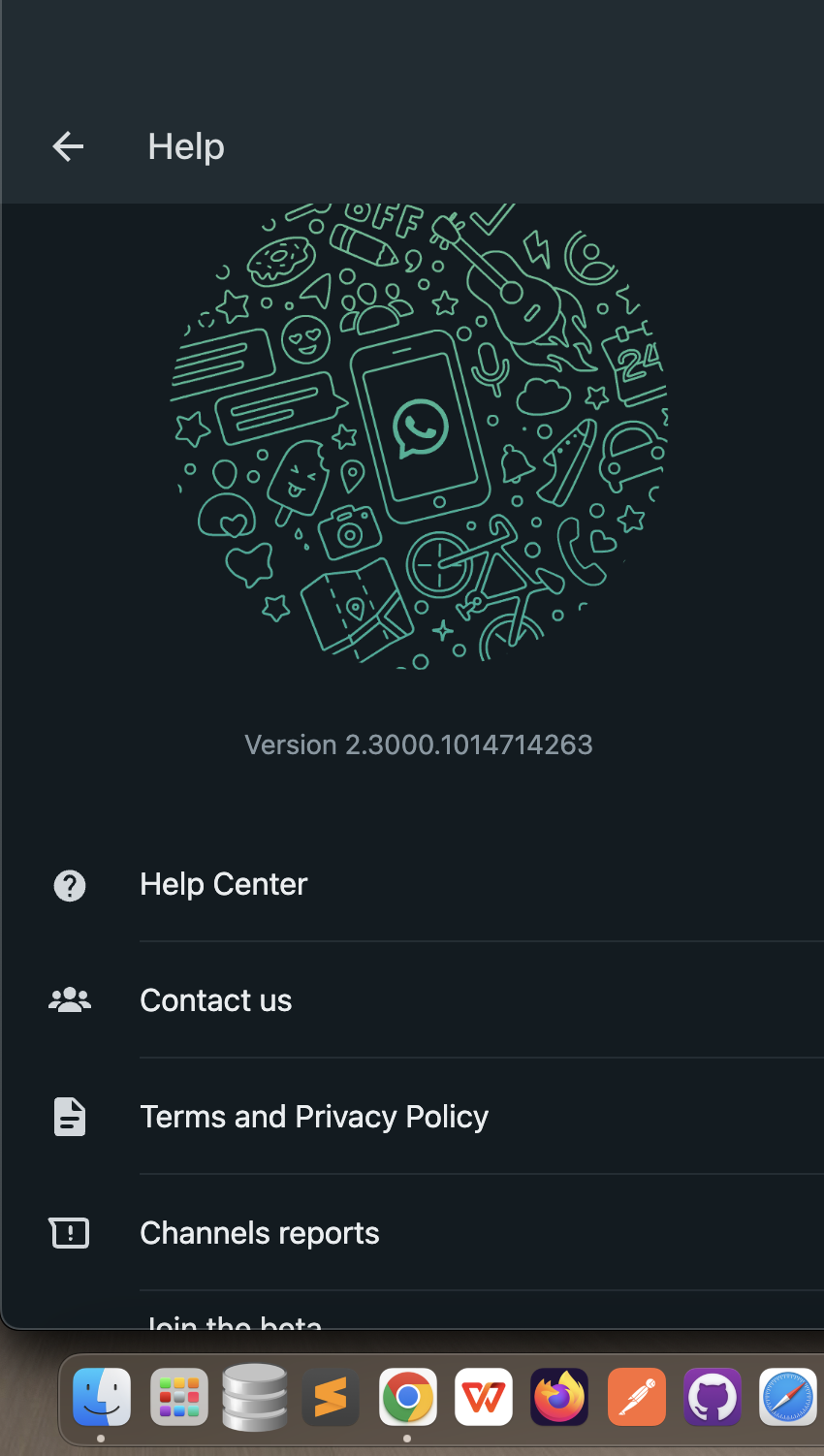
If we click on this "Terms and Privacy policy" means it is navigating to this link "https://www.whatsapp.com/legal/?lg=en" So please help me and do the needful.
This is pop screen which appears once in day. You won't find in settings. Try using another user's number. It'll work definitely. And if you want to do testing you can dm me I'll help you out.
Contact me - https://www.facebook.com/himeshsoni07
Email - [EMAIL][email hidden][/EMAIL]
Hi Himesh,
How many whatsapp message can I send per day as a free, kindly let me know.
As per their official page You can send Unlimited messages in one go by using an Official WhatsApp Business API.
- When you apply for WhatsApp Business API and get approved, you will get a Broadcasting limit of 250 unique users per day. To increase this limit, you muse send WhatsApp Broadcasts to 1000 unique users which can be done by sending broadcasts to 250 users per day for 4 consecutive days. Once your limit reaches to 1000 users, you’ve successfully reached the WhatsApp Broadcasting Tier 1.
Contact me - https://www.facebook.com/himeshsoni07
Email - [EMAIL][email hidden][/EMAIL]