Unable to send whats message from excel sheet to whatsapp number
Status: Closed · Asked by ampandey0117 on · 0 views
Hi Team
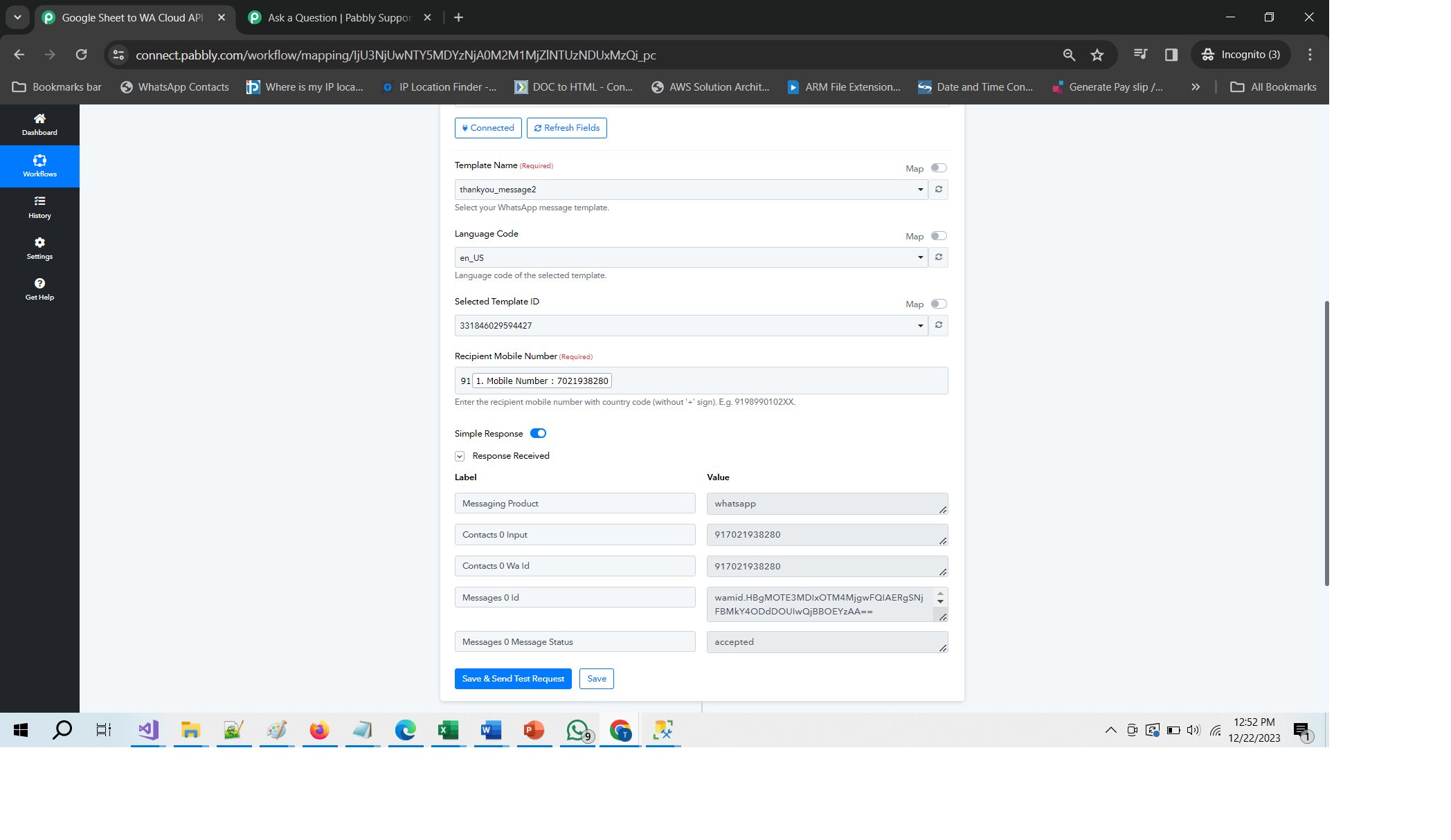
I am Unable to send whats message from excel sheet to whatsapp number.
I performed same steps as you provided into video.
Also i do not get any error still i am not able to send messages.
please see attached file.
I am already purchased with account name [email hidden]
and to test I created free account.
Task History ID -
IjU3NjIwNTY5MDYzMzA0M2Q1MjZlNTUzMjUxMzE1MTY0NTQzMCI_3D_pc
Attachments
Hey @ampandey0117
Can you please reconnect with the application again nad try again to send the message from the whatsapp?
I did but message not send..
please help into this.
Kindly share the workflow URL once in which you have tried the same.
Task History ID -
IjU3NjIwNTZiMDYzNTA0MzQ1MjZiNTUzNjUxMzc1MTZiNTQzNiI_3D_pc
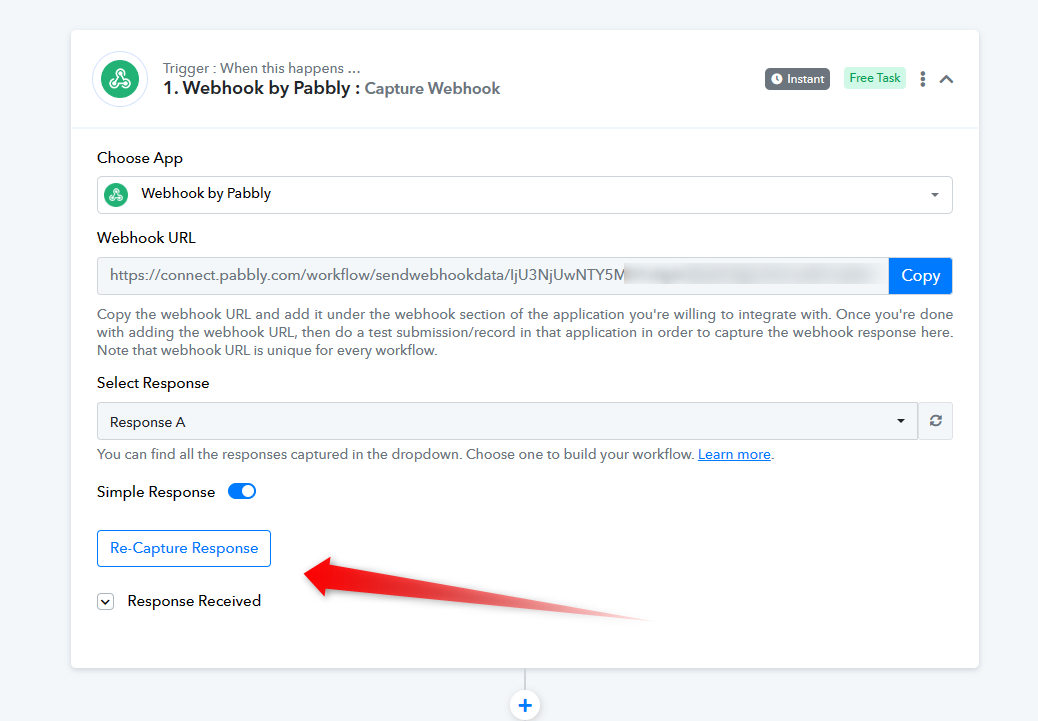
Can you please reconfigure the webhook URL in your triggering application once and then try recapturing the webhook response again?
Hi Team,
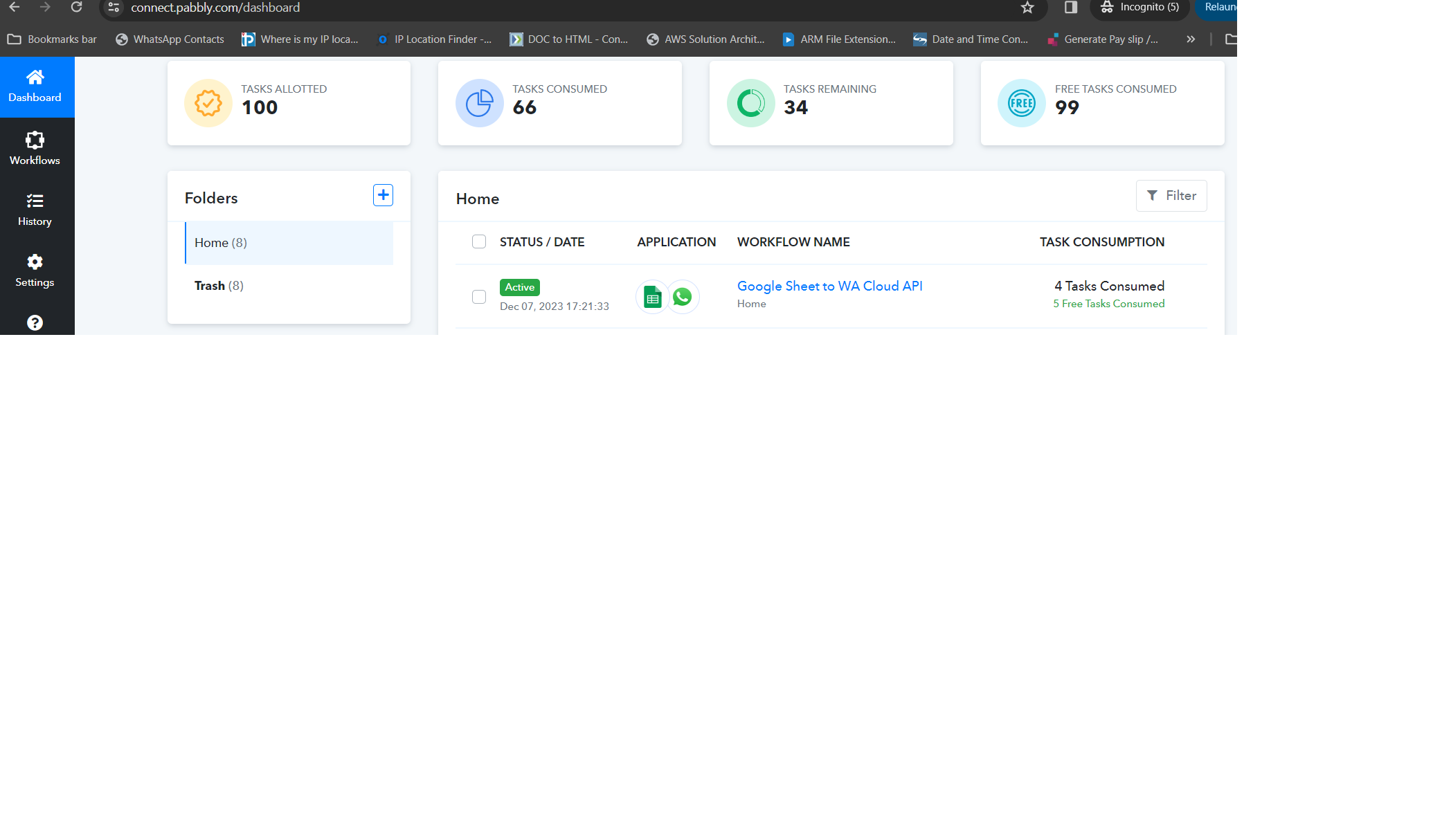
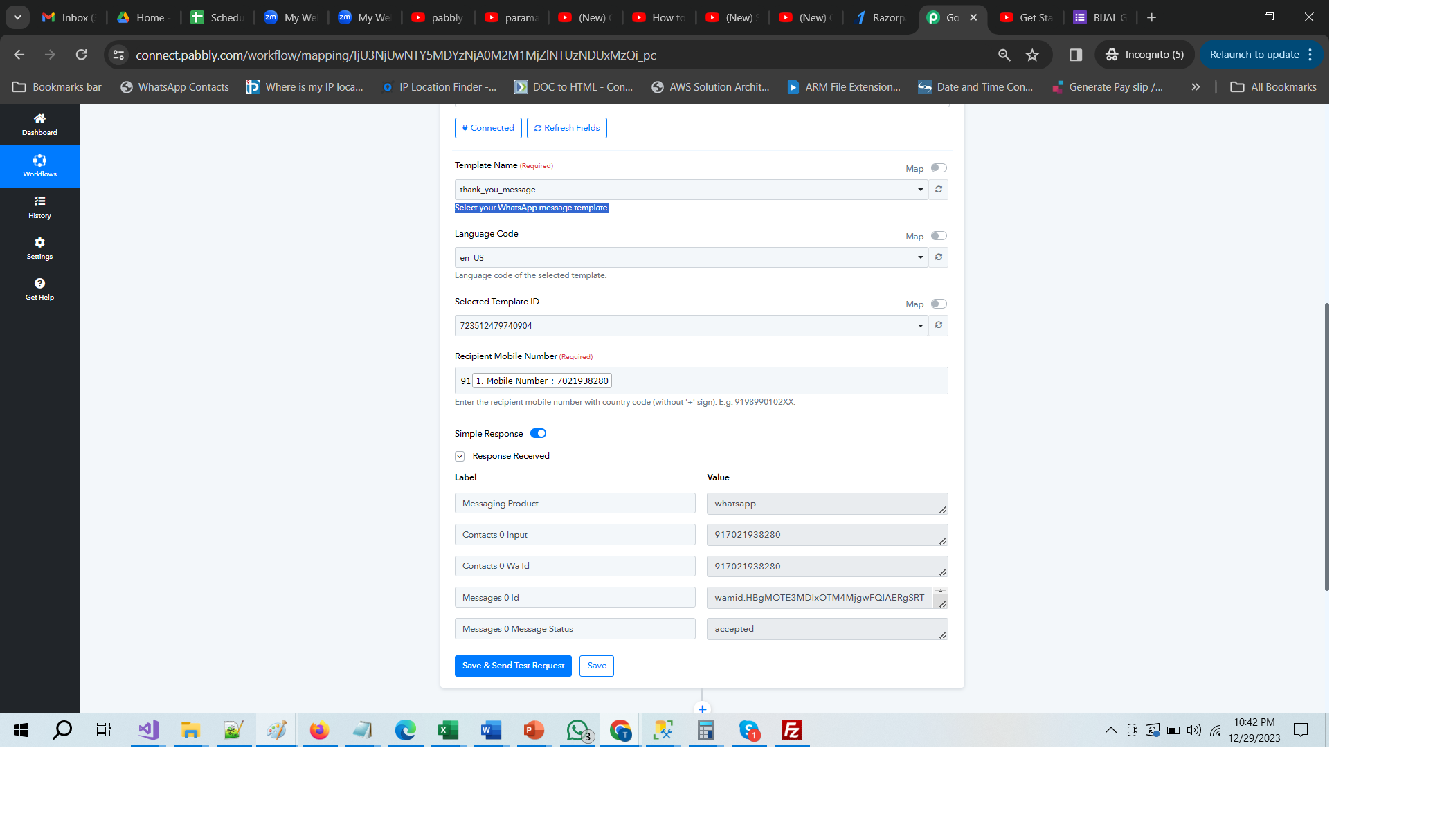
This is not what I am talking, please see attached image that is from excel sheet to WhatsApp message.
Please see attached images.
Attachments
Hi Team,
Please see below link to get more info.
We've inspected the connection in your WhatsApp Cloud API action step, but unfortunately, we couldn't find the template details listed there. It seems that the connection you've set up might not be accurate or properly configured.
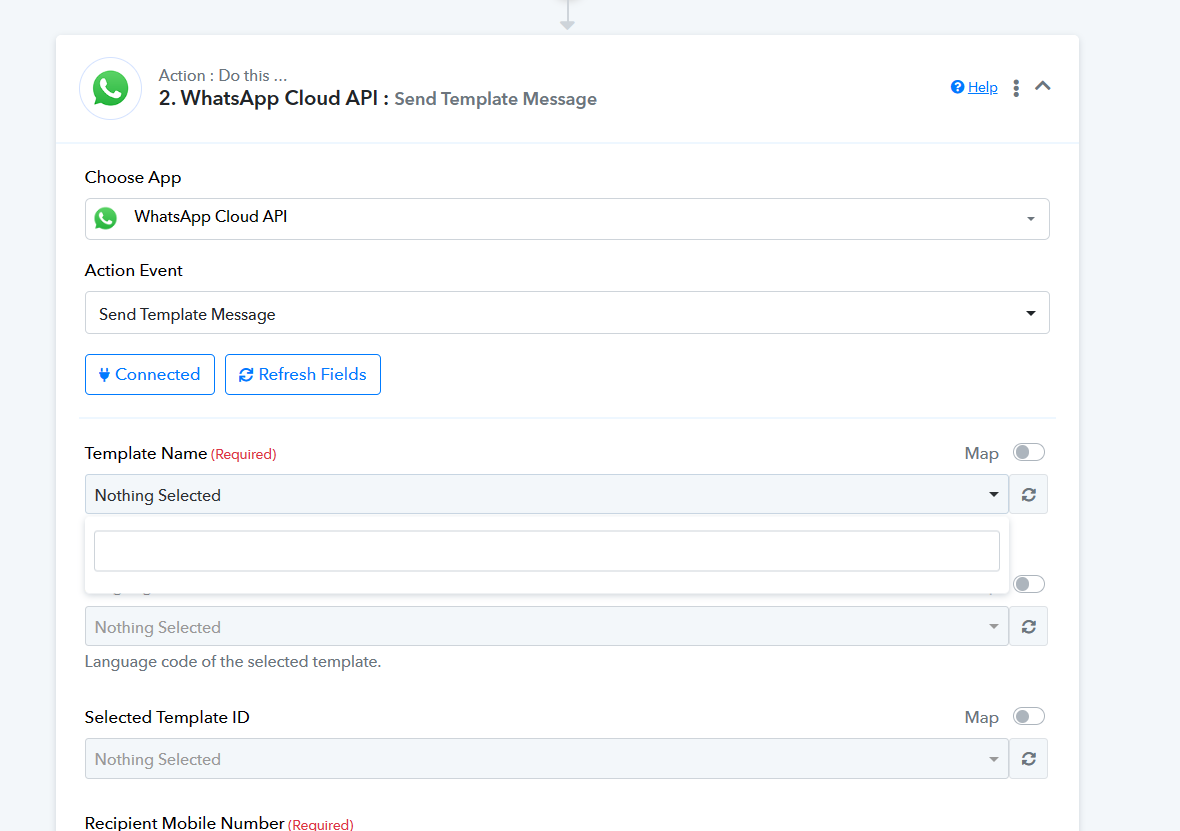
So, please create a new connection by creating a new permanent token.