Underscores in emails
Status: Closed · Asked by Andrew Low on · 0 views
Hi, underscores ( _ ) in an email is being treated as spaces when passed from trigger to an action, or from 1 action to another.
This is a problem when the content is an email.
Workflow breaks down because the incorrect email address is being passed to Gmail.
Could you please not process underscores, and just leave them as-is?
Thanks!
Are you using Plain Text typ email action for Gmail If yes the try using Send Email action instead, which accepts input in HTML format -
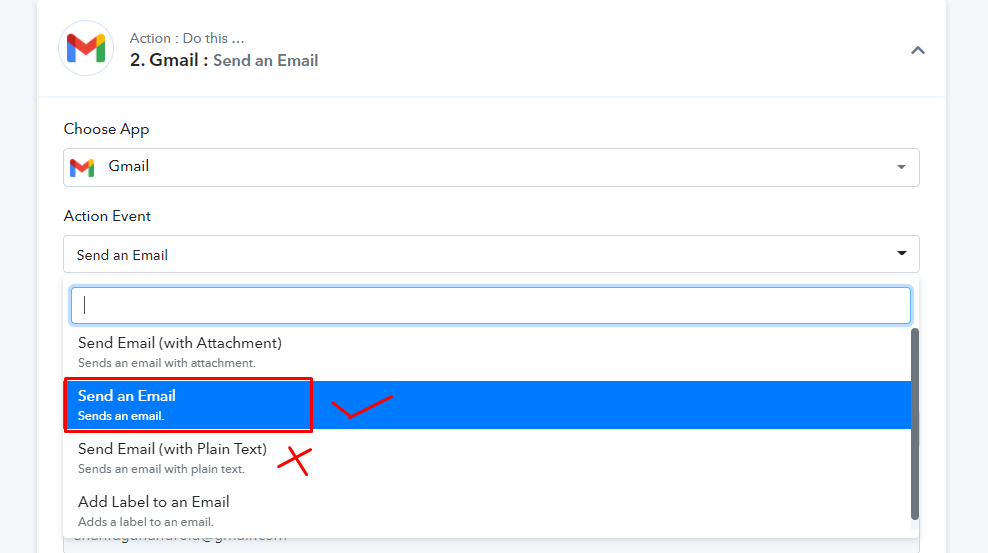
Yes, I'm using "Send an Email", not the Plain Text option.
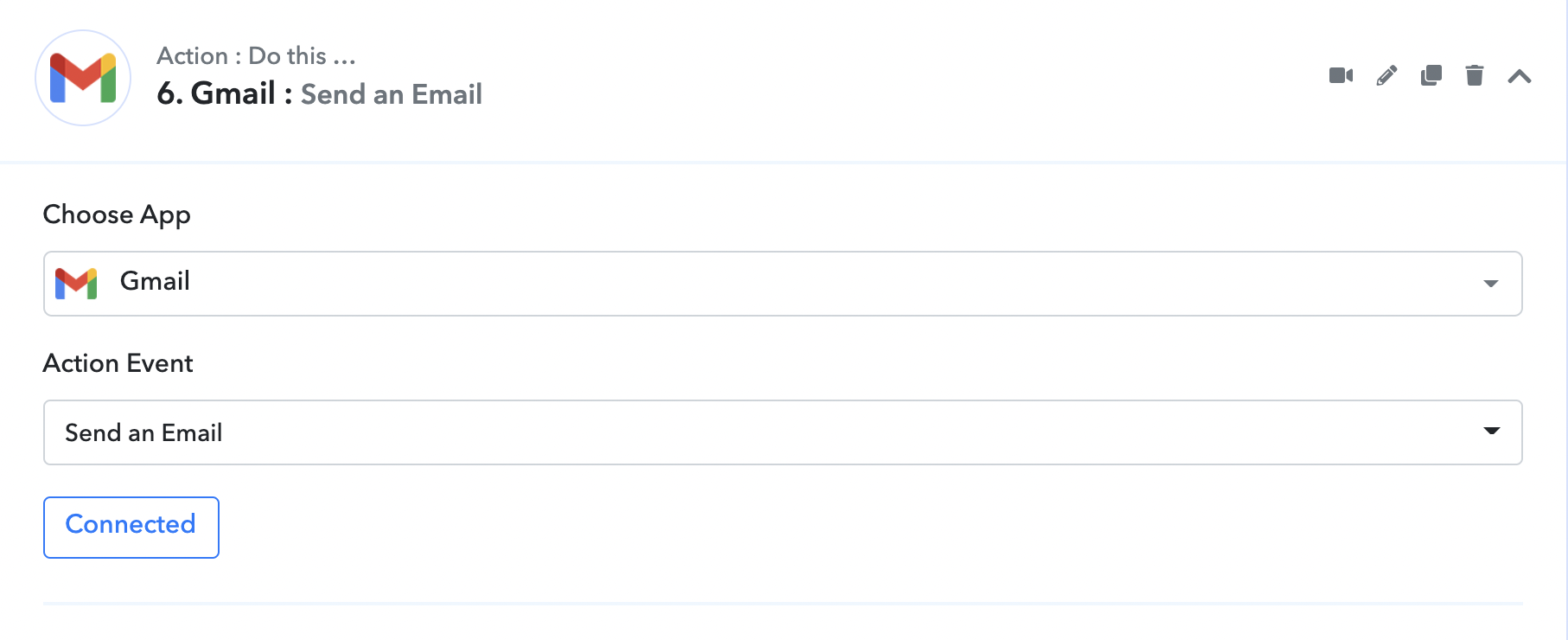
Yes, I'm using "Send an Email", not the Plain Text option.
It is working fine for me, did you entered text as HTML in Email Content field
If not please make sure that you add HTML, there is a link below that field which will you can use to convert your normal formatting to HTML directly, then copy paste HTML code in pabbly -

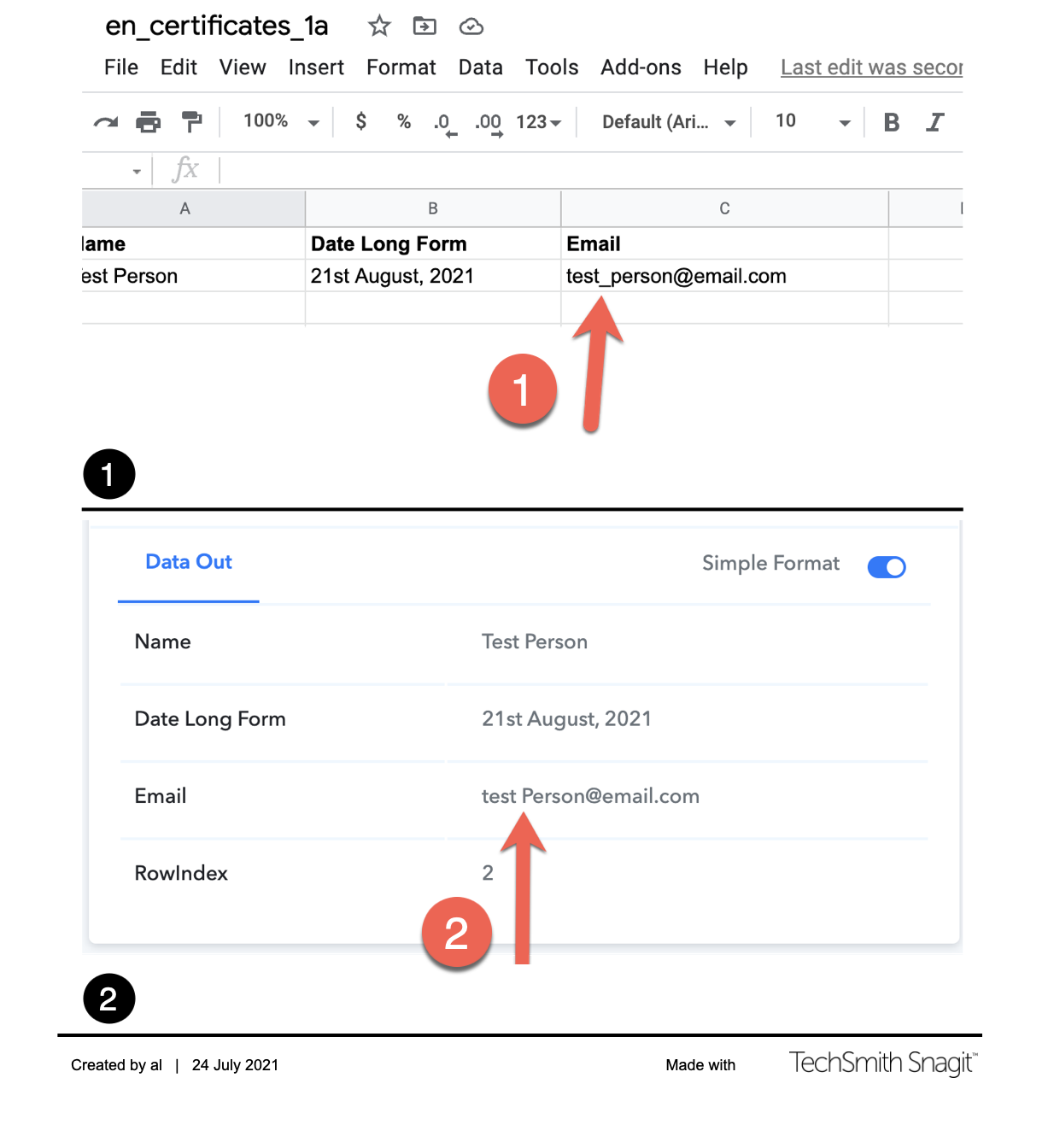
It is not the email content... the workflow starts with Google Sheets. And there is an email field in the Google Sheet. For example: [EMAIL='[email hidden]'][email hidden][/EMAIL]. But when the row is added, the underscore is stripped from the Google Sheet when it is transferred to Pabbly Connect. See image below. And from then on, any steps following the workflow that uses that "incorrect" email is affected.
@Pabbly @Supreme Verma can look into this Same issue happening with me also.
It is not the email content... the workflow starts with Google Sheets. And there is an email field in the Google Sheet. For example: [EMAIL='[email hidden]'][email hidden][/EMAIL]. But when the row is added, the underscore is stripped from the Google Sheet when it is transferred to Pabbly Connect. See image below. And from then on, any steps following the workflow that uses that "incorrect" email is affected.
Value is still passing on correctly with _(underscore and no spaces). So you can use it without any issue.
I think issue is in history only. Which will not affect your workflow.
Also, we have deployed an update that should fix displaying it on History as well.
Perfect, thanks so much! Appreciate it!