Update a new empty row cell for date and price from PayPal
Status: Open · Asked by David Benton on · 0 views
I recently followed 2 videos from Pabbly to gather an IPN response from PayPal then mapping a cell in google sheet. It specified row 3. The problem is the empty cell is not always row 3. So the next payment updated over the top of the correct column but over the top of row 3 that was satisfied yesterday. The actual newer entry waiting for payment was located in row 4. How do I keep this dynamic? Do I need to create a condition that must have todays date as well as the address of the sender so it doesn't pick the wrong row or is it gonna pick row 3 every time because it was mapped that way?
Hi @connectalot,
The 'Lookup Spreadsheet Rows' function will retrieve data associated with each row containing the searched value '321 Alder Ct.' In your case, this value was found in rows 3, 4, and 5. Since the key 'Response Result 0 RowIndex' was mapped to the 'Update Row' action step, that specific row was updated.
For your specific use case, disable the Simple Response and click 'Save & Send Test Request' in your 'Lookup Spreadsheet' action step. This would give you response in array format.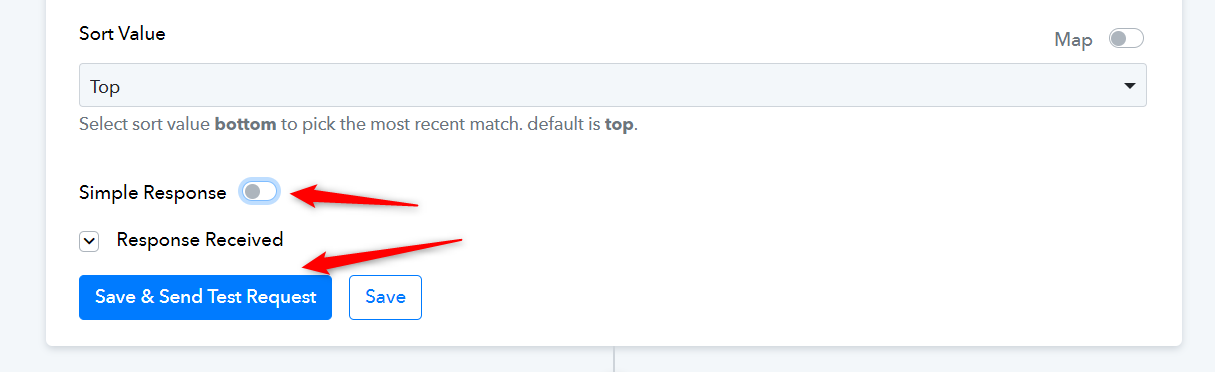
Next, add an Iterator to your workflow and map the date from its response as the Filter label in the subsequent step.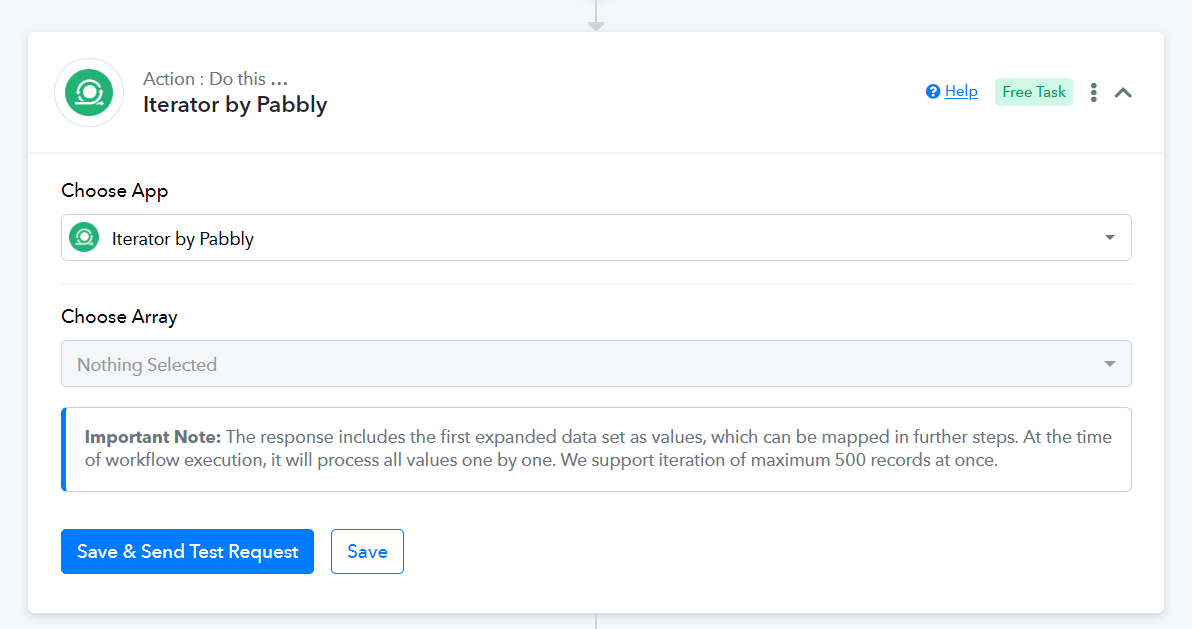
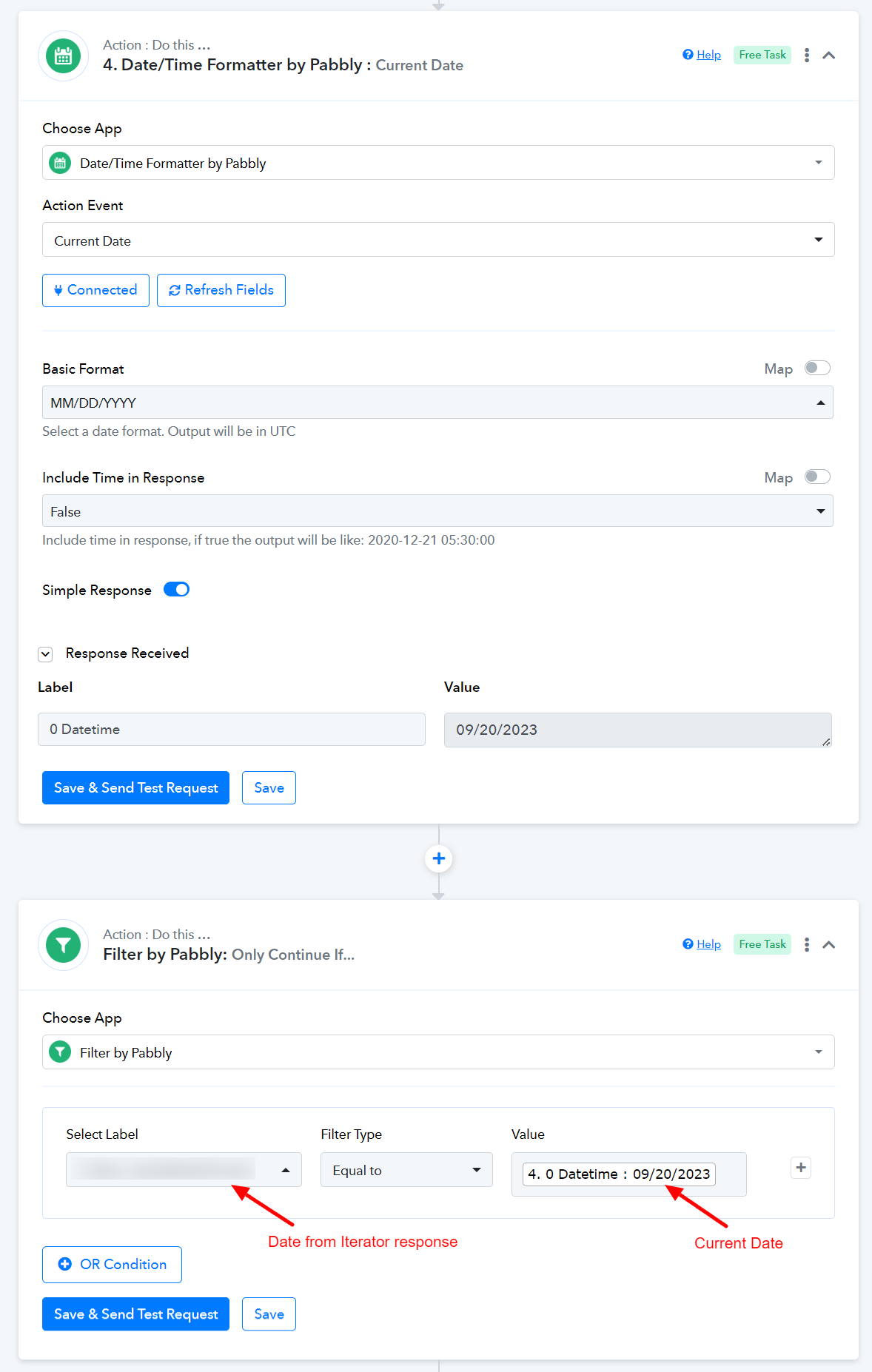
Next, add a Date/Time Formatter and Filter to your workflow and set the condition to execute the following steps only if the date equals the current date.