Update ActiveCampaign Contact Tag from Google Sheet
Status: Closed · Asked by salvomattina on · 0 views
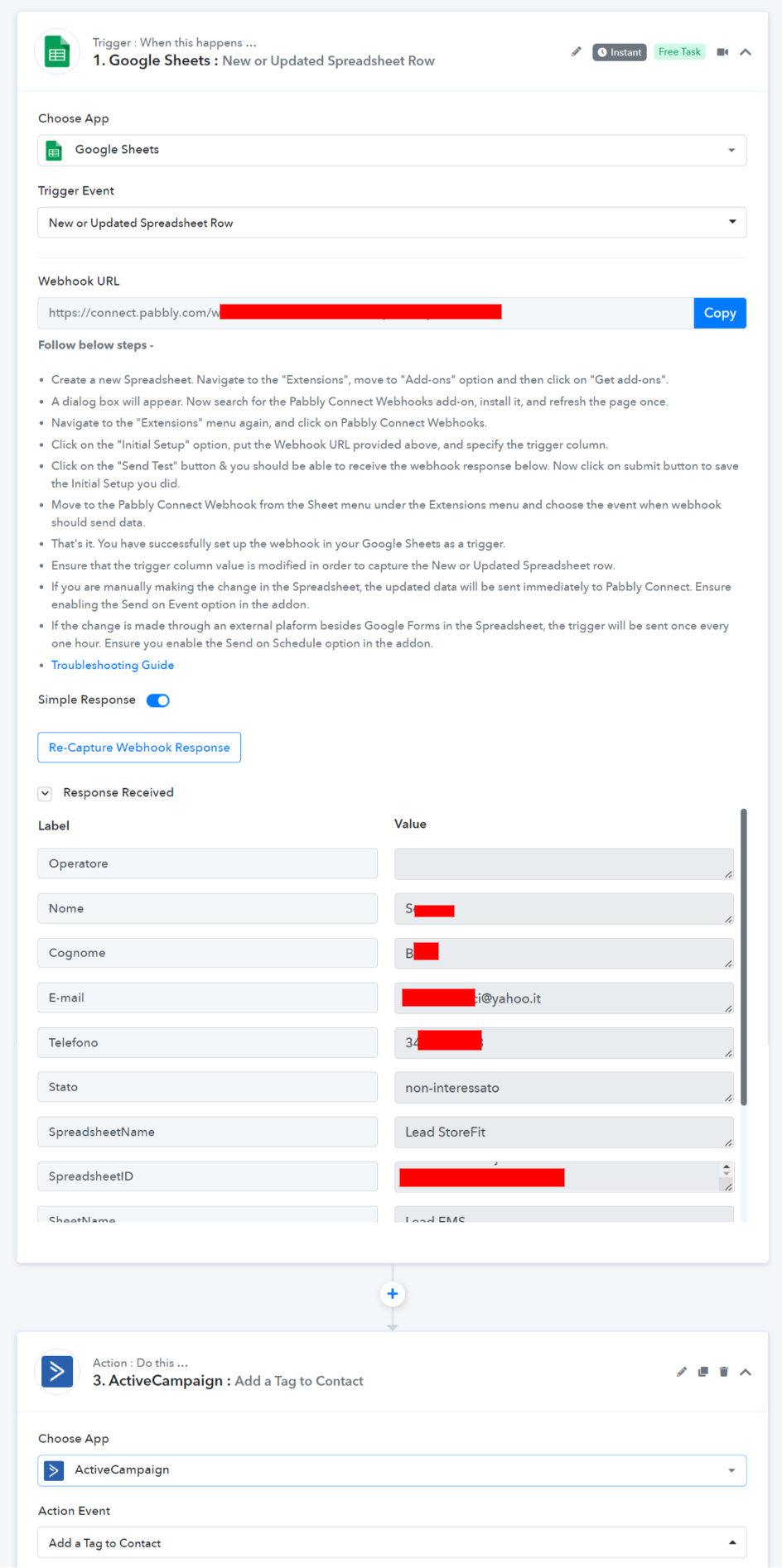
Hi guys I would like to update a contact tag in ActiveCampaign when a google sheet drop-down field changes.
Is it possible to do this with Pabbly Connect?
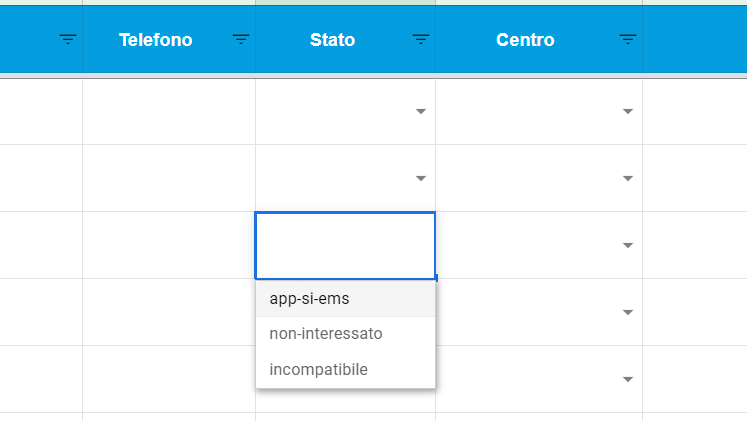
I am attaching a screenshot with google sheet drop-down.
Very thanks.
Hey @salvomattina
Is it possible to do this with Pabbly Connect?I am attaching a screenshot with google sheet drop-down.
You can trigger data from your Google Sheets with the dropdown triggering column.
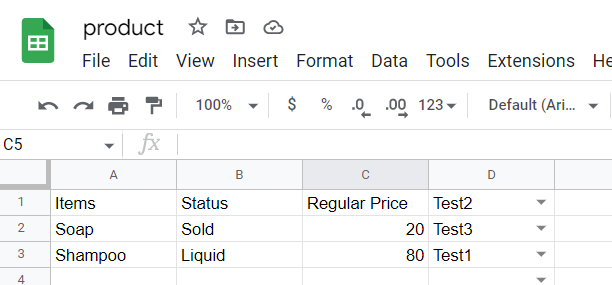
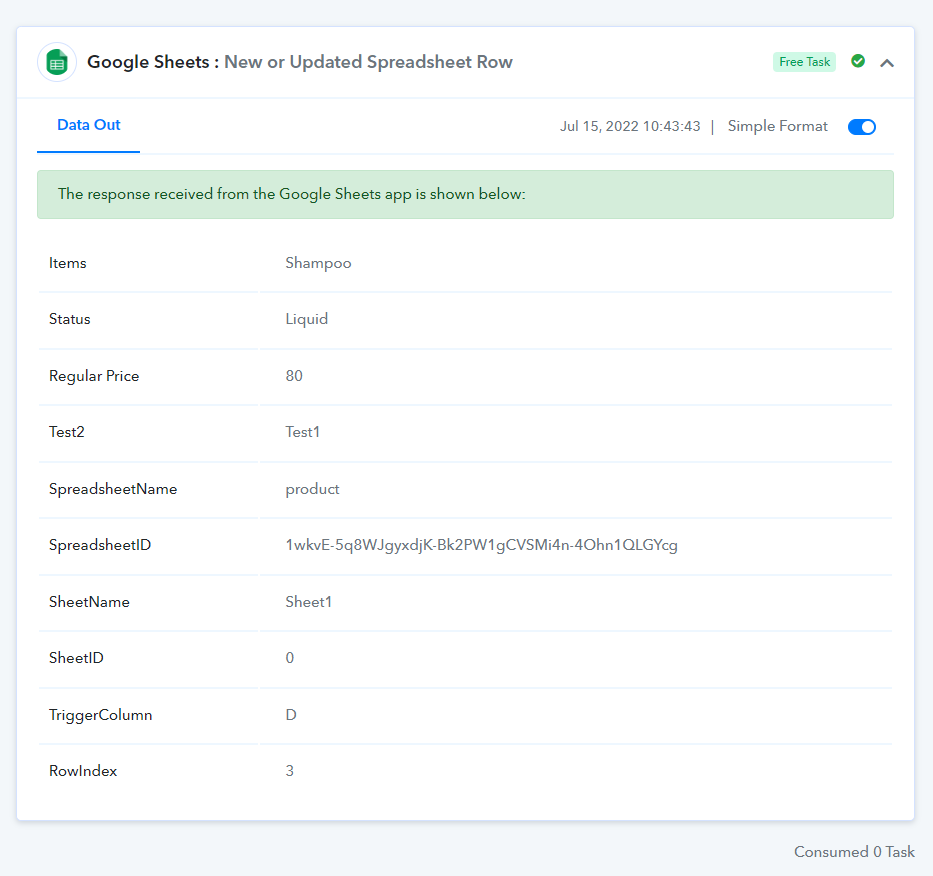
Thanks for the reply. Is this setting you see in the screenshot correct?
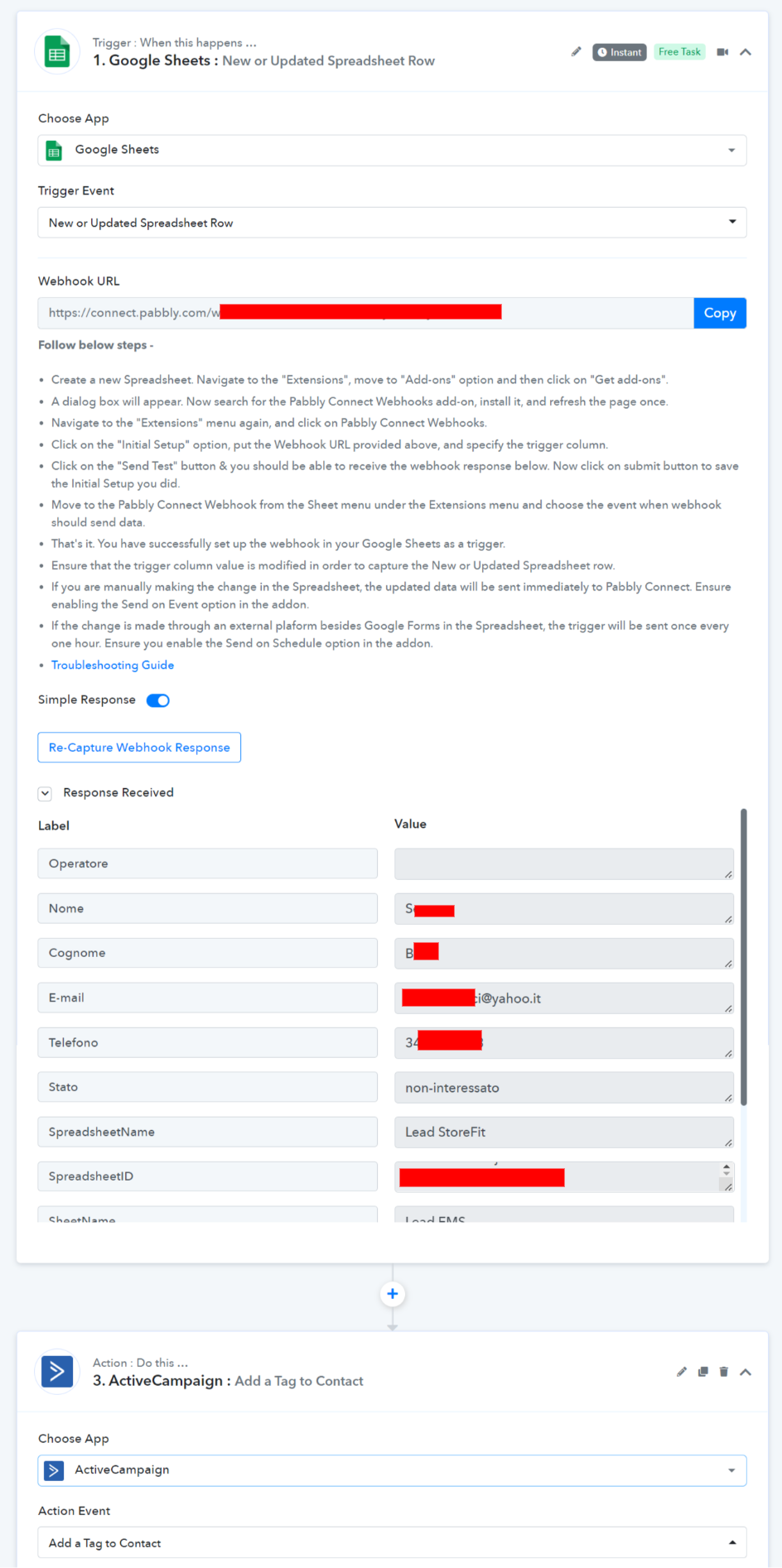
Hey @salvomattina
Kindly try the complete flow once and then let us know if you need any further help.
Hey @salvomattinaKindly try the complete flow once and then let us know if you need any further help.
I can't get it to work.
I need to add a tag to an ActiveCampaign contact when I select it from the drop down menu in my google sheet.
It is possible to know the exact steps.
Is there a video tutorial? A lot of thanks... ?
Hey @salvomattina
To add the tags, "Add a Tag to a Contact" action step dynamically you need to use the Lookup Table action step where you need to pass the Tag name and its ID in the action step to pass the tag's dynamically.
You can also refer to the following video tutorial on the action step.
Hey @salvomattinaTo add the tags, "Add a Tag to a Contact" action step dynamically you need to use the Lookup Table action step where you need to pass the Tag name and its ID in the action step to pass the tag's dynamically.
You can also refer to the following video tutorial on the action step.
Thank you. Can you tell me which action steps I need to put in sequence
Hey @salvomattina
You can use the Lookup Table action step before the "Add to a Contact" action step.