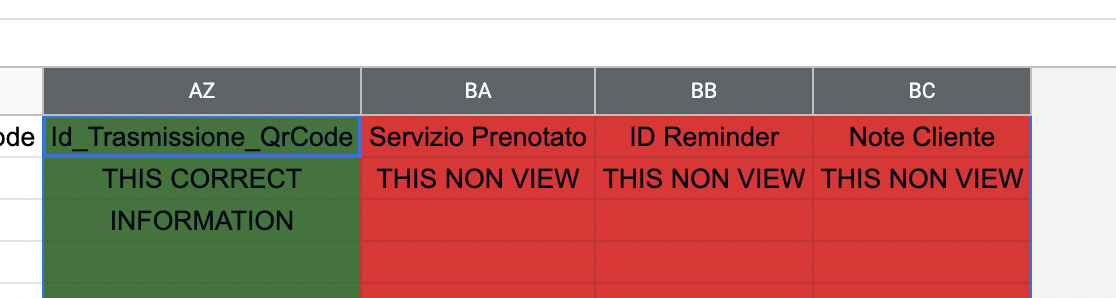
Urgent - Block any Workflow Bug Google Sheet - I not view column BA - BB -BC and other (possible) why?
Status: Closed · Asked by amicici on · 0 views
Hi, I continue to develop my functions, but now while I was populating the file and updating my workflows I got stuck, because I can't manage the columns BA - BB - BC ect
Can you please fix the bug quickly?
I have included a video that explains and demonstrates the problem.
https://www.loom.com/share/f0e78a4566c74878bd97c5fffc4d613c
I know I pass a lot of information about the cells, but besides being meticulous, the more information I acquire, the better my long-term performance.
I await your intervention,
Joseph
Attachments
News to solved bugfix?
Hey @amicici
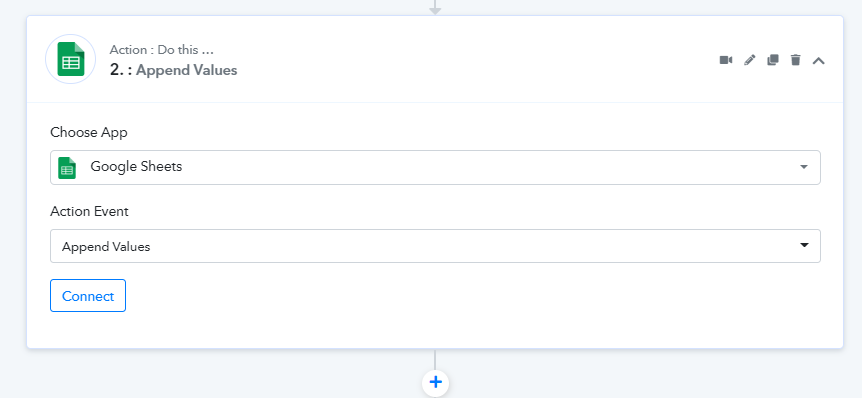
If you are having more than 52 columns in your Google Sheets after the AZ column then you should use the "Google Sheets: Append New Value" action step.
Ok thanks
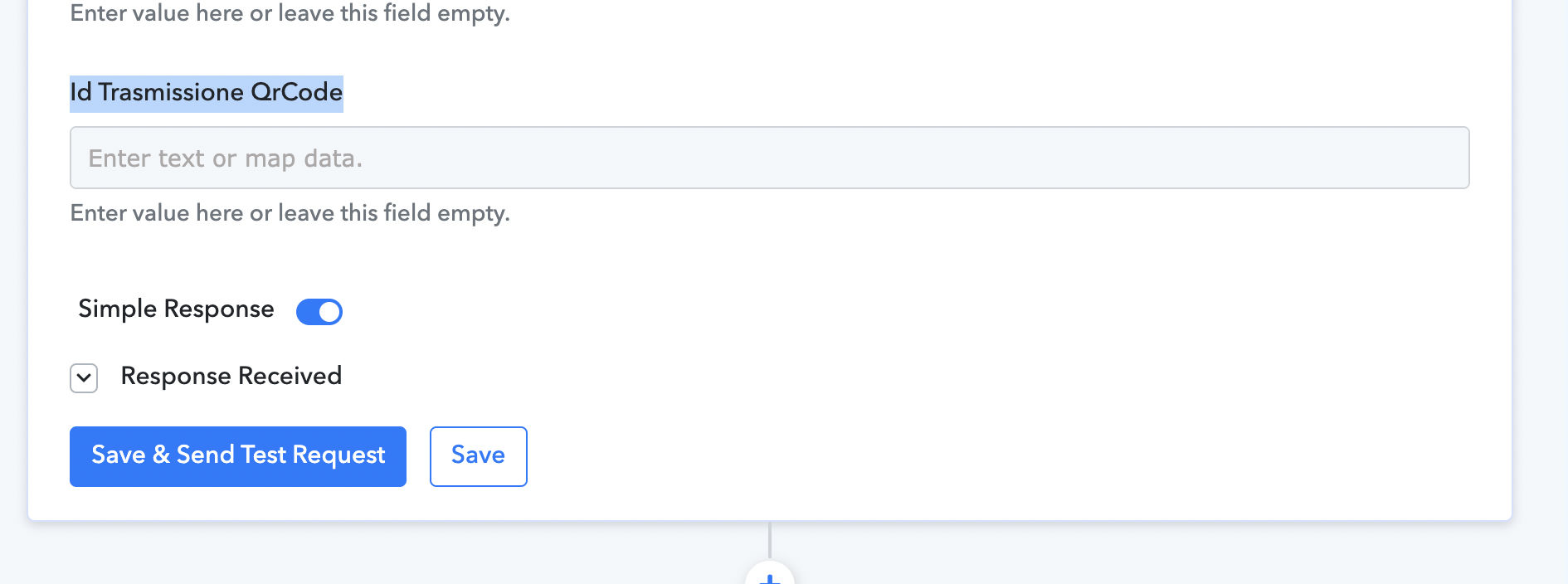
But if I leave some values blank, how do I do it? The video does not show if I should leave blank values which are only populated later.
But if I leave some values blank, how do I do it? The video does not show if I should leave blank values which are only populated later.
You can leave the field blank in a double quote without any space.
E.g.- "test","","Pabbly",""
Ok thanks