Urgent Help Needed: Send on Event on Google Sheet Does Not Work
Status: Closed · Asked by IChild Company on · 0 views
Dear Community and Support.
We have used Glideapp - NoCodeAPI to update our Google Sheet adding Rows.
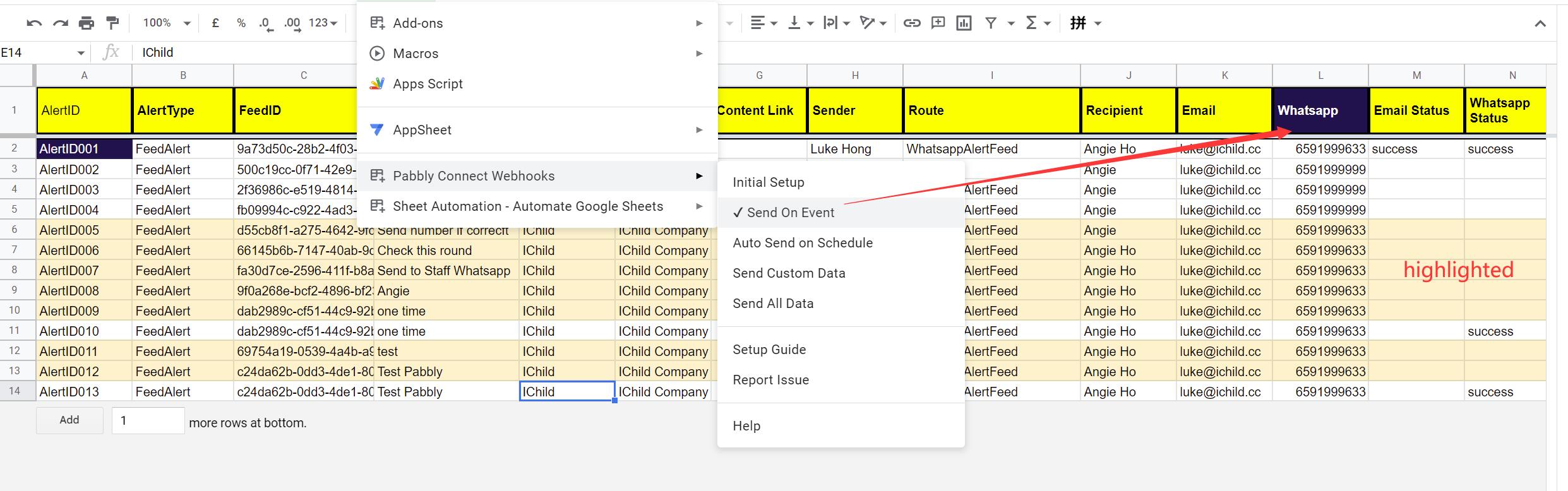
In google sheet we have set Column L as the Trigger to "Sent On Event" to WorkFlow: V4 Alert Notification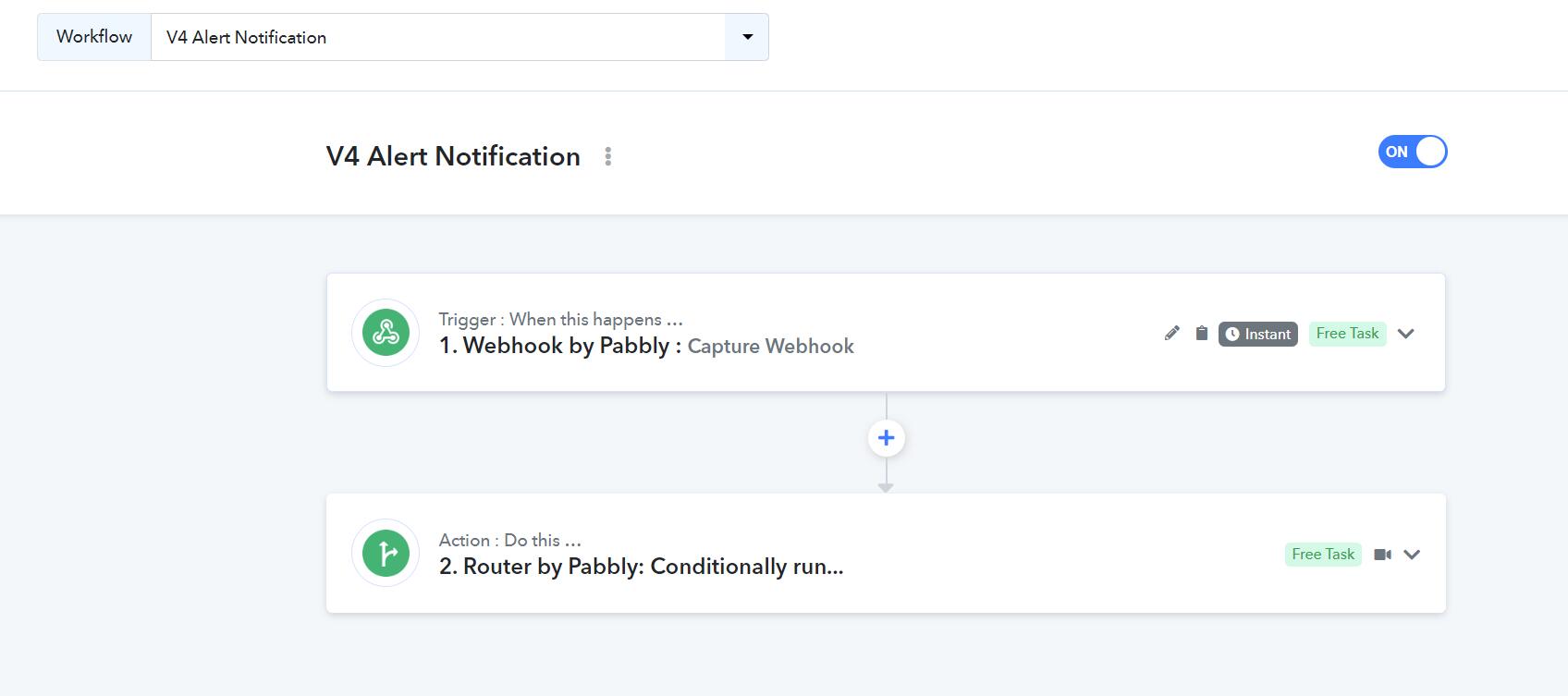
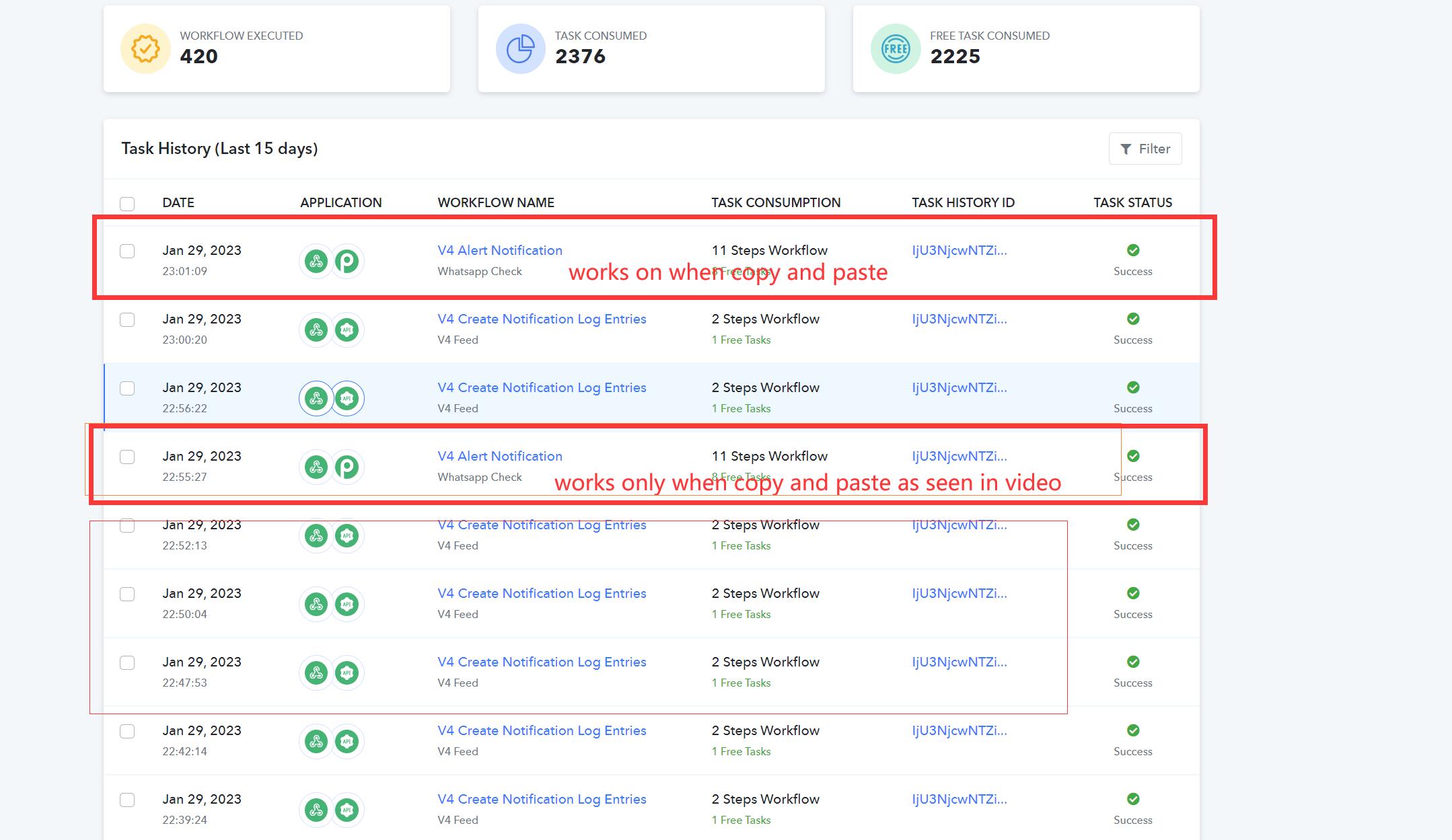
However we found that entries updated via Glidapps - NoCodeAPI - to Google Sheet does not trigger the Pabbly Webhook in V4 Alert Notification to run, even though we have set up well. However if we copy and paste with new row, it works. The below screenshots show only 2 V4 Alert Notification workflow works when we copy and paste the row.
See video: https://www.loom.com/share/005b1187e6634c9bac4aa67feb2c08c2
Hey @ichilddev
You can only use "Send On Event" when setting up Google Sheets if the data is coming from a Google application or if you manually enter it. If the data is coming from a third-party application, however, you may need to choose "Auto Send On Schedule" or "Send on Schedule," which will forward the data in exactly one hour.
Additionally, make sure the data was filled up to your trigger column.
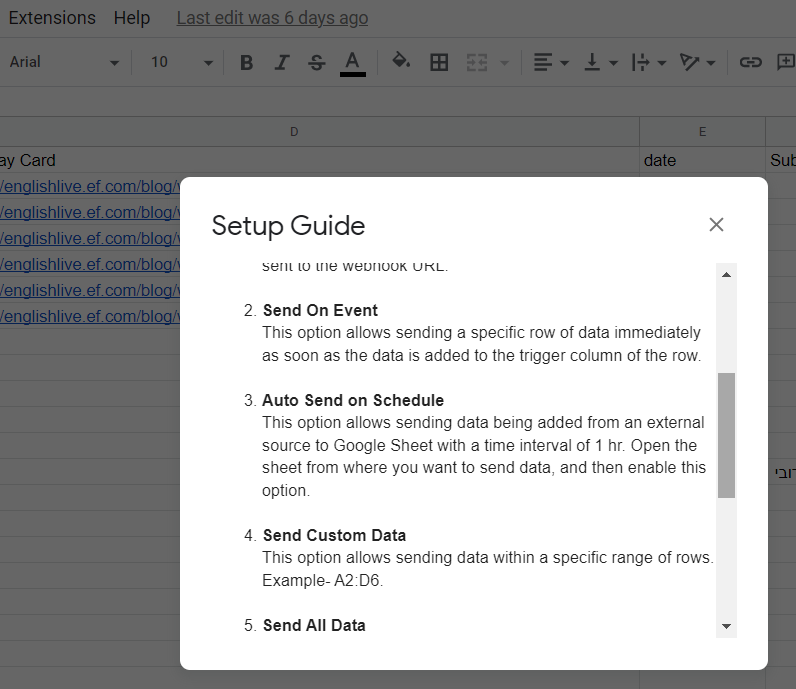
Hey @ichilddevYou can only use "Send On Event" when setting up Google Sheets if the data is coming from a Google application or if you manually enter it. If the data is coming from a third-party application, however, you may need to choose "Auto Send On Schedule" or "Send on Schedule," which will forward the data in exactly one hour.
Additionally, make sure the data was filled up to your trigger column.
NOted with thanks.