URL Posted On Facebook Not Being Interpreted Correctly
Status: Closed · Asked by BitGamey on · 0 views
Hi, firstly let me say that I love the functionality of Pabbly Connect! I have it working now where it detects a change in a Google Sheet and makes a post to Facebook.
All the data for the post is in one cell which includes a URL.

The issue I have is that when the Facebook group post is made, while the URL IS hyperlinked, it does not display the image as if I made the post manually.
The initial Pabbly post looks like this:
As soon as I edit the post, it looks correct like this: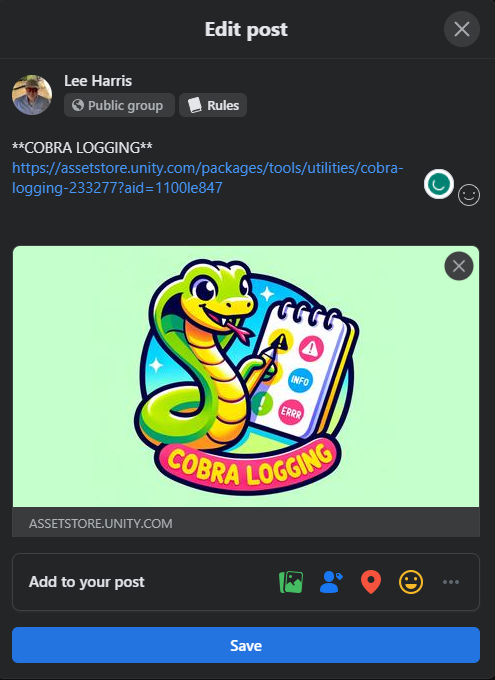
Then without making any changes and just clicking [Save], the post shows as I wanted it to: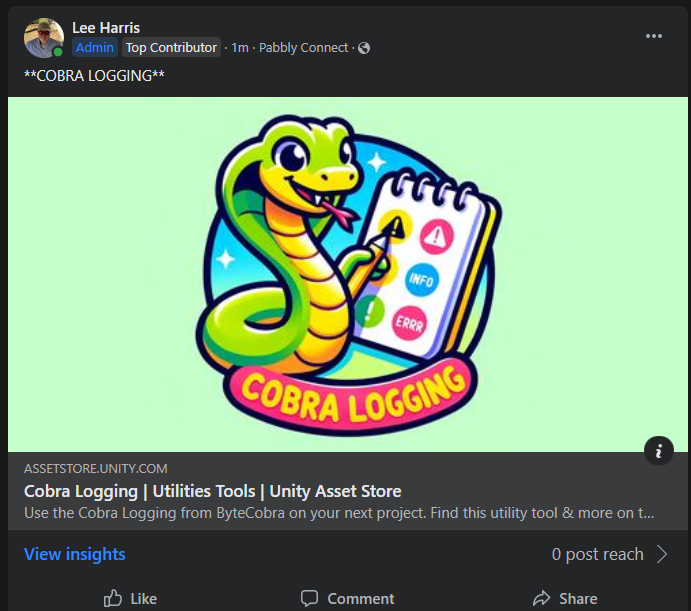
Is there a way to have it post correctly?
Do I need to look into splitting the URL into a separate column and then would it work?
Any advice would be appreciated thanks.
Hi @BitGamey,
Please try mapping the link to its dedicated field and see if this gives you the desired result.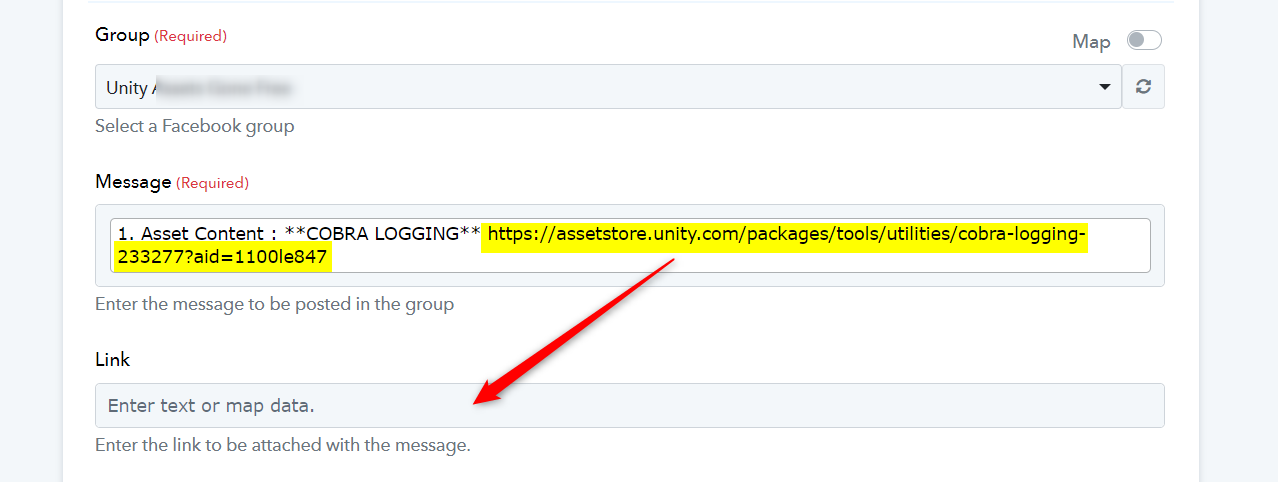
Thanks for the suggestion but since it only lets me map to all of the data, it gave an error. I guess it was trying to hyperlink the whole cell.
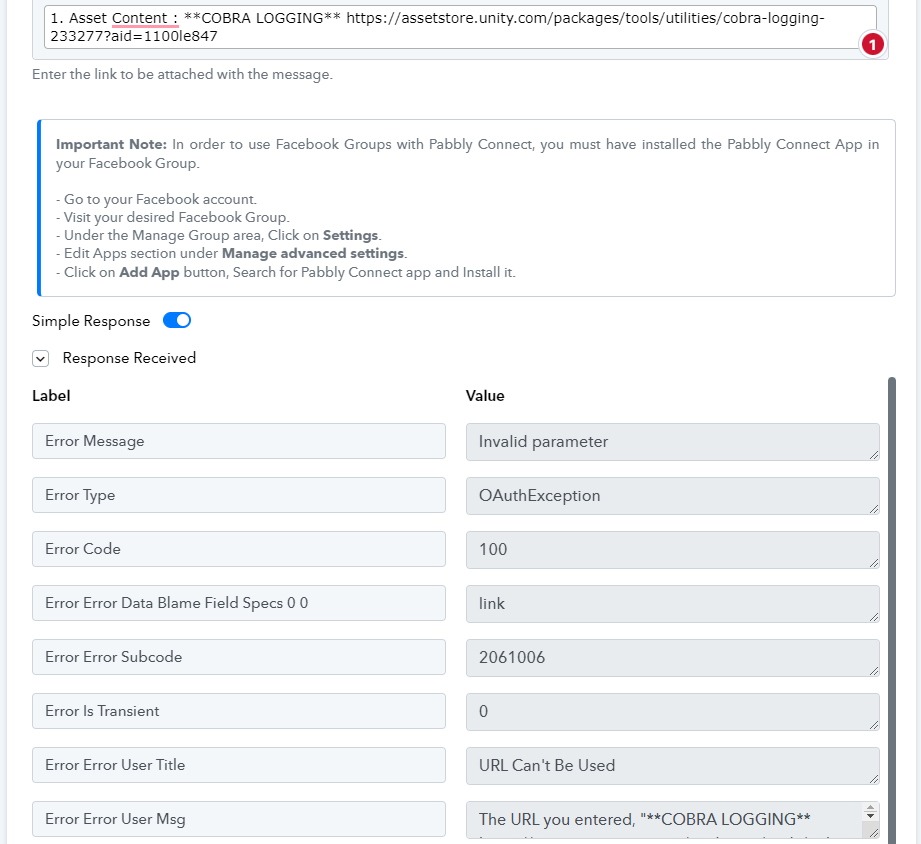
I have added a Text Formatter to your workflow to divide the text and URL into different parts. Please note that the posts you are trying to make should always come in this format: **Description** , so that the Text Formatter could work properly. If not, then you will encounter an error.
That worked perfectly - thank you so much!