Using Pabbly filter to filter product name but it is not working properly
Status: Closed · Asked by Raghav Gakhar on · 0 views
Please check the workflow url and task ID.
Filter is supposed to filter among four product names but when of the product names it should filter, it is showing false.
Attachments
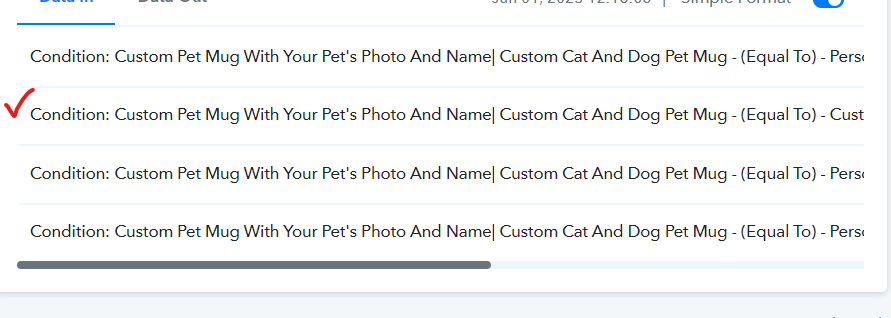
Hey @RaghavGakhar
We have made some changes from our end and it should work accordingly now. So, you can try executing the tasks again.
Hi, I checked the workflow and couldn't find changes, can you tell me what you have changed. I will learn something new here. thanks.
Hi, it is still not working. Check -
Task History ID -
IjU3NjAwNTZiMDYzNjA0MzU1MjZkNTUzMDUxM2I1MTY1NTQzNCI_3D_pc
Please manually type the name in the value field because it seems like you might have copy paste the name in the fields which could have contains a div hidden.
So, please try passing the names manually.
I have now typed the names and passed them. I hope it should not work. I will ping you again tomorrow if it is not working.
I was thinking, should we do. "contains" instead of "equal to"?
I was thinking, should we do. "contains" instead of "equal to"?
Yes, you can use the "Contains" filter type in the Filter action step to perform the same task.