Using Shopify metafields with webhooks
Status: Open · Asked by steve.hommerding on · 0 views
We are trying to use Shopify metafields via webhooks and we are not seeing the data come over to Pabbly. We added 4 metafields and need the data to work, any suggestions?
Hey @steve.hommerding,
Please grant me access to your workflow by adding me as a team member. This will allow me to gain a better understanding of your issue.
Once you have added me as a Team Member, do let us know the name of your workflow.
Email: arshil.ahmad@pabbly.com
Also, remember to revoke access once your query has been resolved.
Attaching a video for your reference:
I added you and gave you permission for Shopify --> Keap workflow.
For context, we are trying to add the following metafields from Shopify:
Mobile Number
Church Name
Church Position
Church Size
If these metafields are attached to a product, you can use the Shopify: List Product Meta Fields action event to capture the data. However, if the metafields are attached to a customer - which I am assuming to be the case in your situation - please let us know.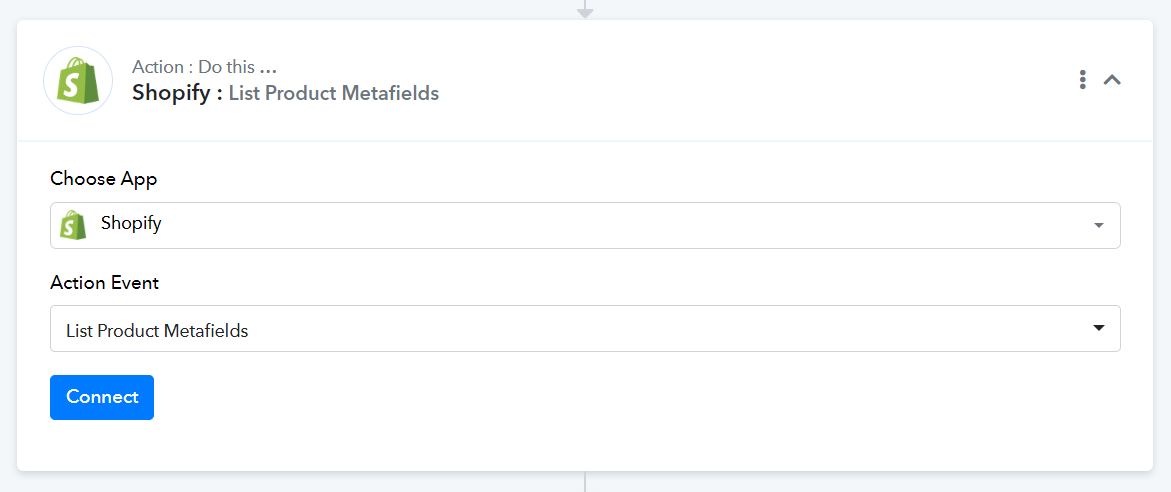
The metafields are attached for a new customer.
Hi @steve.hommerding,
To retrieve customer information you can use Shopify: Find Customer by Email action event.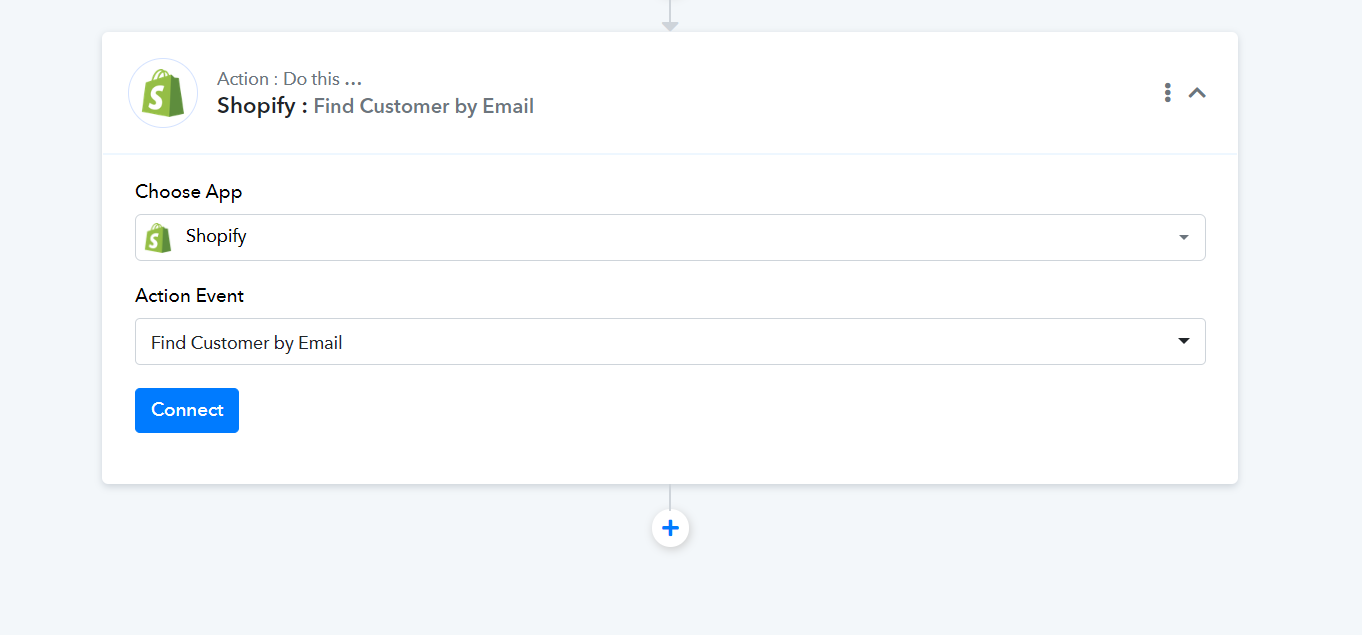
We have created the page https://ministry-designs.myshopify.com/account/register with the metafields giving us the info we need. How can we add these fields to the webhook:
Mobile Number
Church Name
Church Position
Church Size
Unfortunately, it's not possible to retrieve these fields via webhook because Shopify doesn't send us that data. As a workaround, we can include the 'Shopify: Find Customer by Email' action step immediately after the trigger step. This will allow us to capture the meta fields associated with the new customer via the response of the action step.
Note: You will have to map the email address in 'Shopify: Find Customer by Email' from the trigger step.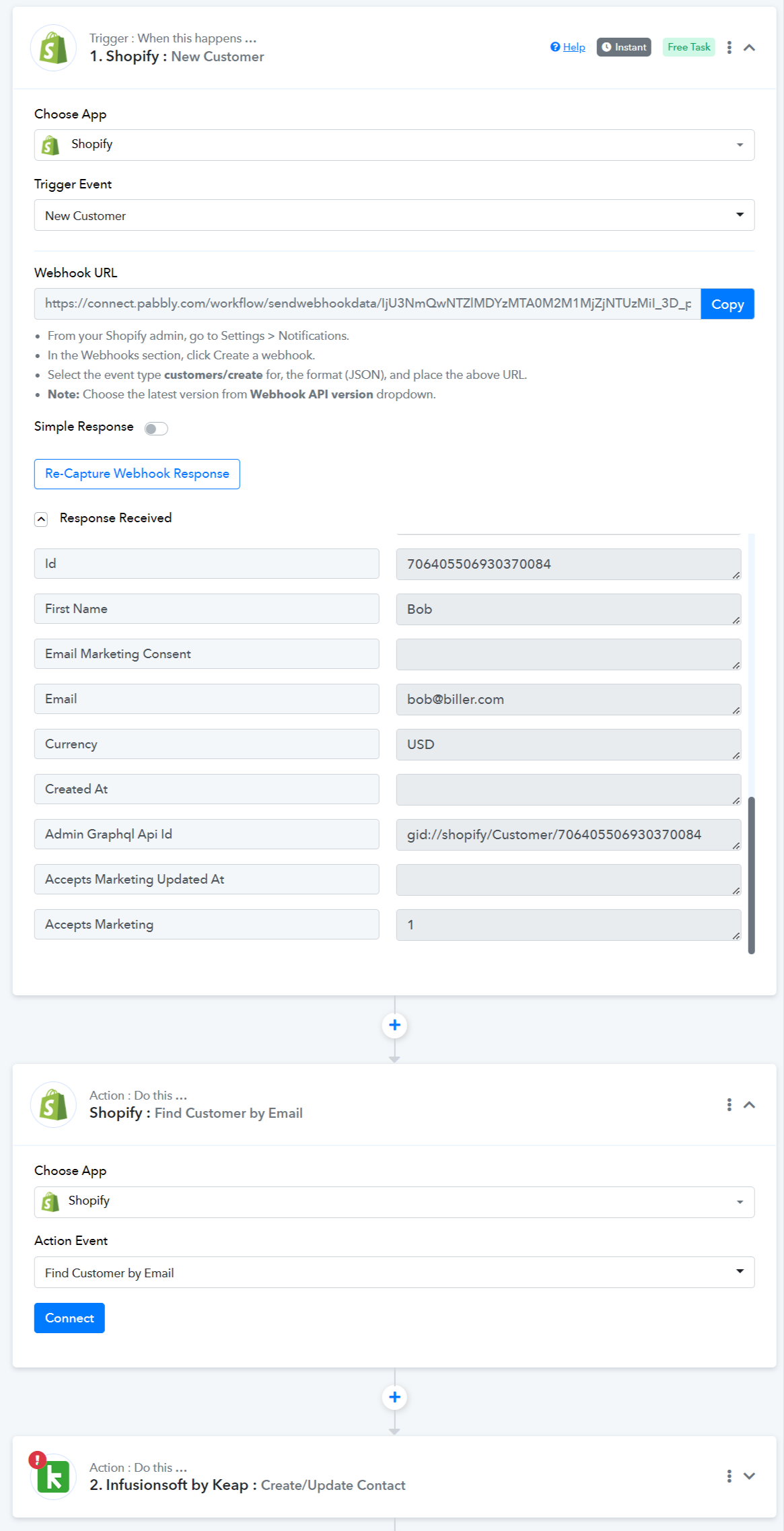
We will give it a try.