Vbout intergration
Status: Closed · Asked by MichelleB on · 0 views
I am trying to set up a task to send contacts to Vbout. I put in the API and connect but it is not showing my updated lists. I have logged out, refreshed the page, reset the connection... How do I fix this?
Hey @MichelleB
We checked over your concern and it seems like you need to refresh the List-Id field to get the newly added list from your Vbout account. Further, Vbout might take Lil bit of time to reflect on the integration page.
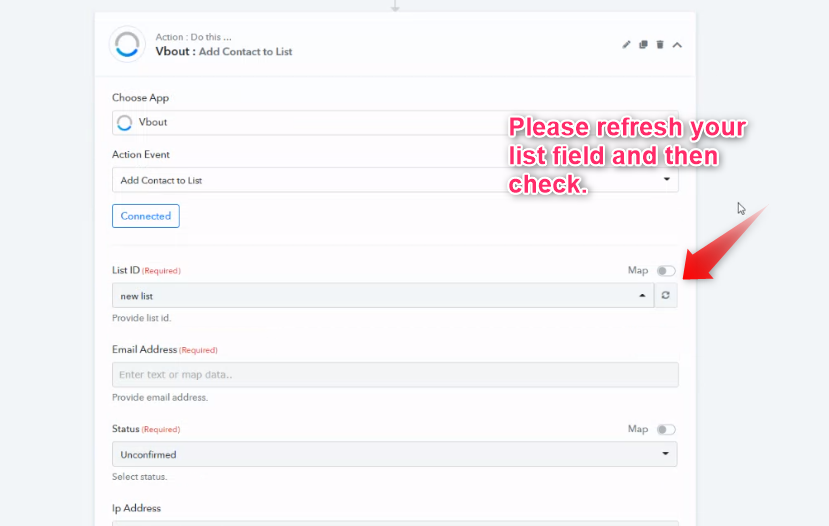
I have done this multiple times and I have waited all weekend, still it is not pulling in the new lists
Hey @MichelleB
We checked over your concern try the same at our end and the newly added list is appearing in the Vbout action step as well as in the Postman where we have tested it. Vbout API sometimes takes time to reflect the changes on the integration page.
Please check out the following short video for a better understanding, kindly try refreshing the list field -
I'm a new customer of Pabbly and wanted to connect Pabbly with Vbout. So far, I'm having this same exact issue as I'm not seeing my updated list even after refreshing and adding a new Vbout connection.
Hey @jjasef
Kindly refresh the List field first and then check again.
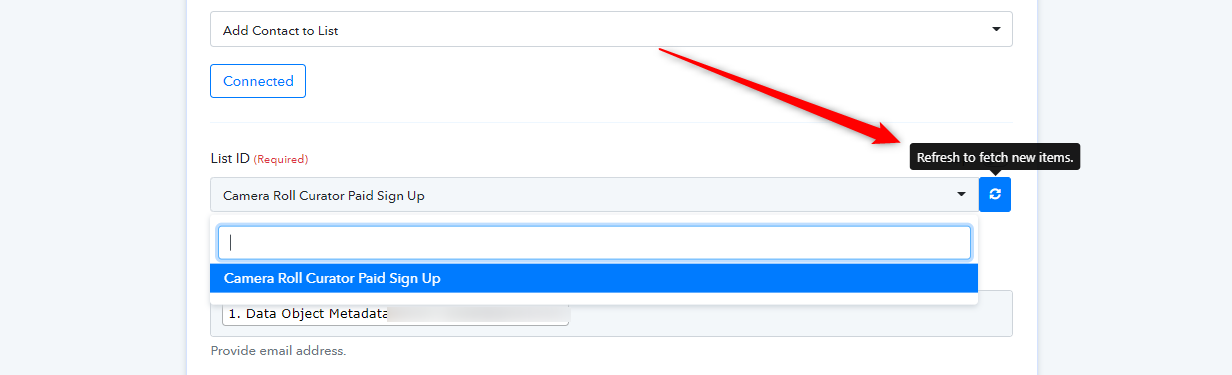
After Refreshing -
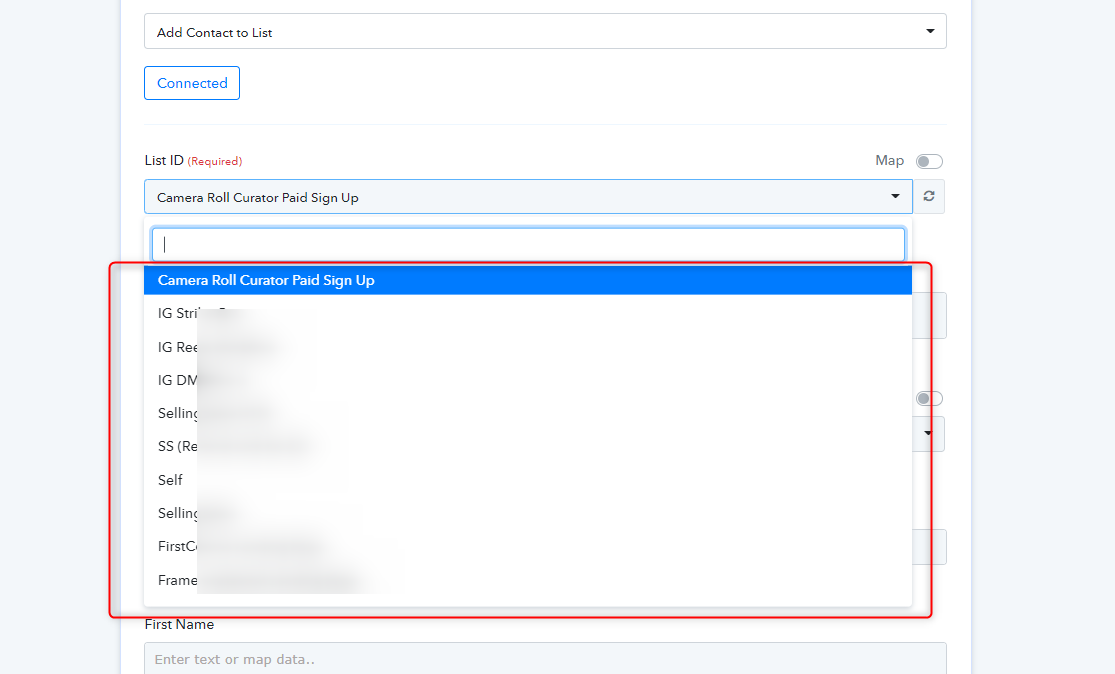
Yea I tried that but my lists aren't updated.
Here's what I have on Vbout:
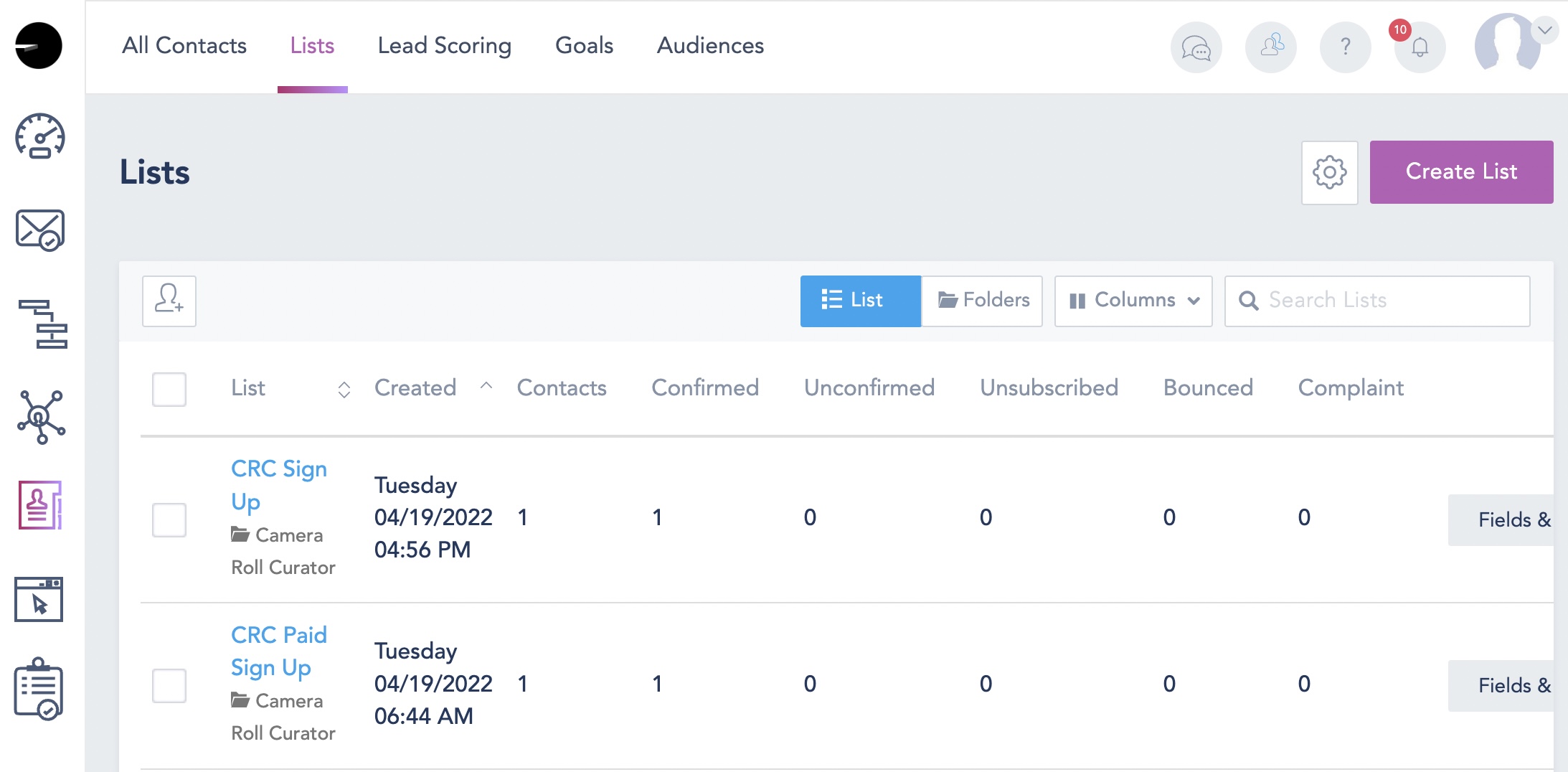
There's "CRC Sign Up" and "CRC Paid Sign Up".
In Pabbly, I see the old list compiled and despite refreshing it on the right, it still doesn't populate updated list:
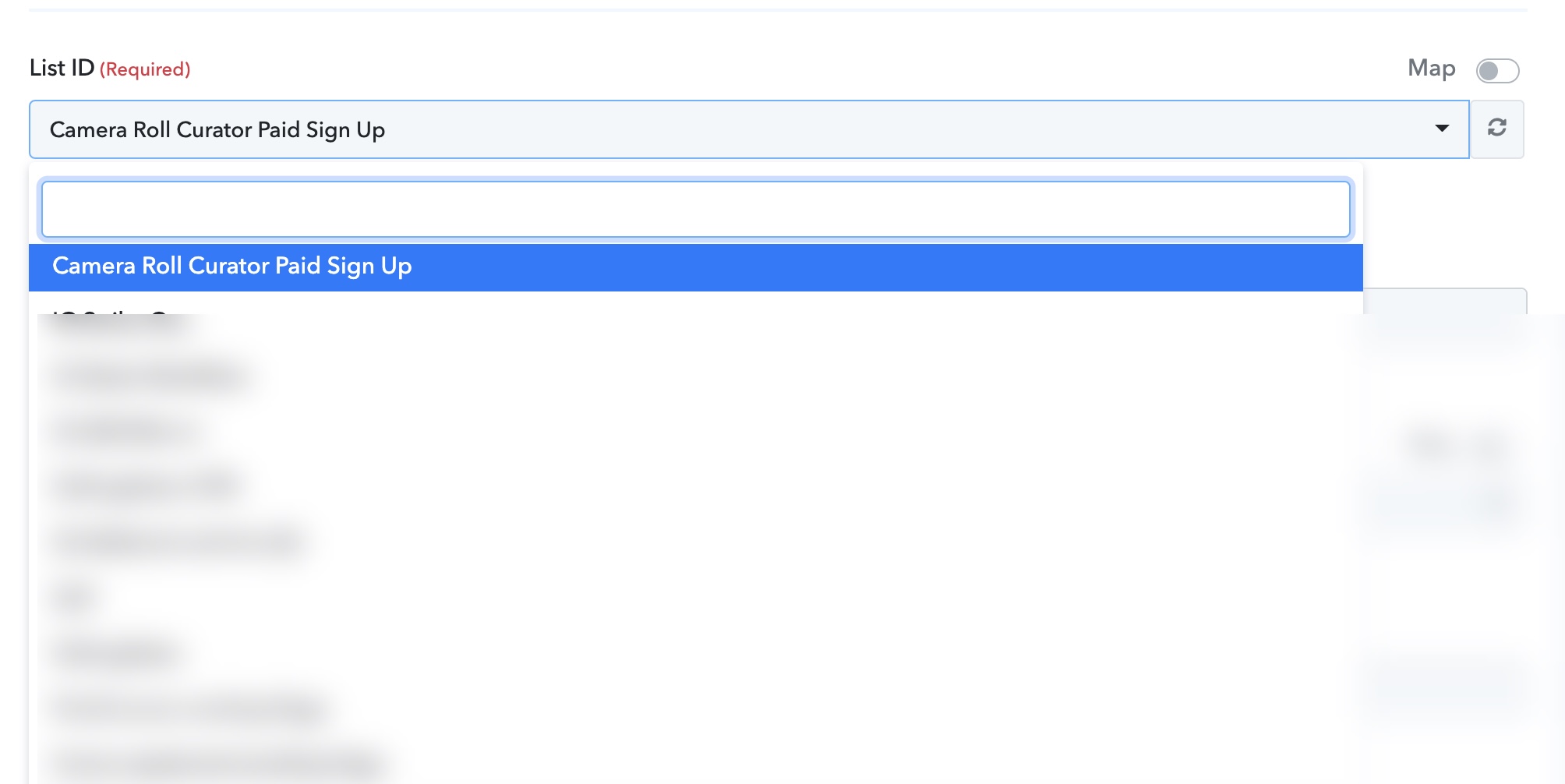
Hey @jjasef
As we can see from your account you have already selected the desired list in the Vbout's action step. Kindly confirm with us once the updated lists are coming and let us know if you have further queries.
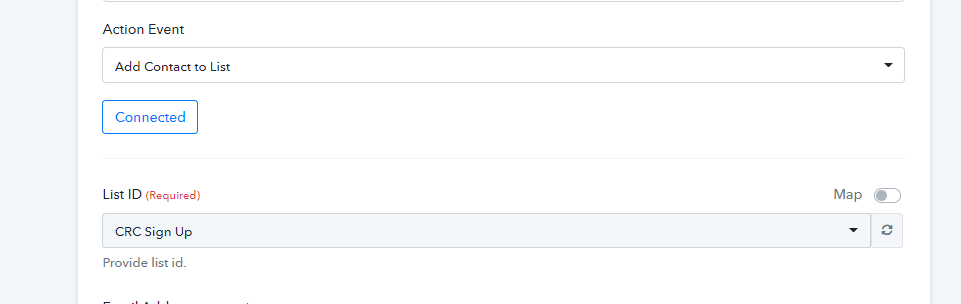
Thanks Supreme -- yea, it was weird.. I had kept refreshing but that didn't work. So I changed the action from the desired "Add to Contact List" to something else and then selected back to "Add to Contact List" and that seemed to work?
But yes, I got it to work the way I intended it to.