VBout: Update Contact with a Custom Fields - email problem
Status: Closed · Asked by Istvan on · 0 views
Hello,
I would like to use
VBout: Update Contact with a Custom Fields
action to modify the custom field data of a person already in the list.
I set:
- List ID
- Contact ID.
If I also set the email, I will receive this response:
"Your contact already exists in list!"
If I don't enter the email, I'll get this response:
"Invalid email address!"
Thanks
Hey @Istvan
We have made some changes in the Vbout's "Update Contact with a Custom field" action event and it is working now.
Kindly try again and let us know if that works for you.
Thanks!!
The response at now, with the blank email field value:
"Your contact doesn't exits."
The contact ID came from Get contact by email action, and the value of the ID valid, exists in the VBout list.
Hey @Istvan
We checked the Update action event of Vbout and it is working fine. Though it seems like the contact id of the person you were passing doesn't exist.
Moreover, we have tested the same at your end and it is updating. Kindly try again with the valid and existing user.
Thanks!!
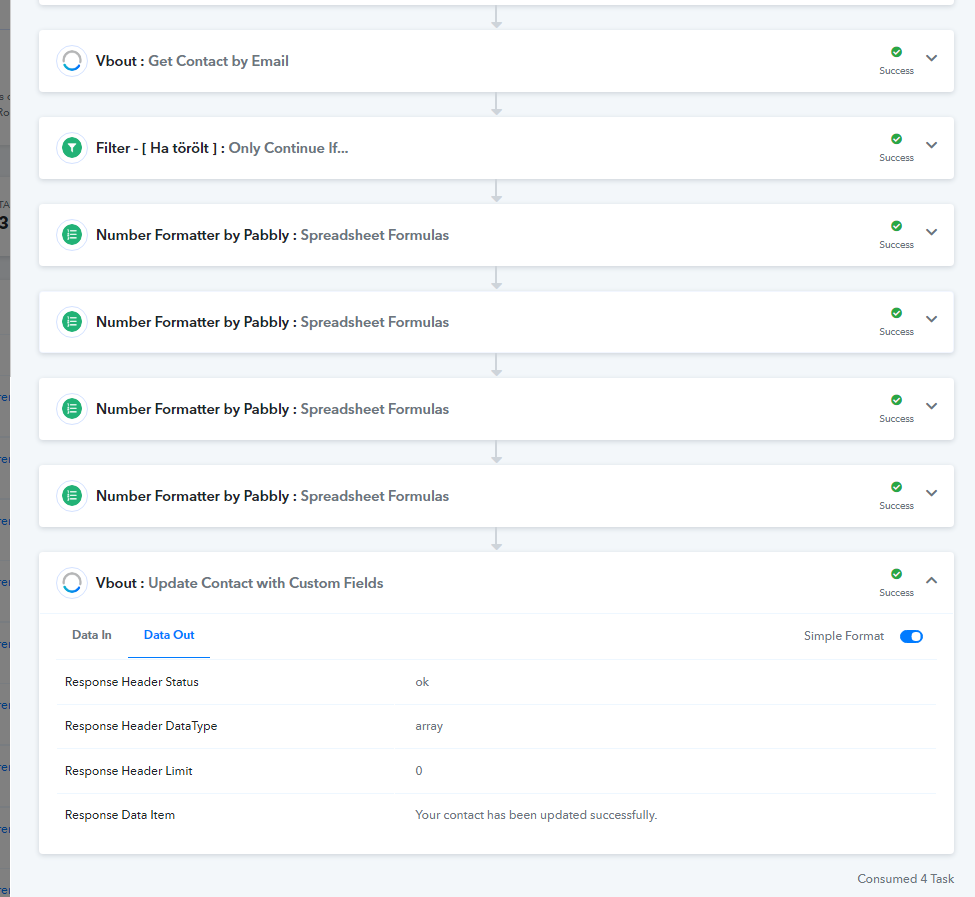
Hello,
Thanks for reply.
The "VBout Update contact with custom fields" action works.
But
I think the problem may be that this action overwrites the ID with an empty field in VBout.
So when "Get contact by email" is run a second time later, it returns the wrong (empty) CONTACT_ID.
I just tried it, it worked like this for every test.
Hey @Istvan
We checked the action step, tested it too with the similar workflow at our end and it is working fine.
Further, If possible could you please share some of your history logs with us where you have noticed the wrong contact id of the user being added which would help us to rectify your concern.
Thanks!
I found the wrong part:
"Vbout : Add Contact to List"
During the run the ID field is blank of course, the response is "Your contact already exists in list!", but the ID field deleting (empty) in VBOut, after the run.
The process:
- Incoming webhook
...
- Vbout : Add Contact to List (since there are no results if they already exist in the list, I not search / review before)
- Vbout : Get Contact by Email
- ...
- Vbout : Update Contact with Custom Fields
Hey @IstvanWe checked the action step, tested it too with the similar workflow at our end and it is working fine.
Further, If possible could you please share some of your history logs with us where you have noticed the wrong contact id of the user being added which would help us to rectify your concern.
Thanks!
Did you manage to check it out and fix it?
Hey @Istvan
Could you please tell us, are you talking about the id field (custom fields) which you didn't map?
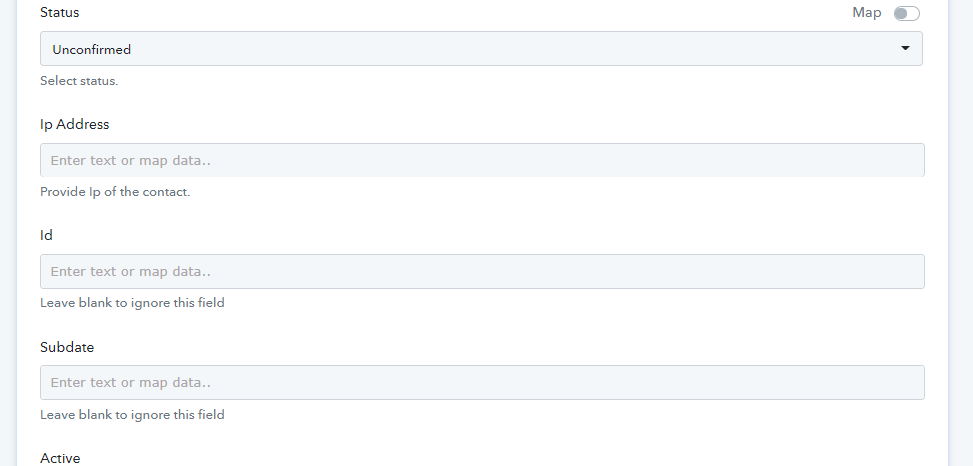
Hey @IstvanCould you please tell us, are you talking about the id field (custom fields) which you didn't map?
Hello,
Yes, ID field.
See the "I found the wrong part:..." comment.
This is not a custom field, but a (auto generated) system field.
Yout action use it: Get contact by email action.
Hey @Istvan
We have made some changes at our end and would request you try again in the respective action event.
If you still face any difficulty kindly let us know.
Hey @IstvanWe have made some changes at our end and would request you try again in the respective action event.
If you still face any difficulty kindly let us know.
Ok, I will try it, thanks