Want to send whatsapp message / SMS
Status: Closed · Asked by Arumgam on · 0 views
Whatsapp alert message to user and admin, basically it a real Esate website in used Houzez theme is it possible via pabbly connect ? Haven't use plugin form used only theme form only.
Need to send whatsapp when user enquire about the property which is already listed in the site.
Hey @Arumgam
Perhaps you need to use the web from like "ClickFunnel" or other application which can be set up in your website and can be filled by the user, then we can further pass the data to your Google sheets as well as to WhatsApp accordingly.
Hey @ArumgamPerhaps you need to use the web from like "ClickFunnel" or other application which can be set up in your website and can be filled by the user, then we can further pass the data to your Google sheets as well as to WhatsApp accordingly.
Yes we have different forms with our website(wordpress)registration form
Enquiry form etc.
what's the procedure to send the form submission to whatsapp message
Hey @Arumgam
You can refer to the following video tutorial on how you can configure the webhook trigger of ClickFunnels in your workflow to send the WhatsApp message.
(Watch the first part of the video)
Hey @ArumgamYou can refer to the following video tutorial on how you can configure the webhook trigger of ClickFunnels in your workflow to send the WhatsApp message.
(Watch the first part of the video)
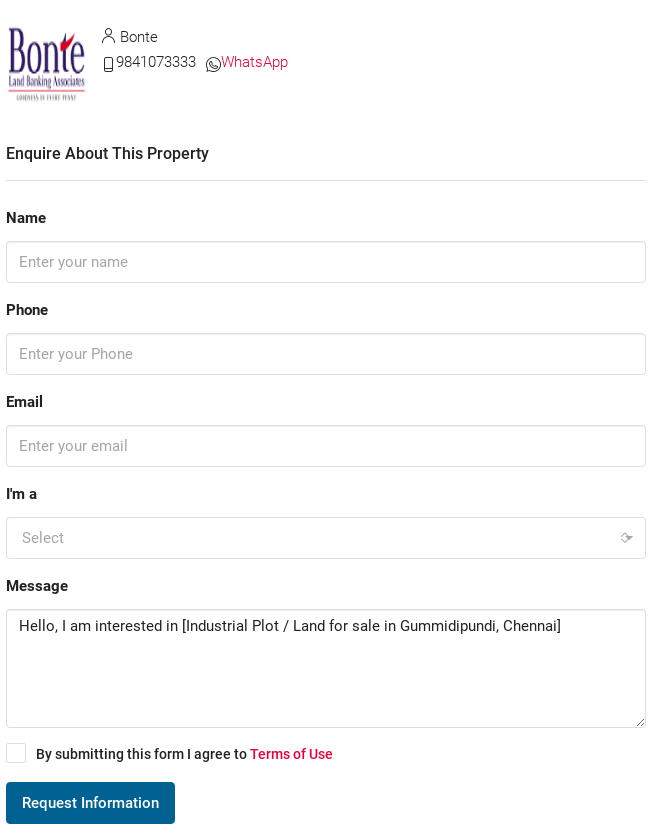
We have this form and three more forms we need to get the user submission to whatsapp notification
What is process to Pass Data Form WordPress Website to WhatsApp
Things what would be need for WhatsApp API.
Attachments
Hey @Arumgam
You can use the WordPress supported plugin forms to pass the data from your WooCommerce.
You can check the same here - WP Forms, Formidable Forms, Gravity Forms, Ninja Forms, WS Form etc.