Webhook not getting response from Zoom
Status: Open · Asked by Himanshu1985 on · 0 views
I have a webhook in Pabbly connect which captures the data from zoom when someone schedules a meeting. Now it is not capturing the email address of other party. It is used to be captured as "payload object settings meeting_invitees" but now it is totally missing from webhook response. There is nothing to capture attendee email address. How can I capture attendees email now?
Hi @Himanshu1985,
Please try using the 'Retrieve a Meeting' action event as step 2 of your workflow and see if it provides you with the email address.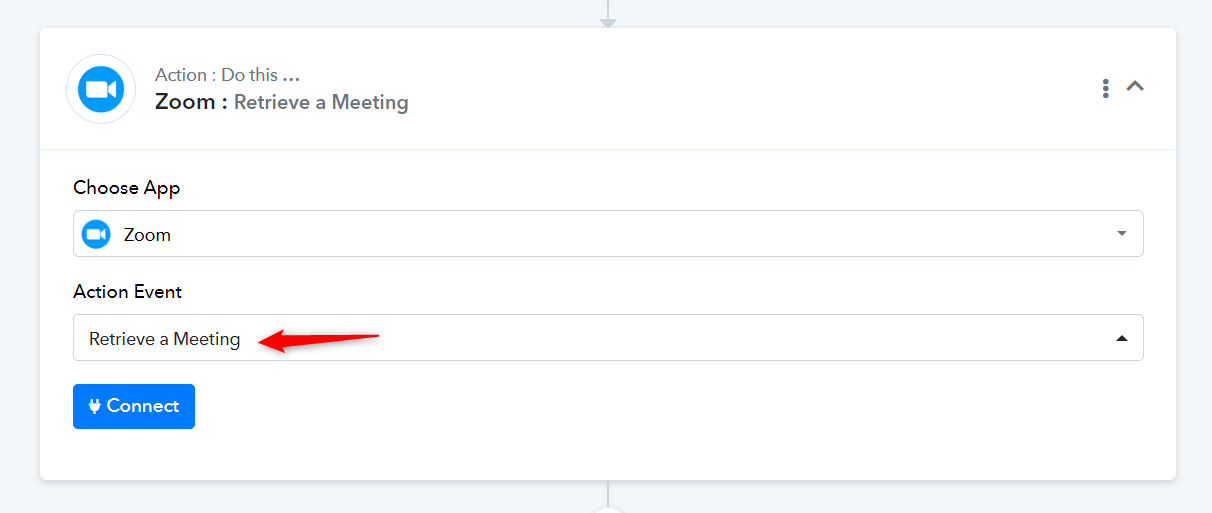
I am not getting action event. I am getting Trigger event and configure webhook option. When I search for Apps, I find Zoom ( Triggers) instead of just zoom.
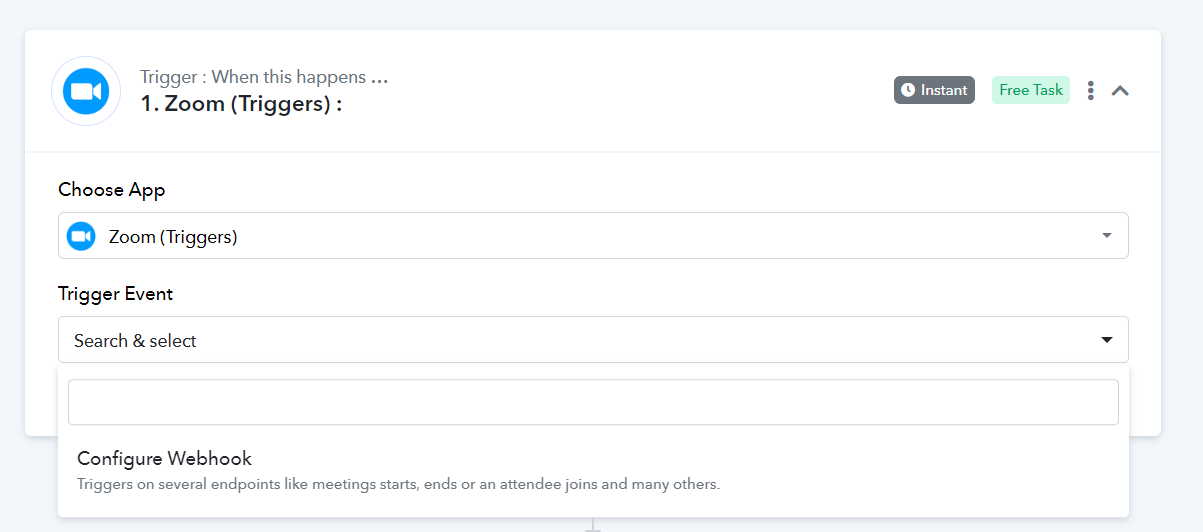
As mentioned previously, you need to set up the 'Retrieve a Meeting' action step as step 2 of your workflow. You are currently searching for it in step 1, which is the trigger step.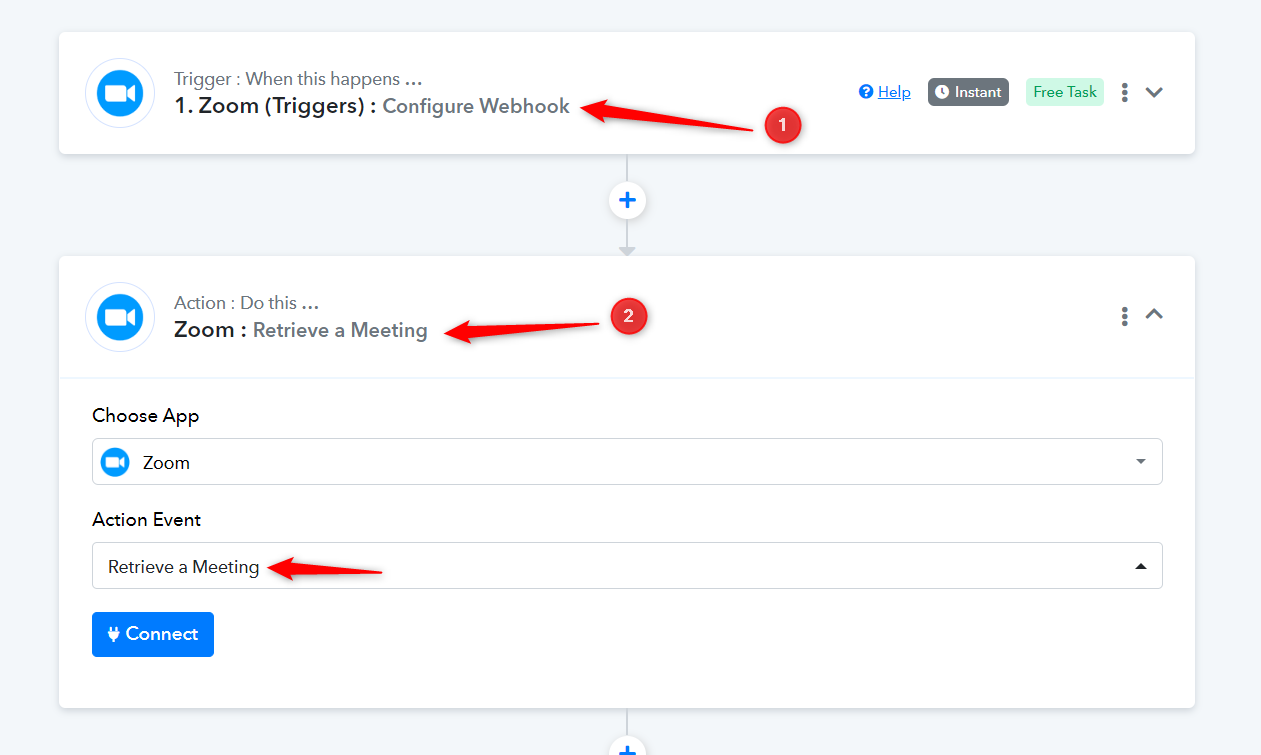
Sadly, It is not giving the attendee email address.
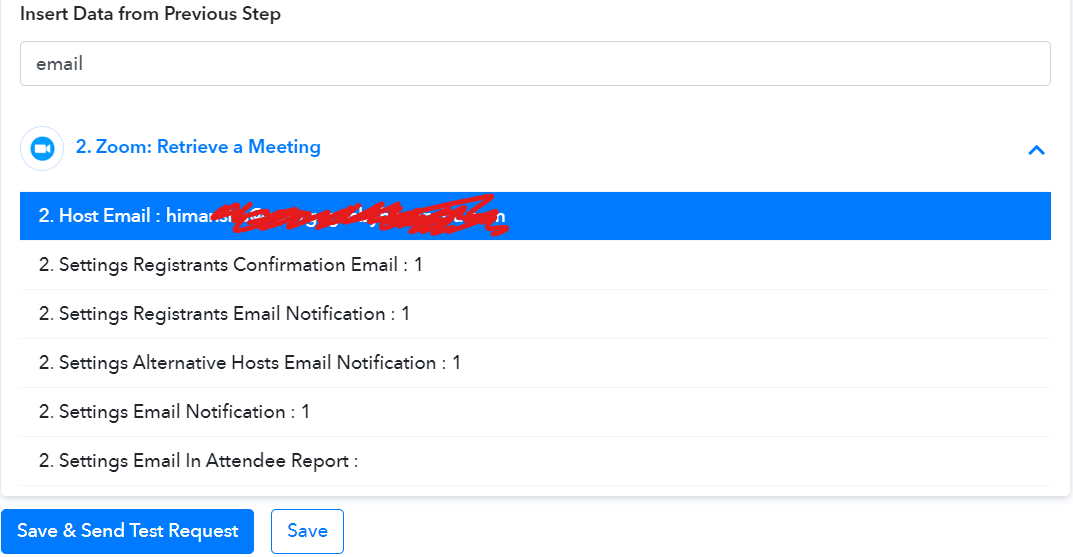
Attachments
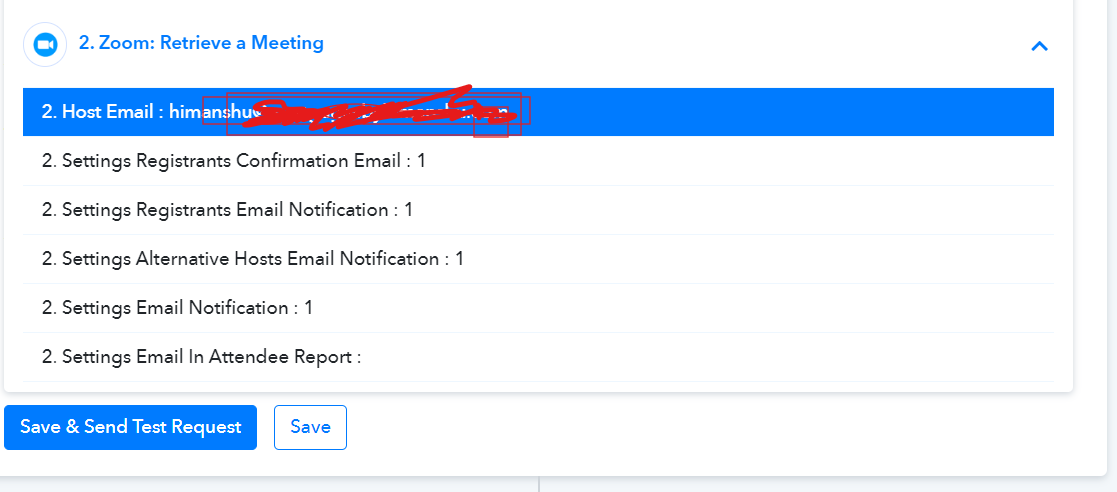
I am using a free zoom account and hence cannot enable registrants. Meeting is created by calendly page. It was working a few days ago and all of a suddenly, webhook stopped passing email address of attendee. Now the field doesn't exist in webhook.
Could you please share the workflow that retrieves the latest Zoom meeting trigger response, so that we can review it?
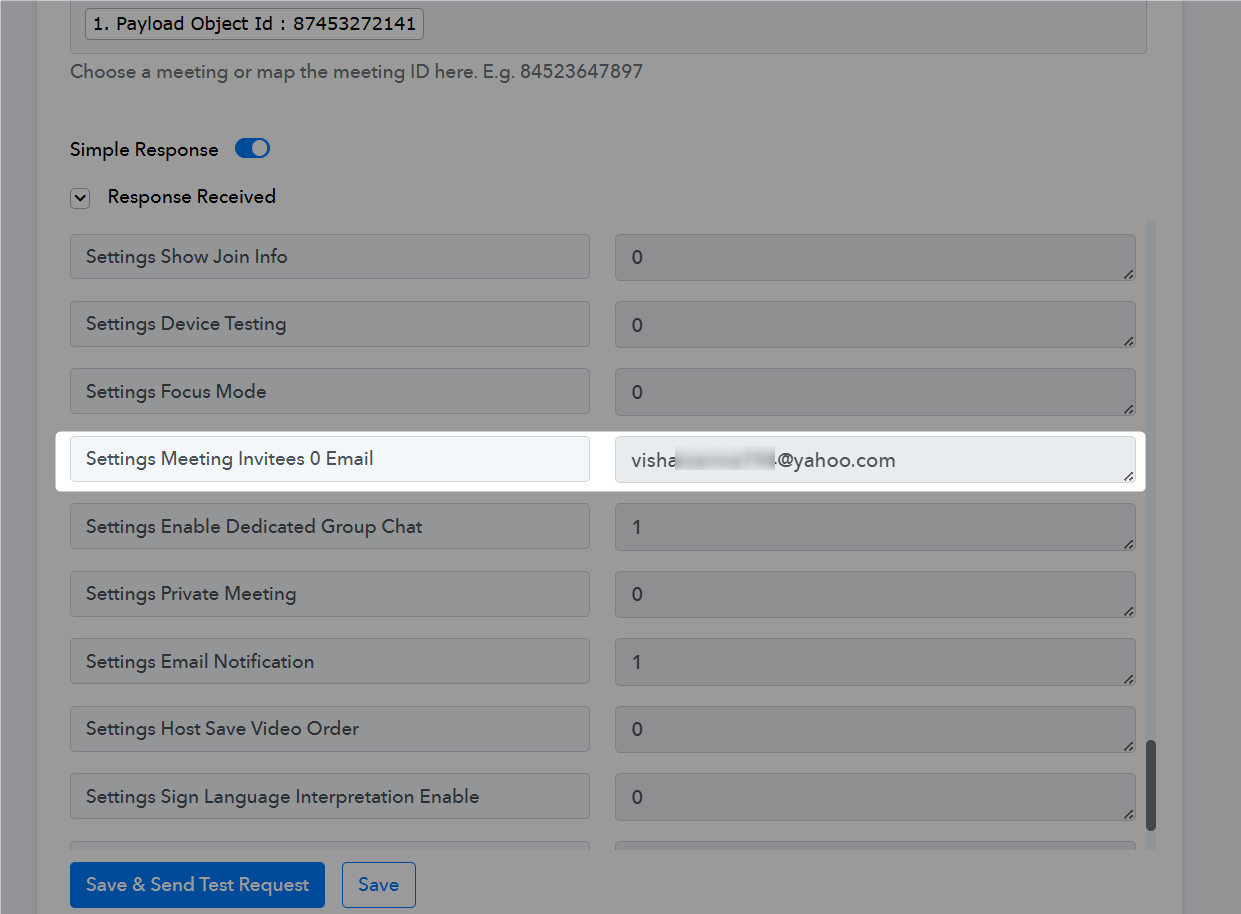
Additionally, if you need the email address of the meeting invitee, please refer to the screenshot provided below.