Webhook to Click Up: Value must be an option index or uuid
Status: Closed · Asked by Skye Khilji on · 0 views
Having an issue with this automation: https://connect.pabbly.com/workflow/mapping/IjU3NjMwNTZhMDYzMDA0MzU1MjZlNTUzMCI_3D_pc
Getting: Value must be an option index or uuid / FIELD_011
Questions:
1. How do I know which field is field 11?
2. How do I fix this?
3. Can I also take the call start time and use that as the due date for this task in Click Up?
Thank you
Hey @SkyeFWP
Please check out the following recorded video where we have explained to you how you can map the option of the dropdown with the help of LookUp Table. Since the ClickUp doesn't take direct values(text) instead it takes Ids of the option of the dropdown which can be handled with the help of the LookupTable action step.
https://drive.google.com/file/d/1aA46QSthGIXfL3POLNs1uiXCzGGEFnAj/view?usp=sharing
Thank you, very helpful. I followed the guide and made the changes.
Only field 11, discovery call additional notes won't populate as I get the same error "Value must be an option index or uuid / FIELD_011" - I tried the lookup solution and it failed.
Please assist with that also.
Thank you
Hey @SkyeFWP
It appears that you have only set the Lookup table for the single dropdown field, whereas you have to set the Lookup Table for every dropdown field which you want to use in a similar manner as mentioned in the recorded video.
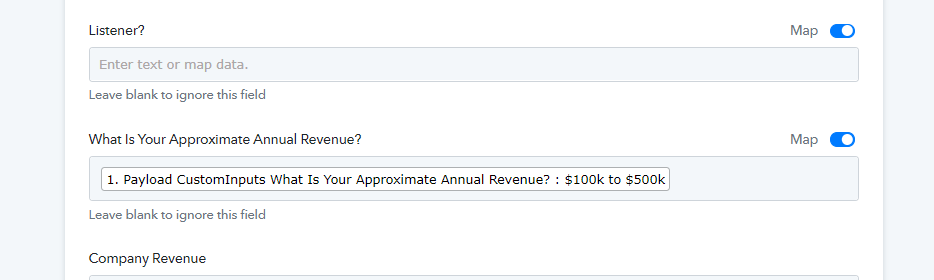
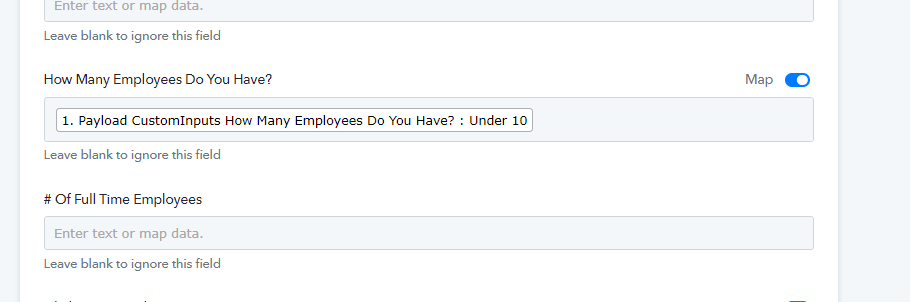
Hey @SkyeFWPIt appears that you have only set the Lookup table for the single dropdown field, whereas you have to set the Lookup Table for every dropdown field which you want to use in a similar manner as mentioned in the recorded video.
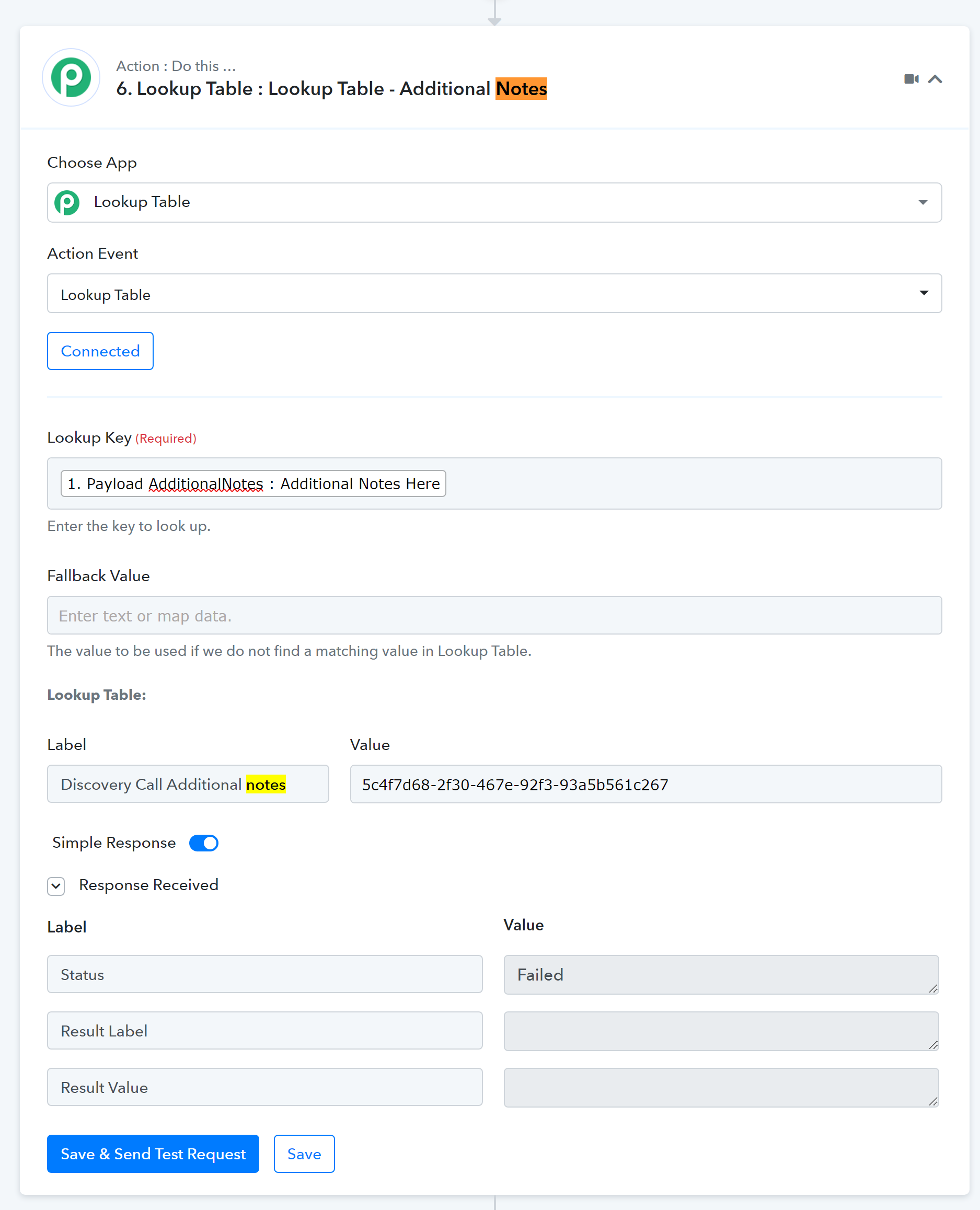
Thank you Supreme. The video was silent, hence my questions. I'm still unclear how to solve this. I tried to map the Additional Notes field to the lookup table (Step 6) but I still get this error.
Hey @SkyeFWP
Kindly refer to the following video tutorial on how you can use the Lookup Table in your workflow.
Thanks @Supreme - The "Discovery Call Additional Notes" field is not a dropdown, it's a free text field and I just want to pass whatever is entered on the form, to my corresponding field in Click Up. Is Lookup table still the same solution?
I watched the video but II can't see how this solves the issue?
Hey @SkyeFWP
Since the dropdown fields need to be configured with the help of the Lookup Table action step as mentioned earlier. For individual dropdown fields, you need to set the Lookup table separately.
https://drive.google.com/file/d/1aA46QSthGIXfL3POLNs1uiXCzGGEFnAj/view?usp=sharing
Further, to the text type field, you can send the data directly.