Webhook with GHL
Status: Closed · Asked by itmd on · 0 views
I was running a workflow with GHL sending data into Google with a webhook. For some reason it stopped working. I've tried to reconnect. It's been waiting for a webhook response for a while now. It will not connect. Is there a way to get this connected? I've tried incognito.
Please follow the below tutorial to test whether the webhooks are working fine or not -
youtube.com/watch?v=mnJFZxwhiEQ
Further you can also go through HighLevel integration tutorials here which can help you undertstand how to setup it in the trigger step - https://www.youtube.com/c/Pabbly/search?query=Highlevel
Hey @itmd
Kindly share the name of the workflow once along with the task history Id in which you feel that your automation didn't work properly.
Google Sheets to GHL
I have it set to send on event but it does not. It will send if I use send custom data or send all data.
Hey @itmd
As per your workflow's task history Id, we can see your workflow has been working fine.
Kindly cross-check again and let us know if you have any further issues.
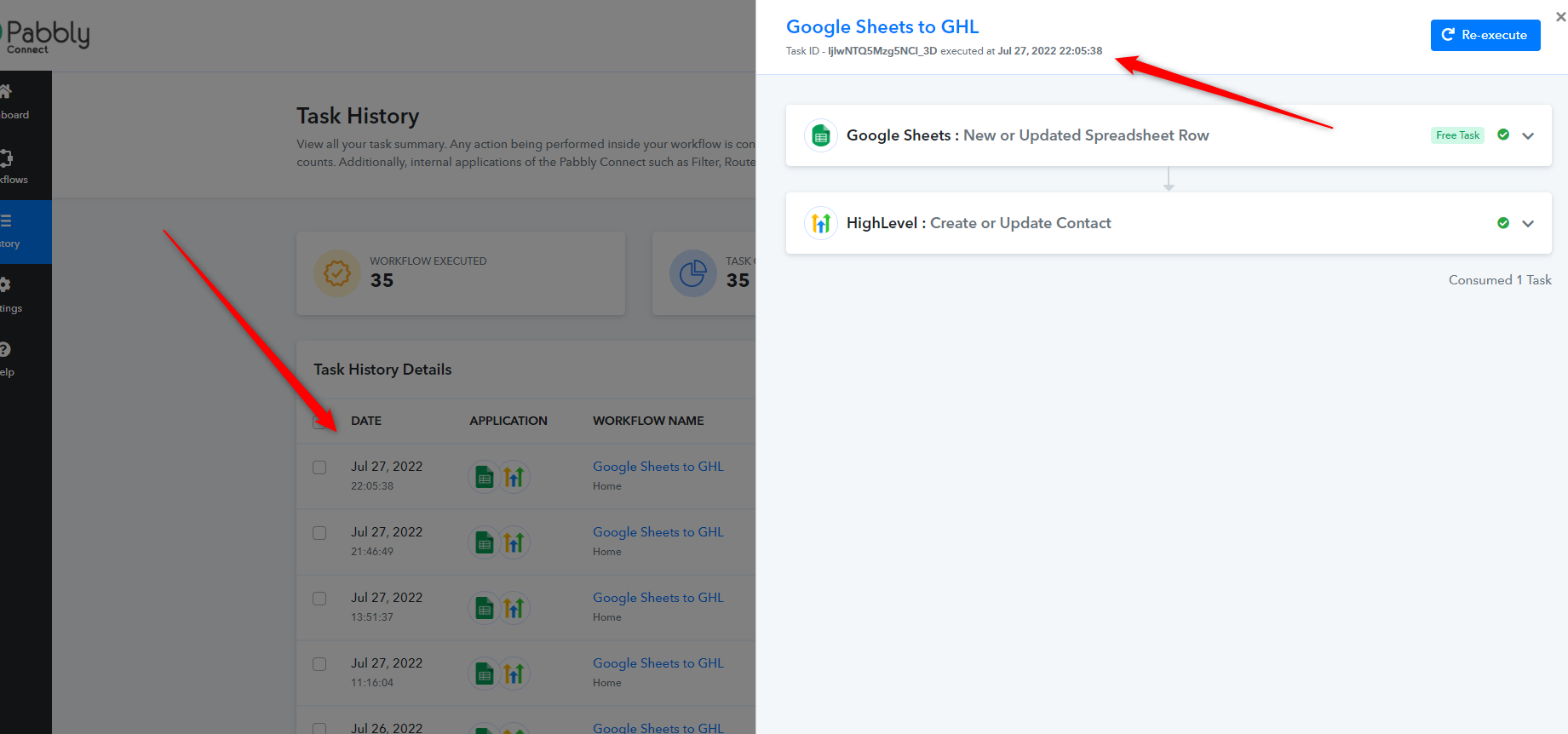
it only works when I manually send. It does not send on event. The history is reflecting what I manually sent with custom data or all data
Hey @itmd
Could you please tell us if your data is coming from another application or if you are manually feeding it? So if you getting data from a third-party application, in that case, you need to check both the options of "Send On Event" and "Auto Send on Schedule" and by enabling both the options then the data can be forwarded in 1hr. That is something associated with Google API and we cannot change or manipulate it.
And if you are adding the row manually then kindly select "Send on Event" only. Then try adding a new row to test the workflow.
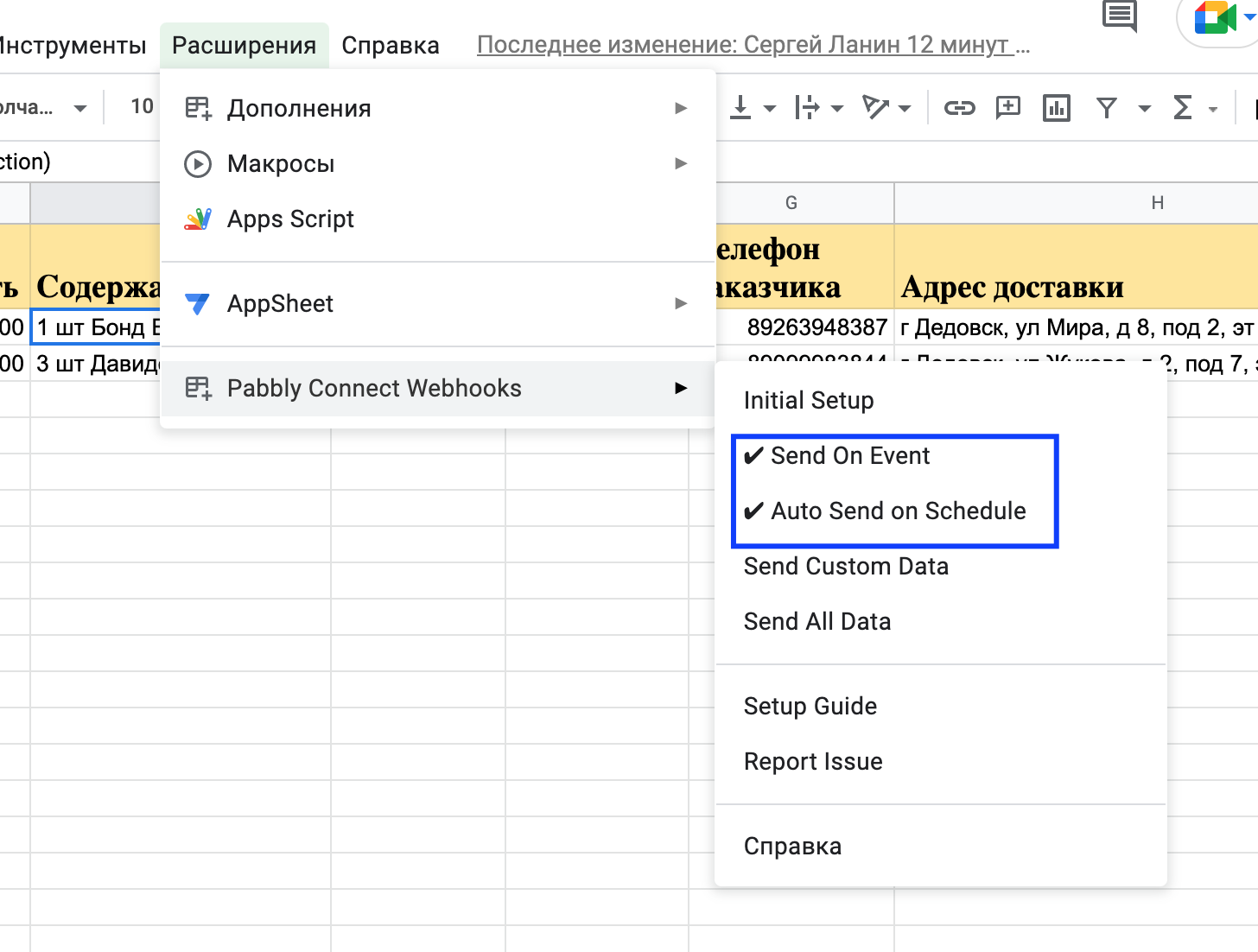
Else you can re-capture the webhook response again and remap the action event if you made any changes in your Google Sheets.
Yes, the data is coming from a 3rd party.
The data I’m trying to get from Google to GHL isn’t needed all the time but when it’s needed, it’s needed instantly. Is there a way to run the extension from outside of Google? For example, can I attach it to a button inside of GHL? So on button press, the extension runs.
Hey @itmd
If the data is coming into your Google Sheets from the third-party application will take up to an hour to reach the workflow to process your tasks.