WhatsApp Cloud API error
Status: Closed · Asked by AVINASH AHUJA on · 0 views
Hi, I have installed permanent API but my phone number shows some error see below.
From
Send free messages with the provided test phone number. You can use your own phone number which is subject to limits and pricing. Learn more.
+1 905 *** ****
Messaging may be unavailable. Review issue
Phone number ID: 100277889595573
On Pabbly connect see this error see the pic below please help me.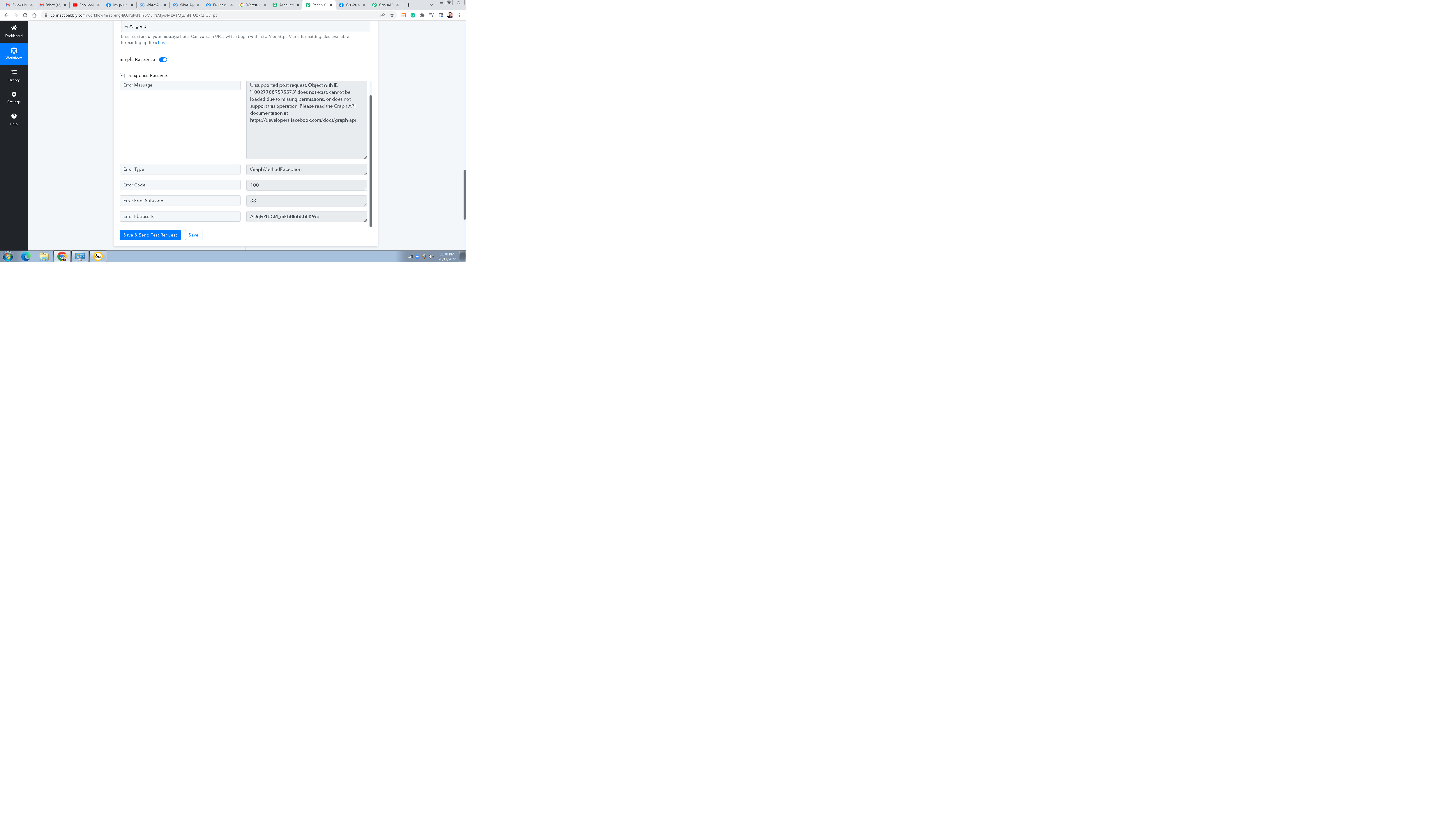
Hey @AVINASH AHUJA
On Pabbly connect see this error see the pic below please help me.
You must use a "Send Template Message" action if the end-user didn't start the discussion on your WhatsApp. Only you may use this action step once the user has begun a chat with your WhatsApp.
Hey @AVINASH AHUJAYou must use a "Send Template Message" action if the end-user didn't start the discussion on your WhatsApp. Only you may use this action step once the user has begun a chat with your WhatsApp.
When I was add whatsApp API there are not show template messages. Thanks
When I was add whatsApp API there are not show template messages. Thanks
Please check again.
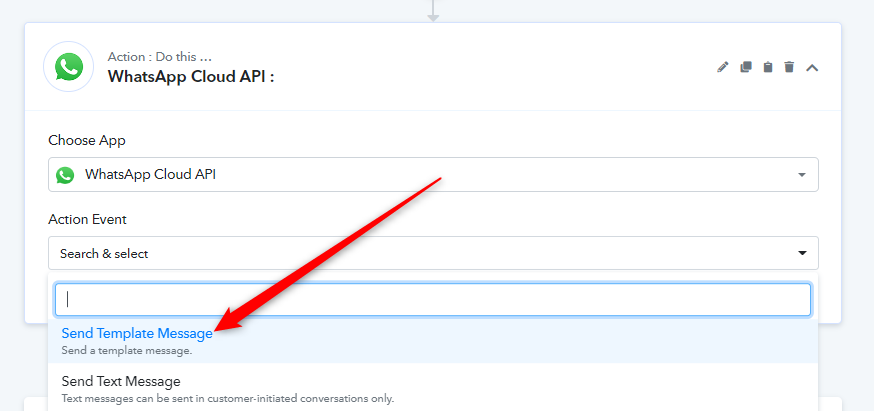
Yes, After that I was add WhatsApp API and concetted but there are not show save templates.
Hi,See below.
Attachments
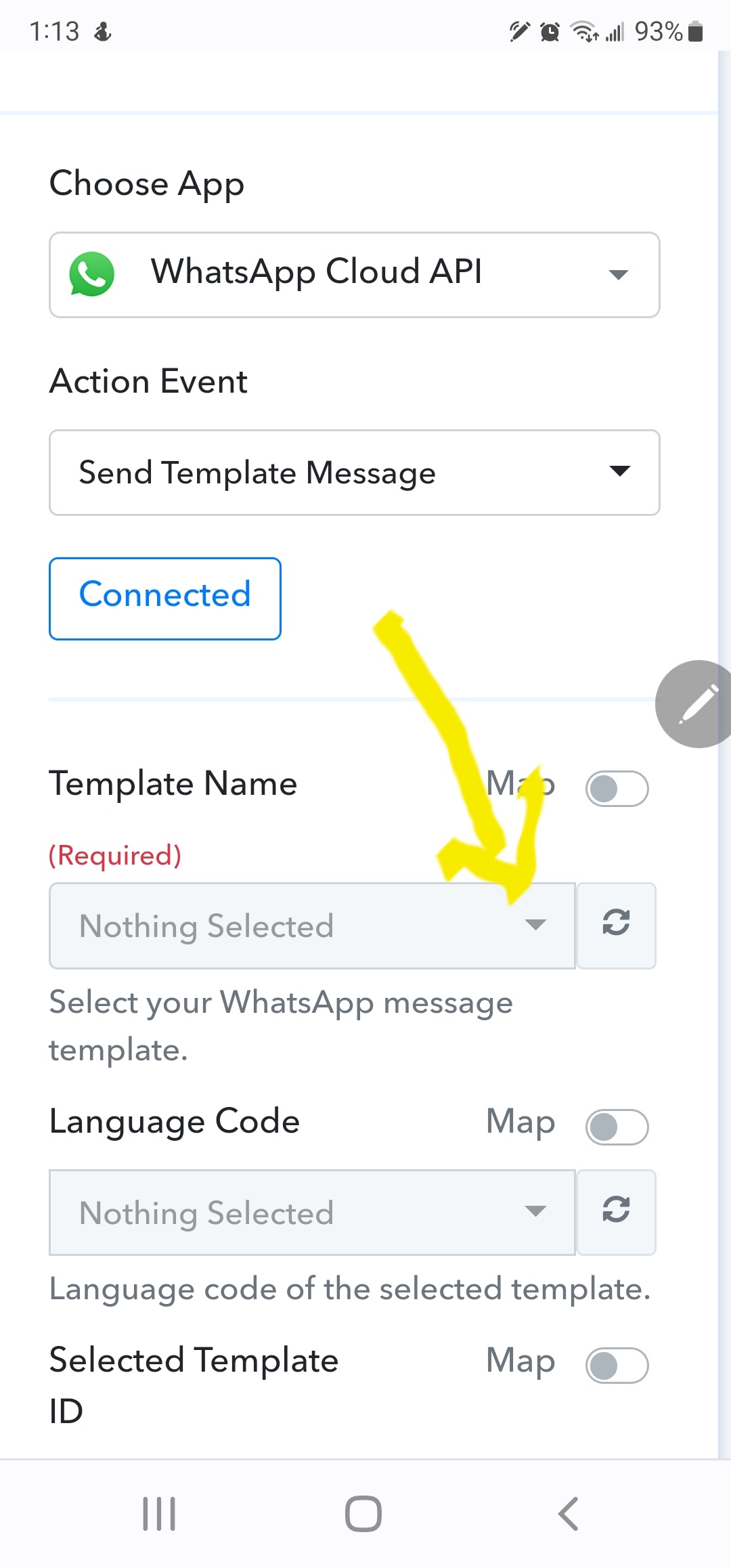
Yes, After that I was add WhatsApp API and concetted but there are not show save templates.
Please refer to the following video tutorial on how you can create the Template on your WhatsApp Cloud API account.