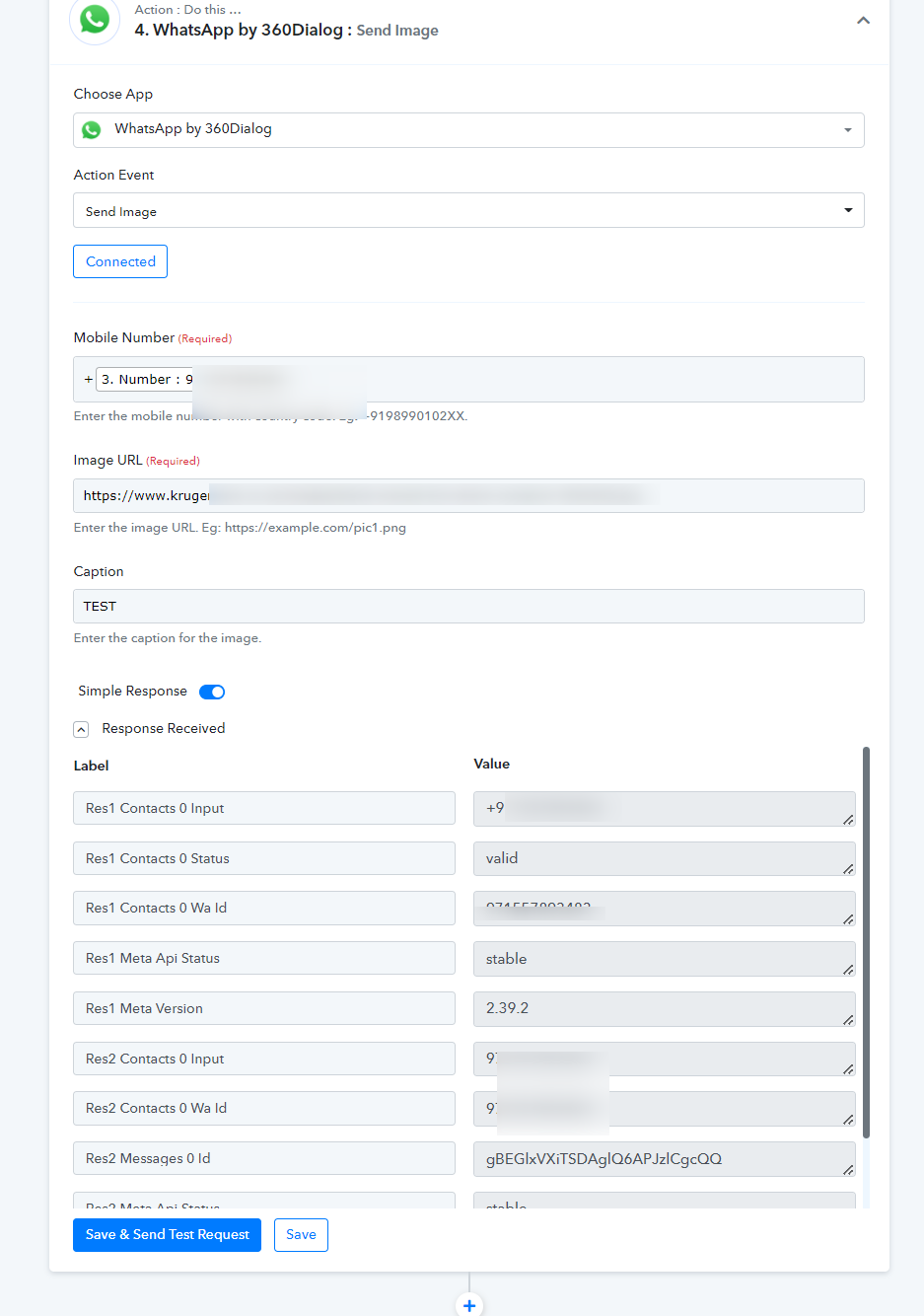
Whatsapp Integration not working
Status: Closed · Asked by Rashi on · 0 views
HI,
I followed exactly as this video never got a single message. -
youtube.com/watch?v=H0aBHNl2ICc:194
Please assist me.
Hey @Rashi
Please share the workflow with us, elaborate on where and how with the help of a screenshot of your difficulty. So that we can look into it and can assist you accoridngly.
Hi i have attached the workflow.. Please i need a solution.
Attachments
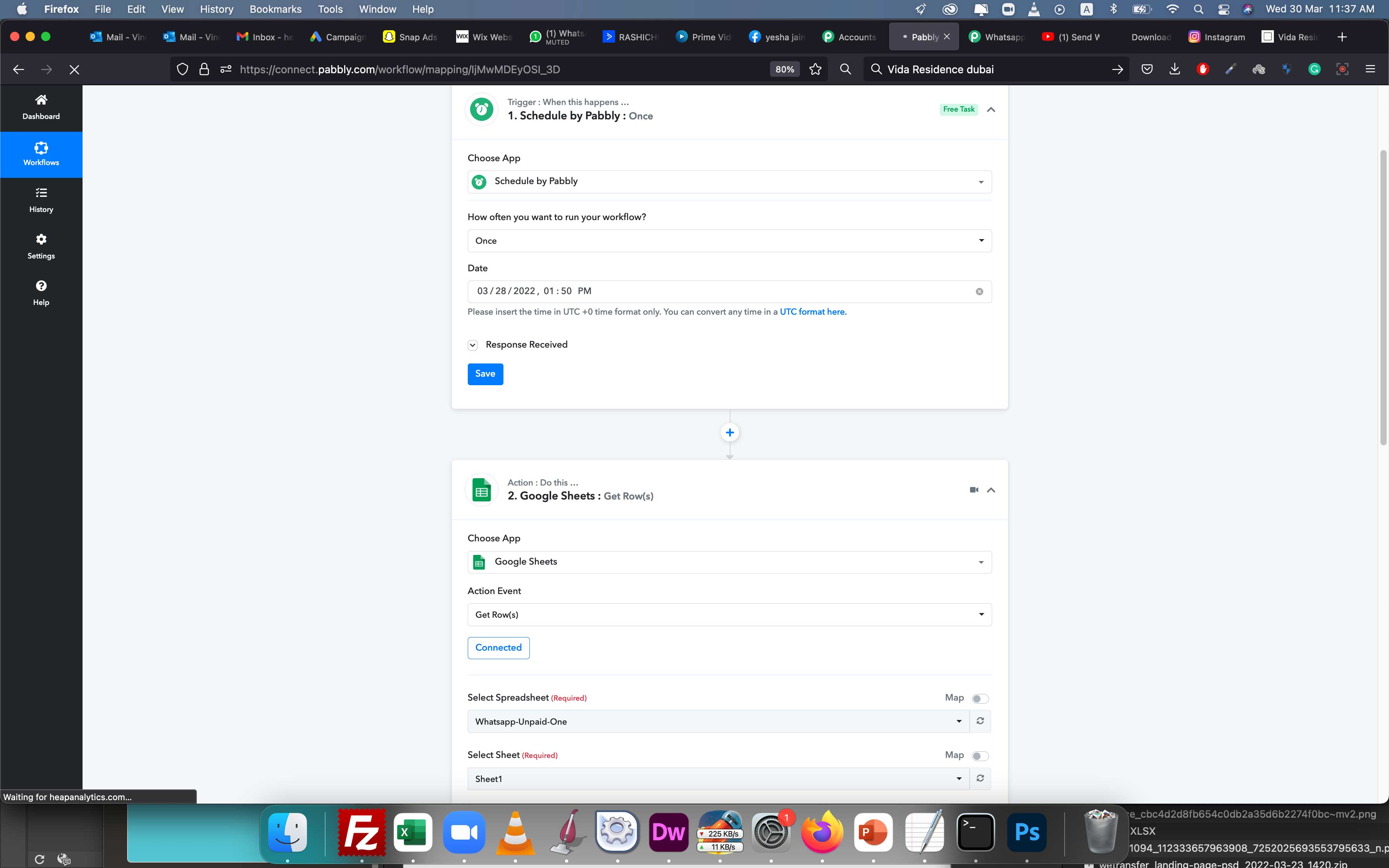
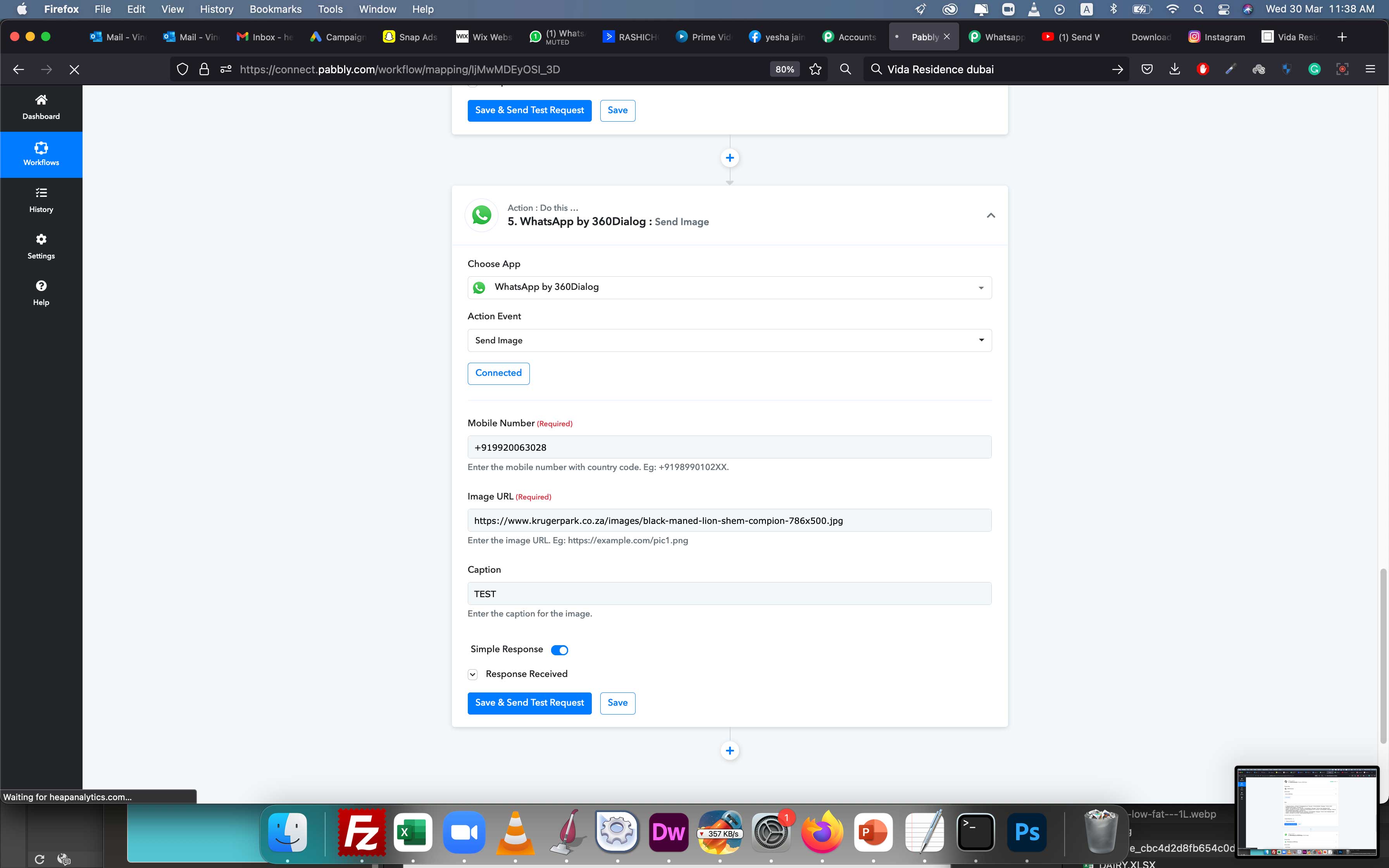
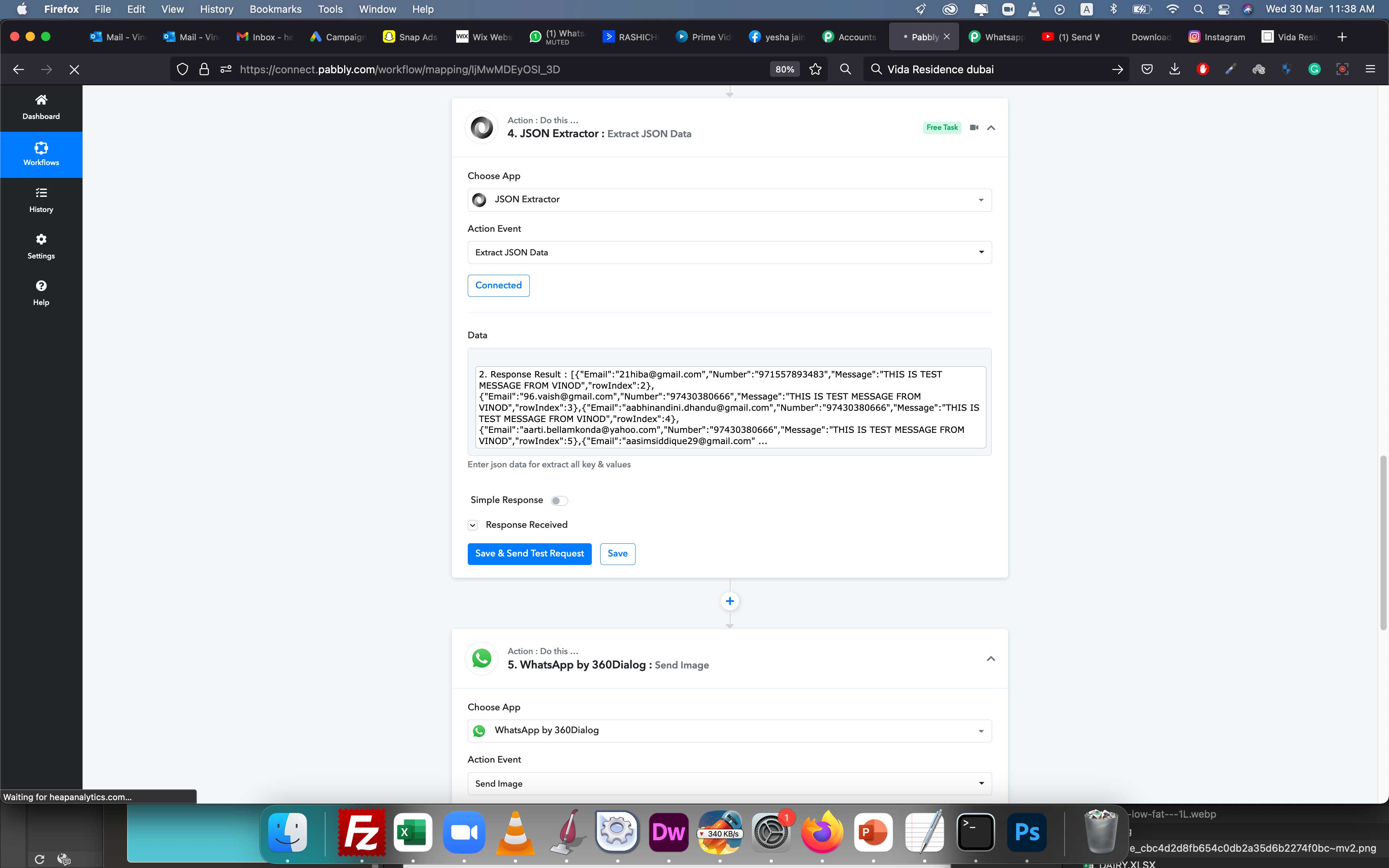
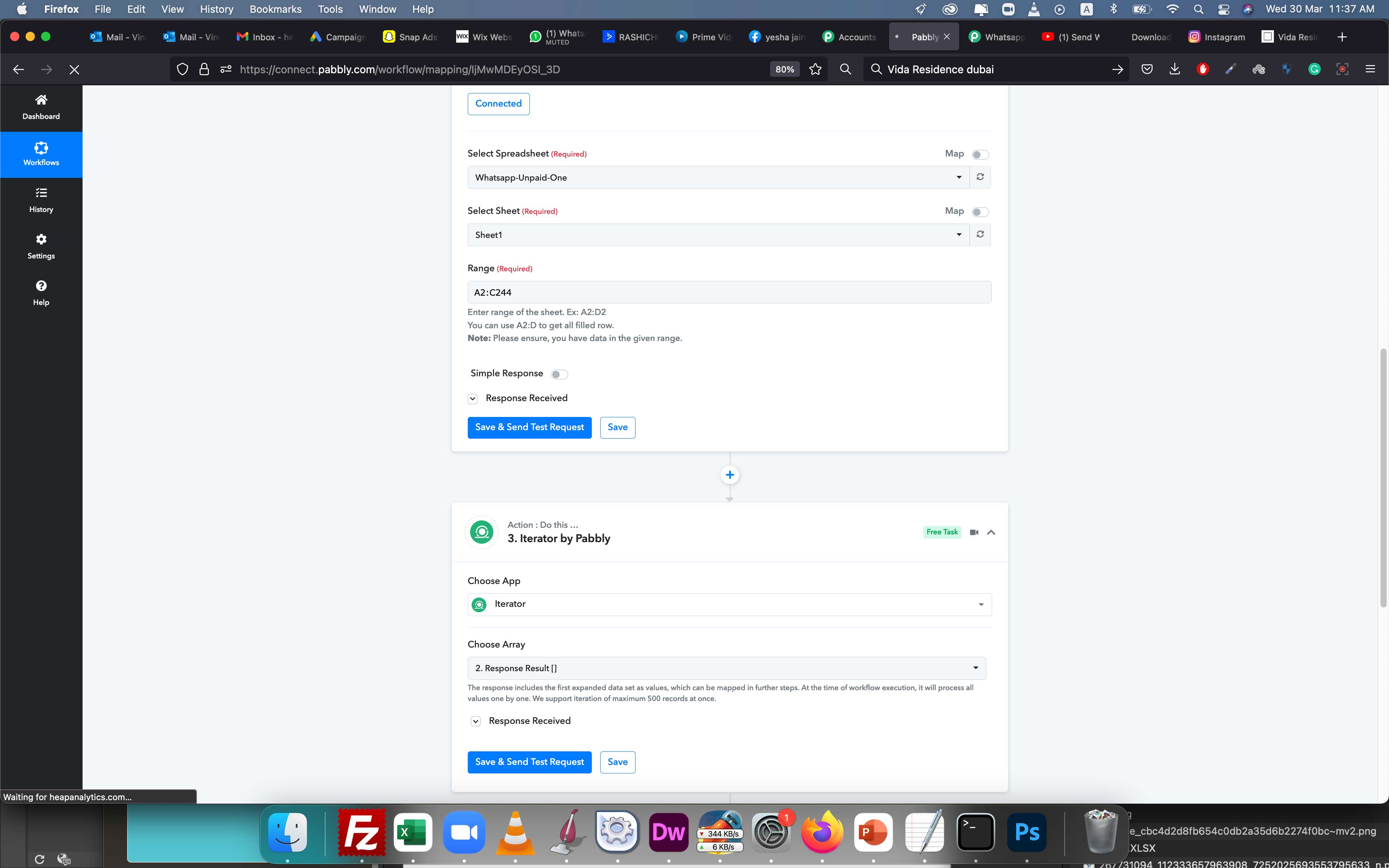
Hey @Rashi
As we can use the date which you have used in "Schedule: Once" trigger event was 2 days old. Kindly pass the future date and map the rest of the fields accordingly as mentioned in the tutorial video.
If you still face any further difficulty kindly let us know your registered email address so that we can look into it and can assist you accordingly.
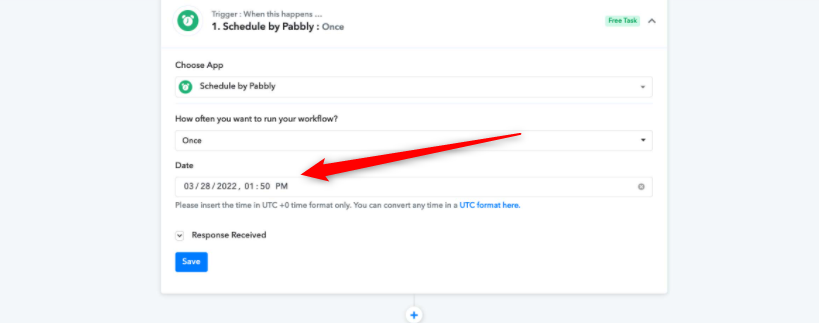
Hey @RashiAs we can use the date which you have used in "Schedule: Once" trigger event was 2 days old. Kindly pass the future date and map the rest of the fields accordingly as mentioned in the tutorial video.
If you still face any further difficulty kindly let us know your registered email address so that we can look into it and can assist you accordingly.
It did test two days ago hence the day is old ... and it didn't work .. hence i m messaging here ....
Hey @Rashi
Kindly make the next future date on the trigger event and try again, since the time is past. And if the workflow still didn't work kindly share your registered email address with Pabbly and the name of the workflow, so that we can look into it.
Hey @RashiKindly make the next future date on the trigger event and try again, since the time is past. And if the workflow still didn't work kindly share your registered email address with Pabbly and the name of the workflow, so that we can look into it.
[email hidden] and Workflow name is Test Whatsapp
Hey @Rashi
As we can see from your account the workflow did the process on the 28th of March. After a while, you have exhausted all your free tasks and because of that, the workflow wouldn't work. So you will be needing to get tasks if you to get your workflow running.
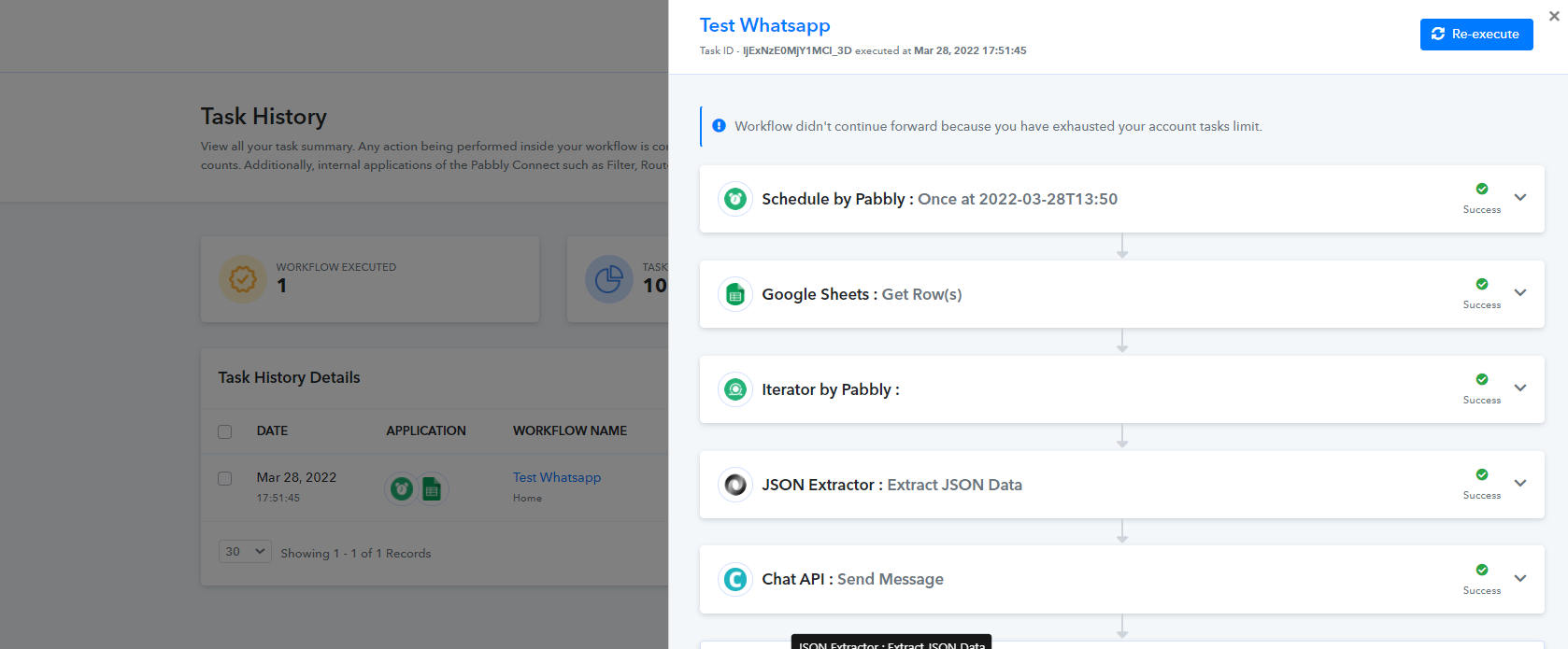
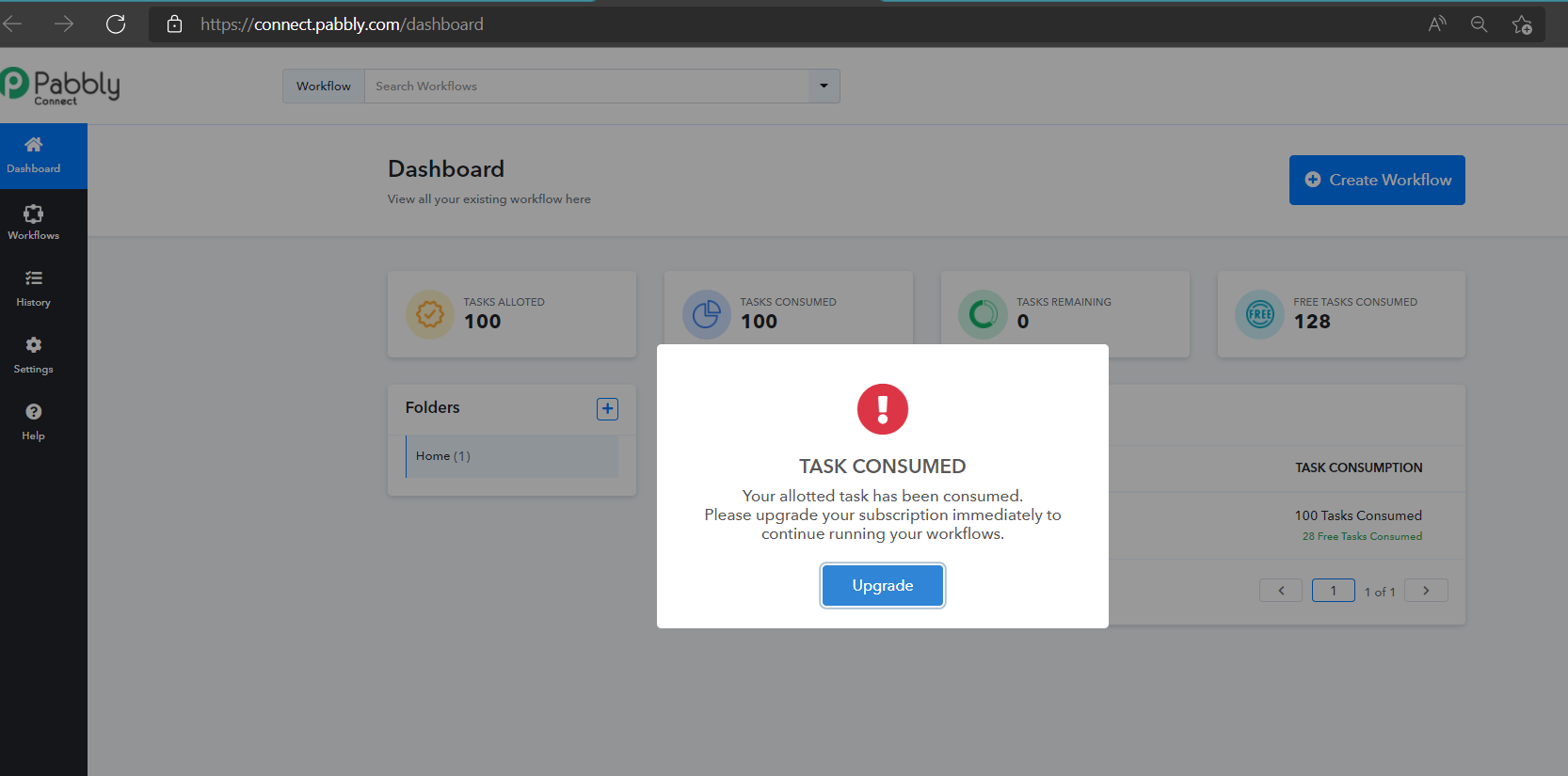
Moreover, we have reviewed your workflow and everything seems fine to us.
Hey @RashiAs we can see from your account the workflow did the process on the 28th of March. After a while, you have exhausted all your free tasks and because of that, the workflow wouldn't work. So you will be needing to get tasks if you to get your workflow running.
Moreover, we have reviewed your workflow and everything seems fine to us.
HI i havent got a single whatsapp message ...both numbers are mine
Hey @Rashi
As we can see in your last execution you have used Chat API and now as we can see in your workflow you are using 360 Dialoge.
Though in the 360Dialoge action step we see that the action event is working accordingly.