WhatsApp sent test approved but did not receive text
Status: Closed · Asked by bepocart on · 0 views
hi i followed exact instructions on the video how to send bulk whatsapp masssage by using excel. but when i gave test massage the number did not receive any text.
Hey @bepocart
Can you please share the workflow URL once in which you have tried the same so that we can check on it?
Hey @bepocartCan you please share the workflow URL once in which you have tried the same so that we can check on it?
Hey @bepocartCan you please share the workflow URL once in which you have tried the same so that we can check on it?
IT is that iam facing this issue when iam using an image or video and catalouge also. but it is okay when it is just text.
Attachments
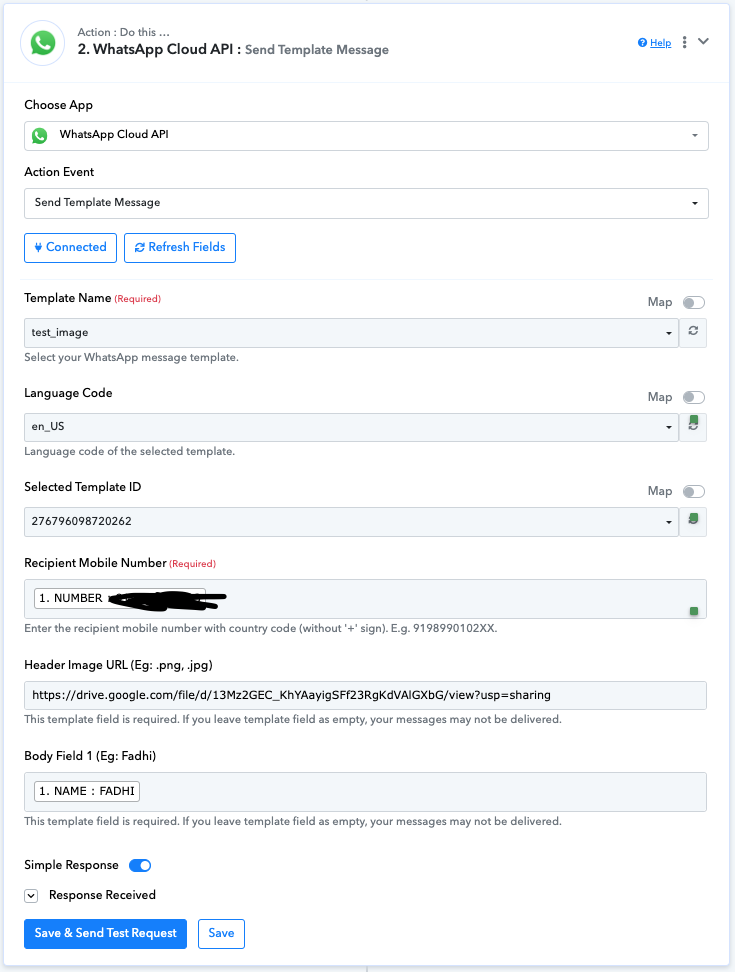
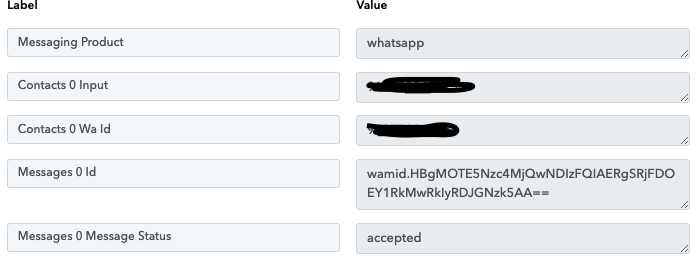
IT is that iam facing this issue when iam using an image or video and catalouge also. but it is okay when it is just text.
You can't use google drive links like this.
Make sure the google drive file has permission of anyone with link can view and then try this format - https://drive.google.com/uc export=download&id=map_the_file_id_here
If that doesn't work you need to host your file on something like imagekit or cloudinary.
Regarding your concern, you need to pass the publicly accessible media file URL which can be sent through the WhatsApp Cloud API action step.
Please refer to the following video lesson once on how you can send the direct URL of Google Drive.
Regarding your concern, you need to pass the publicly accessible media file URL which can be sent through the WhatsApp Cloud API action step.Please refer to the following video lesson once on how you can send the direct URL of Google Drive.
@Supreme this is not the same thing. The user wants to pass Google Drive image file URL as Header Image URL, not as the link in the message body.
@Supreme this is not the same thing. The user wants to pass Google Drive image file URL as Header Image URL, not as the link in the message body.
In such cases the file URL with direct access works in WhatsApp Cloud API -

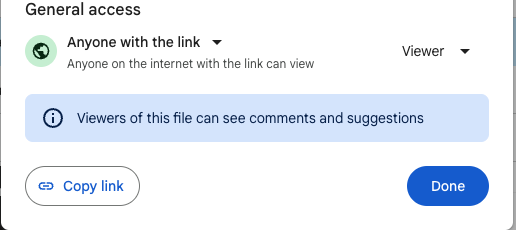
should i put this link but i doesnt look like the link you provided. could help in how to create a similar link for sharing
I have mapped the image URL in the action step, please check now. It should work.
yes it worked but how do i create the link in future for other files?
When you open the Google Drive image just drag the image to a new tab and copy the URL for the same.
