WhatsApp template message with Flows
Status: Open · Asked by Philippe Burki on · 0 views
Hello,
I am trying to send a WhatsApp templated message that use a form (Flows). I get the error: Please specify a flow button component within template['components']. Apparently, I need to send the name of the button, but there is nowhere in the Pabbly Connect interface where I can enter this. Any idea ?
Thanks
Philippe
Hi @pburki,
Could you please share the Workflow URL in which you have this concern?
Hi,
This is: IjU3NjUwNTZhMDYzNzA0MzM1MjZmNTUzMzUxMzAi_pc
This is the step 3 of the Route "New Registrant"
Thanks
Please try and enter a URL in the Body Field 2 and see if that fixes your issue.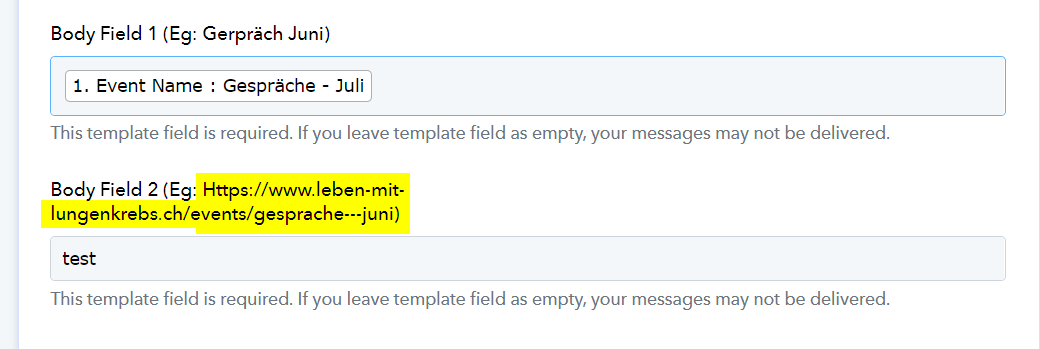
This does not change anything: these are simple texte field that are displayed in the message and can contain anything.
Thanks
Philippe
Hey @pburki
It appears that the Body Field 2 you are using is designated as a URL-type field, which requires a web link rather than text. If this is not suitable, you may need to alter the field type in your template.
As mentioned, the nature of the field is irrelevant in that case. We are just talking about text fields, but to please you, I have added a URL and get the exact same message
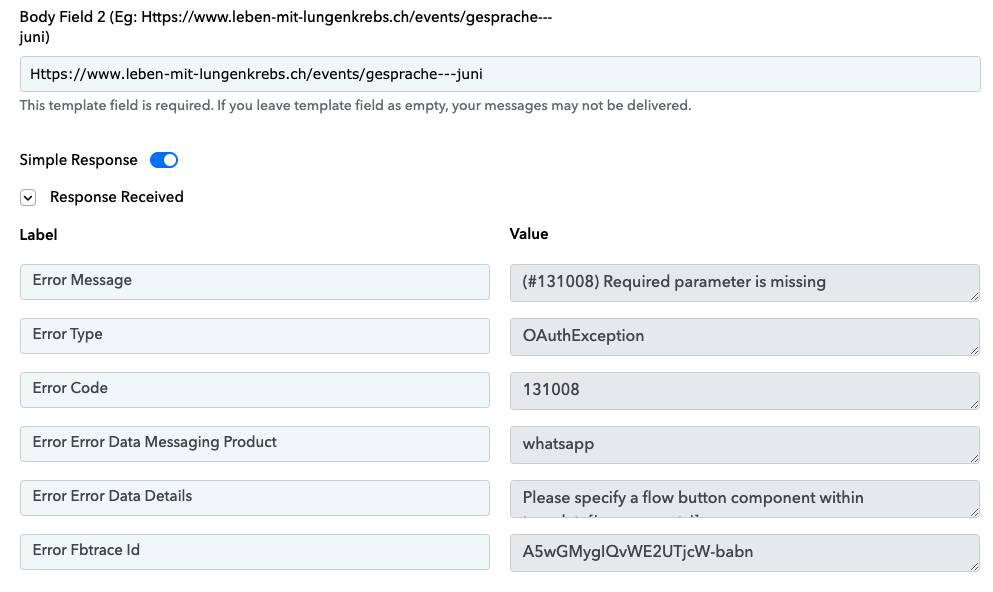
Hey @pburki
At this time, I want to clarify that the functionality available allows you to send or receive messages solely through the WhatsApp Cloud API. While sending messages using the WhatsApp Cloud API is an option, please note that the button and flow feature is presently unavailable.
However, as a workaround, if you possess the expertise to execute API requests, you can utilize the WhatsApp Cloud API: Custom API Request (Beta) action step. This will enable you to transmit various button types and their corresponding parameters.