When I autorepost images from Telegram to Discord, the image comes out too small and my subscribers can´t see anything.
Status: Open · Asked by andressalame on · 0 views
I followed this tutorial:
youtube.com/watch?v=LO-kPZCfeok
The image comes out very small, is there a way to make it normal size?
Thanks in advance
Hey @andressalame,
Please grant me access to your workflow by adding me as a team member. This will allow me to gain a better understanding of your issue.
Once you have added me as a Team Member, do let us know the name of your workflow.
Email: arshil.ahmad@pabbly.com
Also, remember to revoke access once your query has been resolved.
Attaching a video for your reference:
just added you to all workflows, the ones that repost pictures are "photos 1" and "photos 2"
Hey @andressalame,Please grant me access to your workflow by adding me as a team member. This will allow me to gain a better understanding of your issue.
Once you have added me as a Team Member, do let us know the name of your workflow.
Email: [EMAIL]arshil.ahmad@pabbly.com[/EMAIL]
Also, remember to revoke access once your query has been resolved.Attaching a video for your reference:
It seems that the original file you shared on Telegram is quite small.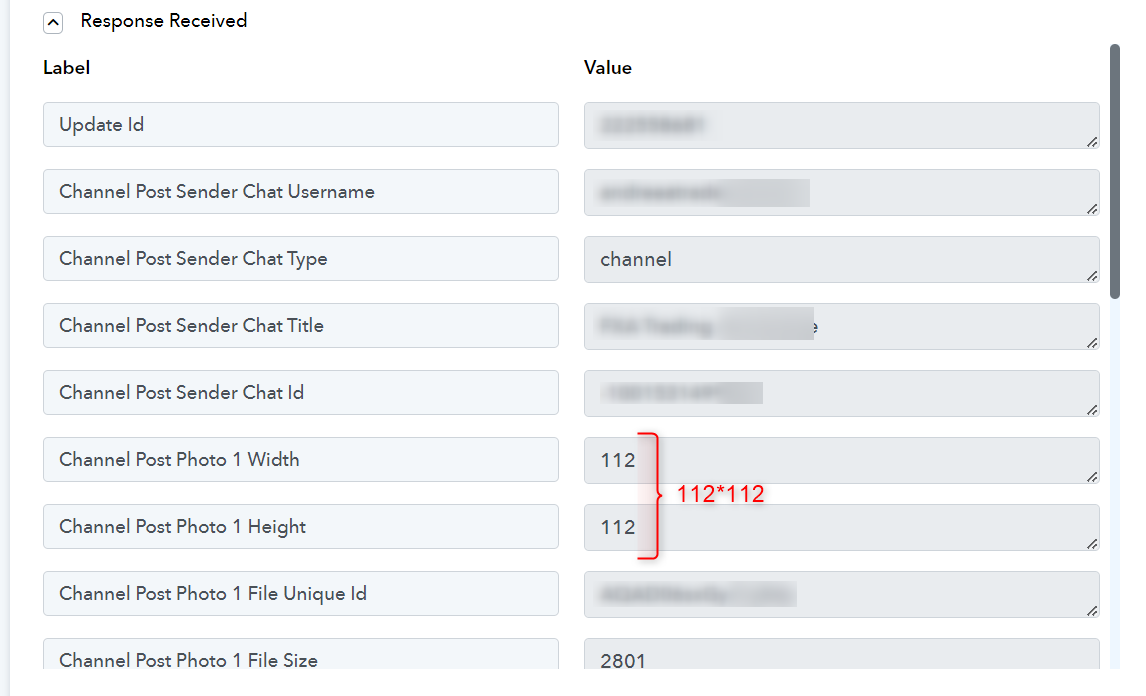
Please download and share the image below for testing purposes.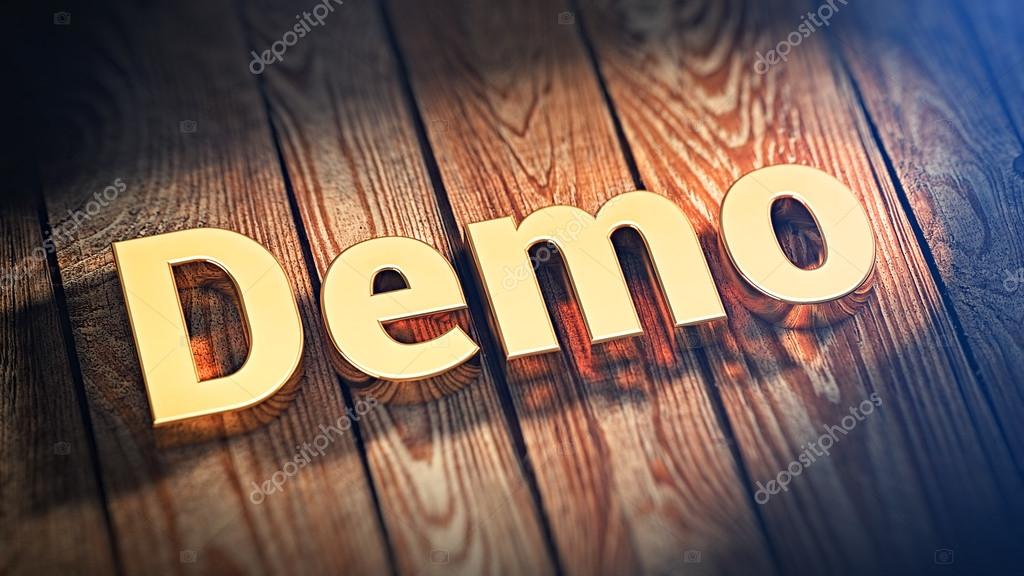
so I should re-do all the process with this other image? Or should I just send it through the telegram channel and see if it looks normal sized in discord?
Just send the image through Telegram.
ok will do
umm I sent it but I get another image at discord
Attachments
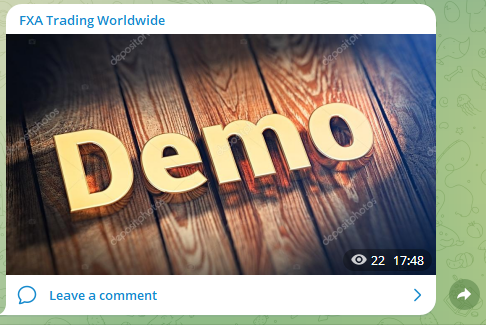
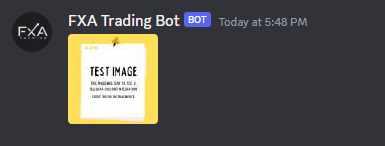
Please map the file path from the previous step, as shown in this video and try again.
youtube.com/watch?v=LO-kPZCfeok:1004
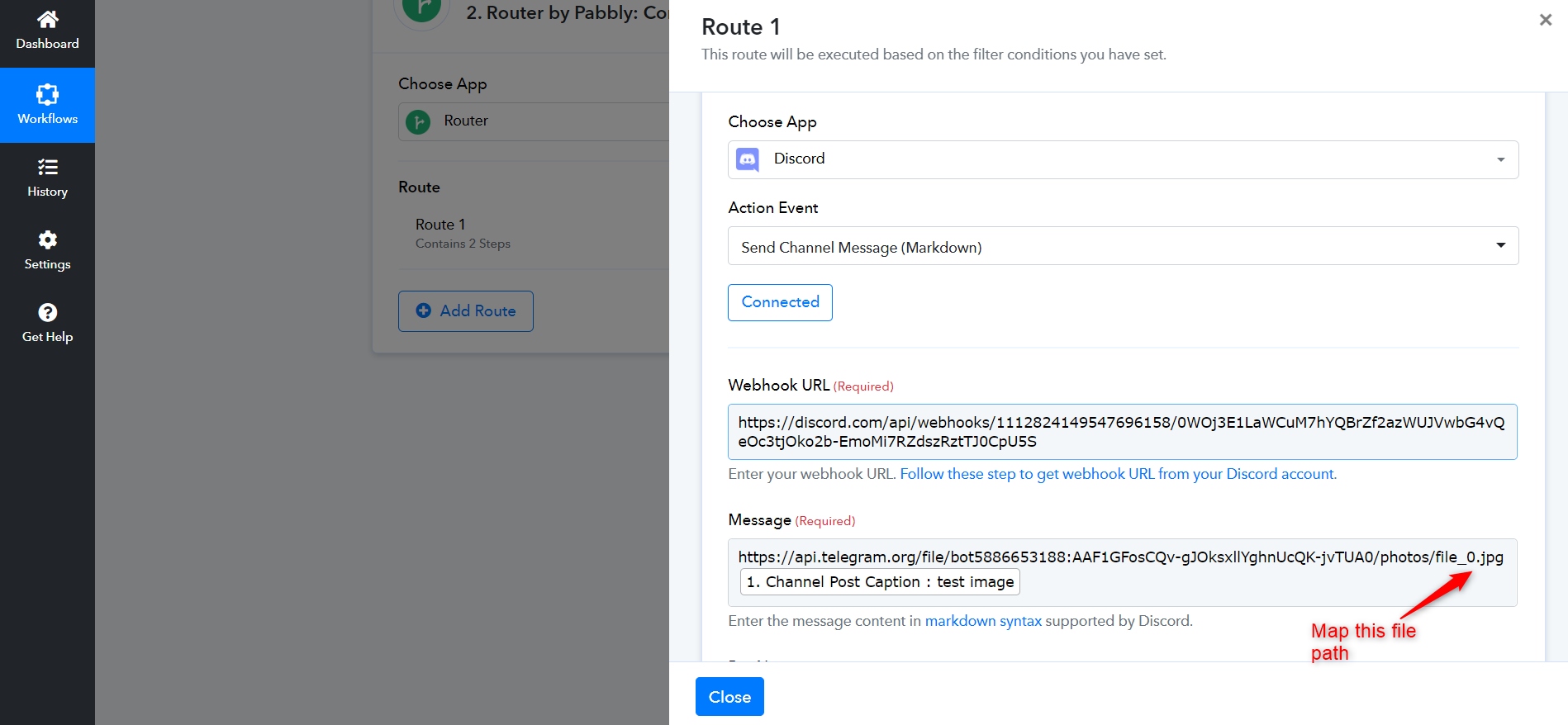
That´s already done but it´s stuck on this image
Attachments
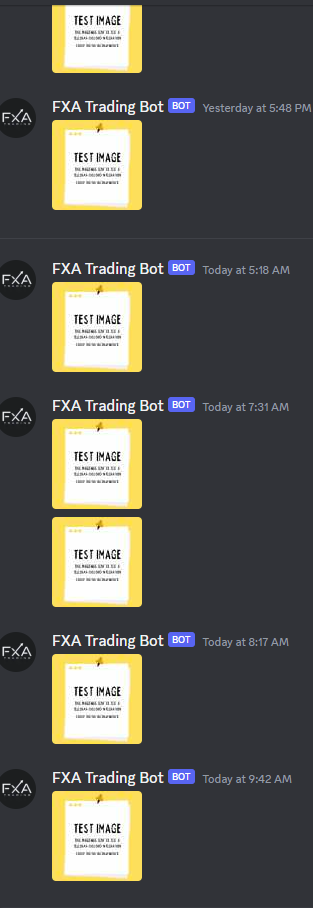
It wasn't mapped. Please check the image attached below, which will show you how mapped data looks like. I have made the necessary change in 'photo 2'.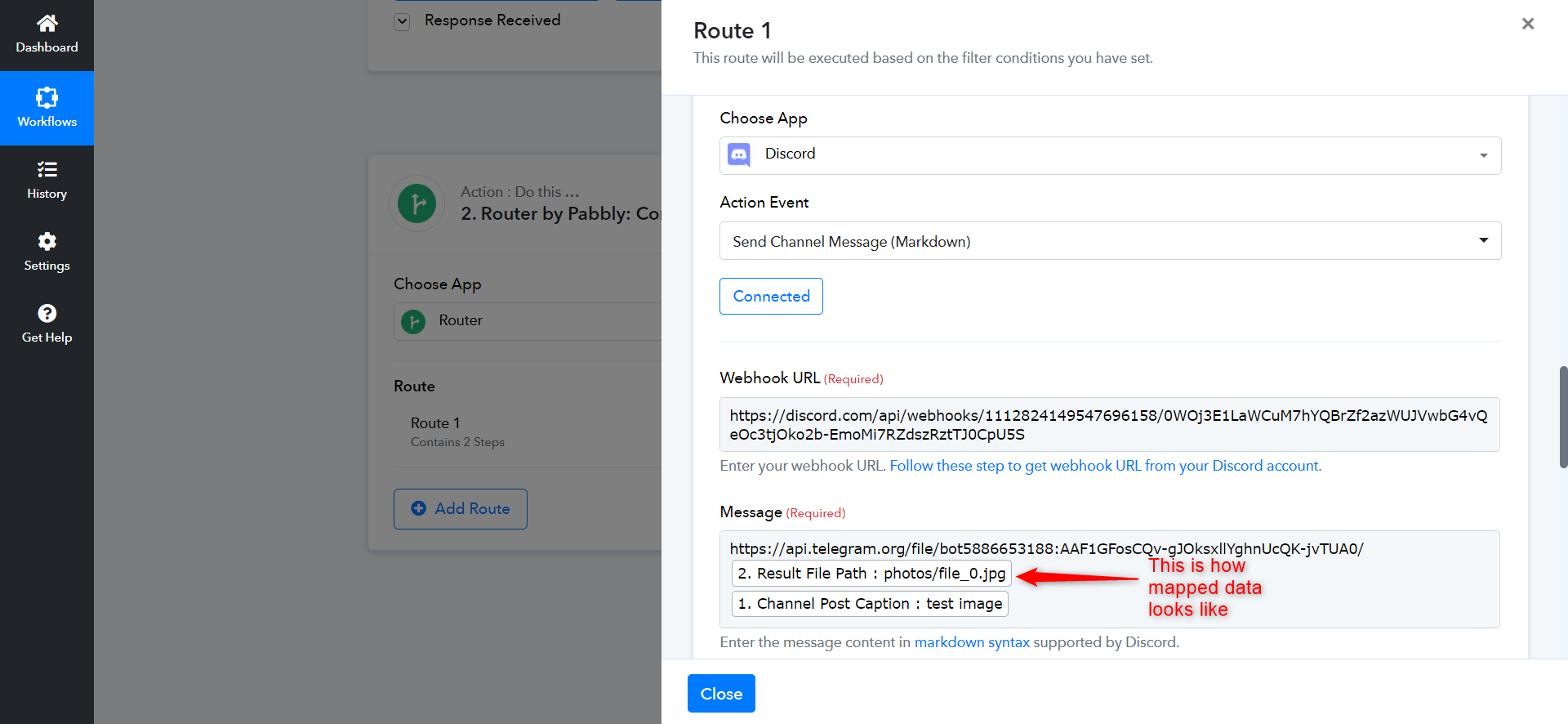
Kindly watch this video from 16:54 to understand how mapping works.