When posting to FB Page
Status: Closed · Asked by sivaraj2003 on · 0 views
I followed the instructions in this video to schedule auto posting to my FB page based on the entries in Google sheet
youtube.com/watch?v=K-4Wd1qnmoY
All good except the following:
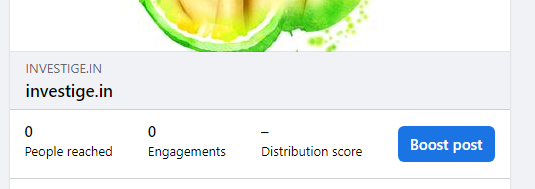
Looks like "photo URL" as mentioned in the demo video is now changed to "link URL" and when I provide the URL of the image to be posted, I see that the image is linked to the direct URL in the FB Post - that means - when I click on the image, I'm taken to the website folder location where the image is located.
More over, the website name (where the image is located) is displayed below the image in the FB post. Is there a way to avoid that?
Refer to attachments - 1 & 2
On the other hand, when I manually created a post by providing complete URL (not local folder path) of the image to be posted, the image is linked to FB page photos location and also I don't see the website name below the image.
Refer to attachments 3 & 4
Is it possible to create the same outcome as 3 & 4 when using Pabbly?
Attachments


Hey @sivaraj2003 !
We checked on this concern with the tech team and as of now, there is no way to make the link not attached with the image.
So currently, it will work as it is showing you in the images.
Hope, we have mentioned your query.