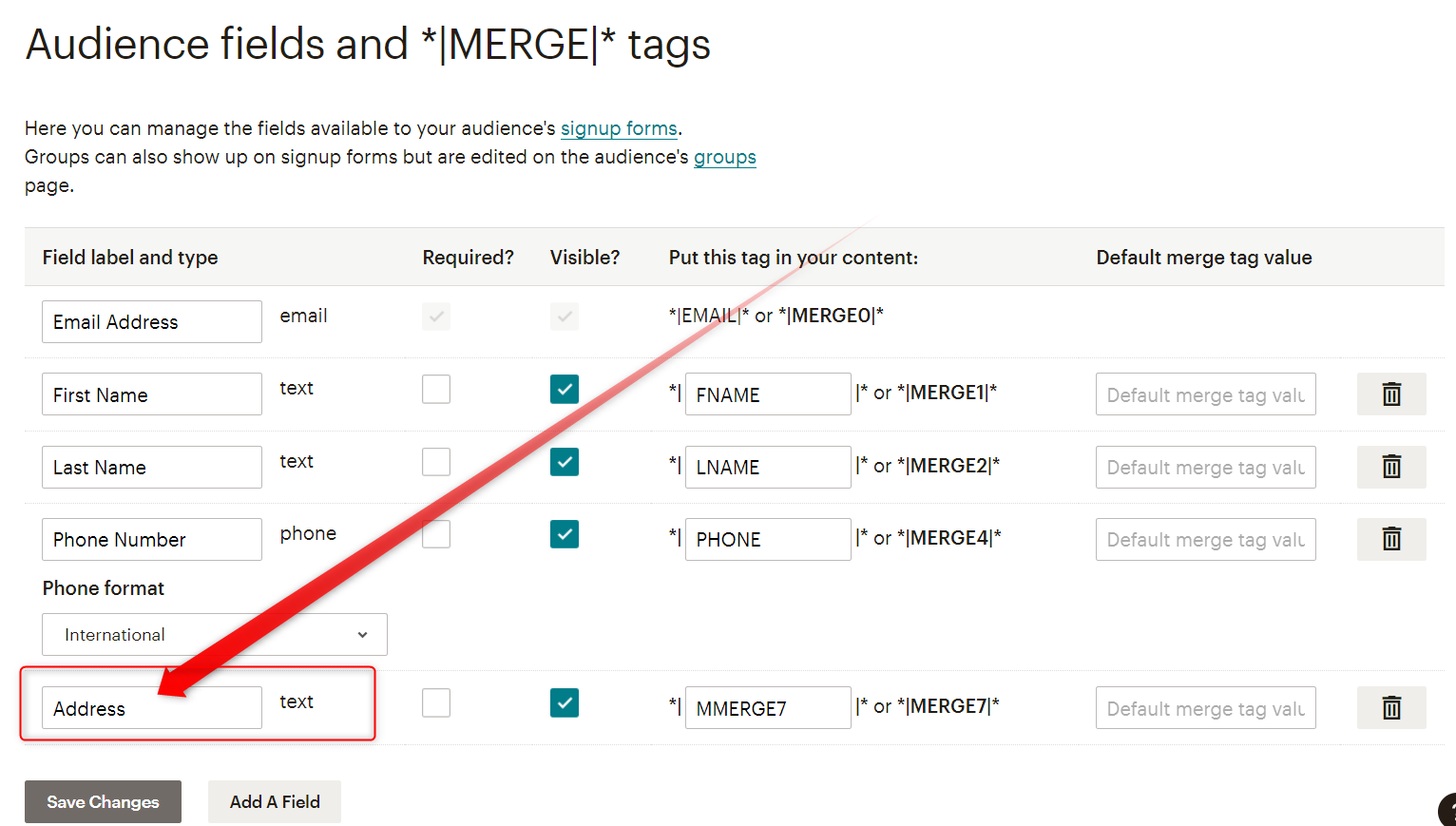
Why can't I map phone numbers in MailChimp (Add Members with custom fields)
Status: Closed · Asked by christian.grammar on · 0 views
Hi, I'm new to Pabbly and I'm moving some integration from Zapier.
When I try to use the Add Members with custom fields, the Phone number field does not show so I'm unable to map it. It only captures Birthday and the other fields. Am I missing something? TIA

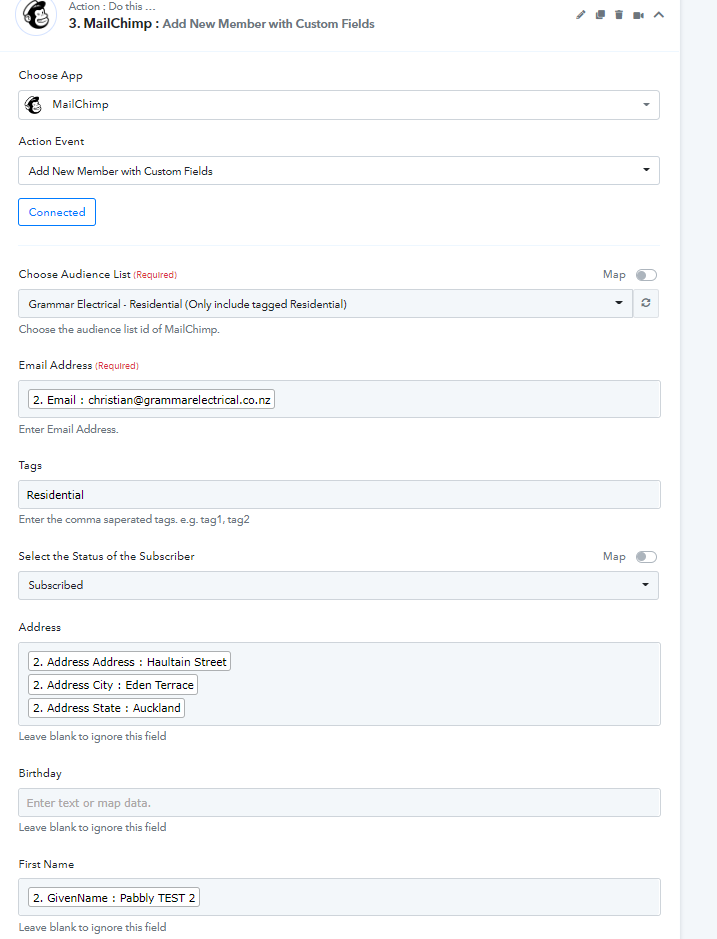
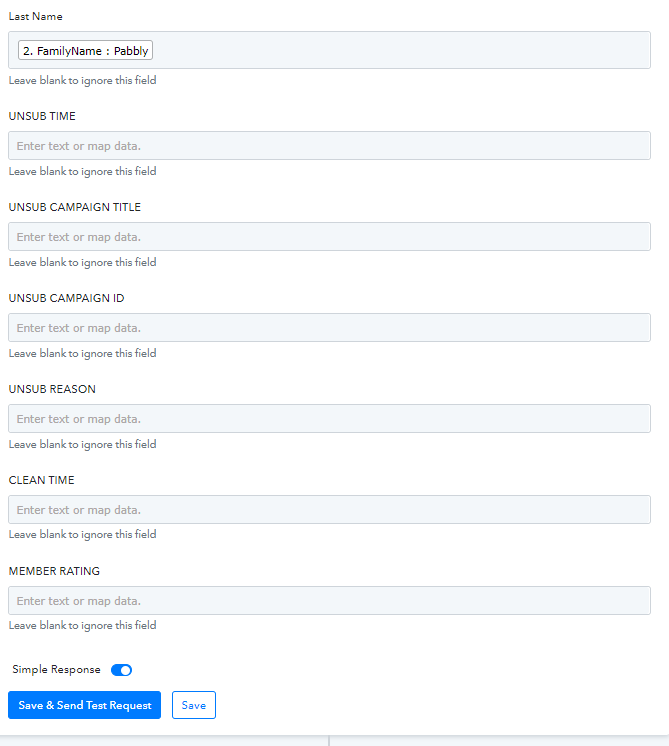
Hey @christian.grammar
I'm new to Pabbly and I'm moving some integration from Zapier.When I try to use the Add Members with custom fields, the Phone number field does not show so I'm unable to map it. It only captures Birthday and the other fields. Am I missing something?
Could you please share the name of the workflow in which you are having such an issue along with the registered email address with Pabbly?
Hey @christian.grammarCould you please share the name of the workflow in which you are having such an issue along with the registered email address with Pabbly?
Thanks!
Workflow name is : GEL - New Individual Customer
Email: [email hidden]
Just an update, I was able to map the phone number. I just had to tick some options in MailChimp to make the phone number visible.
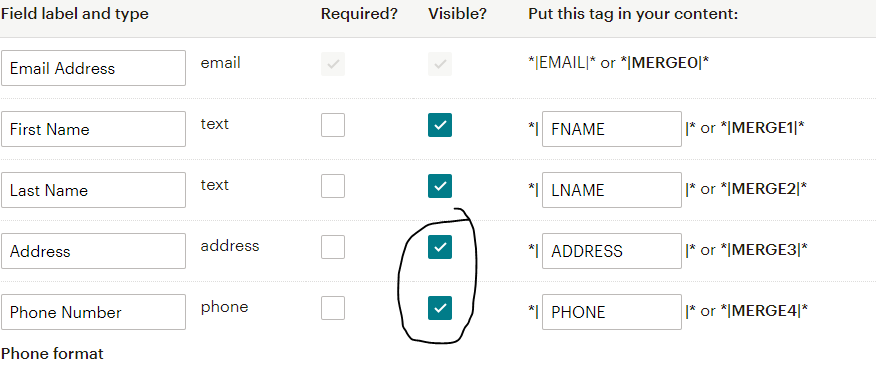
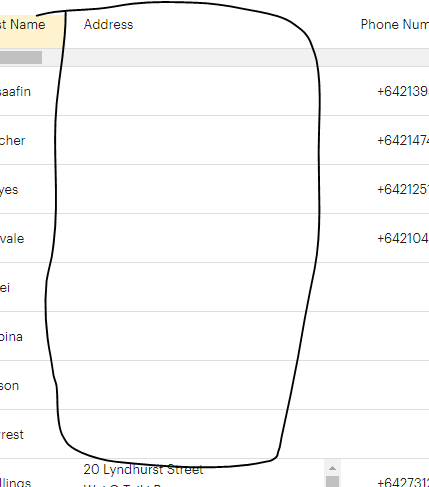
However, I'm still unable to map the address. I also tried to create a separate Workflow (Update Individual Customer) that would try to update the Address field but nothing is being recorded in MailChimp. See below. The last one that had an address was created from Zapier.
Attachments

Hey @christian.grammar
It seems like you have selected the address custom field in your MailChimp as an address field type, kindly use the text type field and can rename it to the Address field.