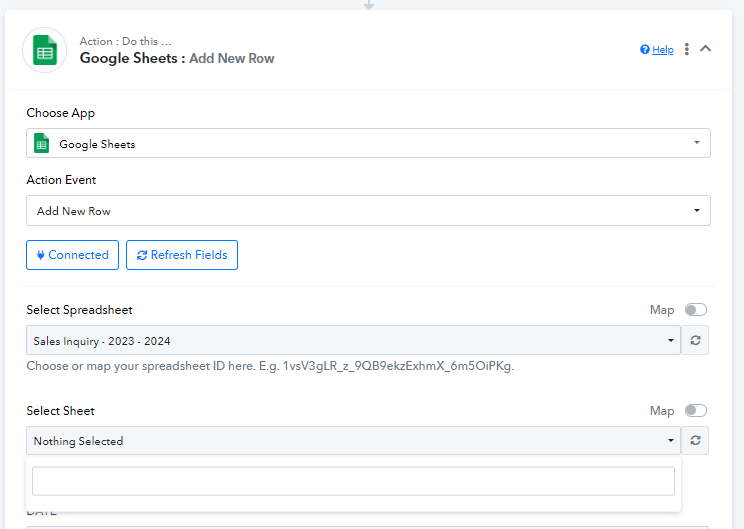
Why i cannot choose the sheet from google spreadsheet?
Status: Closed · Asked by Pravina on · 0 views
@Pravina ,
Click on refresh fields button, after that you'll able to see the sheet names
Contact me - https://www.facebook.com/himeshsoni07
Email - [EMAIL][email hidden][/EMAIL]
Hey @Pravina
Please share the workflow URL where you have attempted the same, and consider refreshing the 'Select Sheet' field before checking again.
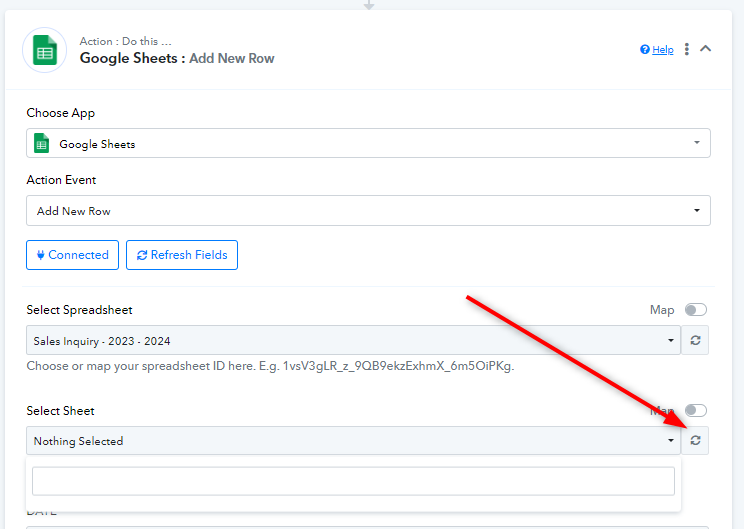
Hey @PravinaPlease share the workflow URL where you have attempted the same, and consider refreshing the 'Select Sheet' field before checking again.
Hi i have refreshed the 'Select Sheet' many times but its still not showing .
Workflow URL : https://connect.pabbly.com/workflow/mapping/IjU3NjUwNTY0MDYzNjA0MzQ1MjY5NTUzMzUxMzYi_pc
Hey @Pravina
Please confirm whether you are the owner of the Google Sheets or if someone has shared the Google Sheets with you, because if you do not own the sheets, they will not be displayed in the sheets field.
Additionally, could you share a screenshot of the Google Sheets where the sheets are mentioned?
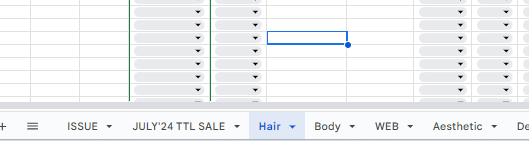
Hi this r the sheets in the spreadsheet and the spreadsheet is owned by me. Actually before this i can choose the sheets but then few days ago i updated the columns and then when i refresh in the pabbly its not showing anymore.
And if I choose different spreadsheet actually the dropdowns can be seen as shown in the picture
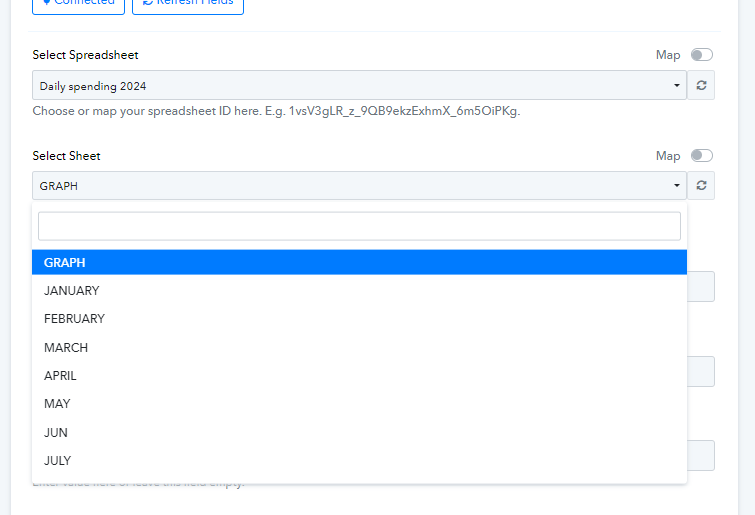
Kindly try passing the sheets name manully in the Sheets field by mapping it.
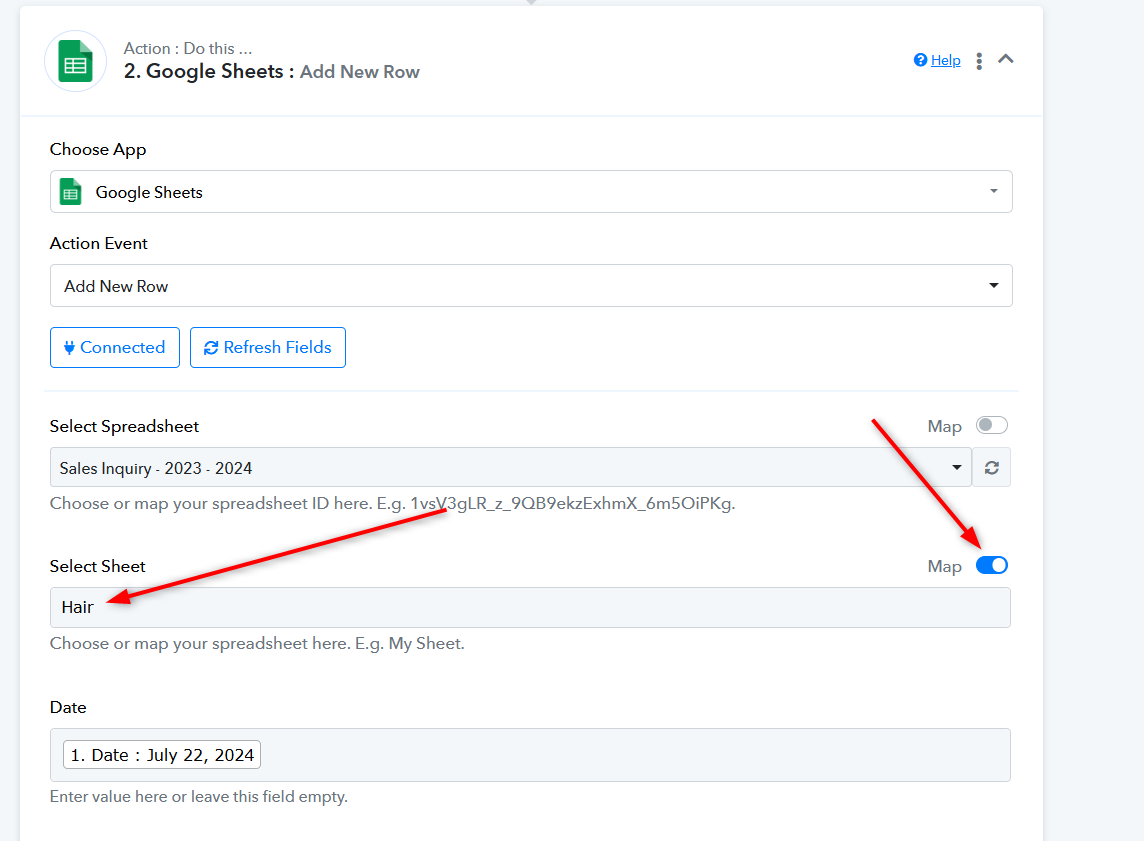
tq so much