WooCommerce-Google sheet! Quantity mention
Status: Closed · Asked by Akiladevi Shanmuganathan on · 0 views
Dear Pabbly support team
We are noting Woocommerce orders in a Google sheet if it is a particular product(say 'X') from our e-commerce store. When client buys product X, a new row added to Google sheet. The workflow goes well. If the client buys the product X with quantity one then it works well. If the client buys the X product with quantity as two then on the Google sheet we need to add two rows. How to implement this? Please guide me with this. Thank you in advance!
I have one more question. When Woocoomerce order is created, add a new row on a Google sheet with order details is working in my client's account. My question is how pabbly will handle when multiple orders from many clients happen at the same time? could you please explain? will that hang? or will it have it in a queue solving one by one?
Hey @Akiladevi
If you want to process multiple products in line items in Google Sheets at once then we recommend you use the LineItemzier action step.
@Supreme is it possible to have a call or meeting with the Pabbly support team to explain my question?
Unfortunately, we are only available for tickets and threads only on text. So, we recommend you record a short video.
@Supreme Sure I record a video soon to clarify the problem. Before that, I have attached a screenshot. Please have a look at it. The screenshot is an order list item from one the orders.
When a client buys a product, a new row is added on our google sheet having a track of the items purchased by the clients. When a client buys two count of the same product for him and his wife, then in total he has bought two items of the same product. In this case, we need to add, two new rows on the google sheet. How to perform this in pabbly connect workflow?
Attachments

When a client buys a product, a new row is added on our google sheet having a track of the items purchased by the clients. When a client buys two count of the same product for him and his wife, then in total he has bought two items of the same product. In this case, we need to add, two new rows on the google sheet. How to perform this in pabbly connect workflow?
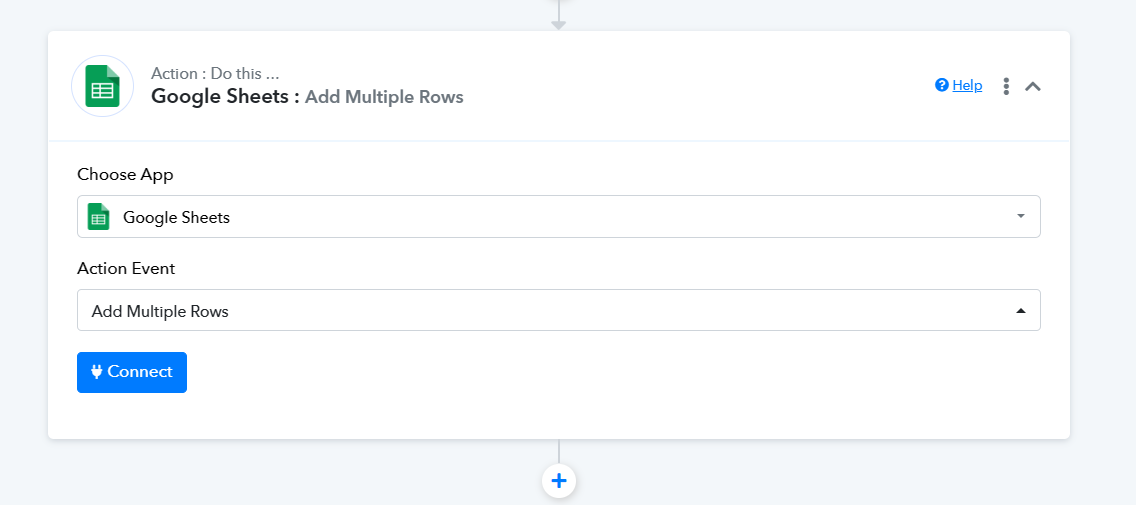
Adding multiple lines simultaneously through the trigger response, you can utilize the "Add Multiple Rows" action step. To pass multiple line items, you would need to employ the Line Itemizer action step, as demonstrated in the instructional video tutorial provided.
@Supreme thank you! I watch the video and try to implement.