Woocommerce to Shopify - Select the Product Name
Status: Closed · Asked by Zesty on · 0 views
Hey team,
Just created my first workflow, and it works great except that the "Shopify Product Name" is required to be a string which is not in Woo.
I've managed to get it to work by entering the code manually: 70*********80
How do I find the product in Shopify via mapping to update when Woo is updated?
Thanks!
Can you confirm if the WooCommerce product for which you have set up trigger is already available in Shopify as product?
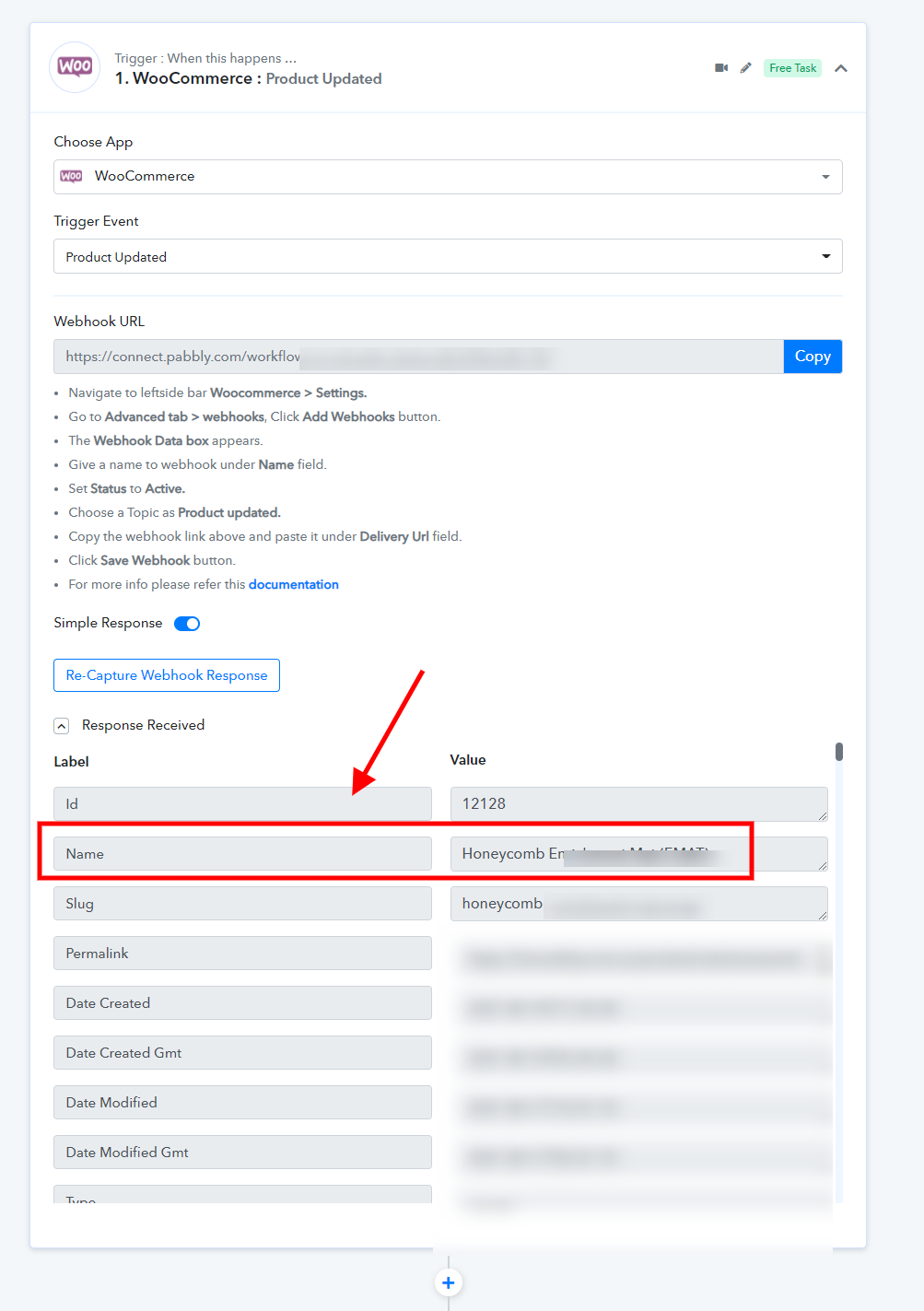
Yes it is: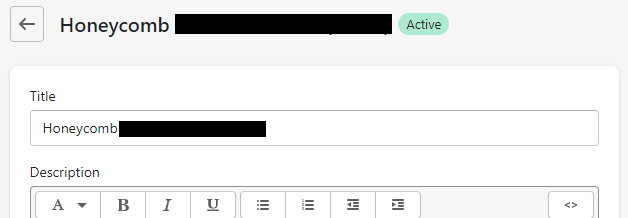
How do I search for the product as it is asking for a string that is not in Woo ...
Thanks!
We have updated your workflow. Please check at your end and it should be working fine now.
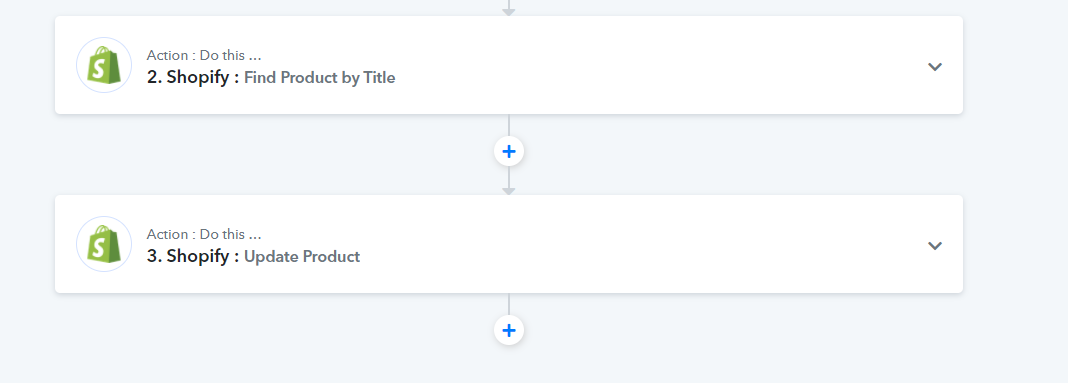
Thanks team! That is amazing! Exactly what we need. Is there a way to have stop it from updating the inventory? Currently it is updating the price for us, but also chaning the inventory to 0 as there is no where to enter that figure.
Ideally, we do not want updates when items are sold or inventory changed. Only when descriptions/prices etc are changed.
New price --> update price (no inventory details changed)
We have updated your workflow with inventory field as well -
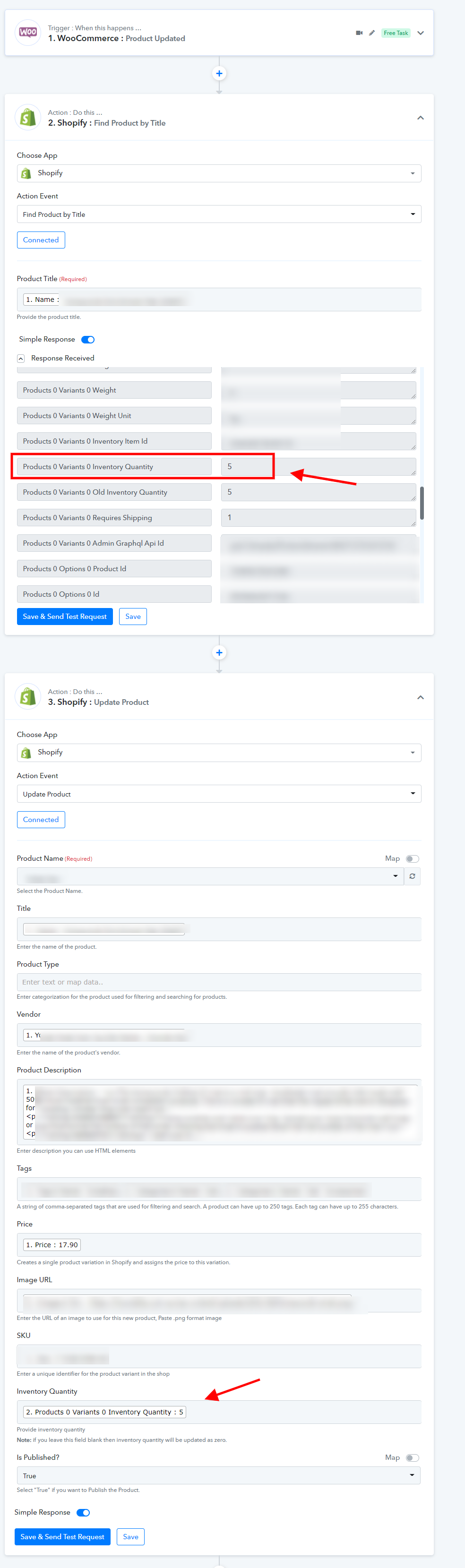
Thanks team! Great service! Cheers.