Wordpress Multisite, same workflow for all subdomain without manually adding them
Status: Open · Asked by goekhan.koese on · 0 views
Dear Pabbly Connect Community,I have created an automation workflow in Pabbly Connect that integrates WooCommerce with Asana for one of my WordPress subdomains. Now, I would like to use the same workflow across all of my subdomains without having to manually set it up for each one.My goal is to have a single workflow that automatically applies to all subdomains, so that when an order is placed on any of the subdomains, the relevant data is transferred from WooCommerce to Asana, and the customer receives a notification with a tracking number.I am looking for the most efficient way to achieve this.
I have a multisite setup
I would greatly appreciate any advice or best practices from the community on how to implement this automation across multiple subdomains. If there is a native way to do this in Pabbly Connect, I would love to know more about it.Thank you in advance for your help!
Hi @goekhan.koese,
Are you using different WordPress accounts for different websites?
Hi @goekhan.koese,Are you using different WordPress accounts for different websites?
Hi Arshil
I use a wordpress multisite install, the websites are under subdomains.
User Account for all is the same (Super Admin)
Thank you for this information.
I am assuming that only orders made on one website/subdomain are triggering this workflow, and orders made on other websites/subdomains of the same Super admin are not being captured. Is that correct?
https://connect.pabbly.com/workflow/mapping/IjU3NjUwNTZhMDYzNjA0M2Q1MjZhNTUzNTUxMzIi_pc
Hi Arhsil,
yes thats's correct
So mainly I want to install the worflow for one subdomain.
Then when this subdomain is cloned, the workflow should still work.
Now only the workflow that generates a task in Asana is working.
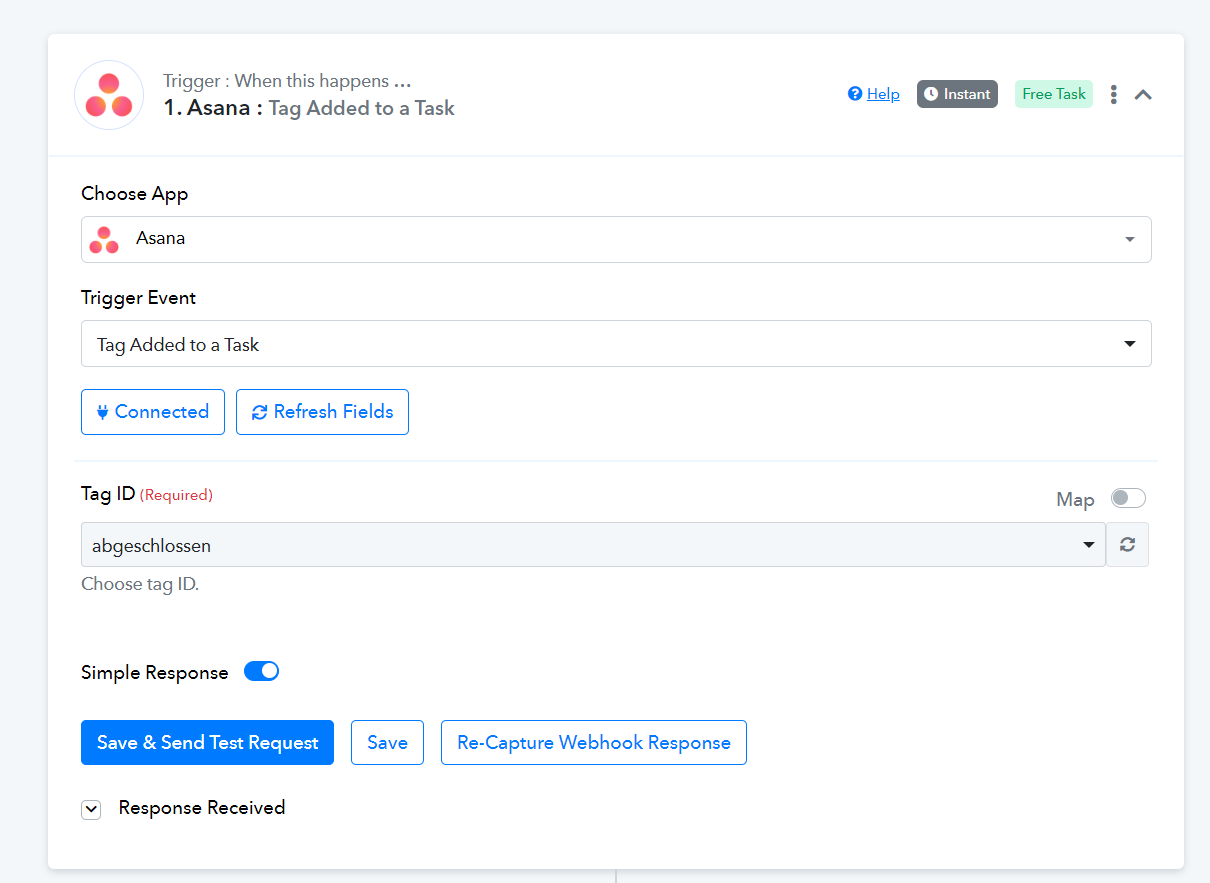
But not the workflow, that triggers the woo order back, when update is changed in Asana.
Hi Arhsil,yes thats's correct
So mainly I want to install the worflow for one subdomain.
Then when this subdomain is cloned, the workflow should still work.
Now only the workflow that generates a task in Asana is working.
But not the workflow, that triggers the woo order back, when update is changed in Asana.
https://connect.pabbly.com/workflow/mapping/IjU3NjUwNTZhMDYzNDA0MzY1MjZhNTUzMzUxMzUi_pc
I am assuming you are talking about this workflow. If so, then please note that you need to set up your workflow from scratch (without cloning). The trigger used in this workflow is based on post webhooks. When you create a new workflow and set up your trigger step, it creates a webhook in your application (Asana). Since you have cloned this workflow instead of setting up a new workflow from scratch, the webhook was not generated, and your workflow is not being triggered.