Work flow is not working
Status: Closed · Asked by Varghese Tharakan on · 0 views
Hi,
I created a work flow on last week. At present i couldn't do the same. Facebook leads to google sheet was my work flow. i fetched my face book profile .but i couldn't got the exact face book page for connection .If you can solve this i can continue the subscription otherwise it would be cancelled. My ticket No is 11114083
Attachments
Hey @Varghese Tharakan
Could you please let me know the Facebook Lead page name? As we can see that you are getting only 1 page after logging in. Kindly share the complete detail.
You can also check the below video for getting FB leads and you can save it in Google Sheets.
youtube.com/watch?v=Xa3b-rSyOGQ:4
Thanks
Kunal
Hey @Varghese TharakanCould you please let me know the Facebook Lead page name? As we can see that you are getting only 1 page after logging in. Kindly share the complete detail.
You can also check the below video for getting FB leads and you can save it in Google Sheets.
youtube.com/watch?v=Xa3b-rSyOGQ:4
Thanks
Kunal
Hi Kunal,
You are right .I can seen only one page that is 'Varughese Tharakan' . I need to connect a page 'urbanscape properties' . But we can't seen this .List of pages are attached here. plz do the needful
Attachments
Hey @Varghese Tharakan
Could you please log in with the account on which the Page urbanscape properties is created? Currently, we are seeing only the page which is in your name only.
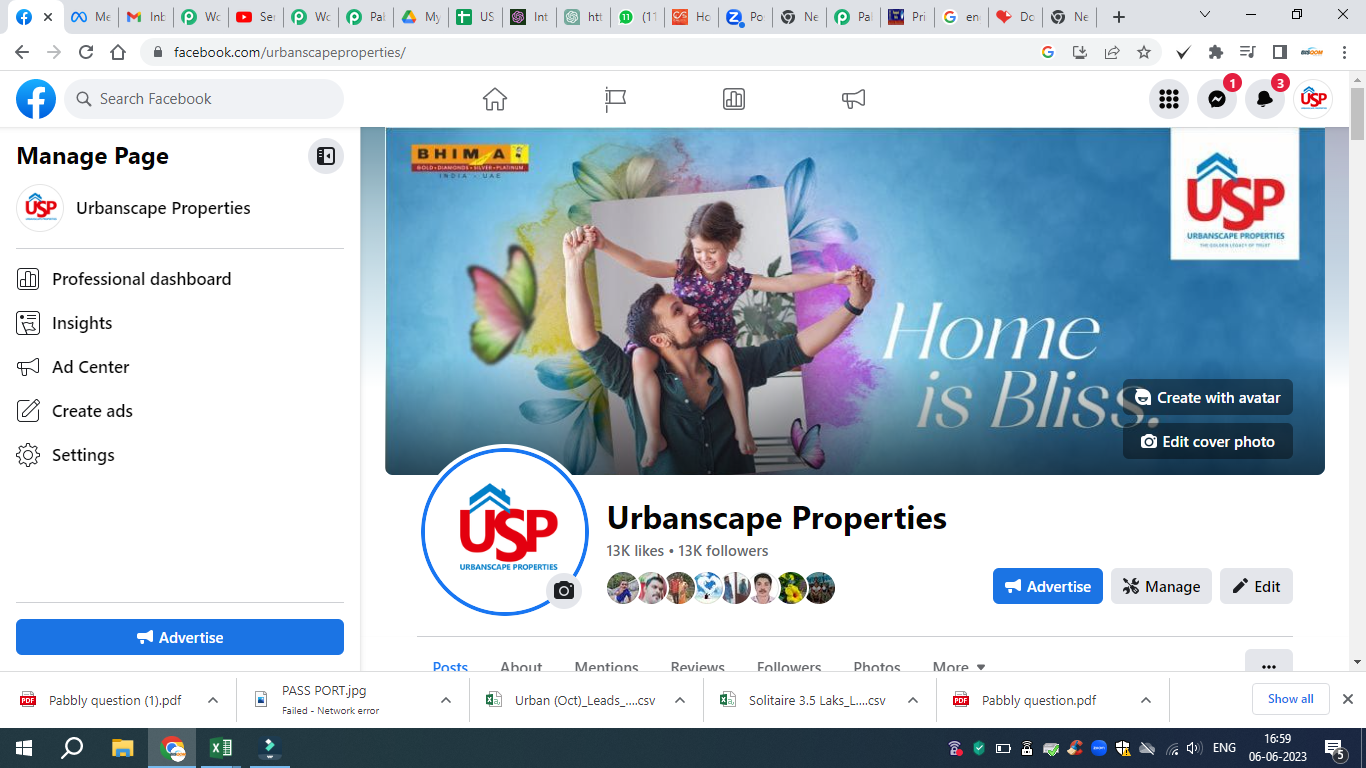
Hey @Varghese TharakanCould you please log in with the account on which the Page urbanscape properties is created? Currently, we are seeing only the page which is in your name only.
Hi Kunal, I all ready login with urbanscape properties. but this page not seen when we are fetching the page. The above is the screen shot
Hey @Varghese Tharakan
We have checked the issue and found that you are not logging in with the correct user in the Pabbly Connect for Facebook where the page Urbanscape Properties belongs. Kindly login with the correct details and then check.
Hey @Varghese TharakanWe have checked the issue and found that you are not logging in with the correct user in the Pabbly Connect for Facebook where the page Urbanscape Properties belongs. Kindly login with the correct details and then check.
H Kunal,
I don't understand what you are saying. i have only one profile ie varughese tharakan.This profile allready log in. With in this profile there are many pages. urbanscape properties is one among them. Page urbanscape properties is also logined
Hey @Varghese Tharakan
Could you please create a new connection for Facebook, while creating a new connection make sure to select the page that you want to display in the Pabbly Connect automation.
Thanks
Kunal
Hi Kunal,
New connection means new Facebook Account?
Hey @Varghese Tharakan
Kindly click on the connected button and then choose the option Add New connection, enter the detail and then click on the Save button. Make sure you have selected the page that you want to show in the Pabbly Connect while creating a new connection.
Hi,
It is not working. if you can arrange your technical team for solving this it would be appreciated
Hey @Varghese Tharakan
Please let me know if we can join the call today at 3:30 PM to check the issue. I will share the meeting link before the call.