Workflow not working
Status: Closed · Asked by Klubcoin on · 0 views
Hi, I have finished and saved the workflow but the new tweets are not being shared on the Telegram community. What do I do?
Hey @Klubcoin
Could you please try reconfiguring the Twitter trigger event once and then try again?
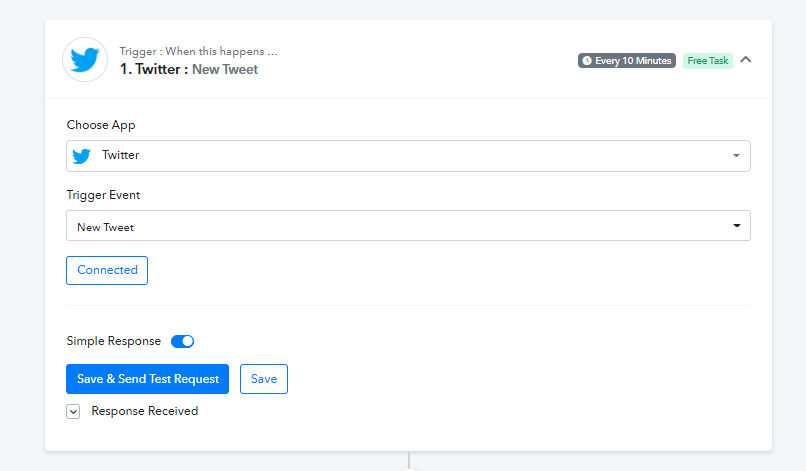
I have done this and found out why it didn't work. However, my workflow is supposed to get triggered when I send a new tweet. It sent a message on the telegram chat when I retweeted. Is there a fix for this?
Hey @Klubcoin
Since Twitter's trigger event is the polling-based trigger event with 10 mins time which will check for a new tweet every 10 mins from the application. So, after you tweet, please look for the message in Telegram after some time.
Though as we can see from your latest task history Id, your automation is processed accordingly.
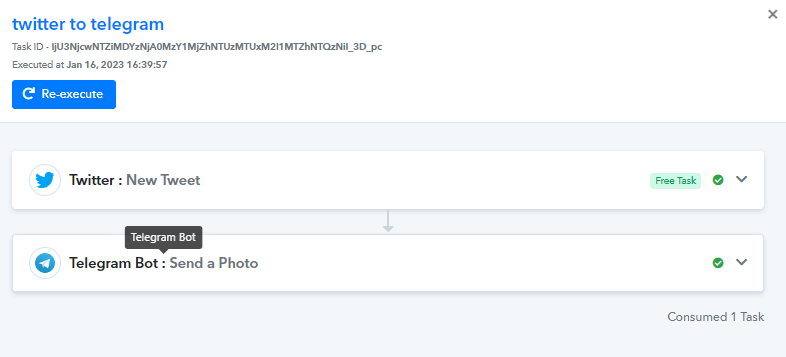
Hey @KlubcoinSince Twitter's trigger event is the polling-based trigger event with 10 mins time which will check for a new tweet every 10 mins from the application. So, after you tweet, please look for the message in Telegram after some time.
Though as we can see from your latest task history Id, your automation is processed accordingly.
Yes, this went through. Thank you. Also Is there a way to restrict it to just tweets and not retweets?
Hey @Klubcoin
You can refer to the following screenshot on your workflow after the trigger event and can select the retweet value to nill.
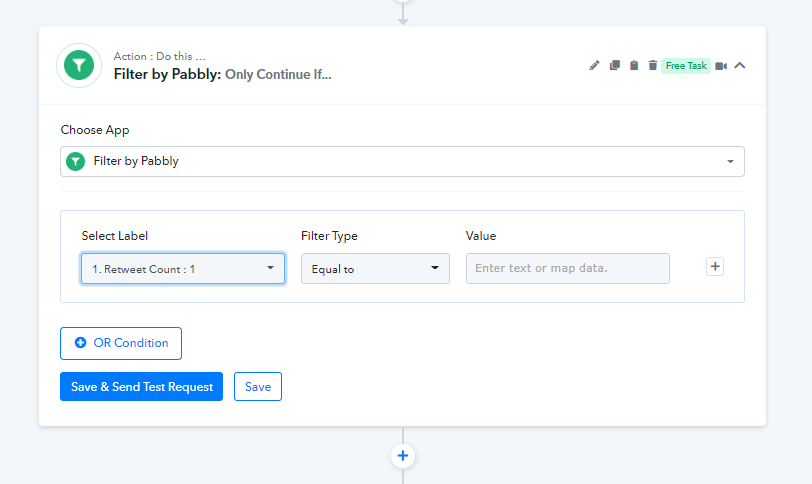
Hey @KlubcoinYou can refer to the following screenshot on your workflow after the trigger event and can select the retweet value to nill.
Thanks a lot. I applied the filter and it worked fine. 1 more question, how do I add photos to the tweet the bot sends? I don't always attach a photo to my tweets so when the "Send a photo" action is used and that tweet doesn't contain a photo it comes with an error message. On the other hand, if I use the "Send a text or reply" action the tweet comes without a photo.
If you are getting photos sometime, you can use the router action step in your workflow to process the message with the image separately.
You can refer to the following video tutorial on similar logic.