Workflow notification
Status: Closed · Asked by betancese on · 0 views
Hello,
I setup a tidy cal workflow that is triggered when an appt is scheduled, its filtered by the appt type, and then it sends an email to the individual who set the appointment. I keep getting the following notice for each one even after authenticating. Does this mean that after 24hrs the authentication expires? How can I keep it authenticated so the workflow doesn't get paused?
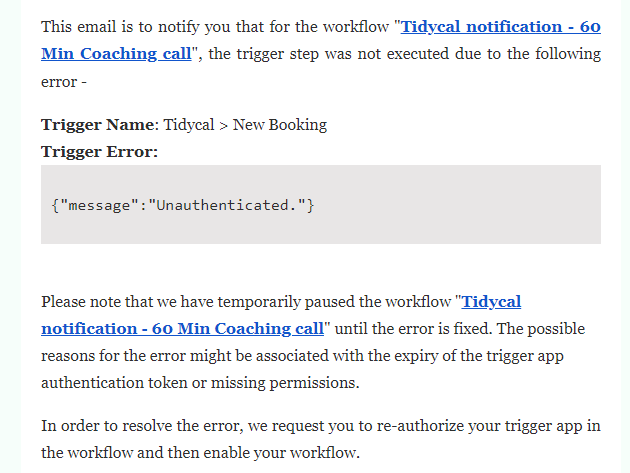
Trigger Name: Tidycal > New Booking
Trigger Error:
{"message":"Unauthenticated."}
Hey @betancese
Could you please share the workflow name and it is not possible that the authentication get expires after 24 hours since the Tidycal application has oAuth2.0 authentication?
Kindly try reconnecting the application and try again, let us know if you face any further issue.
Hey @betanceseCould you please share the workflow name and it is not possible that the authentication get expires after 24 hours since the Tidycal application has oAuth2.0 authentication?
Kindly try reconnecting the application and try again, let us know if you face any further issue.
Hello,
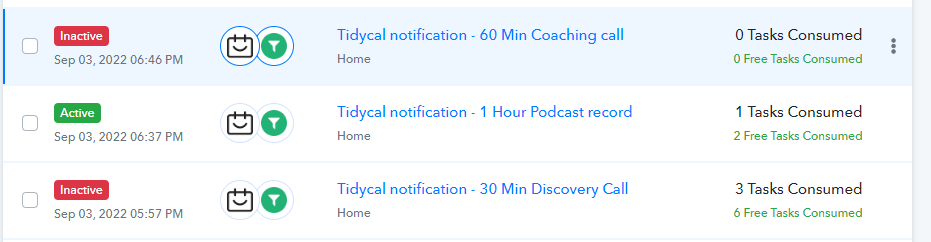
I have 3 Tidycal Workflows. They each receive that error after a few hours. I go in re-do the steps, get the confirmation its connected and then after after a few hours see the same message.
Thanks,
Evelyn
Hey @betancese
I have 3 Tidycal Workflows. They each receive that error after a few hours. I go in re-do the steps, get the confirmation its connected and then after after a few hours see the same message.
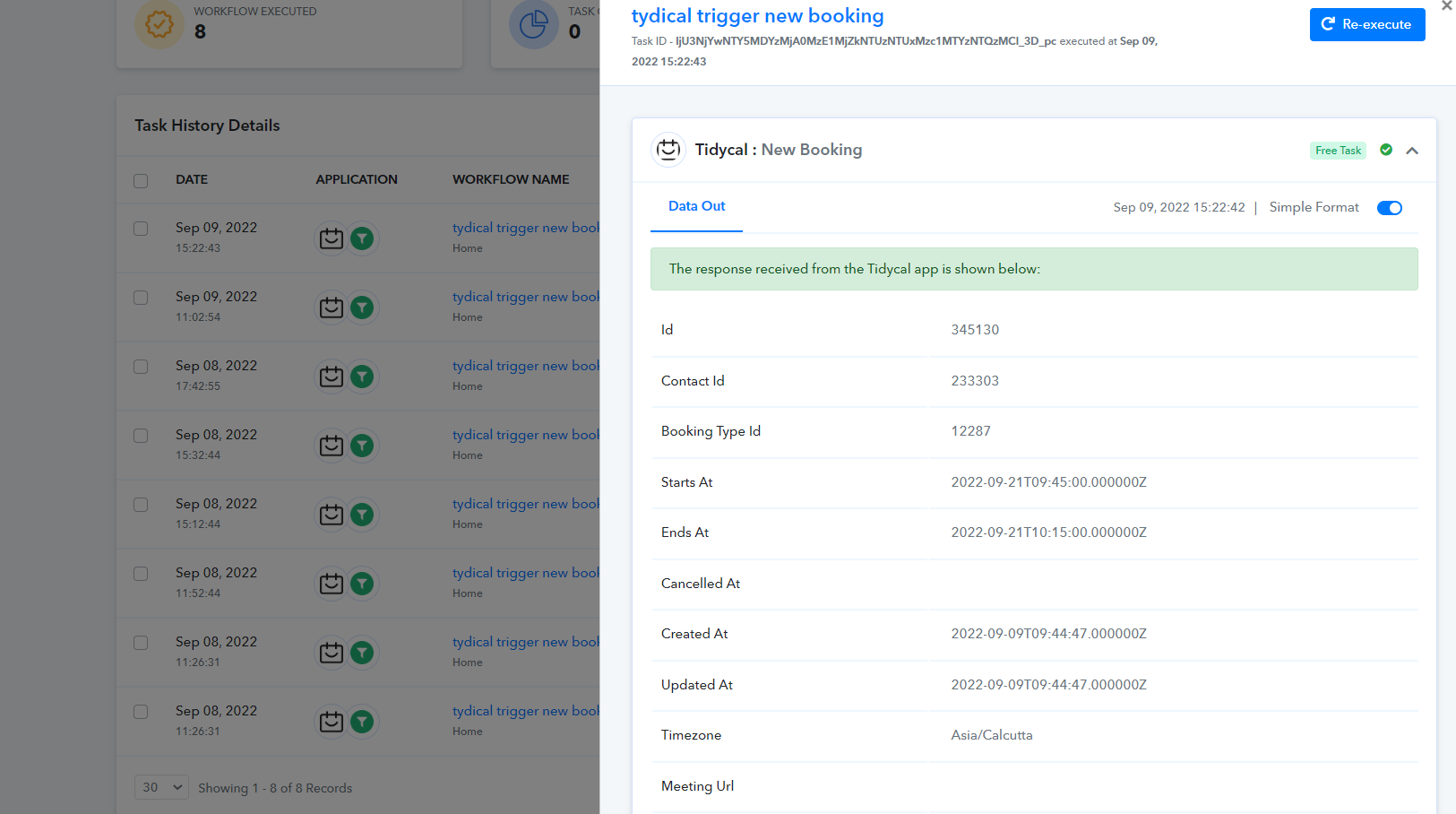
As we can see from your workflows and its task history Id, we are unable to find such an error.
Kindly share the proper task history Id or the screenshot on the same.
Hello,
Here is the notification I am getting via email for each workflow.
Hey @betancese
We have tested the Tidycal trigger event at our end in the live environment and it is working accordingly.
Whereas connection was always created back 24 hrs.
So, kindly contacts the Tidycal support team for the same.