Workflow Stuck
Status: Closed · Asked by sokhonsoeng on · 0 views
Dear Experts,
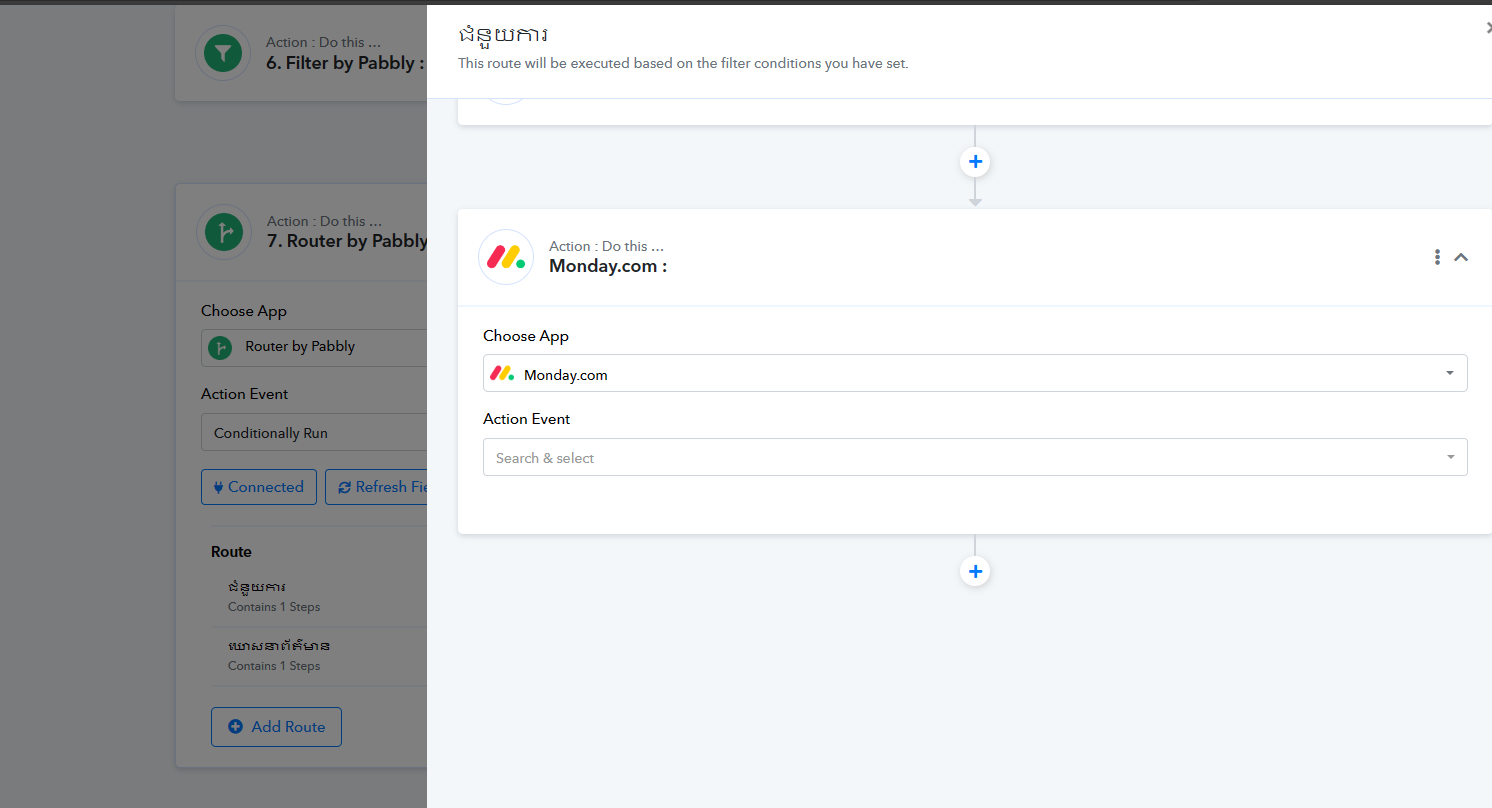
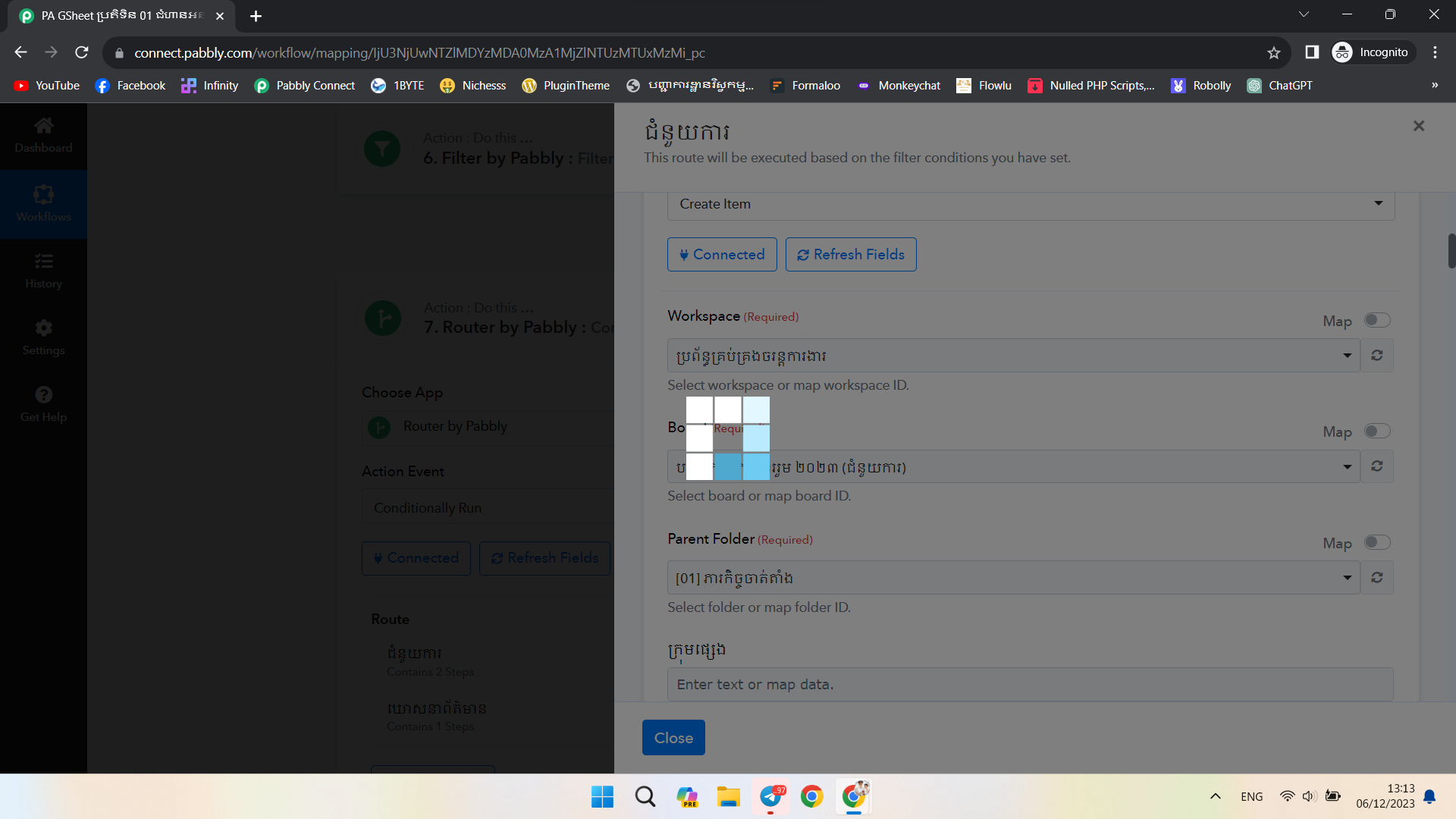
Recently, I found out that my workflow, specifically, Infinity app inside my workflow keeps loading forever. And the fields for mapping are not showing up. It makes my workflow does not work.
I hope you can fix this soon.
Regards,
P.S. I tried on many browsers, already cleared the cache and in Cognito mode, still it didn't work.
Attachments
Hey @sokhonsoeng
Can you please try clearing the cache memory once from your browser and then try again?
I already did. Not just once, but twice.
We are checking on it, please allow us some time.
Now, I also found out that If I changed the above step(s) then the below step doesn't show data for mapping even though I tried to refresh fields and reload the website, still it doesn't show data at all.
Yes, to map the data in your further action steps you need to make sure that you have run the previously added action step at least once to map its API response.
Recently, I found out that my workflow, specifically, Infinity app inside my workflow keeps loading forever. And the fields for mapping are not showing up. It makes my workflow does not work.
Further, can you please try the Monday.com action step once in your workflow and then try again?