Workiom integration deletes all field data for ignored fields :-O
Status: Closed · Asked by Anders Nielsen on · 0 views
This Update record problem with Pabbly deleting everything else you have not defined in the action naturally makes the Update record action un-useable.
I have now tried to remove every field except for one it should update (a date field). But it still wipes everything else :-O
Hoping for a quick response as I'm on a deadline getting this to work.
For pabbly team - it is this: https://connect.pabbly.com/workflow/mapping/IjM3ODI1MiI_3D
Feel free to check.
Hey @apps
We have contacted Workiom's support team for the same, as their API is not updating the fields accordingly.
We will notify you with an update soon.
Hi, 5 weeks have gone by. Have you fixed the integration?
P.S. Workiom says the problem is on your end. You say the problem is on Workiom's end.
Hey @apps
Since the Workiom team didn't reply back on your concern and because of that, the action step is still in review.
Though we have contacted their support team again and once they give us the solution to the concern we will also process it.
Your kind patience will be highly appreciated.
Ok, I have messaged them about it.
Hey @apps
We have made the required changes in the "Workiom: Update Record" action step and it shall work now.
Kindly try this at your end and let us know if that works for you.
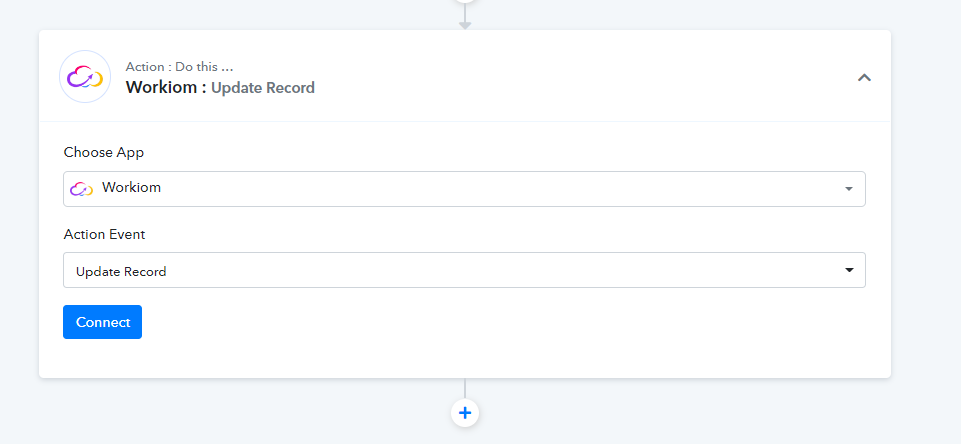
But there are no fields to update:
https://share.getcloudapp.com/2Numljkk
All I get is these 3 fields above
Hey @apps
As we can see from your workflow, all the fields are coming in the Workiom action step correctly.
Kindly check again.
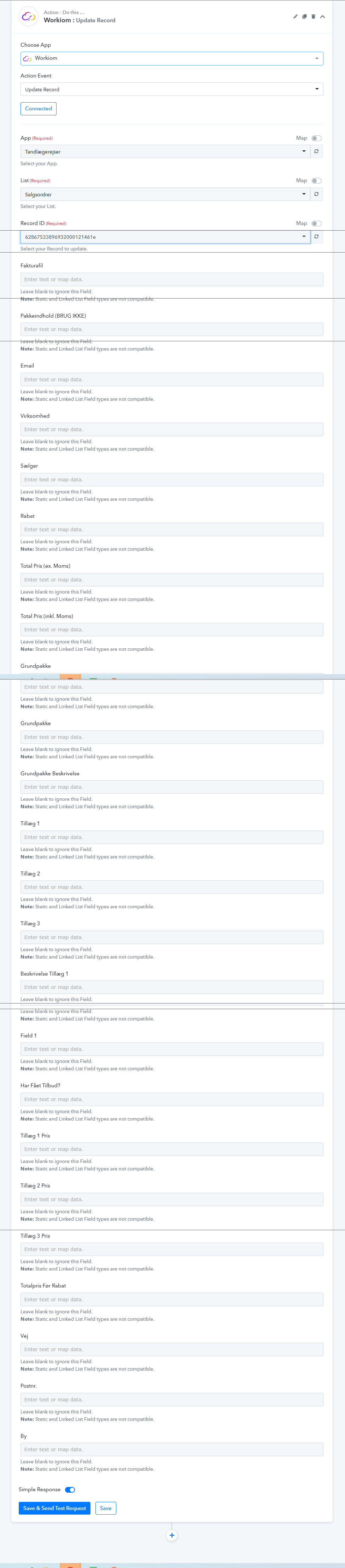
Thanks! As you can see form my screenshot in my last message and this one - there were only 3 fields to fill:
https://share.getcloudapp.com/xQuw6BJZ
However I think it is because you had server issues or something when I tried. Because the interface was incredbily slow (took like 2 min to finish adding a connection). Now it seems to work.
However I cannot make data passed to the Linked Lists appear. See: https://share.getcloudapp.com/04uQ56OG
How do I pass data to the Linked List field. I have tried both typing out the name of the entry and also used and ID. But Pabbly Connect just erases the content of these fields if I try.
Hey @apps
As we can see from your workflow and it seems like you have already fetched all the fields and mapped them too.
However I cannot make data passed to the Linked Lists appear. See: https://share.getcloudapp.com/04uQ56OG
Further, For Linked List type fields, pass array of record IDs. E.g. [{"_id":"recordId1"},{"_id":"recordId2"}]. You can find the record ID using "Find Record" action step.
Yeah as mentioned in my previous post
"I have tried both typing out the name of the entry and also used and ID. But Pabbly Connect just erases the content of these fields if I try." Eg. it does not work for me.
Hey @apps
Could you please record a short video on your concern, so that we can look into it and can assist you accordingly?