Writing a blog with chatgpt
Status: Closed · Asked by Mike Saturday on · 0 views
I was watching the video entitled, "How to Generate 100% Unique Articles using ChatGPT (within a Minute)", (
youtube.com/watch?v=kMbRcN6RWCE:604
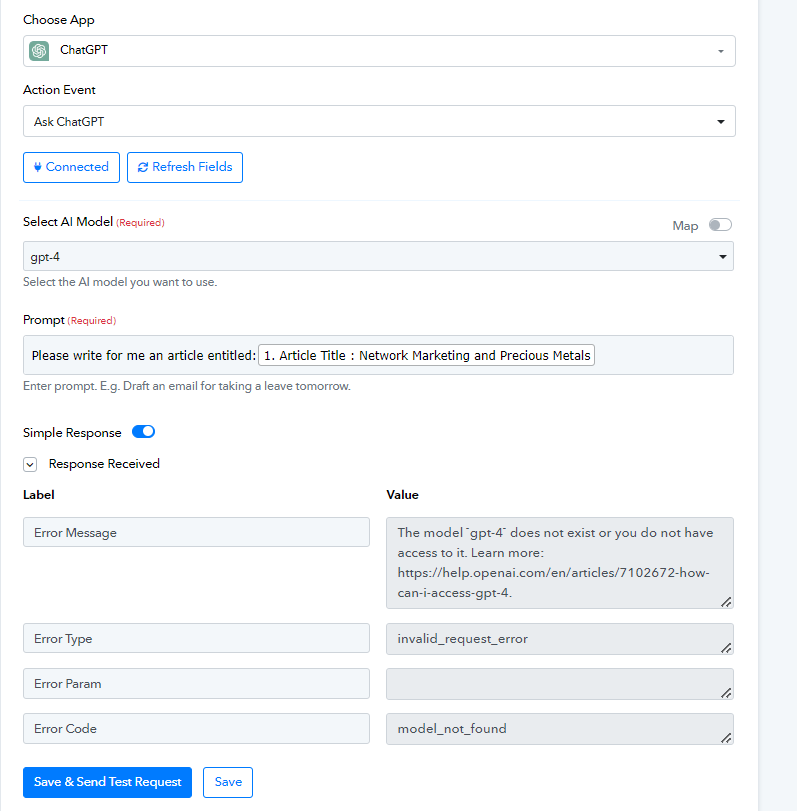
). Everything was going great. I was able to connect to google sheets, able to generate a ChatGpt response, able to connect to my wordpress. But the next step wouldn't allow me to post. I don't remember what the exact error was as I tried to correct it, but, none the less, it wouldn't do the task. I tried several things but they didn't work.I have ChatGPT 4 so I thought I would try connecting with it. I get this error: "The model `gpt-4` does not exist or you do not have access to it. Learn more:" (See attachment)
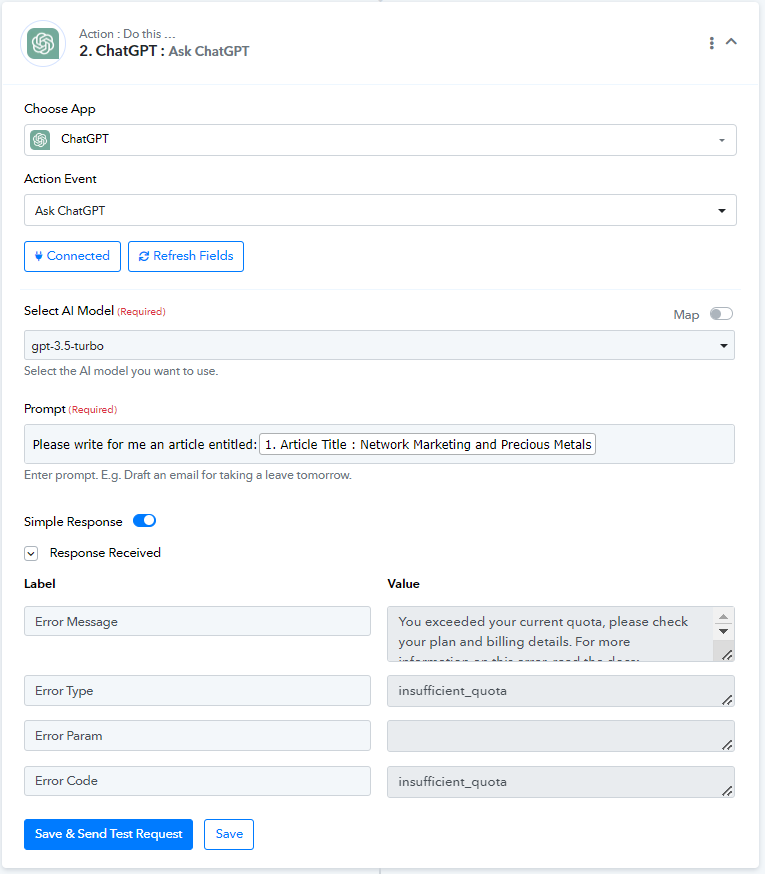
I then try ChatGPT 3.5 and I receive this error message: "You exceeded your current quota, please check your plan and billing details." (See Attachment) The only thing I've done was to try to reconnect 3 or 4 times before this error appeard.
I would like to use this process but I really need some help.
Thanks.
Mike
Attachments
Hi @Saturday,
The error message you're seeing is from OpenAI. I recommend contacting their support team to get a better understanding of the error.
https://help.openai.com/en/articles/6891831-error-code-429-you-exceeded-your-current-quota-please-check-your-plan-and-billing-details
Hi @Saturday,The error message you're seeing is from OpenAI. I recommend contacting their support team to get a better understanding of the error.
https://help.openai.com/en/articles/6891831-error-code-429-you-exceeded-your-current-quota-please-check-your-plan-and-billing-details
Thanks