Xero invoice automation, setting price
Status: Closed · Asked by Durkis on · 0 views
Hello!
Thank you for your continuing support.
My Xero invoice automation is not picking up on line item price. I noticed a discrepancy between the fields available in the editor, and those visible in the history.
I am trying to pass the line item cost from the sheet, onto an invoice in xero:
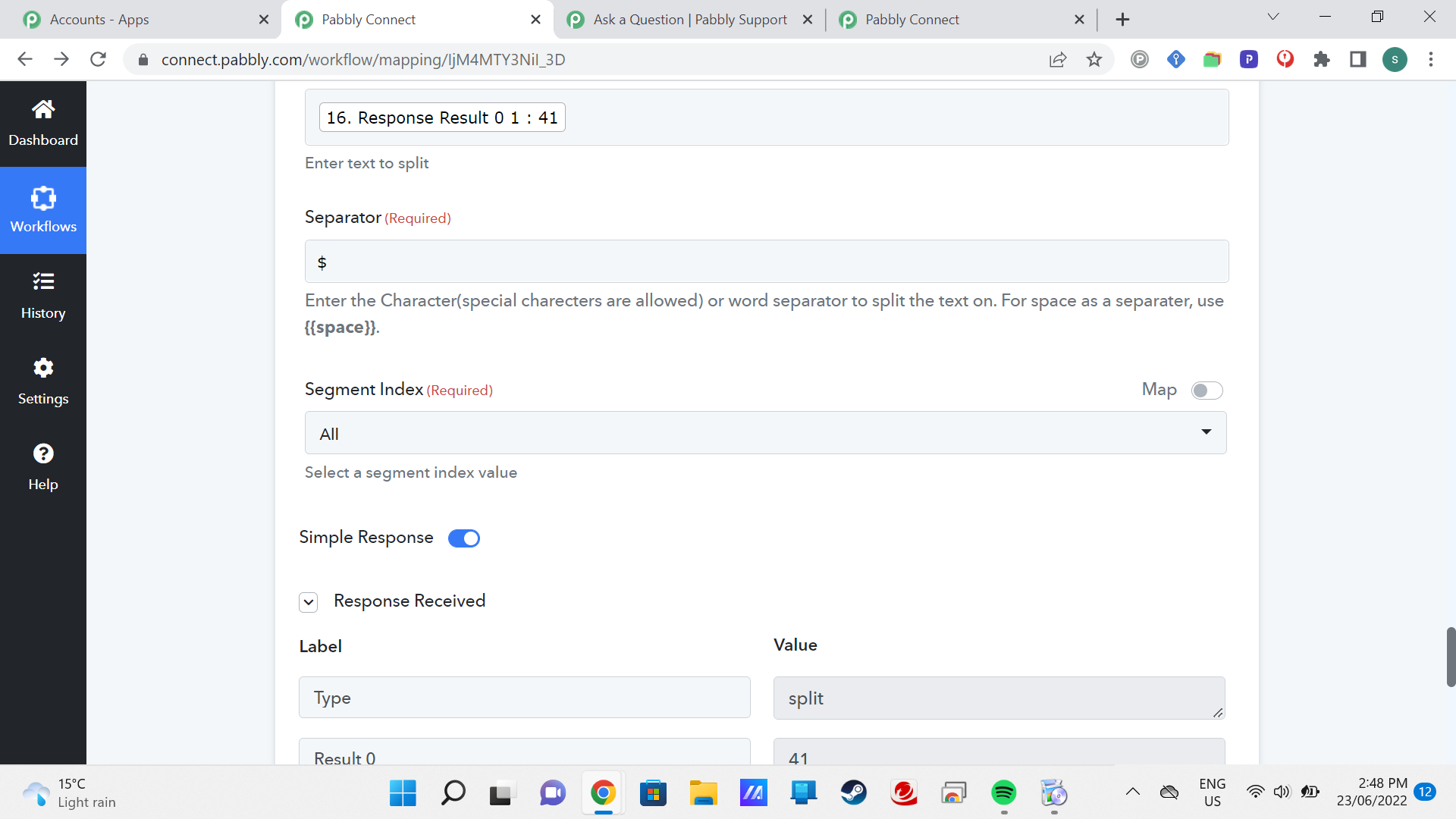
In the above screenshot, we see that the split has specified 0 1 : 41 but it's only receiving 0.
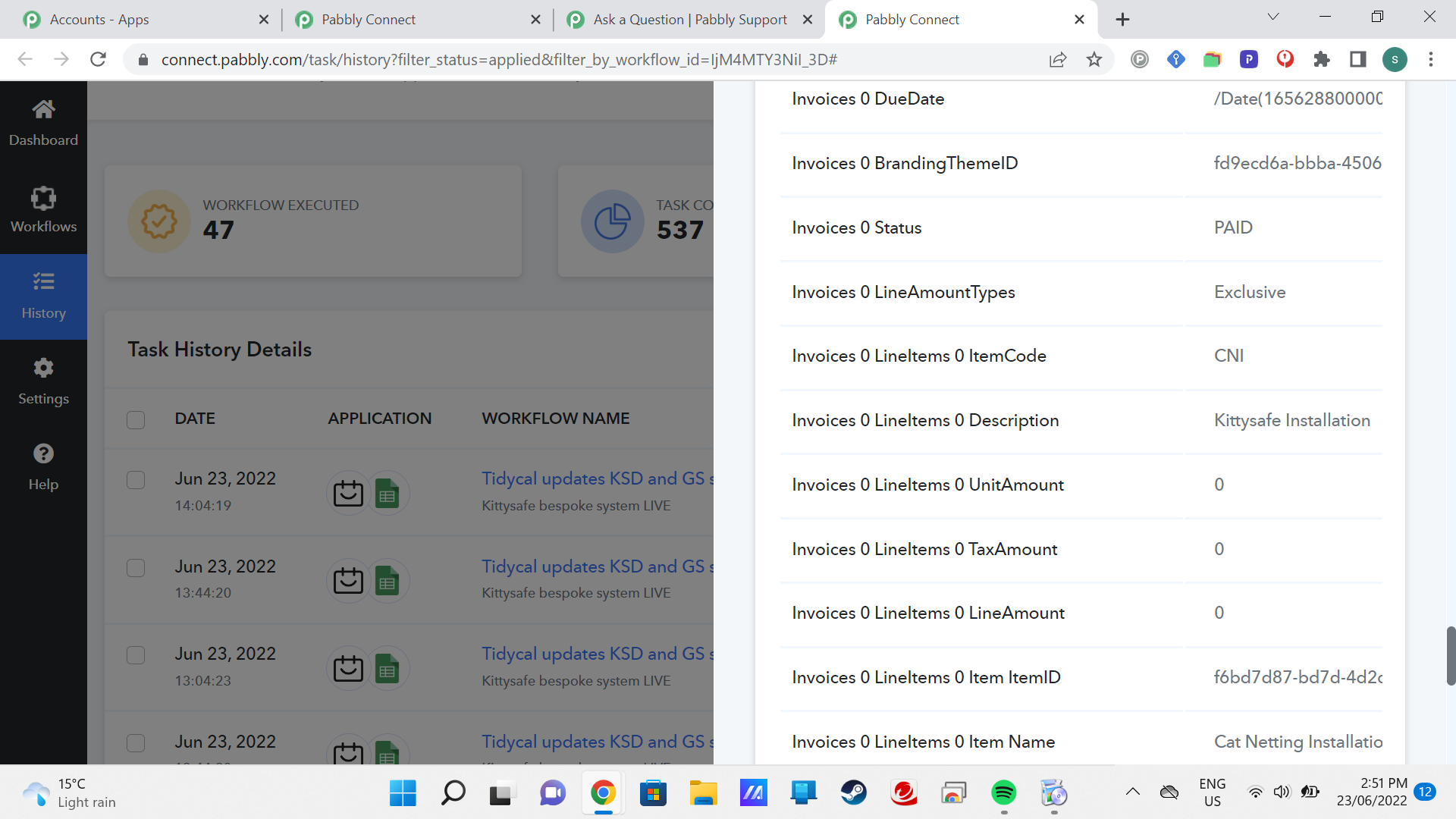
The value is not passing through to Xero, as seen here in the history:
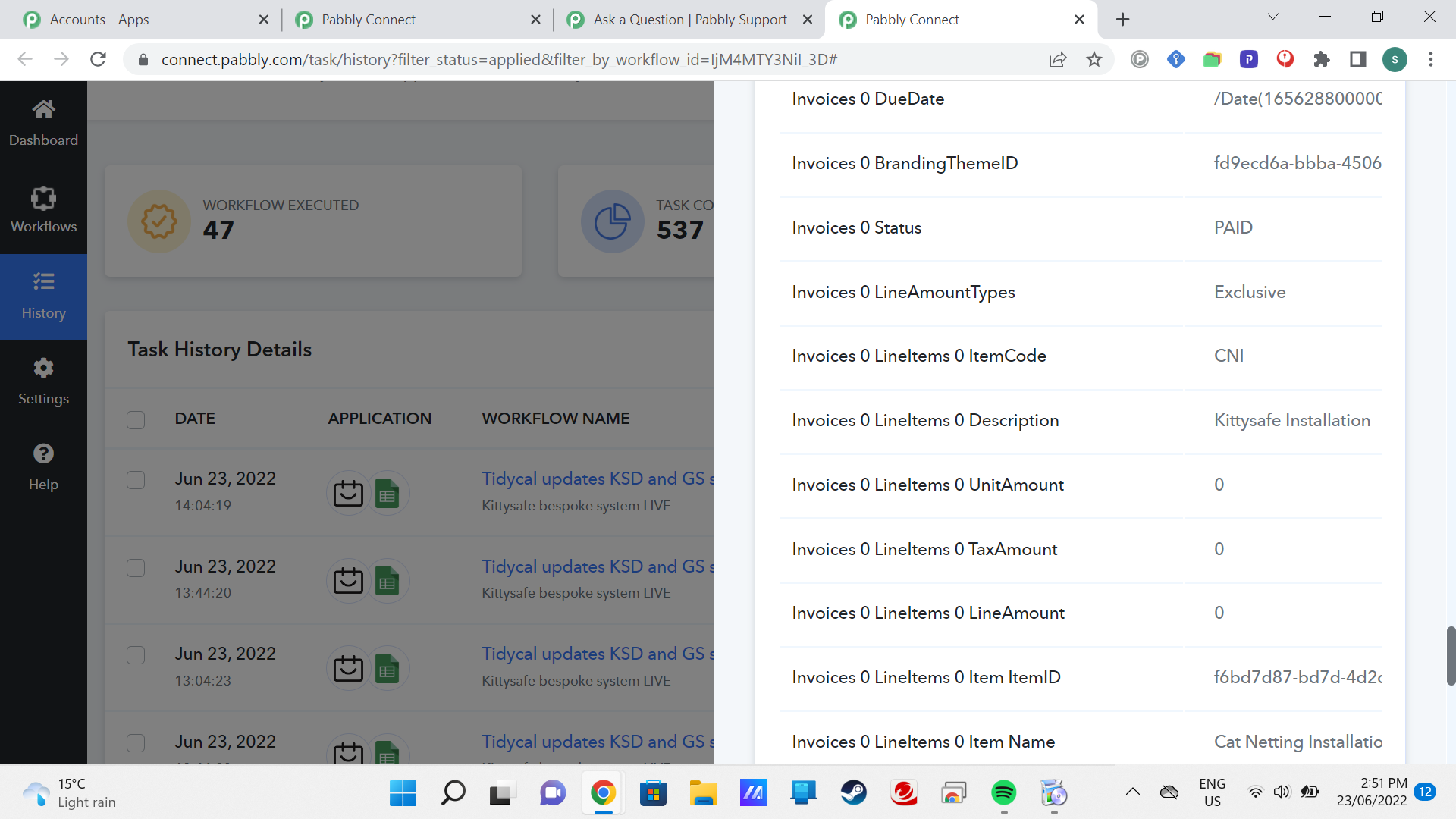
line item unit amount ,is 0
but elsewhere in history we can see that the value has been recorded (629.48) but not passed:
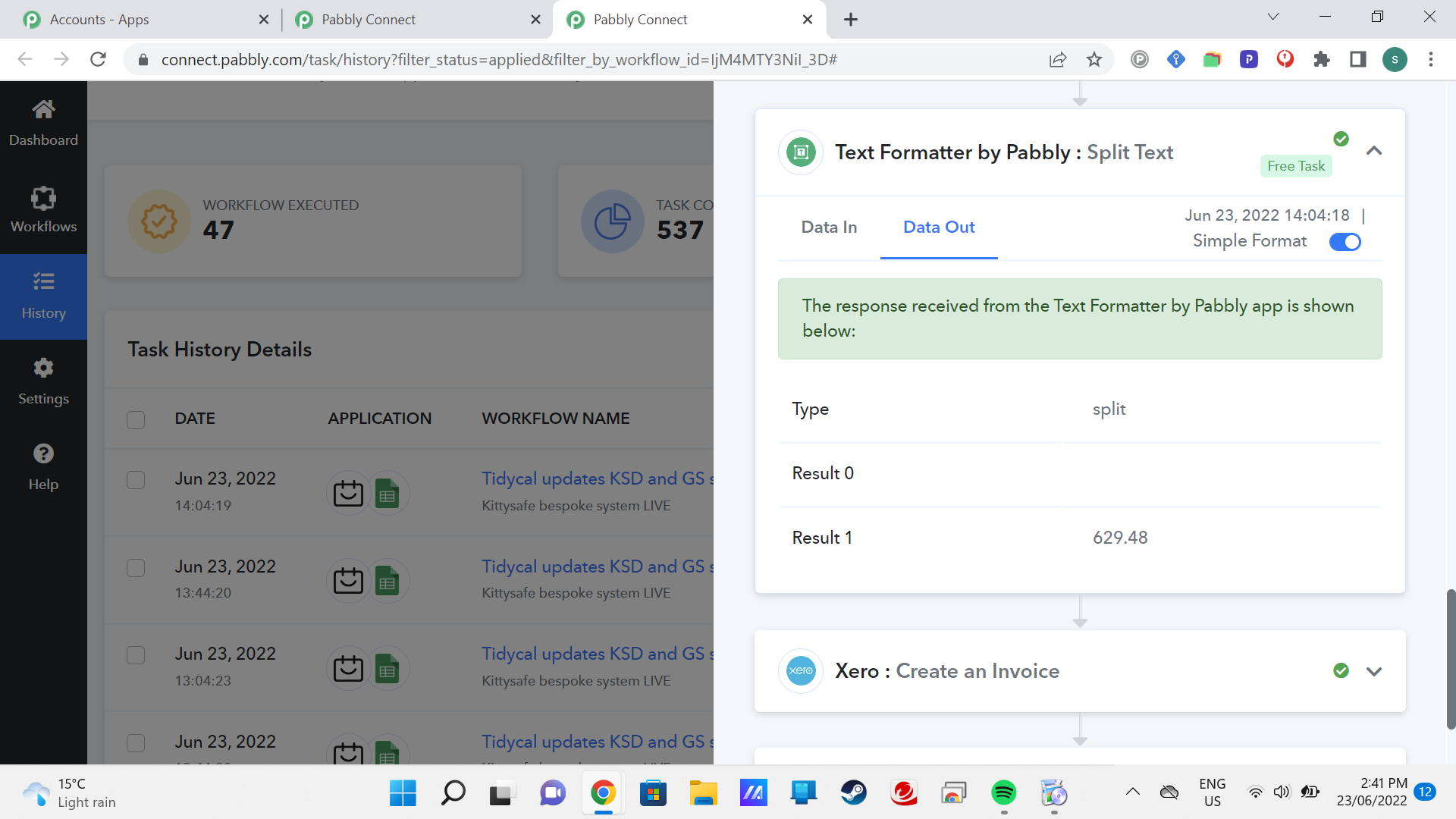
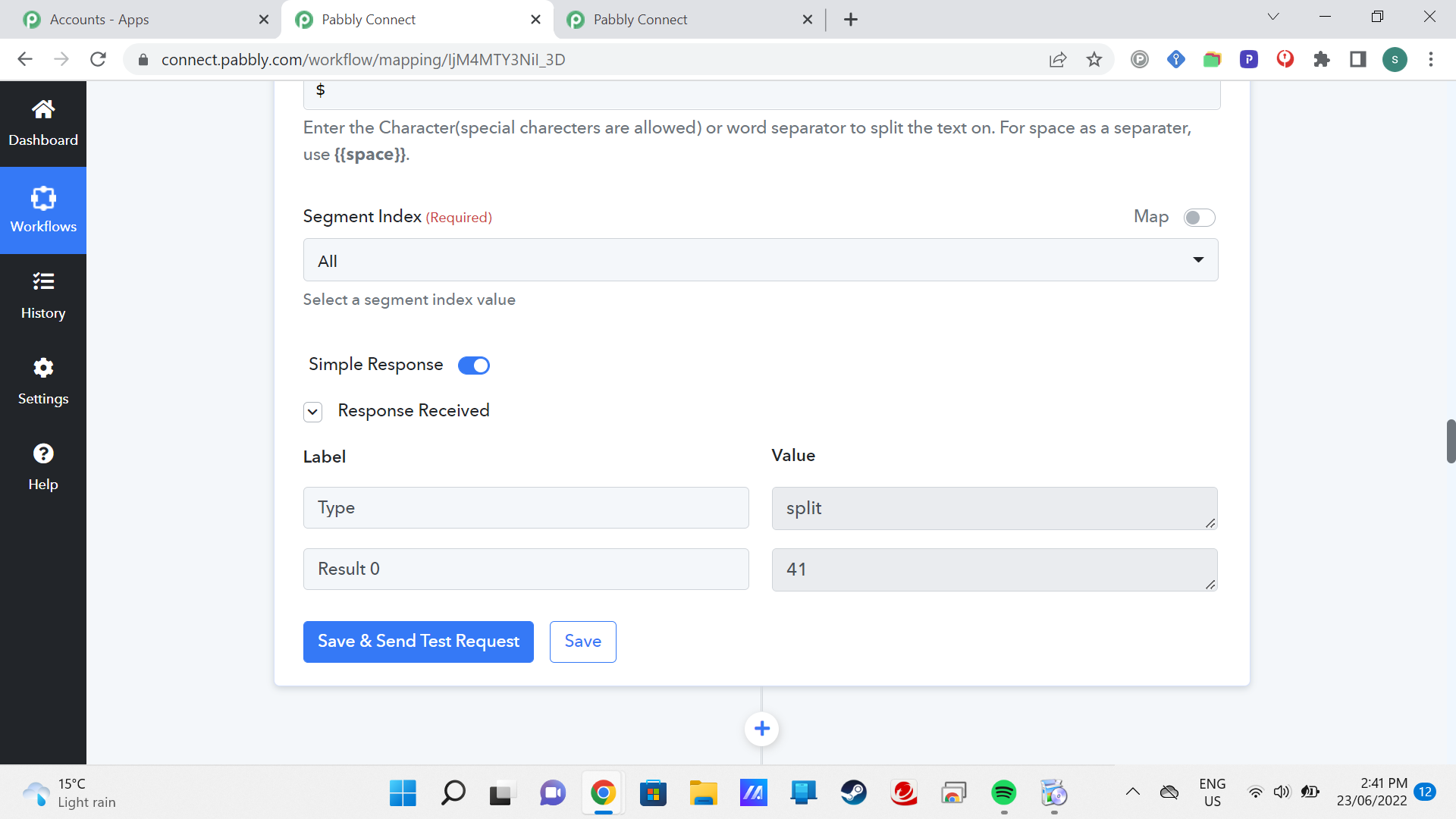
Even though I have selected 01, it has passed 0? I think? can you help?
Thanks as always. Here's the link:
https://connect.pabbly.com/workflow/share/C0NSYABPAmYCSwhcVglUNwEVAzoHTVMFA2QJGw##
Attachments
Hey @Durkis
As we can see from your workflow, you didn't even pass the extracted amount in any of Xero's action step fields.
Kindly map the extracted amount in the Xeros' action step to populate the invoice with the desired amount.
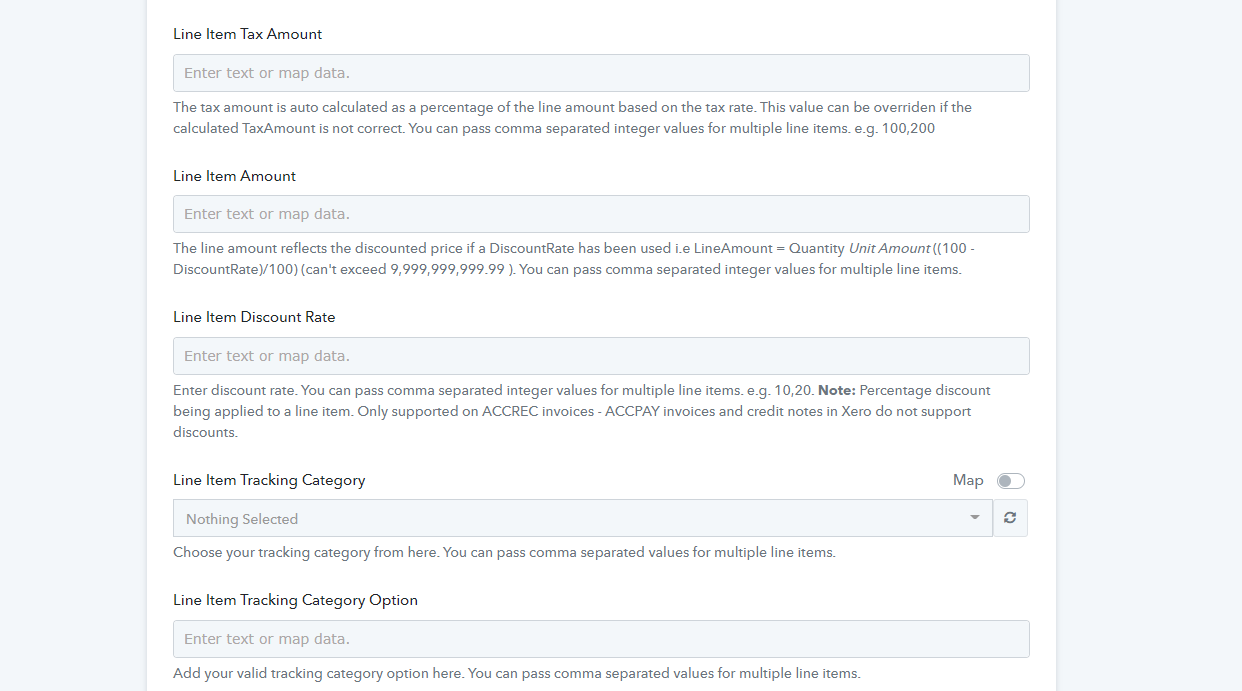
Hi, the value was passed in a field above this screenshot. I resolved the issue by rebuilding the workflow, and got it to work. Thanks for your help .