Youtube isnt sending information
Status: Open · Asked by Steve Wiens on · 0 views
I have my youtube account connected but when i test the connection it only returns the word Response in the Label box and the Value box is empty It doesnt show all the available feilds This is when i change to looking at the youtube chanel and the youtube individual videos When i change it to the embedded url youtube option i get a lot of field boxes
i need the chanel to return messages so i can use chat gpt to answer them
Hey @stevewiens,
Please grant me access to your workflow by adding me as a team member. This will allow me to gain a better understanding of your issue.
Once you have added me as a Team Member, do let us know the name of your workflow.
Email: arshil.ahmad@pabbly.com
Also, remember to revoke access once your query has been resolved.
Attaching a video for your reference:
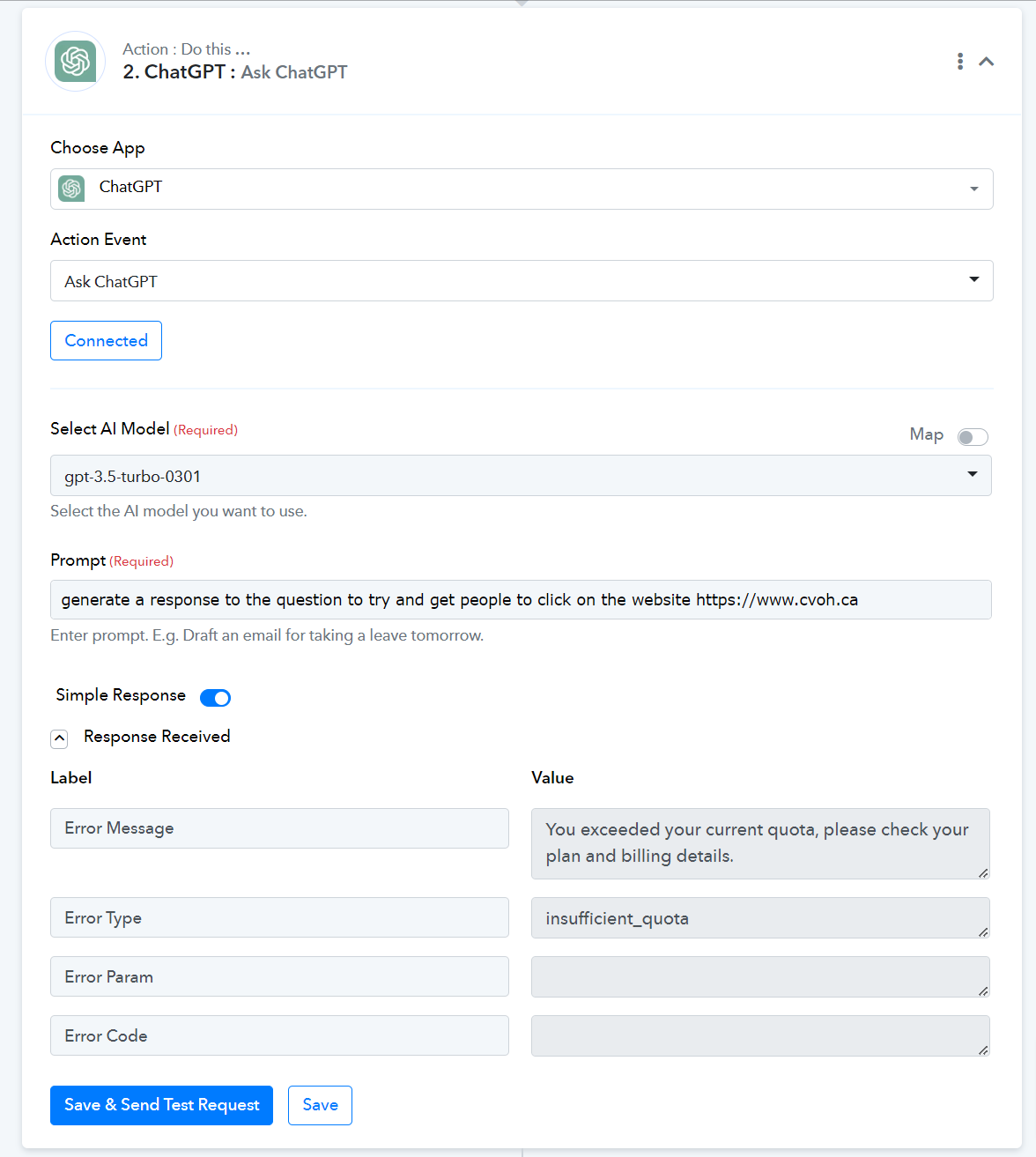
It was a temporary issue we encountered on OpenAI's end.
I would suggest using a different action event that is more suitable for your use case, as OpenAI: Chat GPT (Advanced) requires you to enter data in JSON format.
Workflow: Crystal YouTube Reply
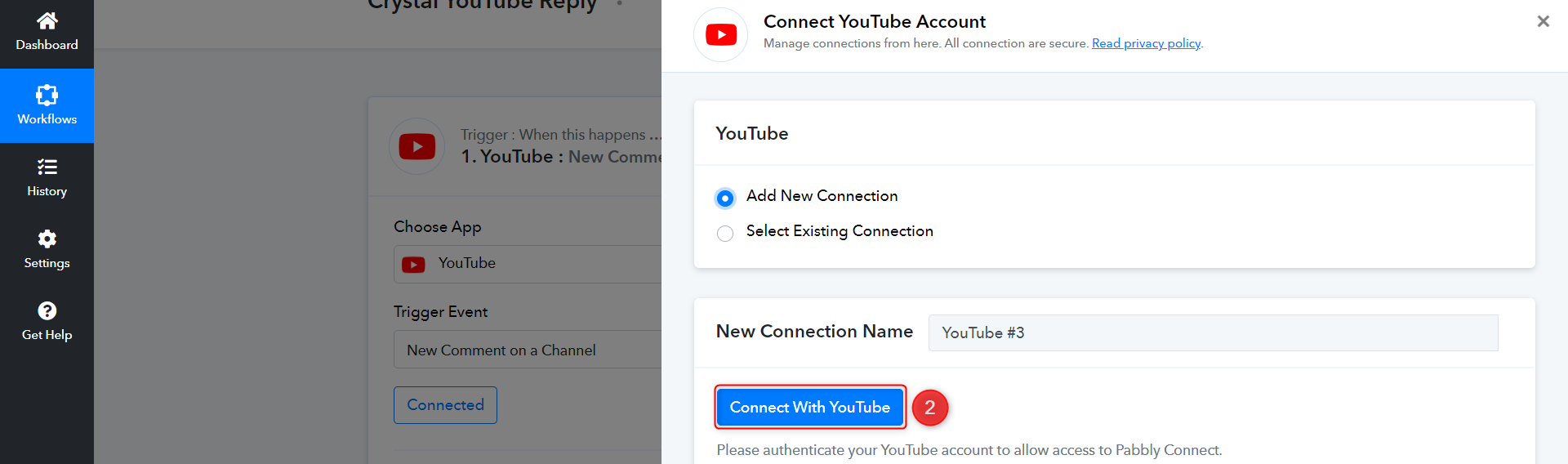
Please establish a new connection with your YouTube account and try again.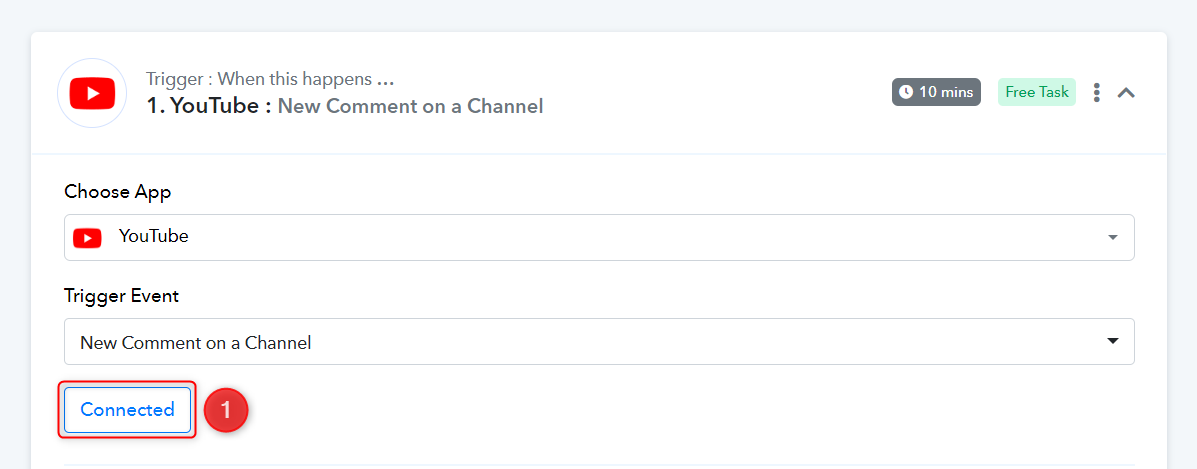
i am still getting the JSON error
Workflow: Crystal YouTube ReplyPlease establish a new connection with your YouTube account and try again.
I am still getting the JSON error
I am still getting the JSON error
You are not encountering a JSON error in this workflow. To gain a better understanding of the "insufficient_quota" issue, you will need to reach out to OpenAI's support team, as this response originates from their end.