[YouTube Uploading]
Status: Closed · Asked by Piggy69 on · 0 views
Can someone help me to create my workflow.
Trigger is Google Drive => New files => new video in the foler.
This part is easy.
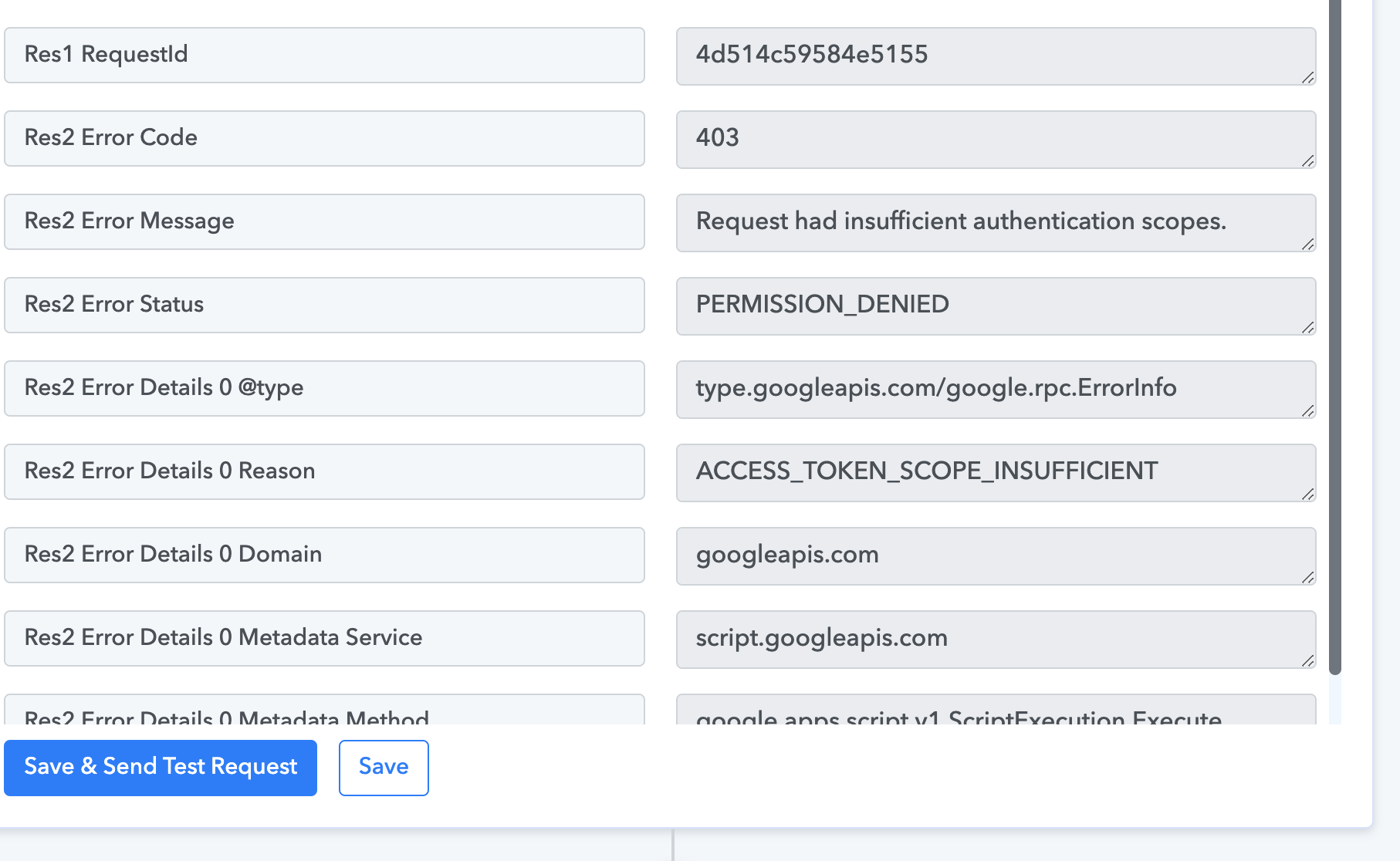
Next I am getting issue (image below-.
How can I manage this?
Thanks.
PS : Video size is : 7.4 MB
PPS : My workflow is here : https://connect.pabbly.com/workflow/mapping/IjU3NjIwNTZiMDYzMjA0MzM1MjY4NTUzNyI_3D_pc
Can someone help me to create my workflow.Trigger is Google Drive => New files => new video in the foler.
This part is easy.
Next I am getting issue (image below-.
How can I manage this?
Thanks.
PS : Video size is : 7.4 MB
PPS : My workflow is here : https://connect.pabbly.com/workflow/mapping/IjU3NjIwNTZiMDYzMjA0MzM1MjY4NTUzNyI_3D_pc
The file format which you're trying to upload seems to be not correct -
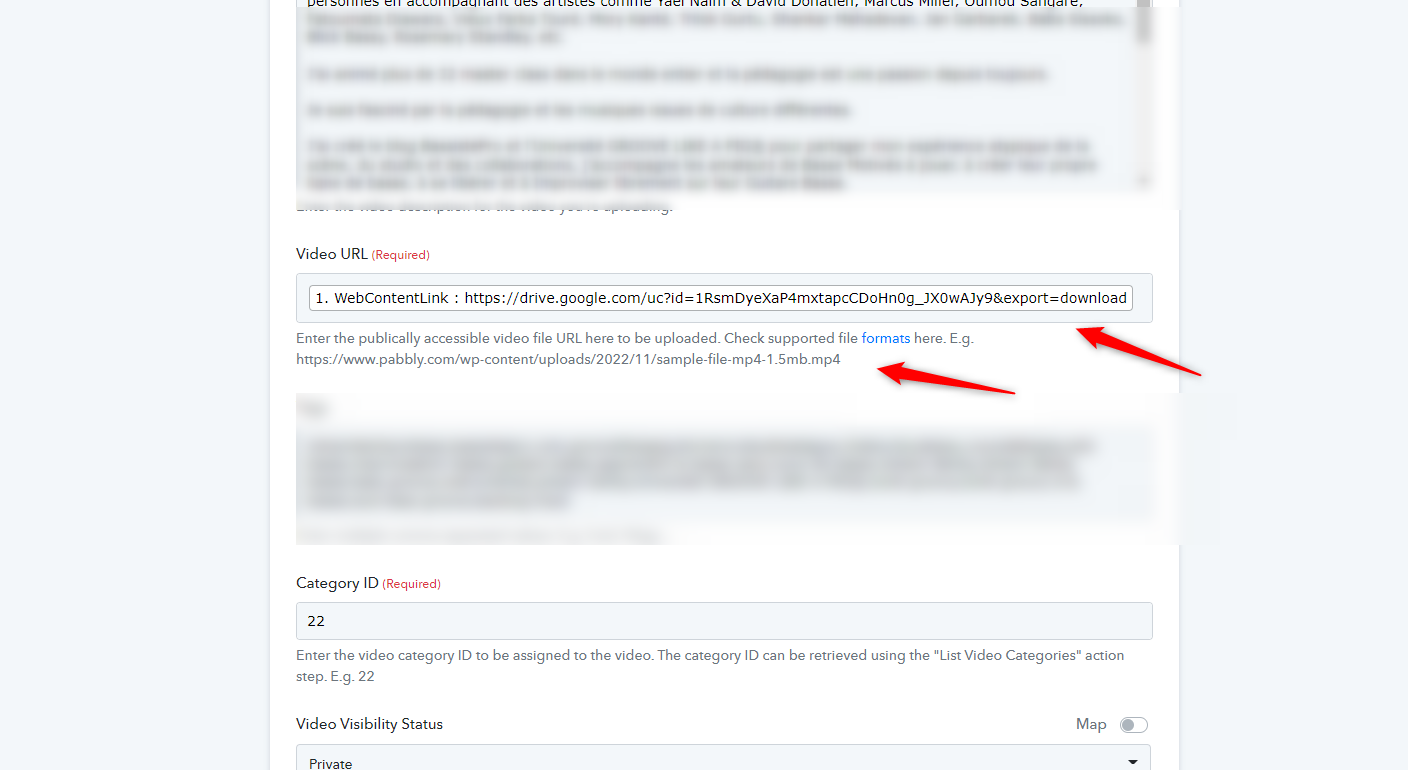
Even the file format URL which you're trying upload is not working -
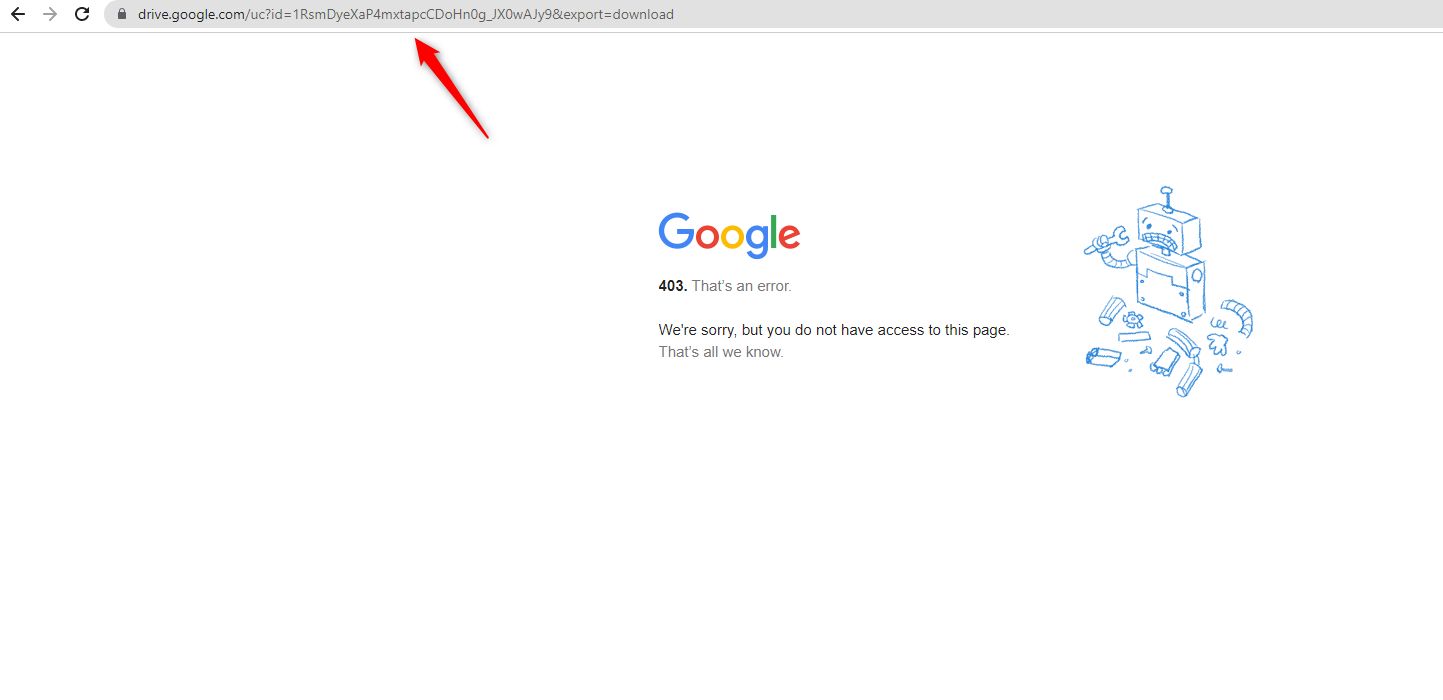
@Pabbly
Hello I still need help please.
I still can't upload my video to youtube :-(
Also, I don't understand what's categorie ID means : Enter the video category ID to be assigned to the video. The category ID can be retrieved using the "List Video Categories" action step. E.g. 22
Can you please explain and or make a video tutorial on how to upload a youtube video from Google Drive (Workspace account and normal account).
Thanks.
Can you please explain and or make a video tutorial on how to upload a youtube video from Google Drive (Workspace account and normal account).
Seems like the video URL which you are passing from Google Drive doesn't have the proper extension of .mp4.
So, we would suggest you upload the video to the downloadable link and that link you can pass directly to the "Youtube" action step to upload the video.
Hello dear @Supreme
I am getting all these error messages.
My video is in .MP4 format
Here is the link that Pabbly created : https://drive.google.com/uc?id=1pMOC8EWK_YJgEnGADZv-HmRDq1f8jWRG&export=download
But when I want to test I always have these weird error.
PS : I use Google Drive because I am on Workspace, I don't use Dropbox in my business, everything is saved in Google Drive.
Thanks for your help.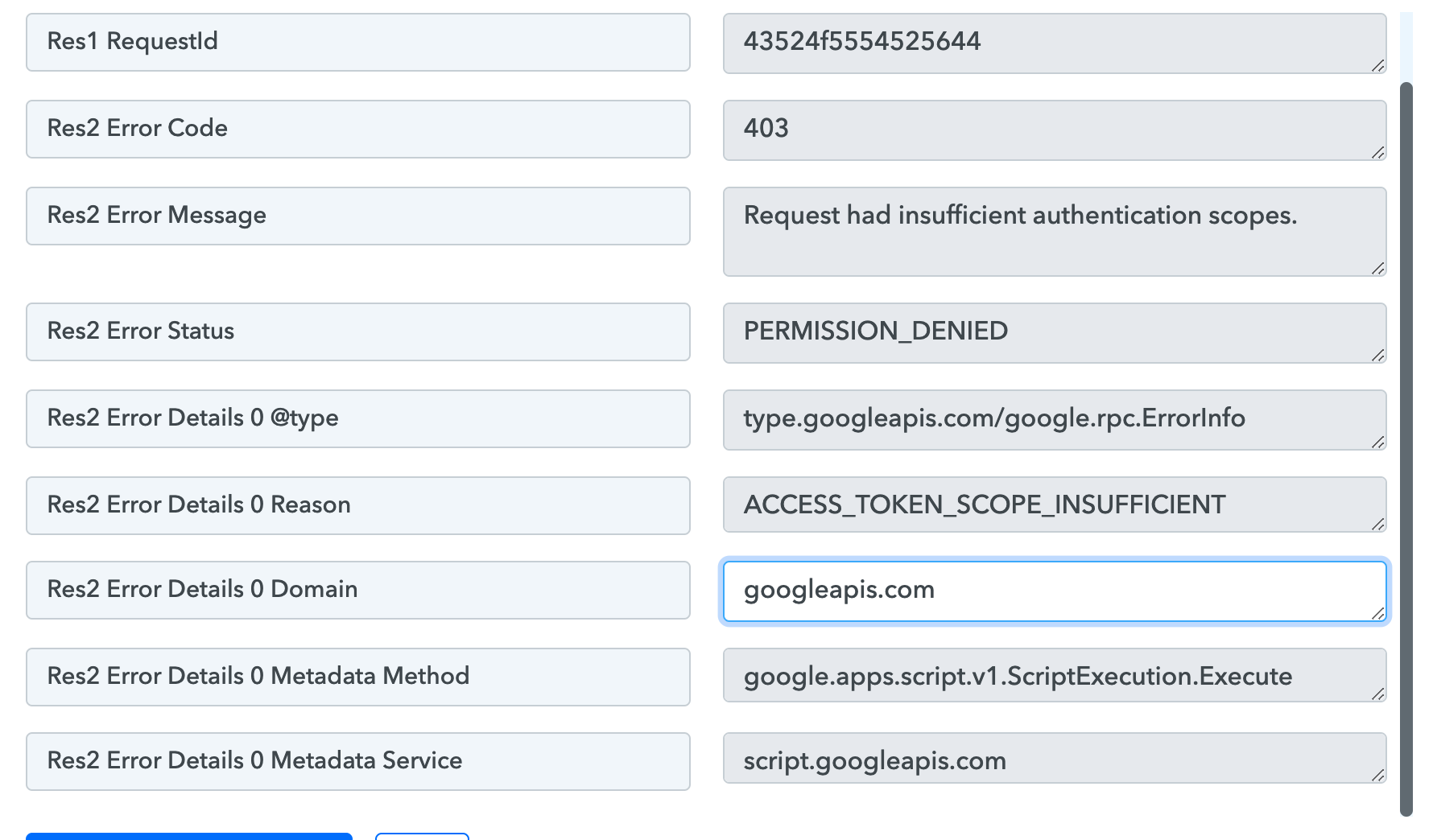
Hey @Piggy69
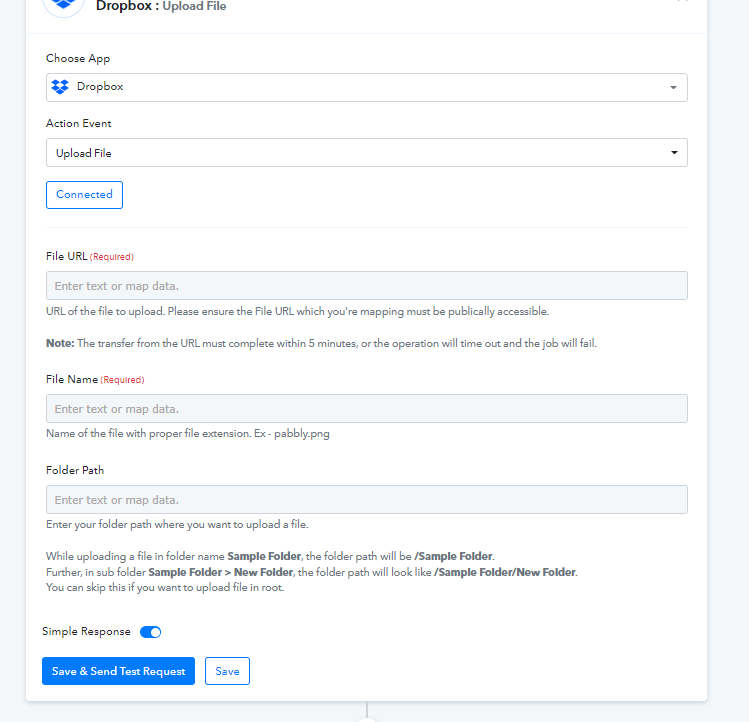
Can you please upload the video first to the DropBox account and then pass that uploaded video on DropBox to the Youtube action step?
In that way, the Video URL will become shareable and downloadable to the action step.
HI @Supreme @admin-m1g
This is still not working even with DropBox : https://connect.pabbly.com/workflow/mapping/IjU3NjIwNTZiMDYzMjA0MzM1MjY4NTUzNyI_3D_pc
Can you please help me.
Somebody can help me please ?
Hey @Piggy69
We have tried uploading the file URL in the Youtube action step and it is working fine on our end.
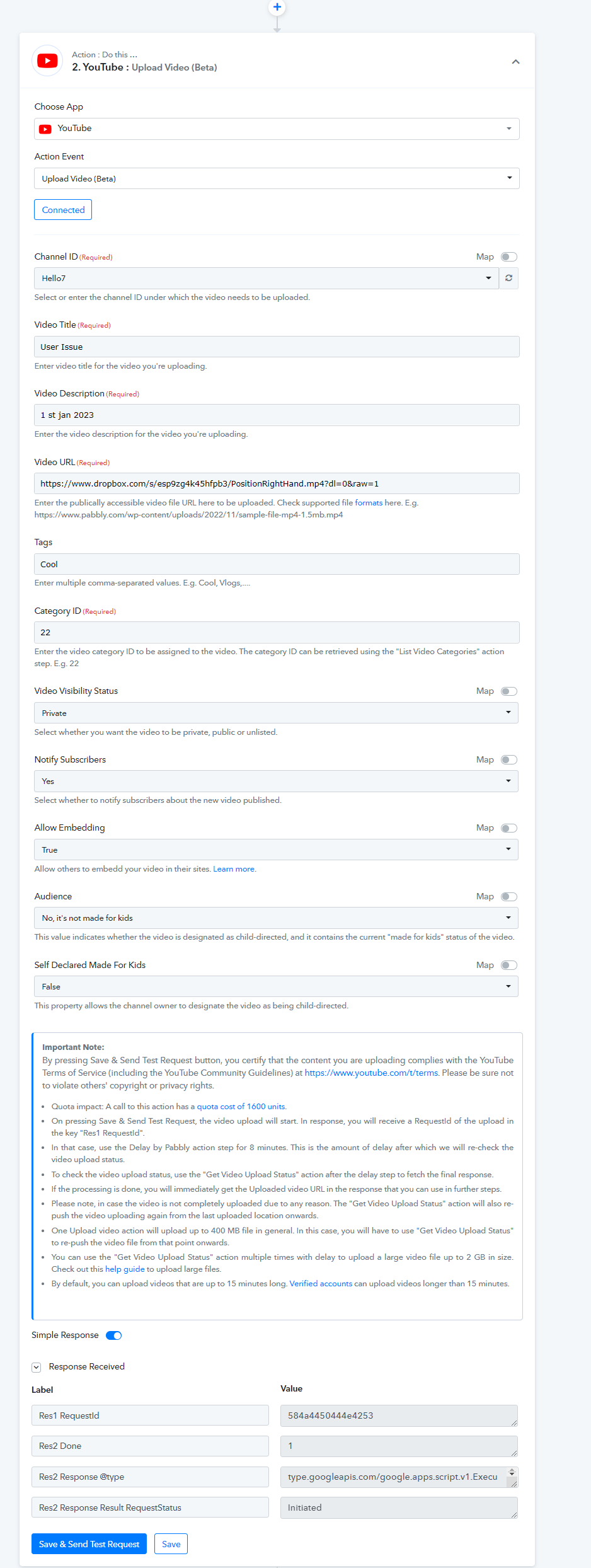
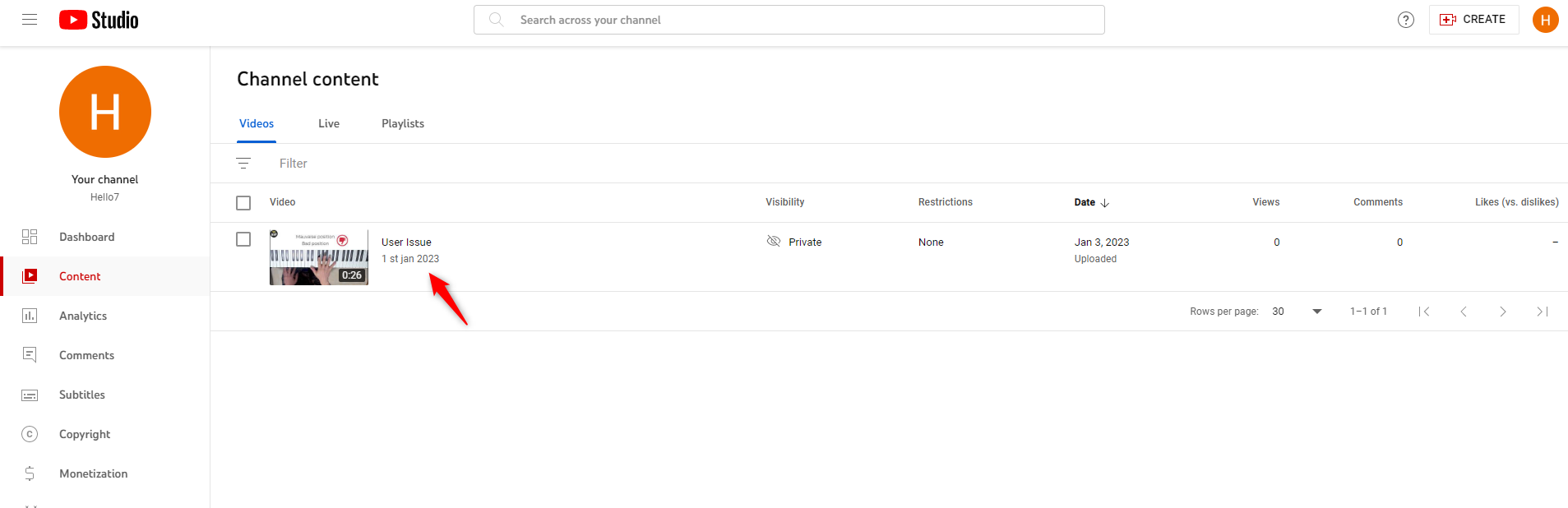
So, kindly check whether you are the owner of the Youtube channel, if you are using the Brand account, or if there is any restriction on uploading a video.