Zendesk Sell Failure
Status: Open · Asked by Michael Hines on · 0 views
Not sure what to do about this?
Attachments

Hey @TheRealyMyKinds
We are currently looking into your concern, since Zendesk's authentication page is not responding accordingly.
Though we have contacted their support team for the same.
Hey @TheRealyMyKinds!
We have made some changes in the Zendesk Sell integration and it should work now.
Kindly reconnect the action event and let us know if that works for you.
It worked for a week or so, but now getting this as of today.
Attachments
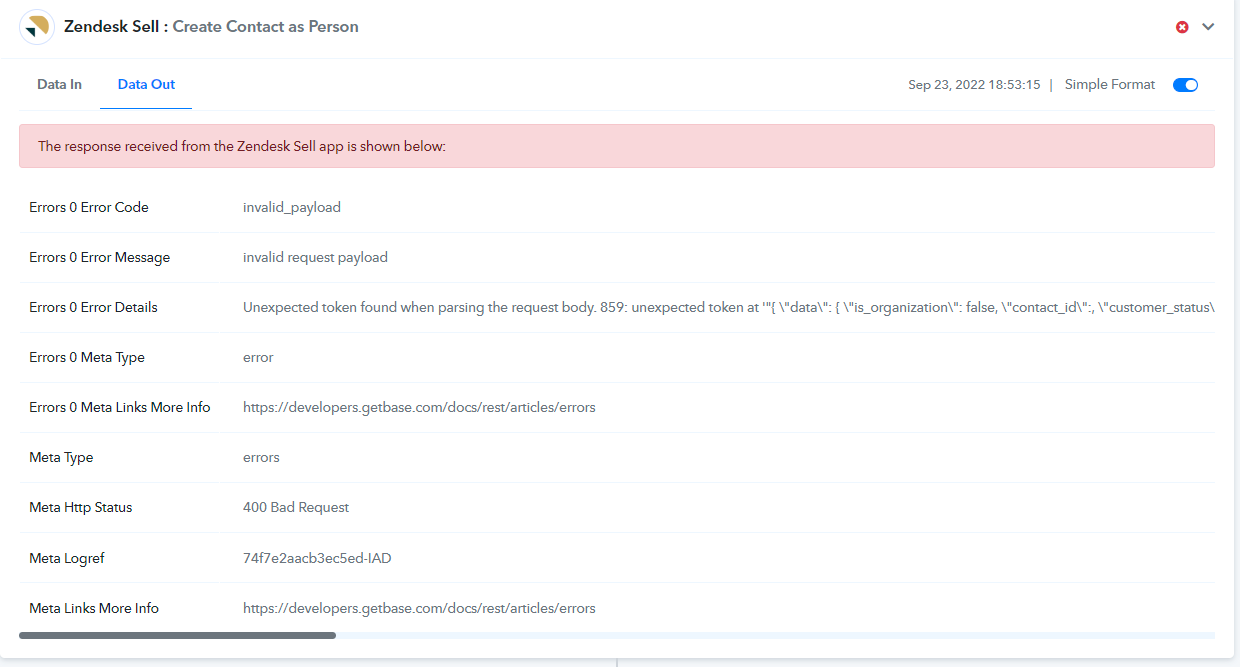
Hey @TheRealyMyKinds
Kindly reconnect your Zendesk sell action step once and then try again. Since we have tried the same as ours and your end whereas it is working fine.
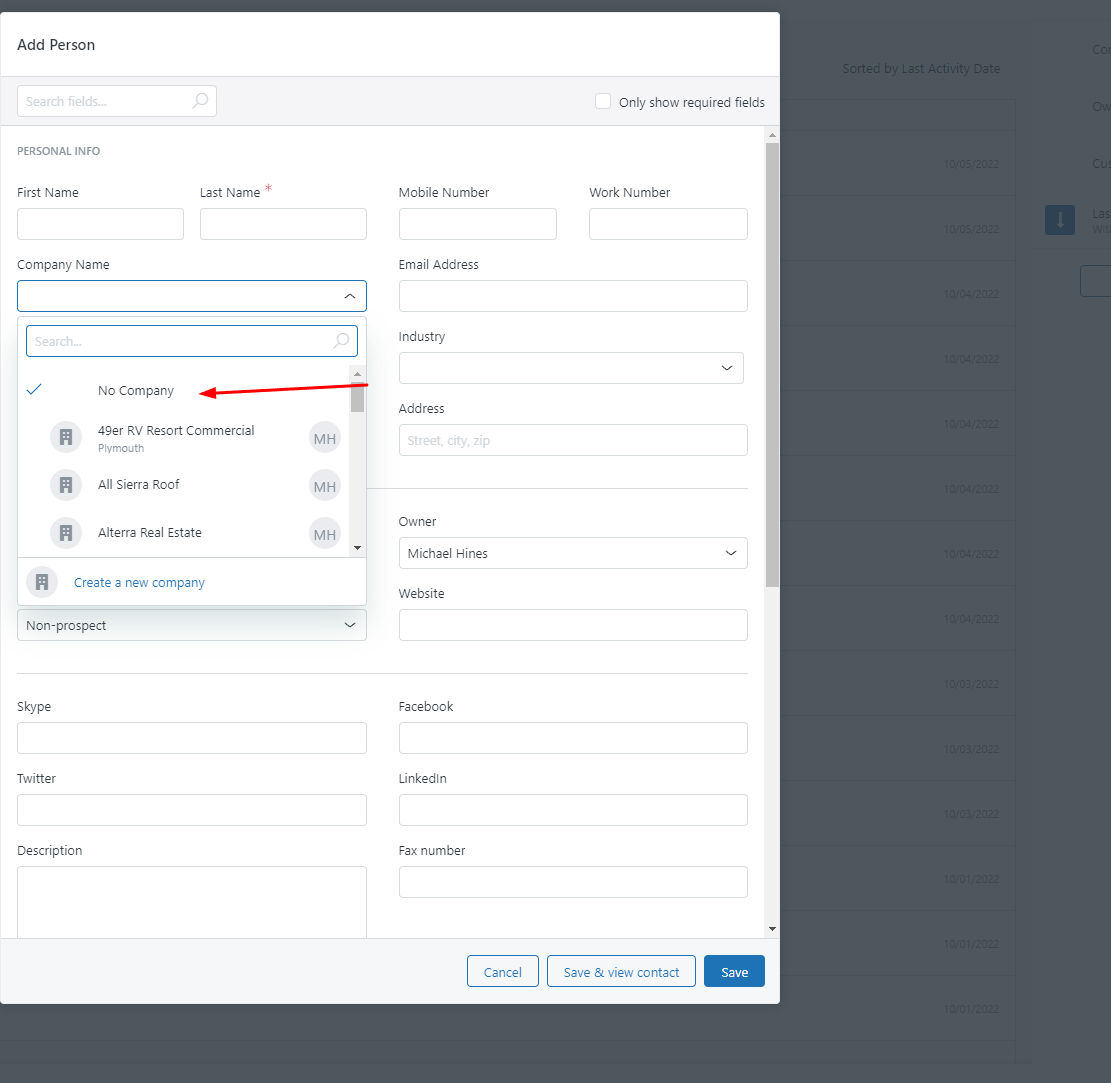
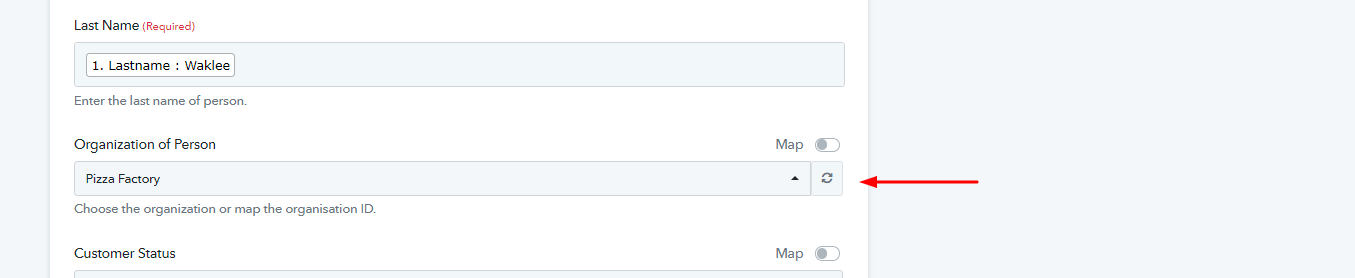
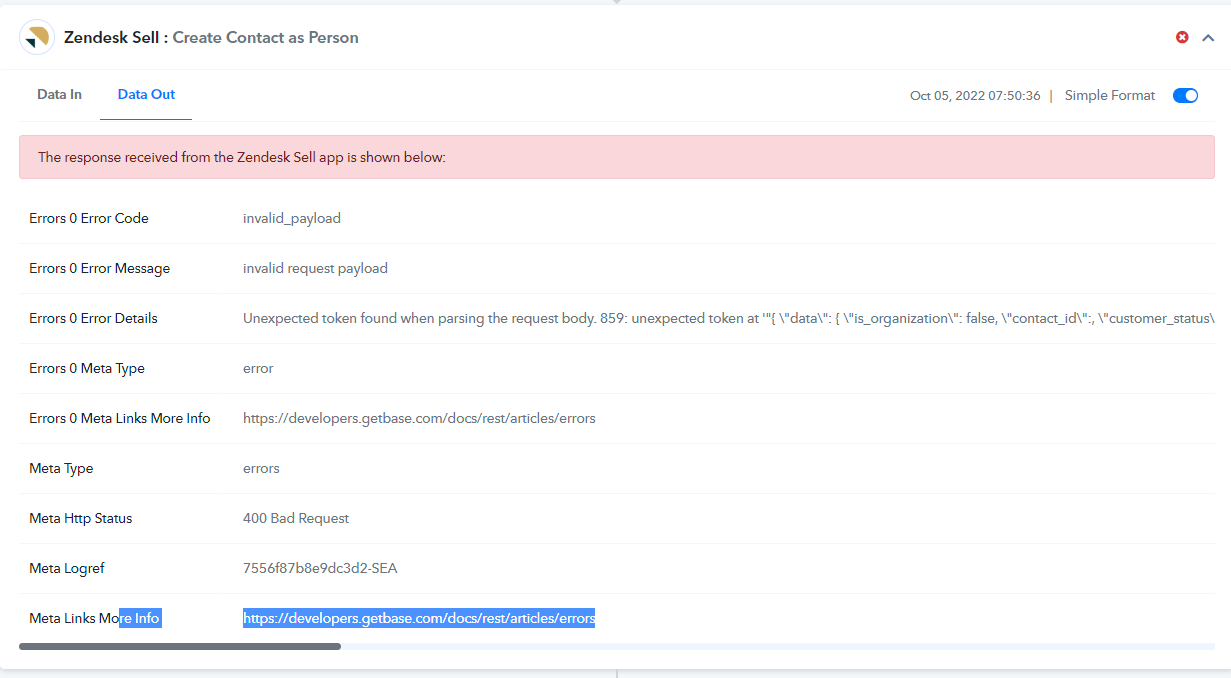
@Supreme I think I have found the issue as it keeps giving me 400 error every time I try to remove the company.
Zendesk sell does not require a company when you add a person, but if leave that field blank in pabbly the workflow fails (seen in picture). There needs to be a "no company" setting somehow so that all my leads don't have to get labeled for the same company.
Attachments
@Supreme any ETA on a fix for this?
Hey @TheRealyMyKinds
We have made some changes in the Organization of Person field of the Zendesk Sell action step and now you can leave the field empty, please try again and let us know if that helps you out.