Zoho Books to QB Online : create invoice
Status: Closed · Asked by Antoine Le Wagon on · 0 views
Hello,
I'm trying to create an invoice un QB Online when an invoice is created in ZohoBooks. My workflow is the following one :
- Webhook to listen when an invoice is created in Zoho
- Create a customer in QBO
- Create an invoice in QBO
The first 2 steps works but I have this issue in the third step.
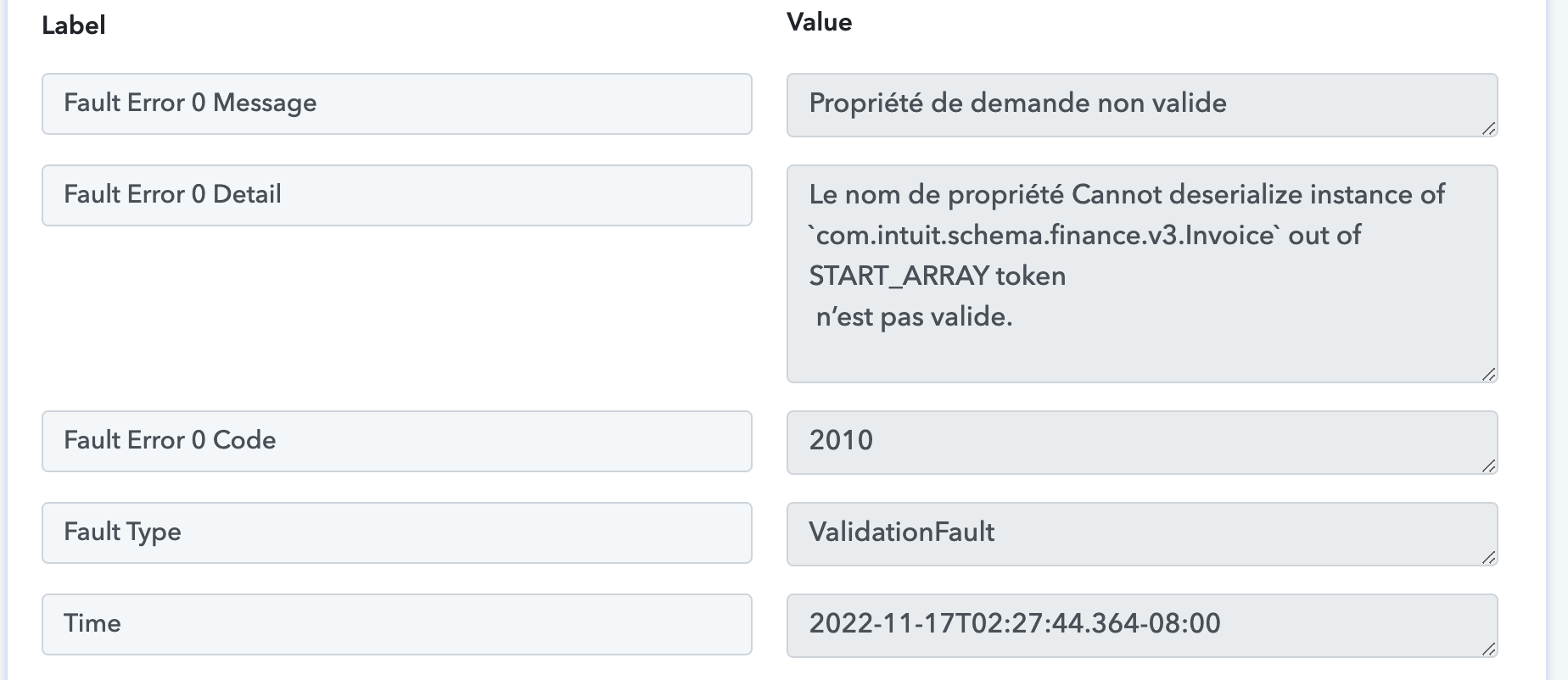
Can you help me ?
Name of my workflow is Accounting.
Thanks in advance
Hey @Antonio995
The first 2 steps works but I have this issue in the third step.[IMG width="593px" alt="Capture d’écran 2022-11-17 à 11.38.47.png"]https://forum.pabbly.com/attachments/capture-d%E2%80%99e%CC%81cran-2022-11-17-a%CC%80-11-38-47-png.17971/[/IMG]
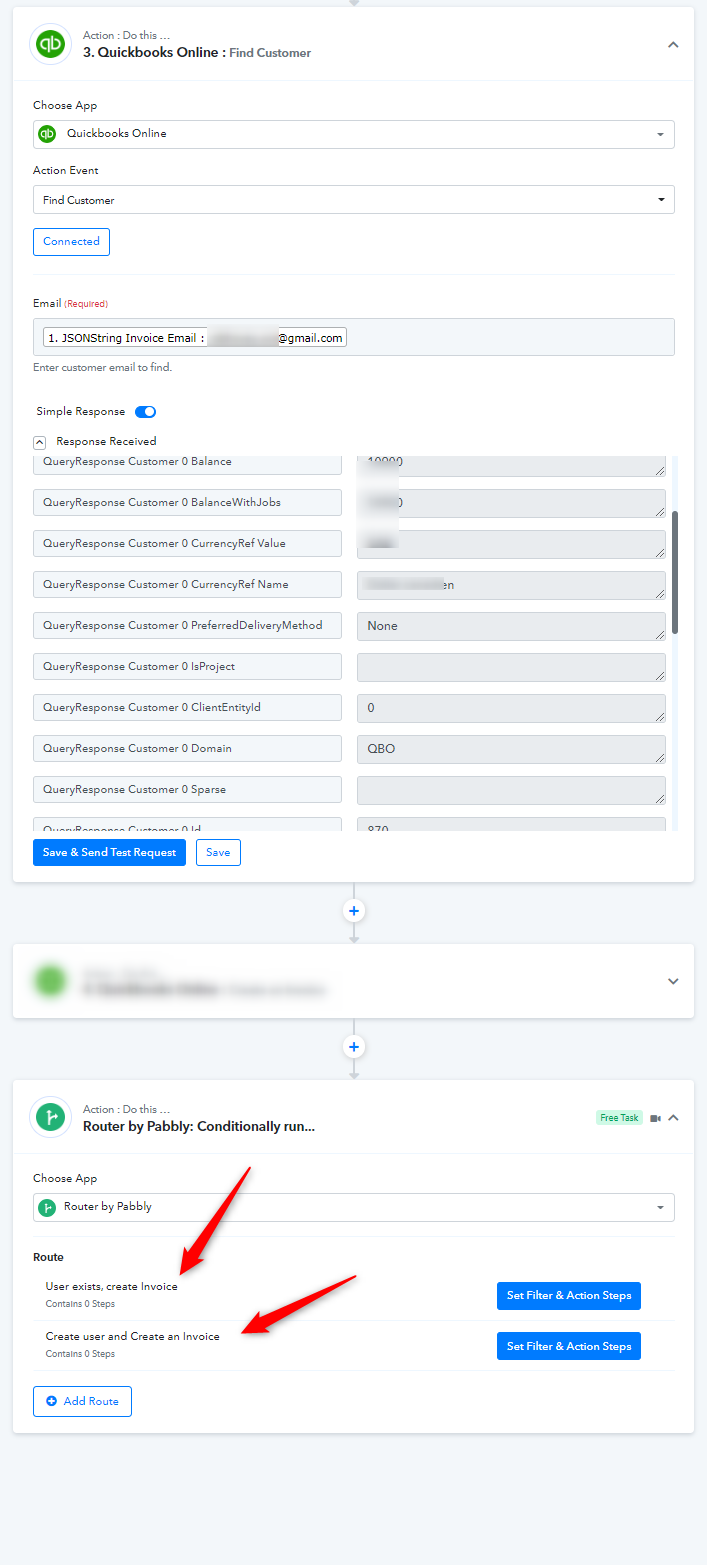
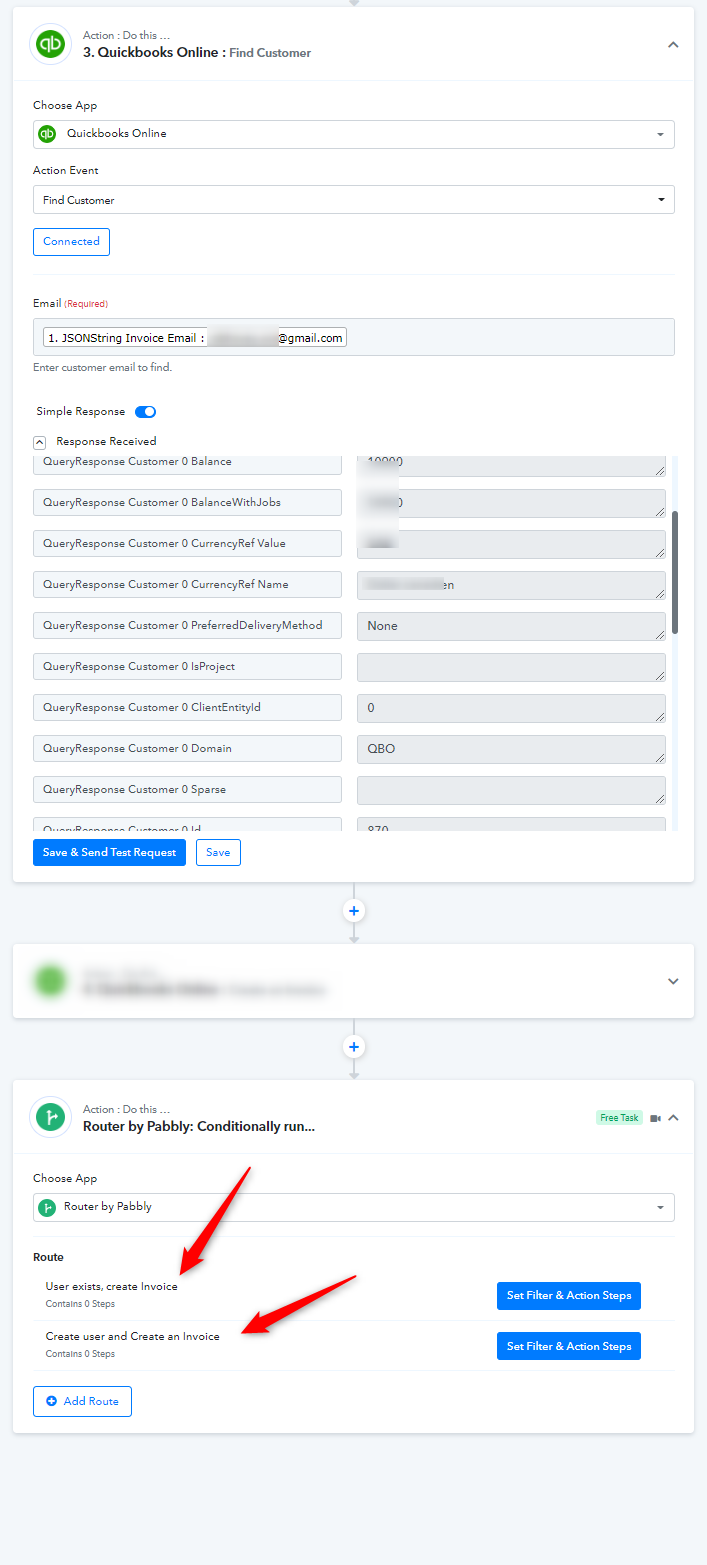
Further, kindly try passing all the fields since some fields are required to be passed in terms to create an invoice.
Though have tried passing all the fields and it is working fine.
Attachments
Hello
Thanks for your answer. How to know what field is requiered ?
The FindCustomer is working perfectly well also for me. Why are you showing me this route ?
Thanks a lot
It's working. The one you create works but for the Item i need to find the Item ID from a name and it seems that you don't have this endpoint. ListItems is not enough
The one you create works but for the Item i need to find the Item ID from a name and it seems that you don't have this endpoint. ListItems is not enough
You can use the "Zoho Books: Get Item by Name" for your concern to search for the Item.