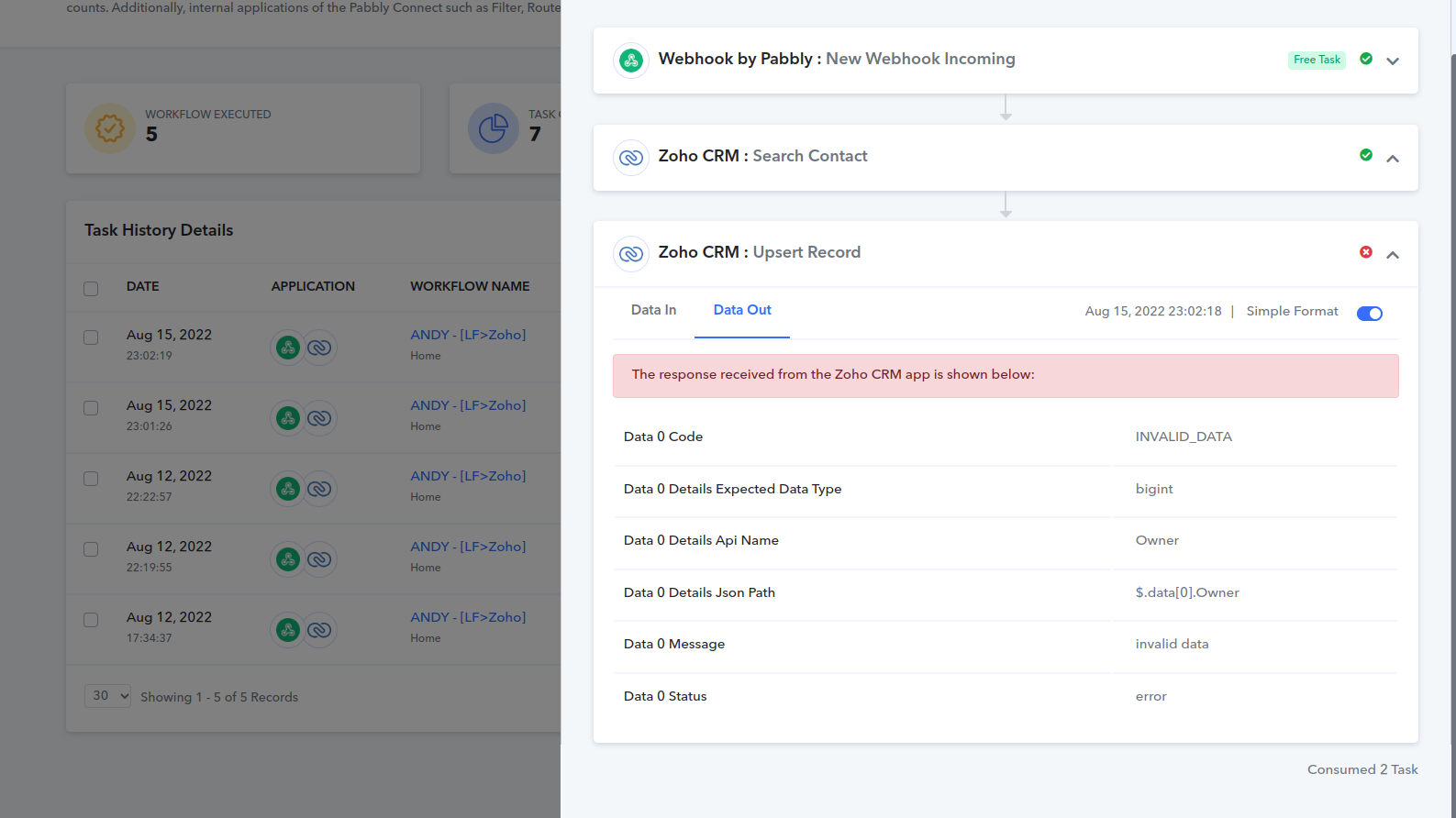
Zoho CRM Lead Owner Name not Connecting
Status: Closed · Asked by nooshy1234 on · 0 views
I am logged into my own Zoho CRM account within my Pabbly however, with some leads coming in through my webhook, I want them to go to my bosses Zoho CRM Account. I've inputted his full name, spelt correctly in the "Lead Owner" field however, no pabbly connects are being sent to his zoho CRM.
If I REMOVE his name, it will work however by sending a Pabbly Connect to my Zoho CRM account.
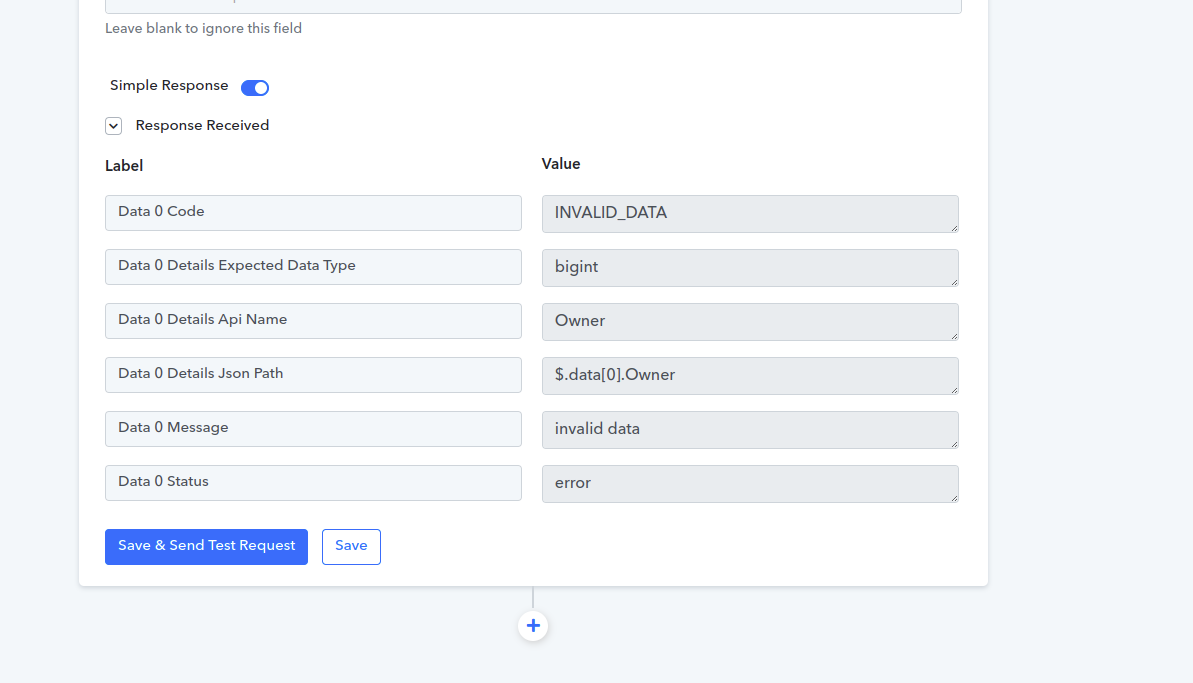
Can someone help me understand what I am missing or how I can make this work? I don't want two separate pabbly accounts because we don't do moe than 12k tasks together, so why pay $40/m for two accounts? In theory, this should work. Please see my attached images and failed error codes for assistance, I appreciate you support in advance! 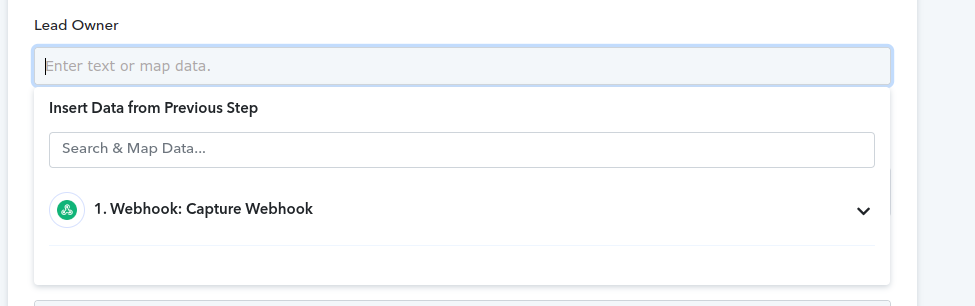
Hey @nooshy1234
We have checked the workflow and found that you are passing "Lead Owner Name" instead of "Lead Owner Id" with the help of the "Search Contact" action event.
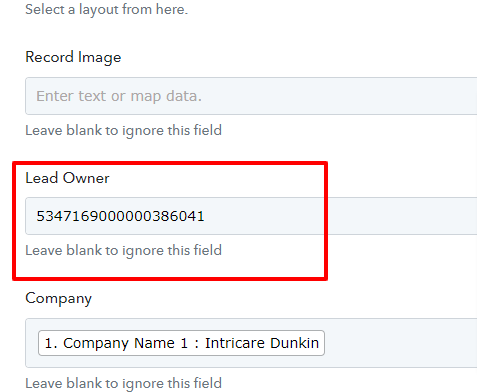
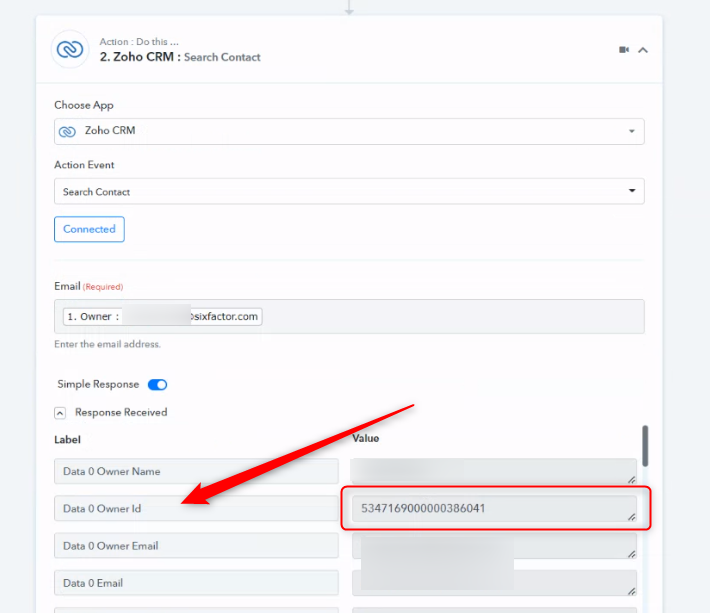
Further, you are also not passing the valid website in the action step. Kindly correctly pass the website in the action step.
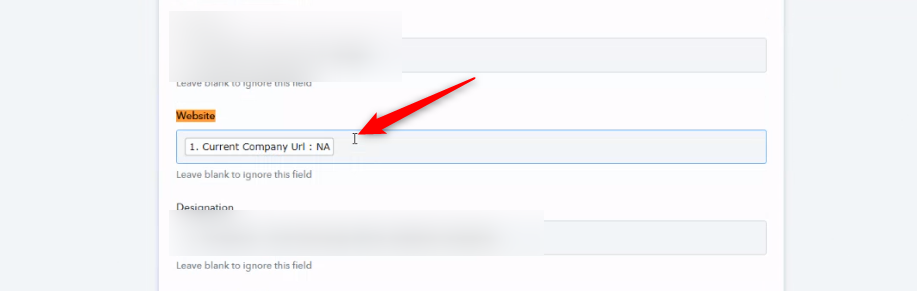
You added another step and its consumes more tasks however, more importantly, it's still not working. These Linkedin connections are not getting sent to my co-worker's CRM account. I need more support, please.
Attachments